

Tesla Model 3 Performance First Impressions (UK Right Hand Drive)
The Tech Travel Geeks Chief Aperture Officer finally took delivery of his Tesla Model 3. These are his first impressions and the video he poured his soul into.
Wow! What a crazy month it has been! After almost 3 years of waiting, my dream came true and I took delivery of one of the first right hand drive Tesla Model 3s here in Scotland.
Watch the Tech Travel Geeks video I poured my soul into here:
Delivery experience
It all started on the 29th of June, when I picked up Matteo in my 15 year-old Ford Fiesta on my way to pick the brand new ride. We arrived at the Tesla service centre and experienced a super smooth delivery - no waiting, no unnecessary sales pitches, no basic "here is the steering wheel, the pedals, and to open the glove compartment, you need to use the screen". My delivery specialist knew that I spent the last 3 years watching YouTube videos and doing research about the car, so we focused on my questions only. Matteo and I also got some time to film some footage for you at the Service Centre.

Tesla Edinburgh Service Centre
To take delivery of the vehicle, all it took was a single signature on a fruity tablet, the handing over of the two key cards, and off we went!
I spent the rest of the day enjoying the car with my close friends. We sure had some great fun. We drove around the hills and forest roads nearby, checked how much horsepower the car has, went to the beach and got the only fuel we needed that day - some fried chicken.
Pure performance
The configuration I picked was the 2019 dual motor all wheel drive Performance version, which is rated at crazy 3.2 seconds to 60 miles per hour, around 450 horsepower, and can go as fast as 162 miles per hour (according to Tesla). The acceleration is impossible to describe, but my friends compared the feeling to riding a roller coaster. It's definitely great fun.
Tesla Model 3 Performance acceleration - first reaction
But more importantly, it makes the car one of the safest on the road. Whenever something is happening and you need to quickly accelerate and fit somewhere, or you're overtaking and don't have much time to do it, you always have enough power to do it. With great power comes great responsibility though, and because it's easy to accelerate and the car is very quiet because of the super quiet electric motors, you need to be careful to avoid speeding.
Self-driving features
The other major stand-out feature is self-driving. Some of the functionality is included with all new Tesla cars: adaptive cruise control adjusts the speed of the vehicle based on the situation on the road without controlling the direction, while Autosteer assists the steering of the car within the lane. It works great on highways and is truly impressive. This, just like all the other self-driving features at the moment, requires full attention of the driver, who has to keep the hands on the wheel and be able to take the steering back at any time. Still, I managed to use it even on a winding one-lane road here in Scotland - the clip you’re watching has the car on basic Autosteer controlling both the speed and turning. It’s not perfect though, as it can’t make some sharper turns, change lanes or direction.

This is where full self driving comes in. It uses Tesla’s 8 cameras, a front-facing radar, 12 ultrasonic sensors and image recognition assisted by artificial intelligence to allow the car to follow the navigation and enter or leave the highway, recommend changing lanes if the current one is too slow and navigate some interchanges. It currently doesn’t support roundabouts or bigger crossroads, and it doesn’t read signs or traffic lights just yet, so driving fully autonomously from A to B or freely within the city is still a future development. However, while Elon and his team are working on enabling those features, the car already takes care of almost all of the effort of driving on highways and longer road trips, which to me already feels like science-fiction.
I’m still learning how those features work, and I haven’t had a chance to test some other ones like auto parking and Summon, which basically changes the vehicle into a giant remote controlled car which you can park or summon without sitting in the car itself. If you’re interested in learning more about those features, let us know in the comments below.
The looks

Tesla Model 3 in North Berwick, Scotland
As they say, beauty is in the eye of the beholder, but I’m completely in love with the Tesla Model 3’s looks. I chose the Midnight Silver Metallic colour, and it looks just great. The front of the car might not be everyone’s cup of tea, but seeing it in person sold me completely, especially with the licence plate installed. I also love how the front lights look. Since it’s the Performance version, it comes with 20” Michelin Pilot Sport 4S tires, which look great, especially with the red Performance breaks and the Tesla logo.
The door handles require a bit of getting used to, as you need to open them using your thumb and then by pulling them towards you, but I got the hang of it quickly. On the back, there’s a carbon fibre spoiler installed on top of a surprisingly spacious boot. It also has an additional compartment for charging equipment or whatever else you need it for. Finally, storage space can get extended with the frunk at the front, which is very handy and is a bit of a shock if you aren’t prepared to see it there.
The minimalist interior
For the interior, I opted for the premium black and white finish, and it's just stunning. The white vegan leather seats look amazing and are very comfortable, and are fully adjustable - my cousin managed to take a decent nap on our road trip after he just got off a transatlantic flight. This is probably thanks to the comfy seats and how quiet the vehicle is while being driven. The tinted glass roof is just lovely, and I was told by my friends that it’s a must-have feature if you have kids, since it’s great to keep them busy. However, they quickly noticed that white leather might not be the best choice if the kids like chocolate. Oh well…
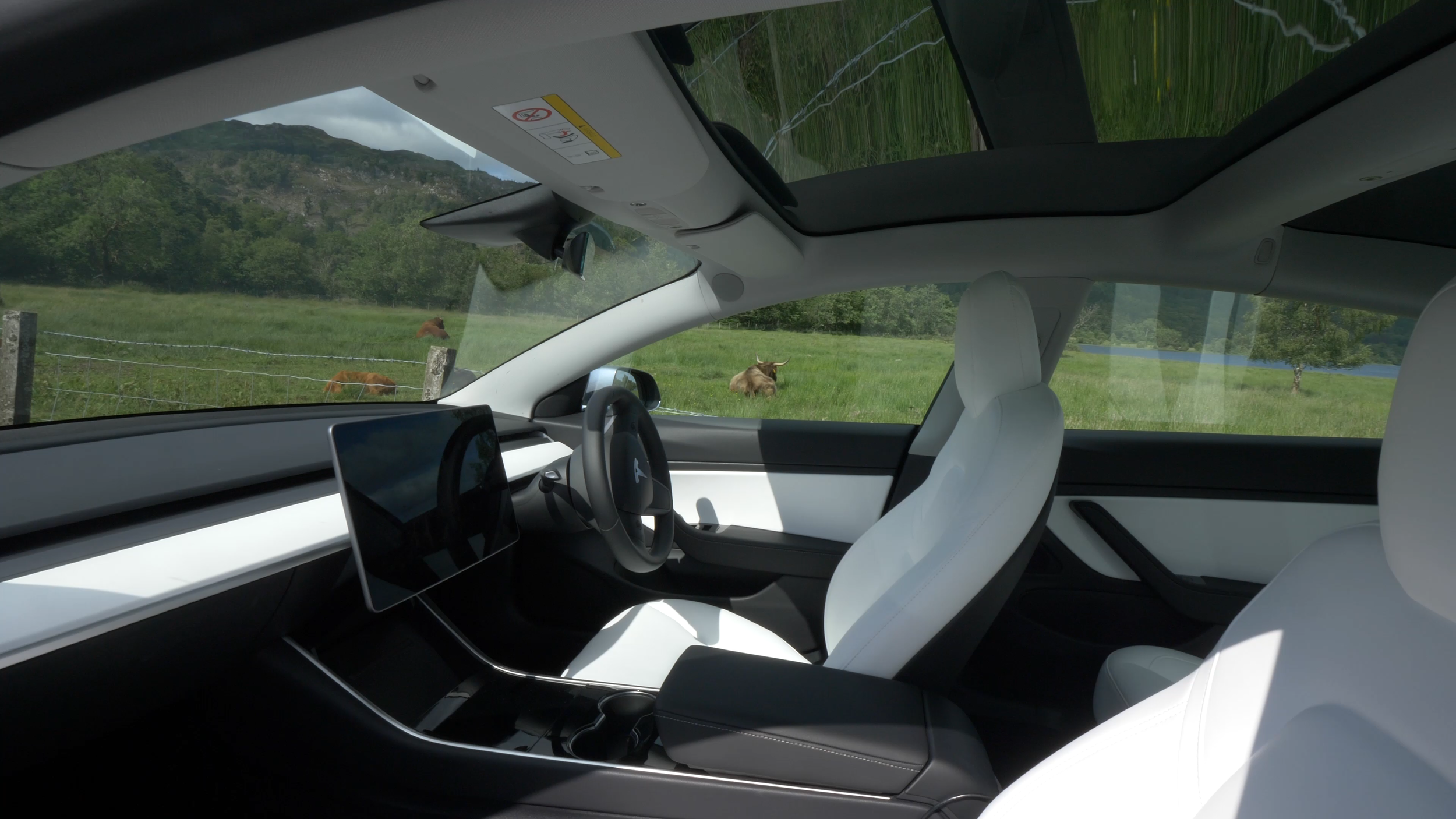
Tesla Model 3’s minimalist interior
The interior design is very minimalist, with almost no knobs or buttons - just a single button for emergency lights and a few interior light buttons, two knobs on the wheel for controlling music, mirrors, autopilot etc, two sticks for indicators, drive modes and autopilot, and that's basically it. Everything else is controlled through the massive 15-inch screen in the middle, even climate control. The built-in satellite navigation is really good on such a massive screen and it supports voice control. The fact that you have to look to the side to see the current speed takes a bit of getting used to, but I feel like I’m quite used to this now.
The premium package I opted for also comes with a great sound system: it has 14 speakers, 1 sub-woofer, 2 amps, and immersive sound. Watch the video above to hear a quick sample (at 9m26s mark).
In the UK, you can now also use Spotify, in addition to TuneIn Radio, streaming from your phone or from a USB stick. The sound is fantastic, especially since the car is otherwise so quiet, so it’s just pure joy to crank the music up.
Some people have complained that the car has some issues, and sure, it’s not perfect. Opening the doors from both inside and outside is not the most intuitive, so each time someone new comes in, you have to explain how to do it. The centre console is a fingerprint magnet, etc. Still, even though this might not be the most luxurious car you can get, and there are a few quirks here and there, for what you pay and all the extra features no other cars have, I’m not going to complain, especially since I'm a fan of modern design.
Charging

Tesla Model 3 charging
When it comes to charging, I'm currently only using a normal outlet in my garage. It allows me to charge just 9 miles per hour, which adds up to more than 30 hours for a full charge, but since I don't drive much and can keep the car charging overnight, it's not a problem. The first few days added up to a bit of driving, but I never felt any range anxiety, and always knew that I can easily find a charging spot on the navigation. I'm currently looking into getting a proper wall charger installed, which should be around 5 times faster and allow me to go to full charge overnight. I haven't tested the Tesla Superchargers yet, but they can apparently charge your car to 80% in just 40 minutes, just enough time to play some Beach Buggy Racing 2 on the big screen.
Driving experience

Tesla Model 3 Performance at a beach in North Berwick, Scotland
Finally, the driving itself - it’s just pure joy. The instant acceleration and torque are something you can’t live without. The steering is very responsive and feels great. The low centre of gravity and the fact that the batteries are in the floor make the car stick to the road like the glue. I kept on finding myself just smiling to myself all the time while cruising around the Scottish shores.
At the time of preparing this article and Tech Travel Geeks video, I've owned the car for almost a month have and driven it in the city, on highways and on some winding roads in the Scottish Highlands. So far, it's been an absolute pleasure and joy, and there’s still a lot for me to discover about the vehicle and get acquainted with. I've never been a car person myself, but I've already been converted by Tesla. I couldn't recommend the car any more than I already do, so if you ever get a chance, I highly recommend trying one out.
Thanks for reading and watching the video. It's been an absolute joy making it, with the help of Matteo and some of my friends. If you enjoyed it, please leave a like and share with others, and if you want to see more similar content, please subscribe to Tech Travel Geeks on Youtube.

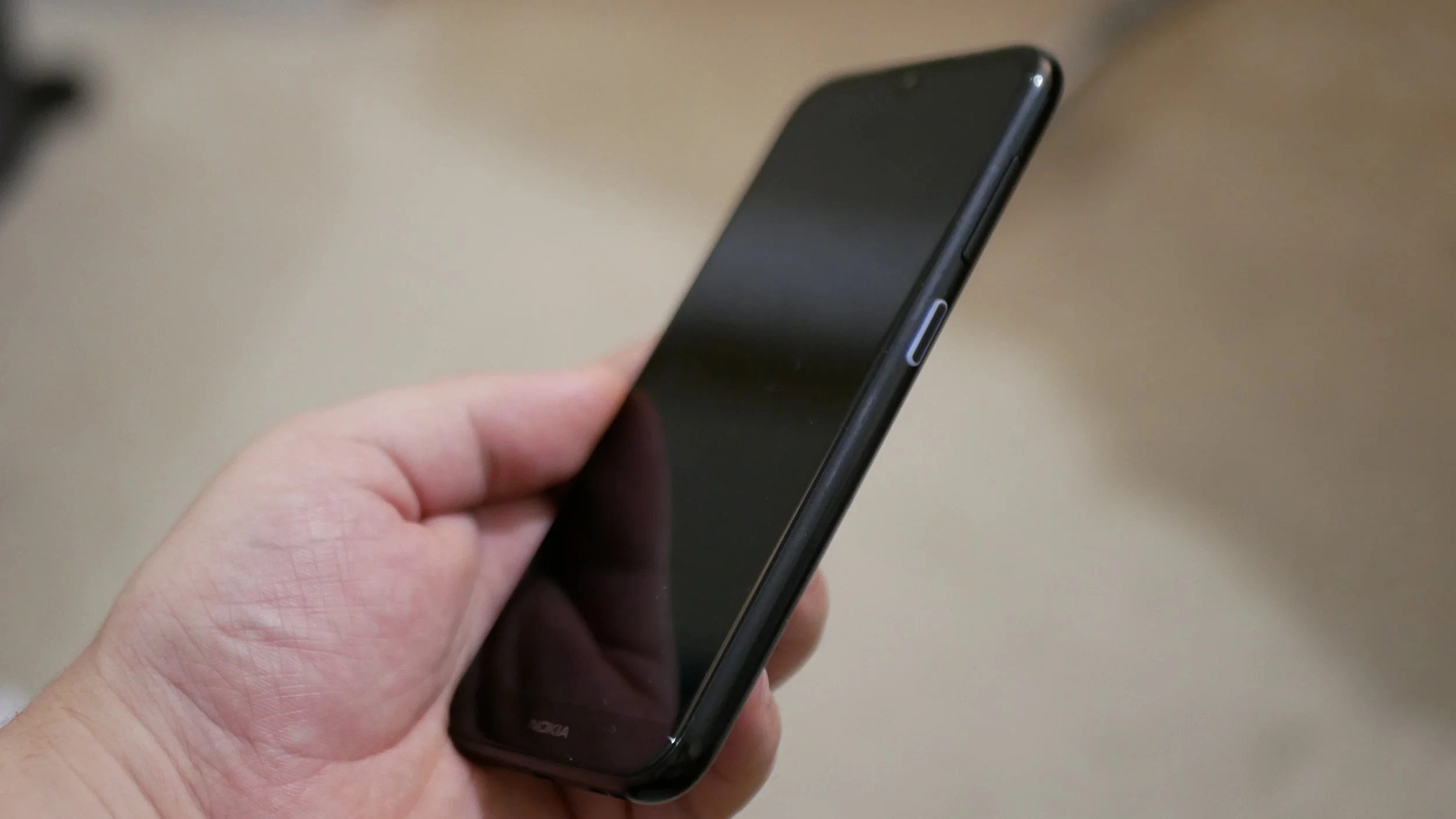
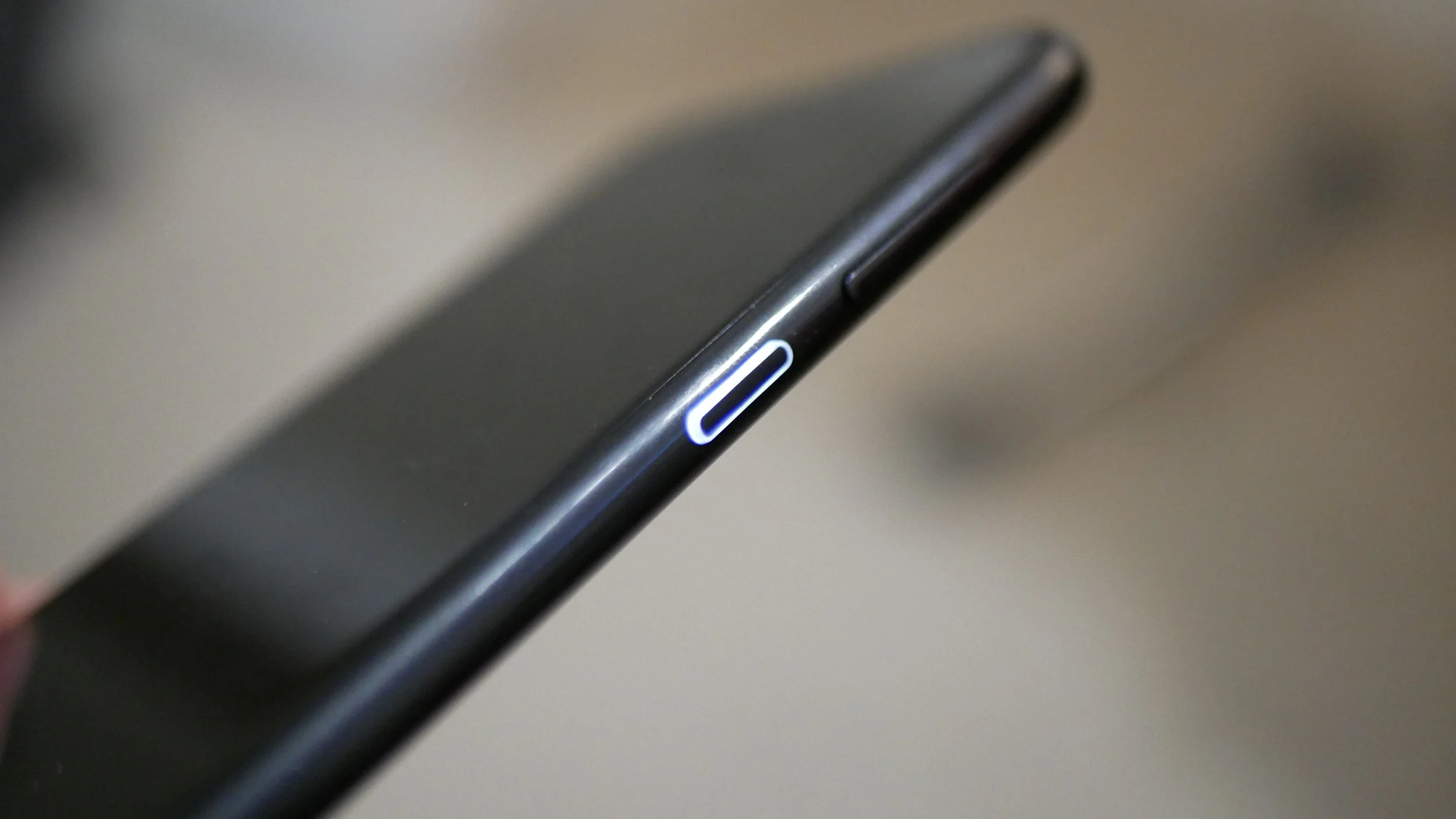
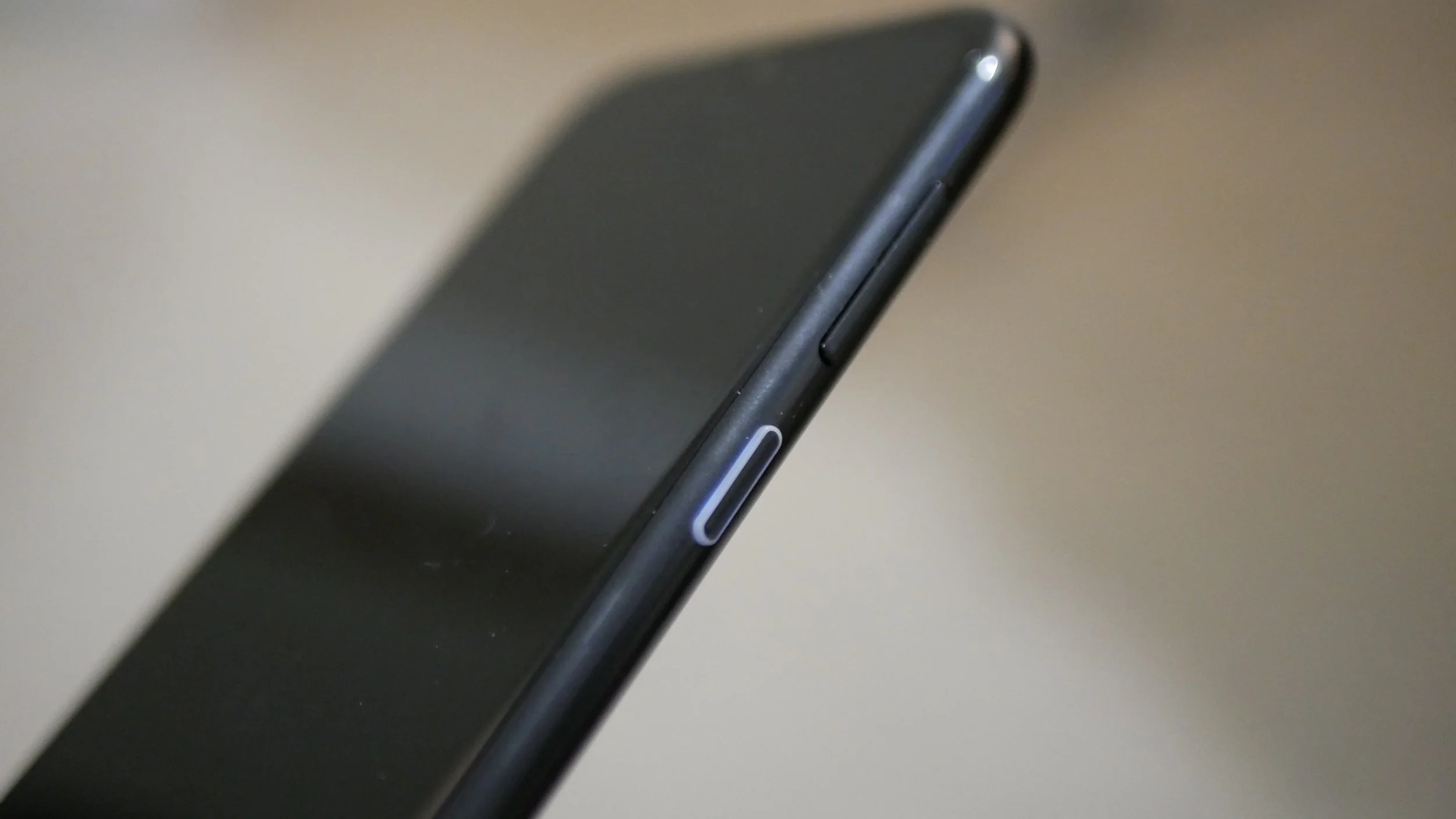
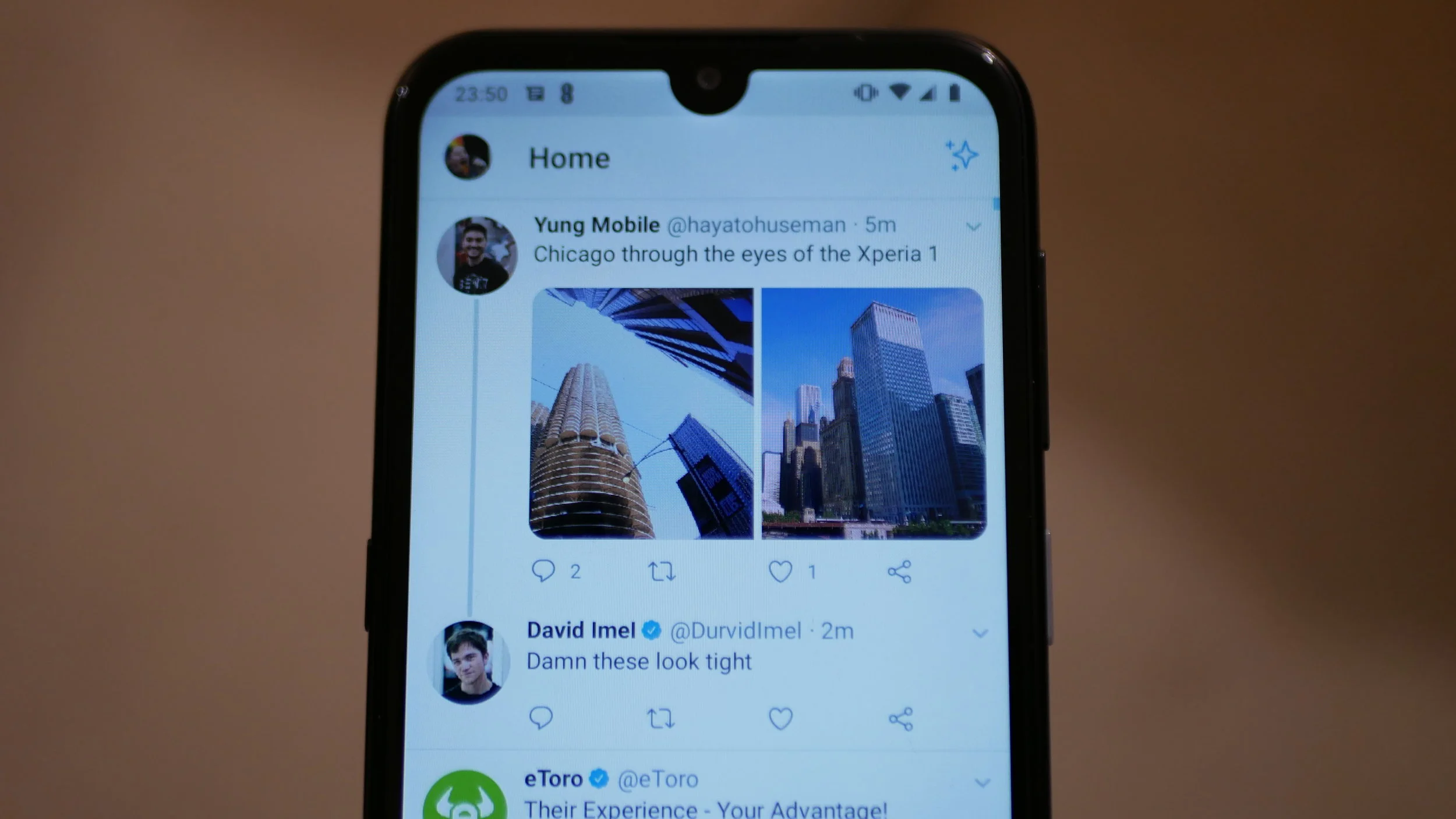
Nokia 4.2 Gallery and Specifications
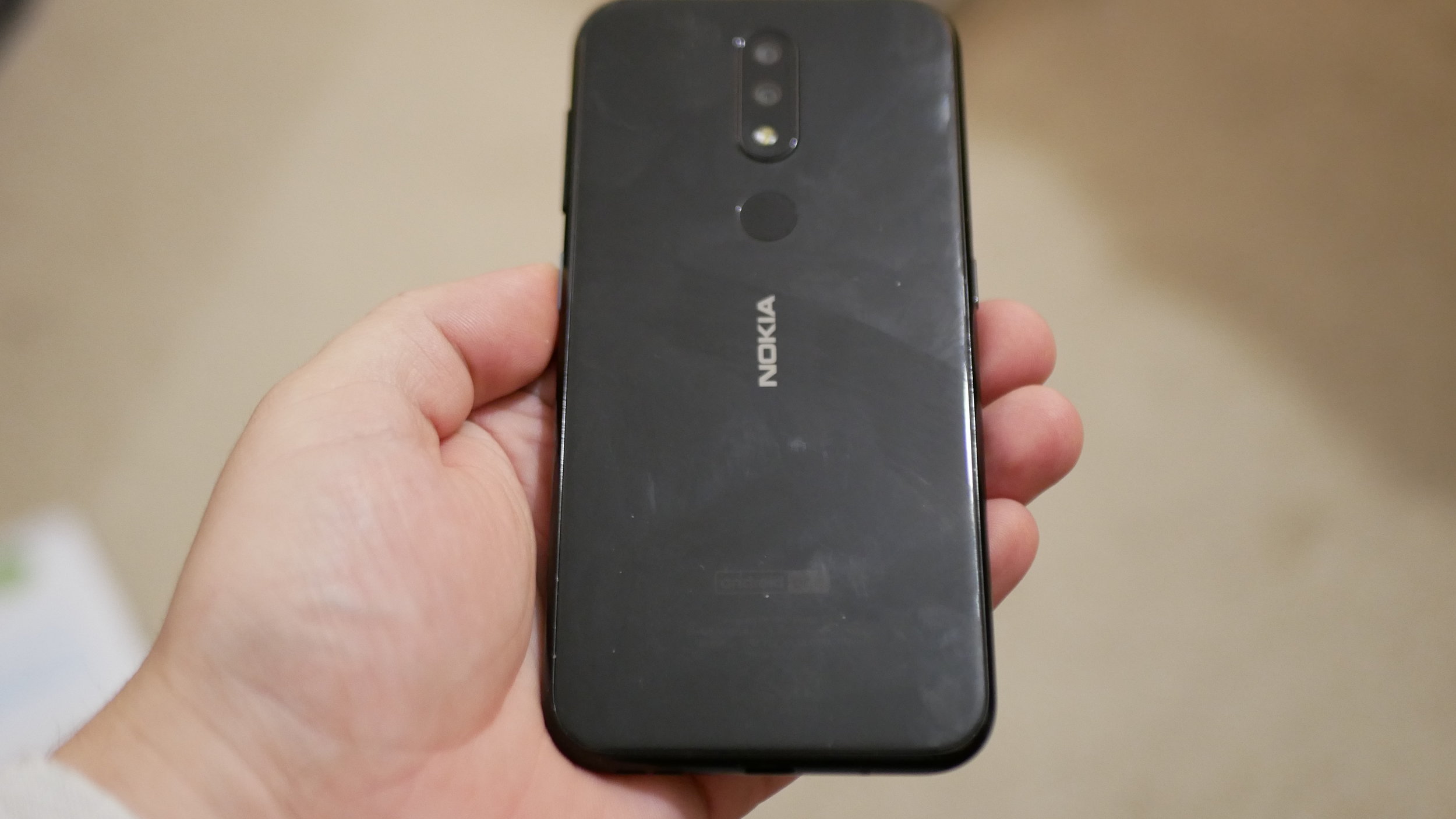
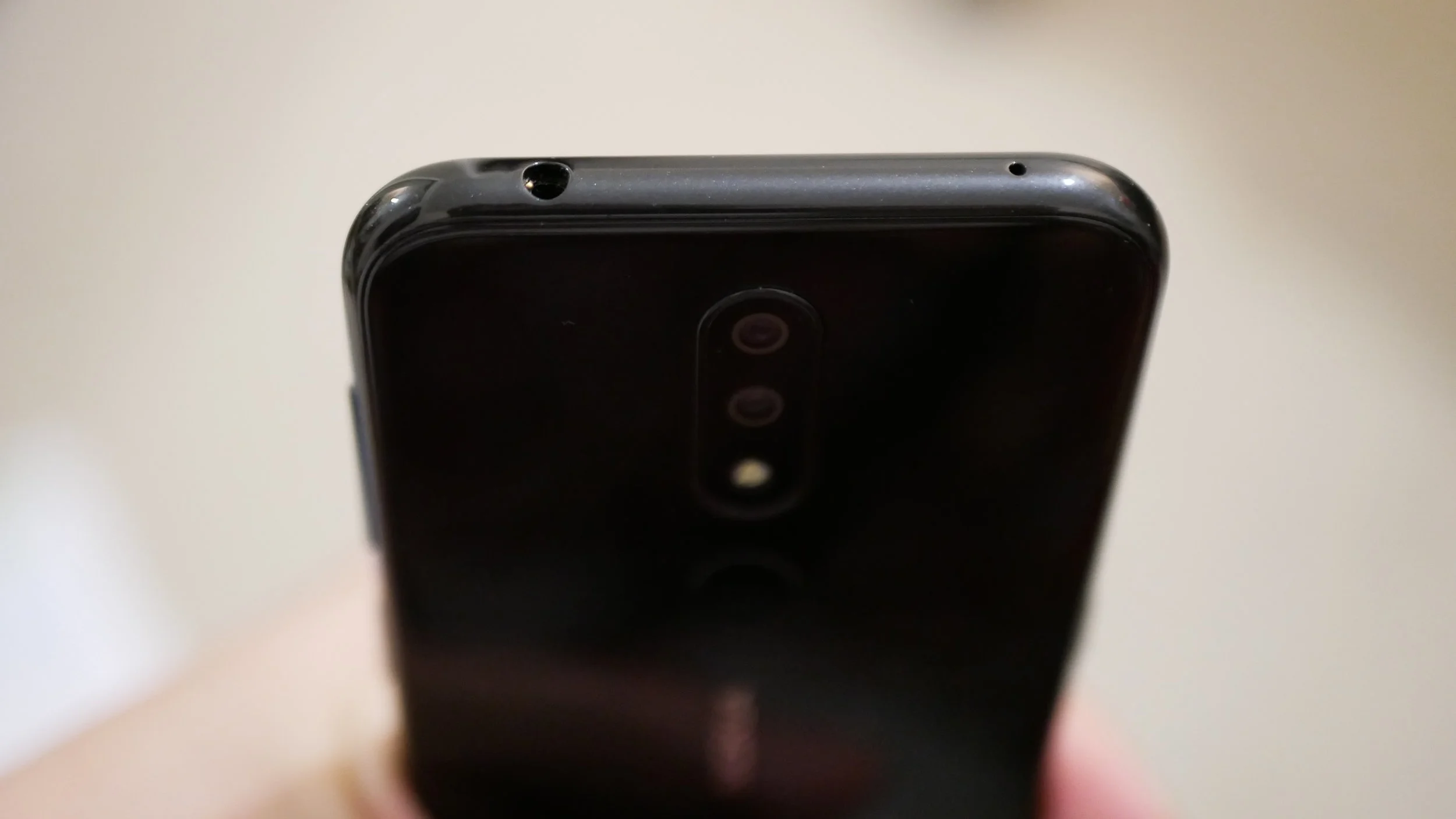
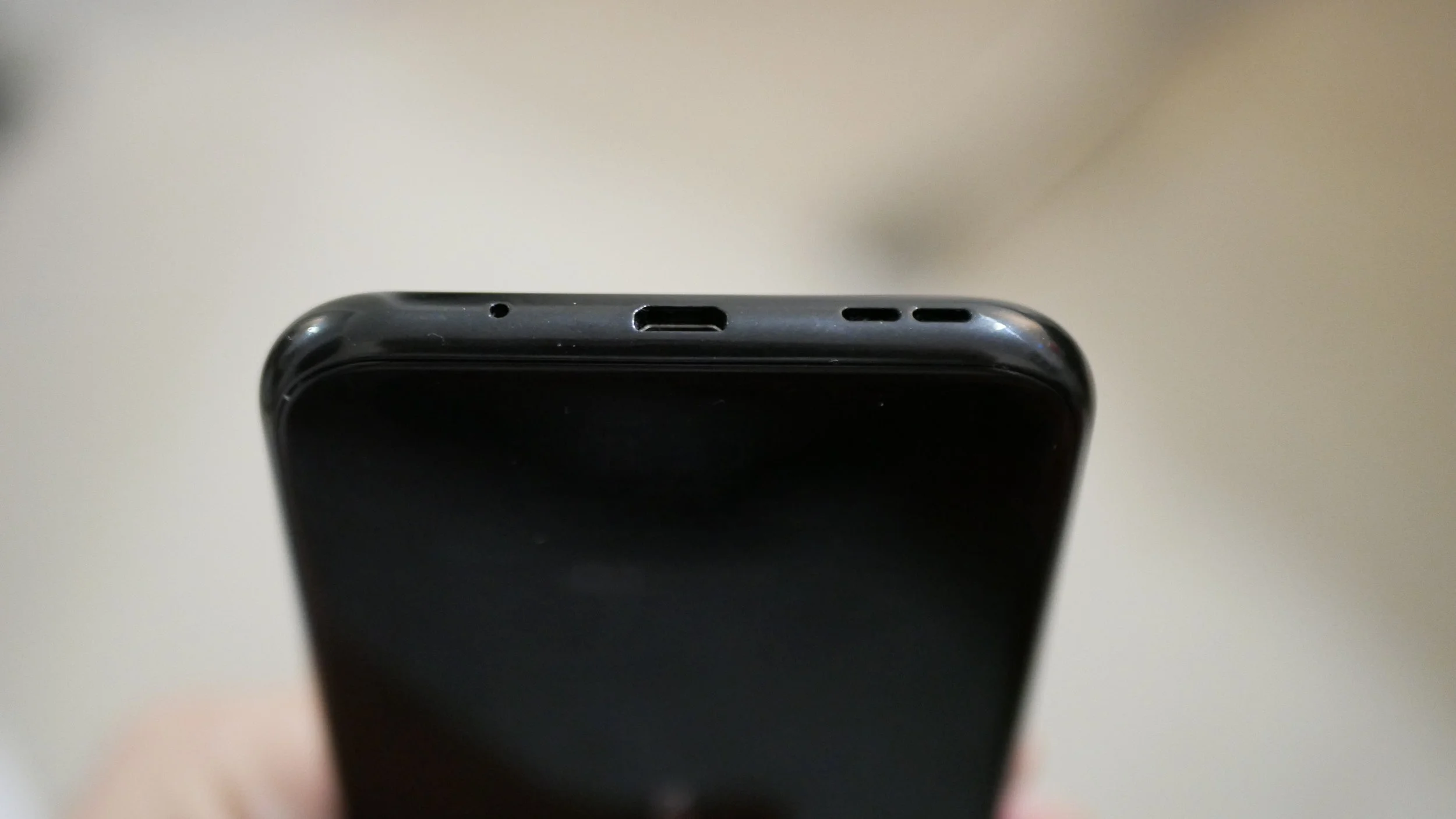
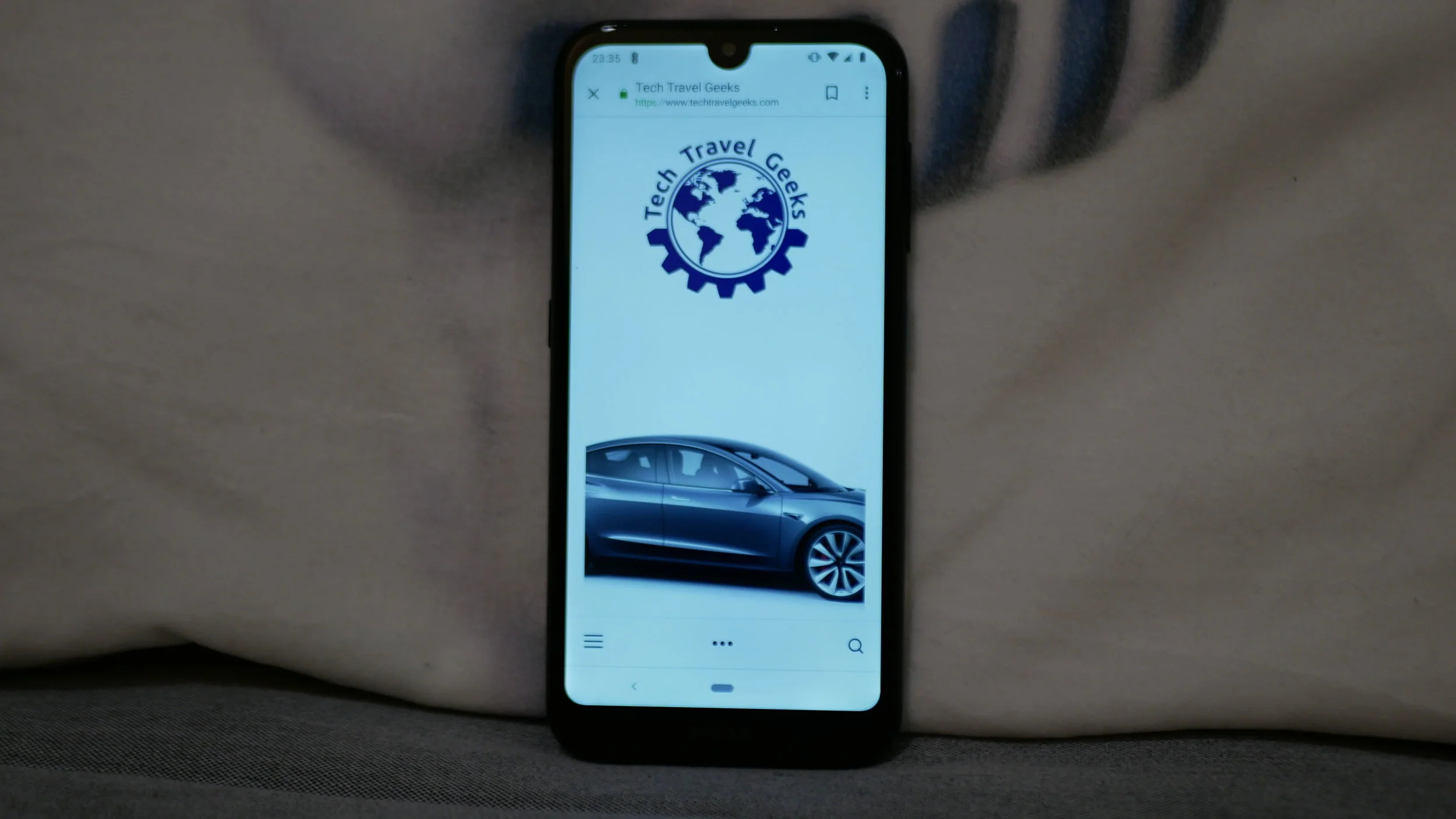
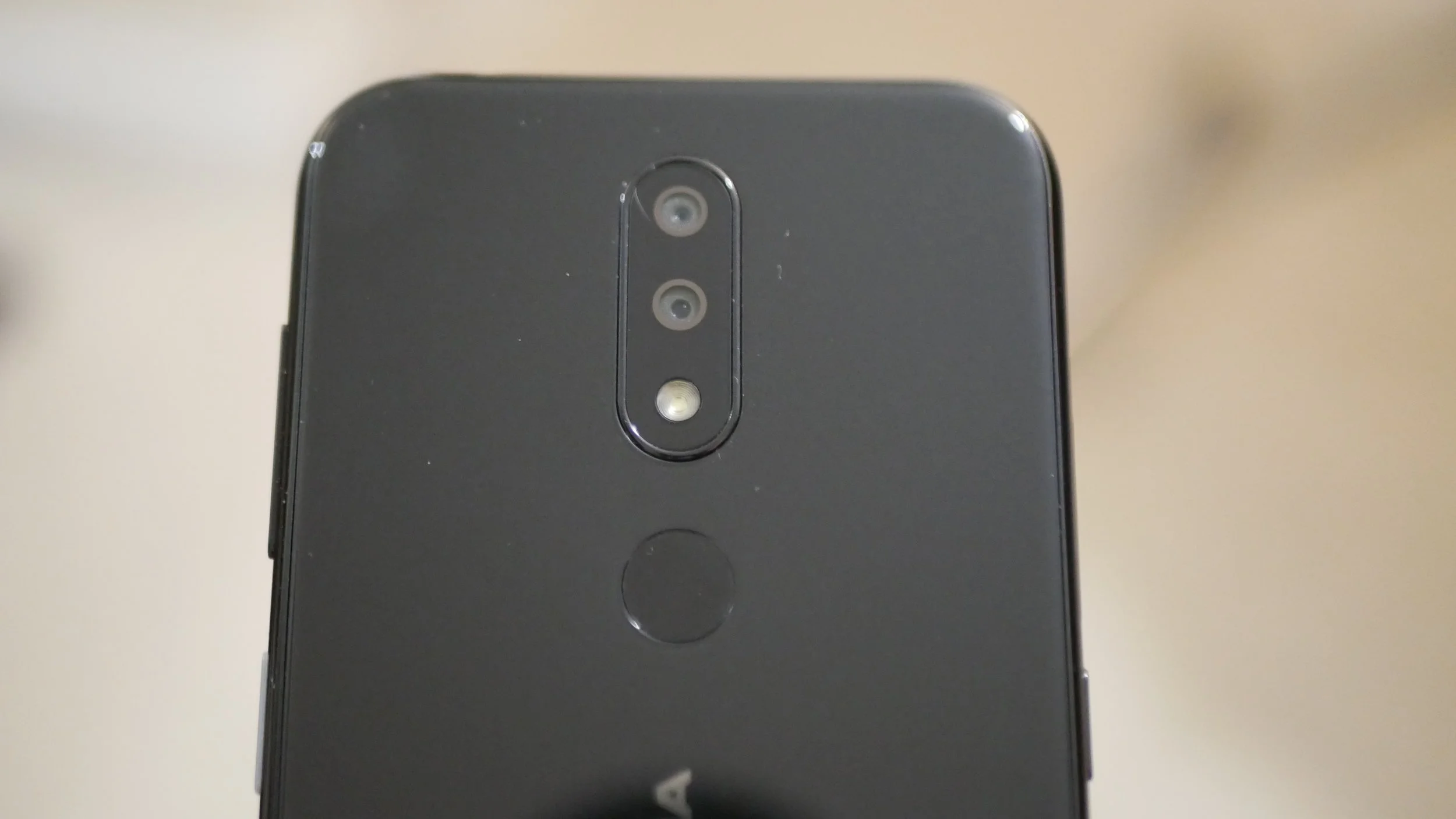
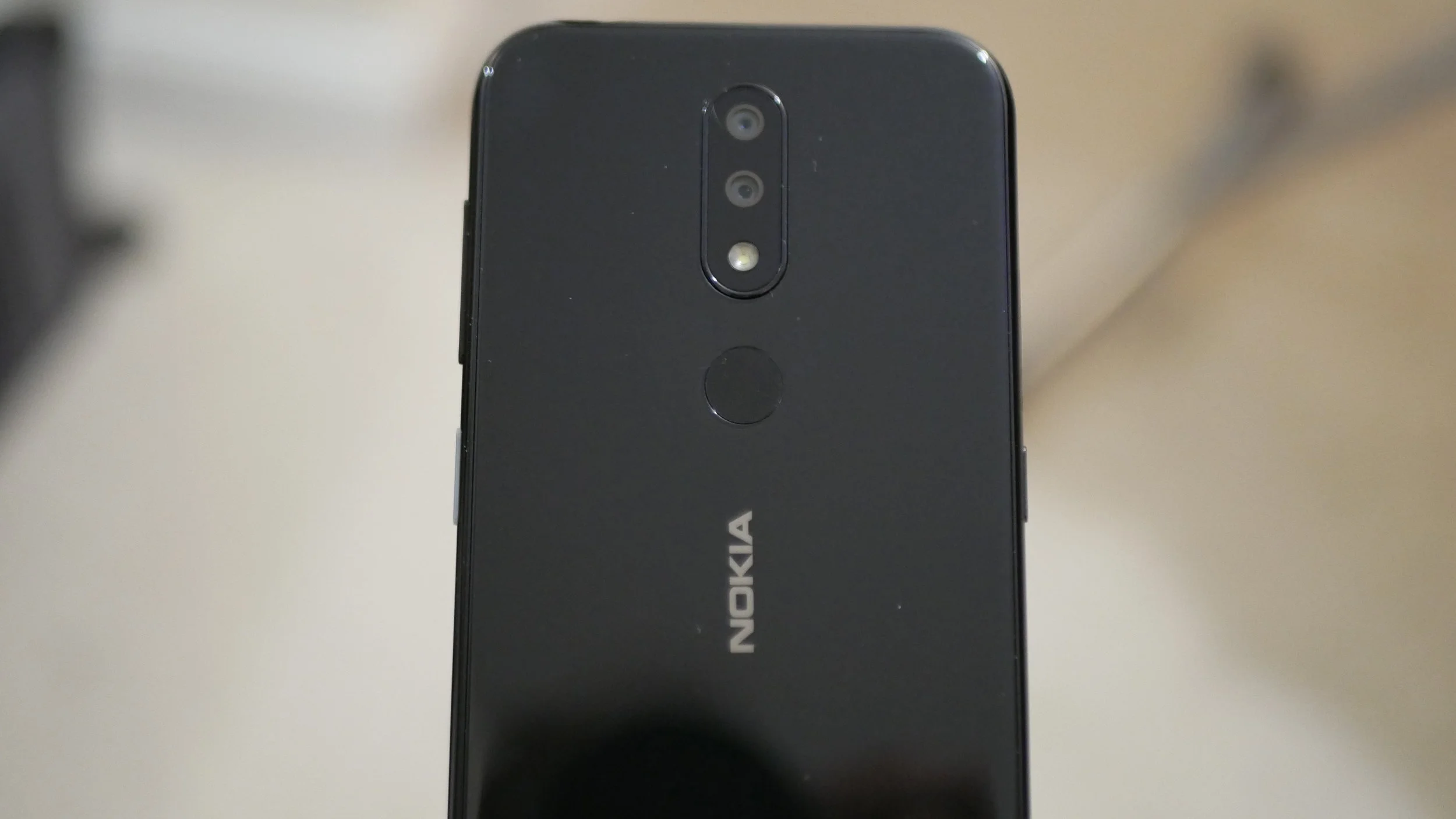
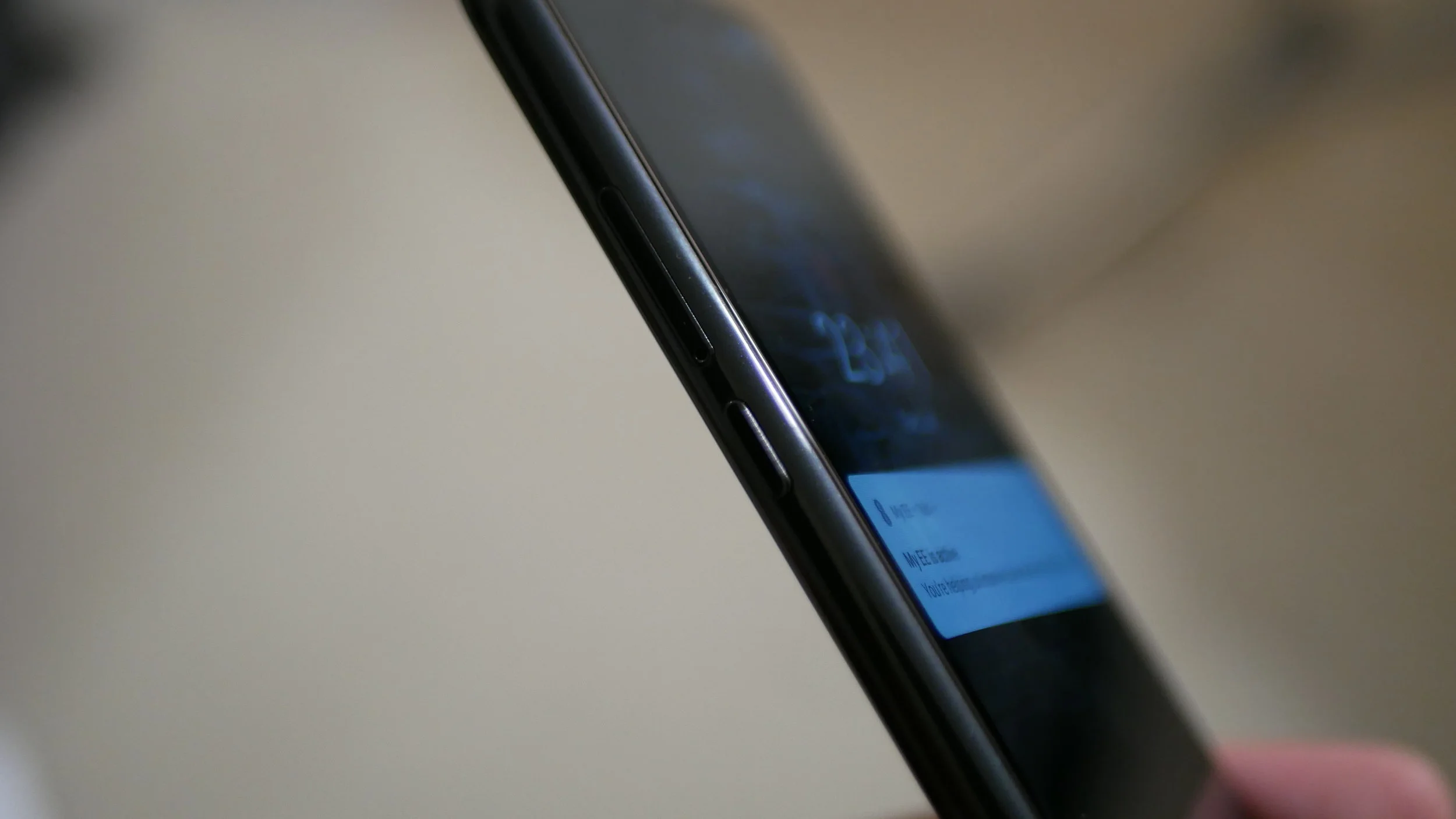
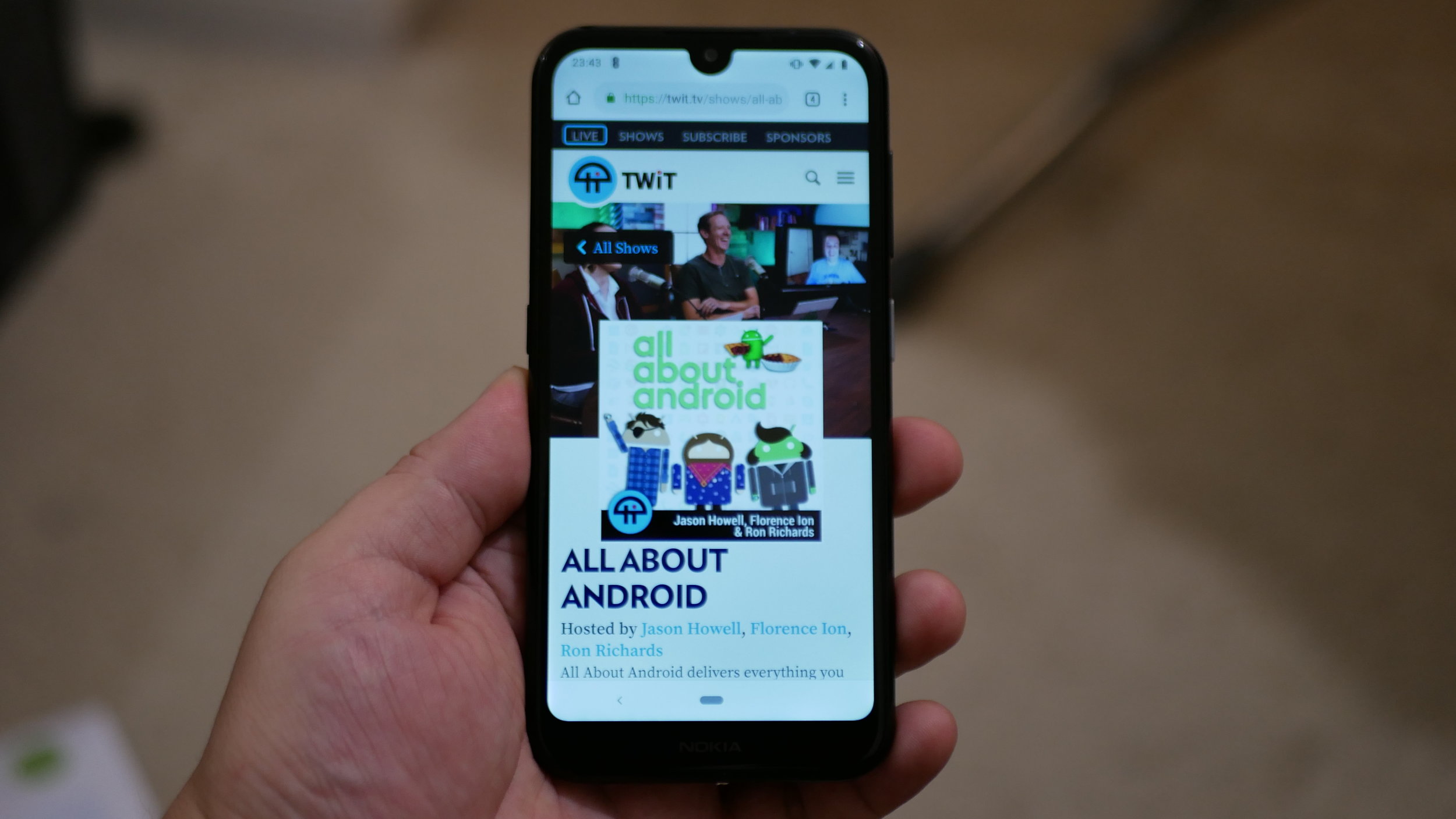
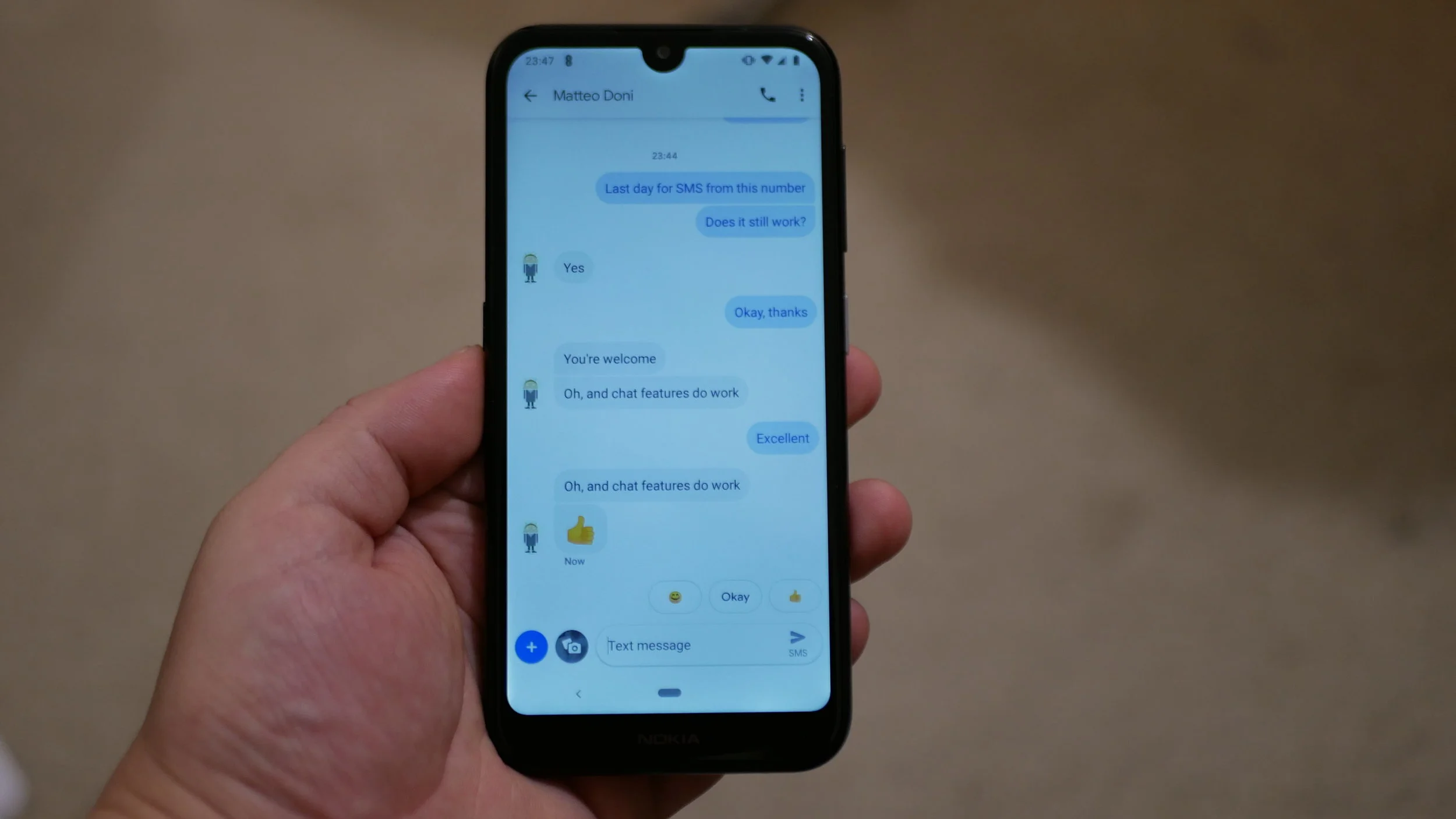
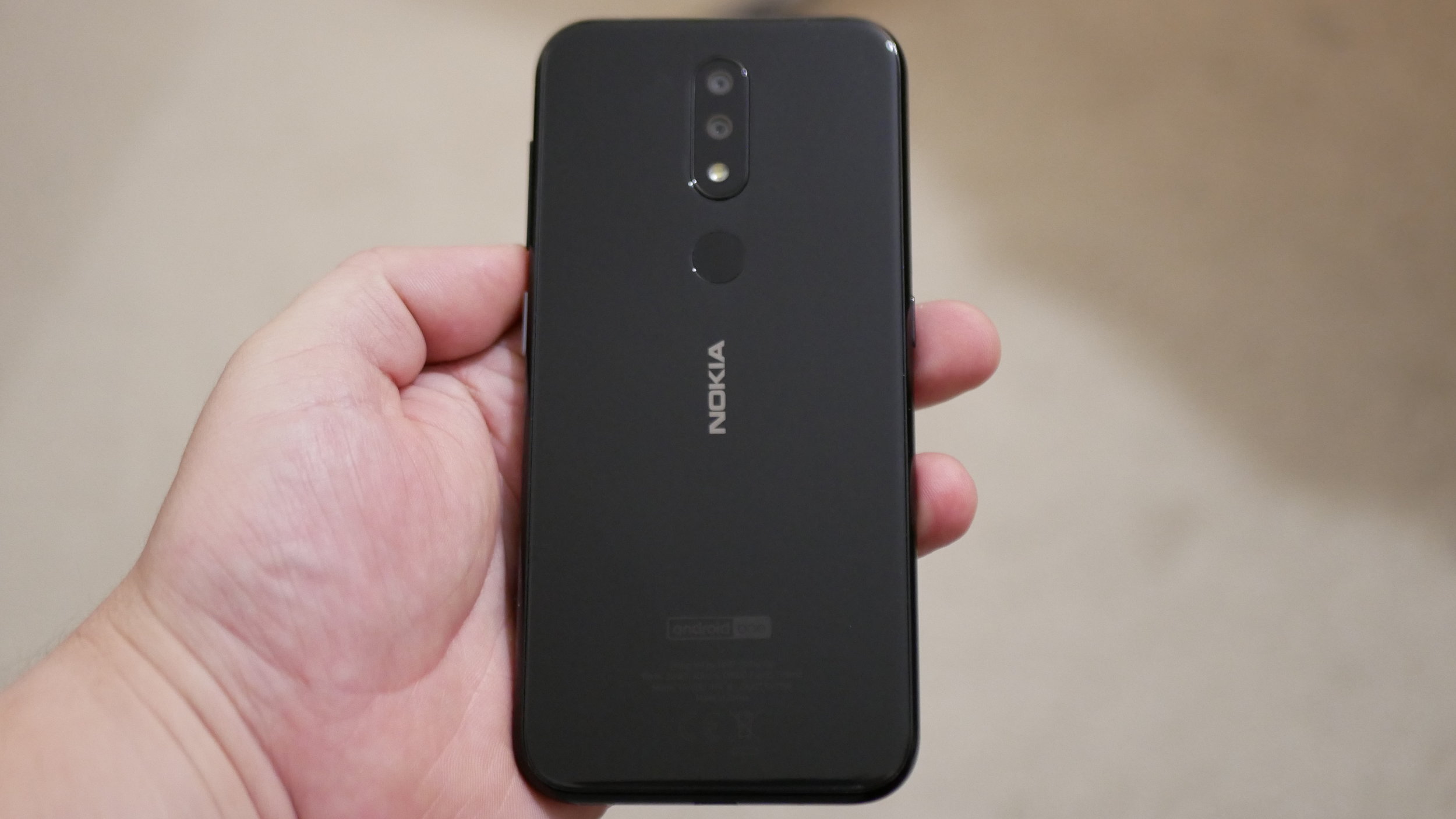
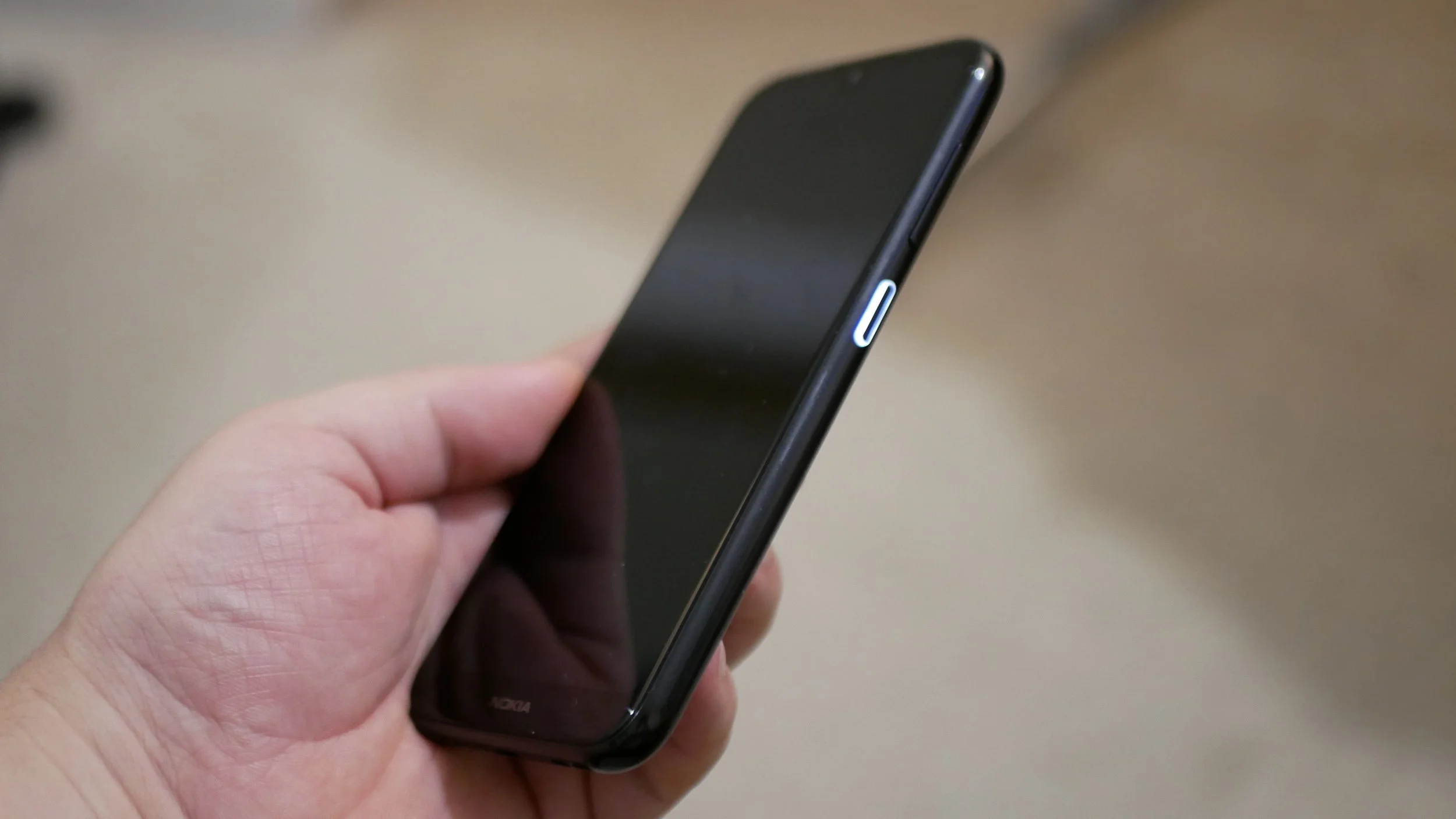
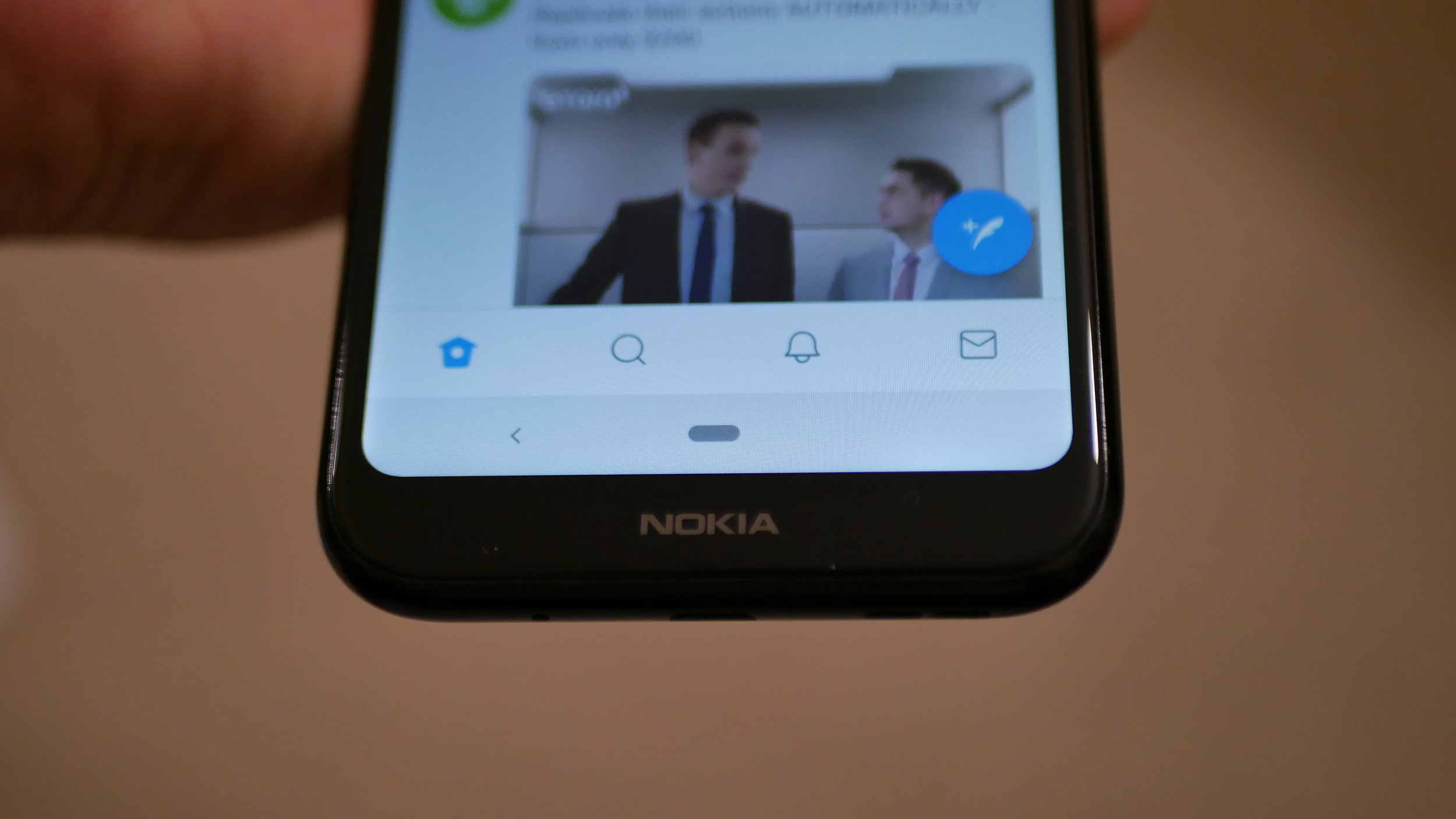
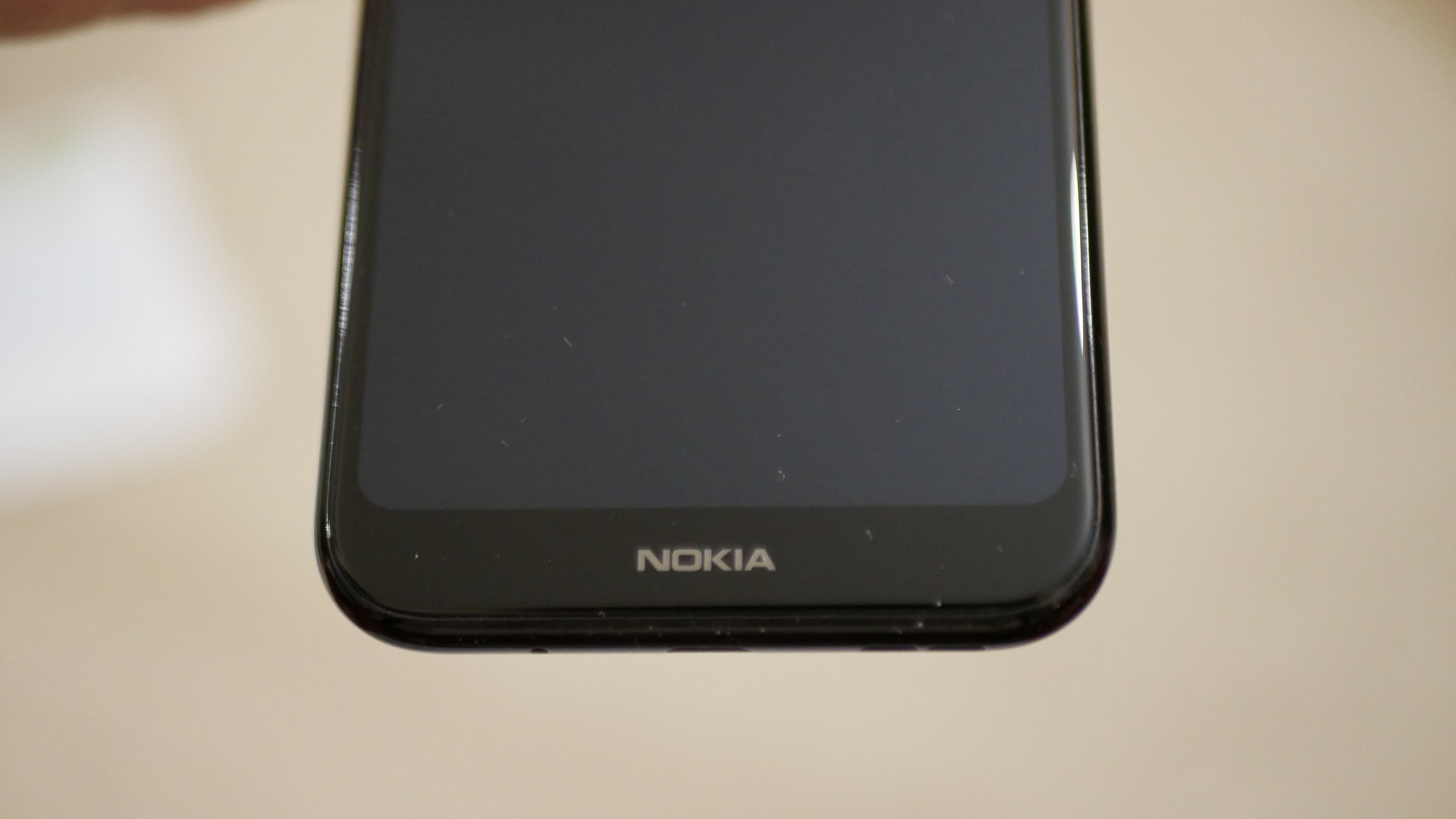
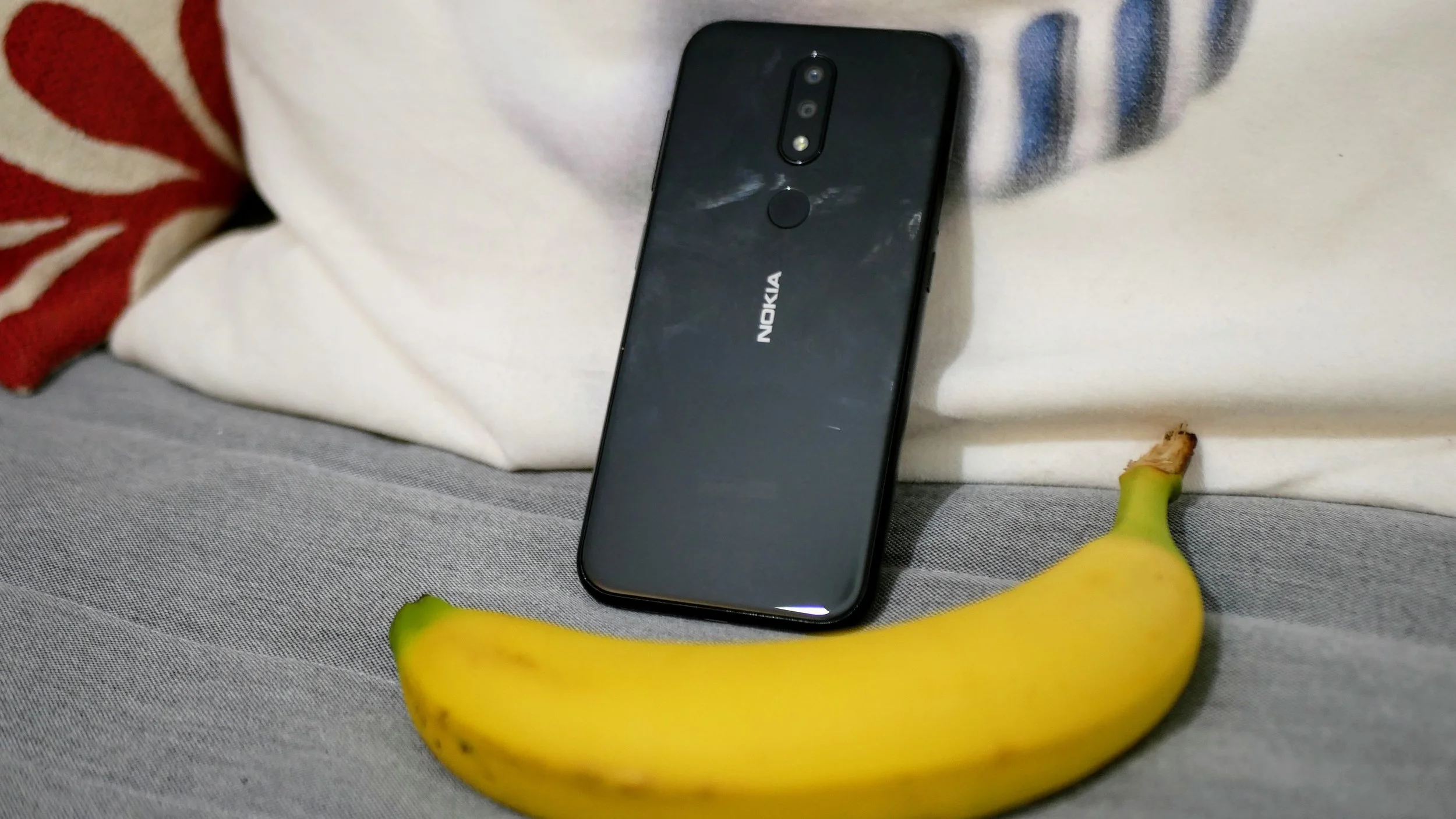
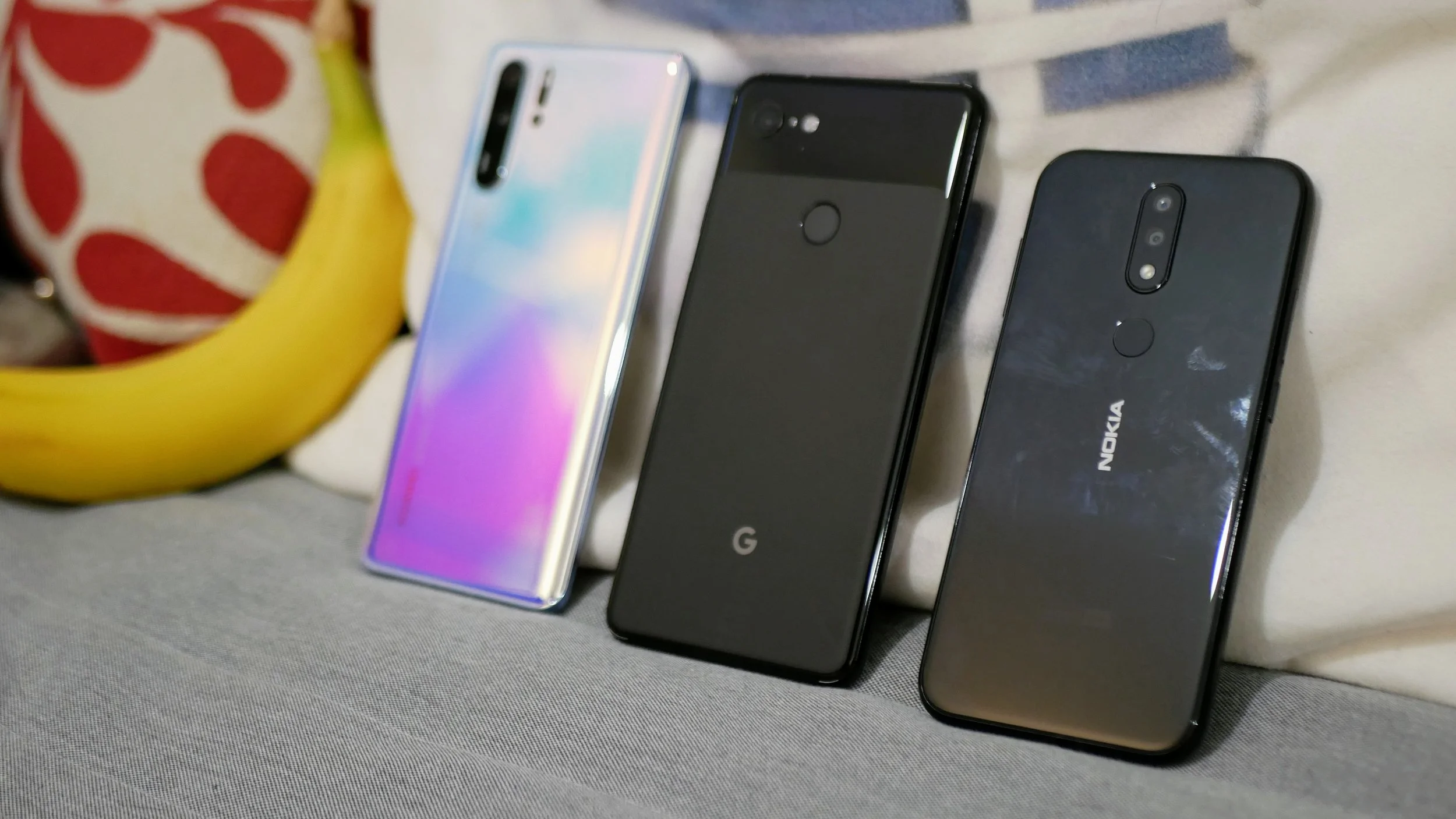
A gallery showing off the hardware of the Nokia 4.2 Android One device. Full review coming soon on Tech Travel Geeks.
I’m working on putting the finishing touches on the Nokia 4.2 Android One smartphone review.
In the meantime I have decided to publish the gallery of stills of the device. The main purpose of this is to have some visuals to talk over during the upcoming episode of All About Android on the TWiT Network.
Key Specs & Features of Nokia 4.2
Operating System
Android v9.0 (Pie)
Display
5.71 inches (14.5 cm) bezel-less display with waterdrop notch
Performance
Qualcomm Snapdragon 439 Octa core Processor
3 GB RAM
32 GB internal storage, expandable upto 400 GB
Camera
13 + 2 MP Dual Rear Cameras
8 MP Front Camera
Battery
3000 mAh battery
Connectivity
Dual SIM: Nano + Nano with Dual Standby VoLTE support
SIM1: Supports 4G, 3G
SIM2: Supports 4G, 3G
Special Features
Rear Fingerprint Sensor
Face Unlock
3.5 mm headphone jack present

My UK Tesla Model 3 to be delivered on 29 June!
Excitement and expectation are building! My Tesla Model 3 is going to be delivered soon!

The long-awaited Right Hand Drive Tesla Model 3 is finally coming to the United Kingdom, and I was lucky to be among the first people invited to pick one up on the last weekend of June.
The Model 3 was officially announced back in March 2016 and started first limited deliveries in the US in July 2017. The deliveries continued in the US and Canada in 2017 and 2018, expanding to continental Europe in early 2019. However, the British order holders had to continue waiting patiently.
The first glimmer of hope came with Elon Musk’s tweet on 25th April, indicating that the order page would go live in May.
The things progressed from there, with the order page indeed opening on 1st May and full order details gathered on 17 May. A month later, CleanTechnica shared photos of a semi truck with a bunch of RHD Model 3s pictured in England and heading for distribution towards London.
Finally, a couple of days later, some reservation holders started getting invitations to pick their deliveries on 27th June. I originally ordered mine in November 2016 and received an invite to join the first batch of cars, but a friend of mine ordered in early 2017 and hasn’t received the invitation yet. Both orders are for Performance versions, so it looks like the priority is on the initial order date and reservation number.
Tech Travel Geeks will be there, so ensure you follow our news here and on YouTube. Expect a first impressions video and a full review coming soon.

An Optimist's Opinionism about the Huawei News
Matteo, the Chief Mobile Opinionist at Tech Travel Geeks is uncharacteristically positive about what is happening in the mobile industry after Google have had to cut business dealings with Huawei due to the ongoing trade war between the US and China.
OK, by now you’ve already heard the news, even if you are someone who doesn’t normally follow the tech scene: Google has suspended some of its business with Huawei. More specifically, Google has suspended business with Huawei which requires the transfer of hardware, software and technical services except those publicly available via open source licensing.
This news was broken by Reuters on Sunday May 19th 2019, just under two days before Huawei’s brand Honor is due to announce and launch their Honor 20 Series of devices globally. I’m writing this piece of rampant opinionism on an easyJet flight to London to attend that very event and cover it for the Tech Travel Geeks website and the Tech Travel Geeks YouTube Channel.
Many more clever and thoughtful commentators have already explained what has happened quite exhaustively and illustrated potential ramifications. I particularly enjoyed Vlad Savov of The Verge’s take and Andrew Martonik of Android Central’s piece.
Both analyses are quite bleak in their outlook for Huawei. Vlad’s piece has a pull quote which paints a chilling protein rich metaphor: “Deprived of Google’s software, Huawei would be selling featherless chickens”.
Andrew on the other hand has a bit more of a pragmatic statement to make: “It simply isn’t reasonable in 2019 for any company to launch a phone outside of China without Google Services.”
While in the short term I agree with both views, I have a different and uncharacteristically positive outlook in the medium and long term.
Huawei is a Chinese business who have been playing the long game in the tech industry for decades. The company has been consistently investing in research and development and building technical and product know-how along the road while slowly surpassing established players both in the networking and smartphone handset industry.
Having operated in the Chinese smartphone market, Huawei have also built up services and platforms that deliver a Googleless Android experience to tens of millions if not hundreds of millions of customers.
While many commentator’s Western view that Android without Google is close to a crippling experience, in my view this may not actually be the case. I think we are already moving to an OS or platform agnostic consumer market for smartphones. More and more consumers are switching between iOS and Android because the services which are really important to them are very similar. WeChat, Facebook, WhatsApp, Twitter and other popular services are all available on multiple platforms. As long as the services are available, the average consumer will be happy, regardless of what underlying service provider is there. Ben Thompson already described this market dynamic back in 2017 when analysing the fruity brand’s performance in China.
Huawei is currently the second biggest smartphone manufacturer in the world, and if this ban is implemented, I think in the short term their growth will surely be stifled. My long term view on the other hand is, as I mentioned more positive.
Huawei is a recognisable and strong enough brand to be able to power through this within 3 years thanks to some fundamental market dynamics:
1. The majority of smartphone consumer growth in the next three years will be in regions such as South America, South East Asia and Africa.
2. Huawei’s range of smartphone hardware excels on key features consumers REALLY want: battery life, good cameras and reliable overall device hardware.
3. Huawei can produce, sell and support a Googleless smartphpone experience on their devices in those markets and continue to grow and gain overall smartphone global market share (even if other regions are negatively affected by this ban). This is in part thanks to an established and aspirational brand, existing retail and network partnerships.
This won’t be easy, obviously. Once the critical mass of consumers of Huawei devices is out there, the providers of core services consumers use will be lining up to have a presence on the platform. Just think of the lengths Facebook has gone to have a presence in markets like India, even on non-smartphones.
As I mentioned at the beginning, Huawei are in this for the long game. They can weather a few bad seasons and still remain a relevant and successful player in the smartphone market, maybe introducing another significant smartphone platform on the global stage.
Anyway, this potential future unfolding of smartphone market events is just my Six Pence (you are None the Richer) while the Airbus A320 Neo I am on is starting to descend towards St Ansted.
The bigger issue was well summarised by others, and I’m just putting a few extra words on the Internet. Daniel Bader of Mobile Nations put it nicely when referring to some of the fanperson takes on Twitter delighting in the happenings reported.
I completely agree with Dan here.
What few have mentioned is that as part of this “Trade War” between the US and China we have all been focusing on the US’ move and the consequences and outlooks for Huawei and the smartphone industry as a whole.
What will be more interesting for me to see is what the Chinese Government’s next big move is: think what would happen to the smartphone market if all exports of the autumnal Apple iPhone product release were blocked by China. 2019 could be the first year with no new iPhone since 2007. Short term Apple would truly be crippled though they too can play the long game…
Another thought to leave you with: what if the real loser in this exercise in futility is actually Google who could lose their grip on Android, the operating system they created and fostered.
This was Matteo’s rampant opinionism piece concerning Google suspending some of its business with Huawei. You can read more about it from these excellent sources below. I’ll be in London tomorrow to cover the Honor 20 Series launch. Who knows, maybe my uncharacteristic optimism will change. Keep an eye on the Tech Travel Geeks YouTube Channel and TechTravelGeeks.com for more updates.
https://www.theverge.com/2019/5/20/18632266/huawei-android-google-ban-phone-business-future
https://www.androidcentral.com/what-losing-google-means-huawei-smartphone-business

Huawei P30 Pro - All the Tech Travel Geeks Content
All the Tech Travel Geeks content about the Huawei P30 Pro. So shiny! Such good camera! Very power efficient! WOW!
The Tech Travel Geeks Chief Mobile Opinionist was a guest of Huawei’s at the launch of the Huawei P30 Series in Paris, France. The Tech Travel Geeks Chief Aperture Officer liked the Huawei P30 Pro so much, he decided to get one himself (in another colour).
Here you will find all the videos we will create for the Tech Travel Geeks YouTube Channel.
Huawei P30 Pro Breathing Crystal Unboxing - Paris
Unboxed on the day of the announcement. So fresh!
Huawei P30 Pro First Impressions - Shiny Powerhouse
A masterfully edited and filmed video. Well done to Lukasz.
Huawei P30 Pro Smart View Flip Cover Unpackaging & First Impressions
Unpackaging the case to keep the device shiny.

There's a Banana If You Zoom - All About Android 414
Our Chief Mobile Opinionist Matteo was a guest on All About Android again on the TWiT network. Goats, Huawei P30 Pro and Android chat ensued.
Last week I was a guest on All About Android on TWiT.tv . Goats, Huawei P30 Pro Zoom shots and Android chat ensued.
Would you like to get my first impressions and photos? Here is the handy TWiT Bit.
Hopefully you enjoy watching this as much as I enjoyed being a guest on All About Android.
Thanks again to Flo, Jason, Ron, Victor and the rest of the TWiT Crew for having me on as a guest.

New York Diaries
In my job in the medical profession, it is thought to be good practice to attend international conferences to see how others in the world practice medicine. Recently i had the opportunity to go to New York for just such a conference.
Now I had never been to the states (or north america in general) before. From a travel perspective i was a bit nervous. How exactly would Trumps America treat a bearded brown guy with a muslim name?
From a tech standpoint, I felt I had heard a lot about the smartphone and computing landscape over there from various podcasts and videos,. But id never actually experienced it. Was there going to be a tangible difference?
Well first off, from the travel perspective i found it a bit annoying that checked baggage was seen as a luxury not a requirement. Had to pay extra for it, something I’ve never had to do in other long haul flights. Secondly, we had a bit of problem when our connecting flight from paris was cancelled. It was a bit manic, but Air France did get us a flight later that day…and a €30 voucher for food while we were waiting (result!). I had bought plug adapters for the us, but not for Europe, so my Powerbank again saved the day for keeping my mobile juiced up.
I have a dual sim device, but since i was going to countries which are part of Three’s “Feel At Home” plan, i had no intention of getting any local sims. Even so, i was shocked as to how good the service was, 4g and H+ data speeds even in Manhattan were great. WiFi was everywhere as well, so no problems at conference venues , hotels, restaurants etc..
iPhones really are ubiqitous. Everybody has them, everyone also seemed to have the Apple Airpods. I once or twice played the “spot a phone that isnt an iPhone” game (ok I’m sad I know). But it was genuinely difficult to find other devices out there. If I DID see something, it’d invariably be a Samsung.
Even though I was at a conference, I did get a chance to do some sight-seeing, and my OnePlus 6 camera really didnt disappoint. I was very impressed with the camera in both daylight and low-light. Selfie shots were prone to a bit of motion blur though.


I went to some of the carrier places theres, and to be fair, they werent much different to the ones we see in the UK. However there was a greater variety of phones then here, especially in the lower price range segments.
Speaking of pirce, it seems that the Americans dont want to tell you about tax. You go into a shop to buy anything (for example a dessert place). You look at the price, it says $3.99. You buy, you’re told “That’ll be $4.66 please”. I’m like “eh?” and look at the reciept and see some kind of sales tax added on.
I dont mind paying the extra, but be honest with the pricing info. It was the same everywhere, there is only a tangential relationship between the price advertised, and what you actually pay.
Tech is (allegedly) cheaper in the US compared to the UK. to me it seems an insignificant difference with exchange rates between £ and $ being what they are.
Speaking of money, I decided to try out some of these mobile services such as Revolut and Starling. I would highly reccomend using them as give much better exchange rates then the traditional banks and money-exchanges. They both use Mastercard, and give inter-bank currency rates. The plan was to use them for contactless payments there too, but I was surprised that most outlets where still on the old MST (Magnetic stripe) swiping. Not even chip-and-pin! I can see now why Samsung made such abig deal about their Smasung Pay being MST-compatible.
Finally, when I got home, I got the following message from Three. GO THREE!


We were on the back of the ferry to Kowloon. It was like a ferry-tail...

The back of the Star Ferry from Hong Kong to Kowloon.
We were on the back of the ferry to Kowloon. It was like a ferry-tail...
I'm not apologising to anyone for this terrible pun. I can hear you all groaning from behind The Great Firewall.

Hong Kong Skyline as seen from Kowloon at night
Our day trip from Shenzhen to Hong Kong and back was a great experience: we went up Victoria Peak and walked around the hill, took the tram back down and then the ferry to Kowloon.

Hong Kong skyline
I had some great fun with the cameras of the Huawei Mate 20 Pro and the one on the Google Pixel 3 XL too: from zoom, to wide-angle selfies and night shots inight sense shots.

We will be going into this in a bit more depth soon, but here are some samples to wet your appetites.

Shenzhen - Dong Men street food market
Matteo and his better half are in Shenzhen, Guangdong and had some amazing steet food in Dong Men.
Yesterday we arrived in Shenzhen, Guangdong, China. Trying to avoid jetlag, after checking in at our hotel, we forced ourselves to go out for something to eat and found our way to Dong Men, a pedestrianised shopping area which is easily accessible on the Metro Line 1.

In this busy shopping area which seems to be full of teeny boppers, I knew of an indoor street food market I visited a few years ago with my colleague and friend Alana. It took a while to find, but we ended up having same amazing food.

We thoroughly recommend this street food market with all its stalls of tasty street food.
Would you like to know more? Engage with us on Twitter @techtravelgeeks.


The search for the best portable computer: Episode I - The Cheapskate Menace
“Sometimes its not in the destination, but in the journey, that we learn most” - Indian Proverb
EPISODE I - THE CHEAPSKATE MENACE
We have seen Lukaz rave on about the Surface Book 2 and me (to my own surprise) singing the praises of my Lenovo Miix 510.
I think though, I’d be remiss if I didnt go into how I got there, and the ideas behind the purchases which left me ultimately at the Miix 510.
Well children, it all started in 2012. I was working in the North-East and landed a post during my time as a junior doctor in which (along my clinical work) I had to teach medical students and complete a certificate in Postgraduate Medical Education. Up until then, I had mainly used 15in laptops, basically as desktop replacements, they very rarely moved. The few times that i did have to carry it around, it was a big faff. Laptop bag, charger etc. This served me ok initially. But this new post demanded more. The department I was working had very limited office/computer space, and getting a work laptop from the NHS, is like getting blood out of a stone. I therefore decided the time had come for a different device. Smartphones had become very useful, but productivity was still a challenge then, though they have come leaps and bounds since then (Esp in the developing world, often a smartphone IS their computer)
So what to get? The answer was obvious, a reasonably specced Ultrabook. Maybe even a MacBook Air.
Did I do that? Of course not, otherwise this would be a very short article! Ultrabooks where very expensive. So too where Macbooks, plus i was an iRefusnik, and being a contrarian is in my nature.
I had gone onto the Android train early on, with a HTC Hero as my first smartphone in early 2010. I bought my first Android Tablet, the SonyTablet S, early in 2012 as a present for myself for having passed some professional exams. I quickly found that it was “OK” but not particularly useful. It was good for reading, and could do some video consumption, but Android wasnt (and still isnt) optimised well for tablets.

So later that year when first iPad Mini came out, I thought i would go for the most successful (and stiill most successful) tablet. The Mini was a great size, the apps were good, was fun to read and watch video on. But there were warning signs. Wanting to watch my own movies that I had downloaded (legally of course!) wasnt easy as there was no SD card slot. The display was disappointing (1024x800) and 16GB was ok, but not future proof.

Still, I thought, with my education post starting soon, I’ll go full on. I bought a Logitech Bluetooth keyboard and went proudly to my first sessions.
What. A. Disaster.
I know that iOS has changed significantly. I also know that Apple are really pushing the productivity side. They claim that an iPad can replace your laptop. I dont know if any of this true (though reviews of the recent 2018 iPad Pro havent been great when regarding it as a laptop-replacement) but frankly I was so badly burned but that experience, I have not bought an Apple device (of any type) since. Anything I wanted to do, I basically couldnt, attach a file from DropBox? No. Use a file manager? No. Write in MS Office apps? No. Attach to an external display? No. And many more. Fundamentally i couldnt get my work done.
Is this my fault for choosing the wrong device at the wrong time? Maybe, a lot of the above gripes have been addressed, MS Office apps, File manager, Dongles. But now the price is so expensive for the Pro models, that its hard to justify that kind of price tag.
The good side? I gave that tablet to my wife and kids, and it lasted 3 years and 3 foreign trips. And when I sold it, I still got a good price for it in 2015 on ebay.

II had been a fan of Linux for a couple of years by then, and its ability to resurrect old laptops, so i thought, why not give that a go. I found an old Acer Aspire One Netbook (remember them?) on ebay ( £60!) and replaced the Windows XP Starter on it with various flavours of Linux.
It worked great….except when i couldnt stop tinkering. I kept changing different Linux Distributions, and frankly, the Intel Atom an 1GB of RAM just wasnt up to it. I decided i needed more POWER…. so stupidly bought another netbook which (on paper, with a better processor and 3GB RAM) seemed more powerful, but really, it wasnt, the Lenovo s205 11.6in
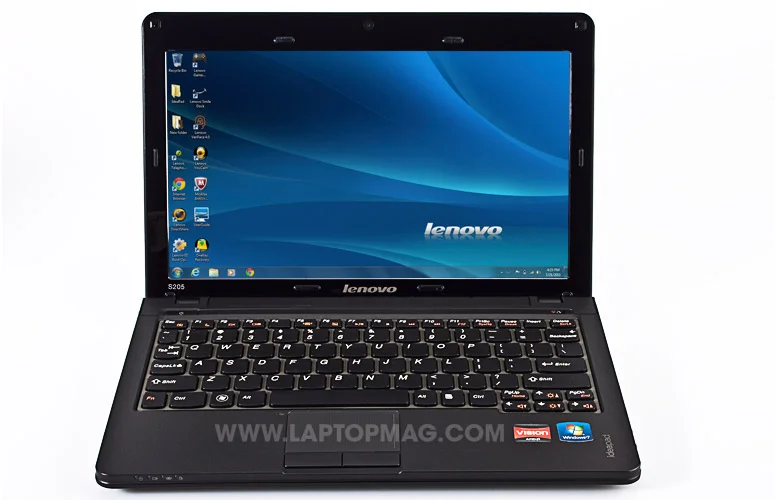
Now this, to be fair, did exactly what i wanted to. I got work done, I watched movies, and it could just throw it in my bag and carry on. It lasted a good while. Again, i couldnt stop tinkering, but that wasnt enough to stop it working for me.
However, i felt stupid. Buying technology is as much emotional and it is rational. Its no surpirse that most adverts for laptops,smartphones etc etc push the emotional side, whether its the desirability of the aesthetic, or the dopamine hit of performance, or the ability to capture moments with your friends…its all appealing the the less rational side of us.
And thats exactly how I felt with this IdeaPad. I couldnt shake off the feeling that basically i’d bought only a very slightly better computer then the Acer Aspire I had. It wasnt powerful, it stuttered, and even resale values were low as I had wiped Windows off the device.

Time for a change of tack, I thought. Chromebooks were the new netbooks, inexpensive but versatile computers (as long as you were connected to the internet). It was a masterstroke by Google. Plus, as t had a linux kernal, I could run a full-fat linux distribution side-by-side with ChromeOS.
I went for the Acer Chromebook C720. This had a new generation Celeron (which had pretty decent performance), and a was small lightweight and inexpensive (even brand new from Argos).
It was mid 2014 by now, and ChromeOS had been out for a year or so. It worked well…but was nothing without an internet connection. Offline apps, and Android App support was still a way off at this time. Still I thought I thought i’d manage. After all we are in a anew connected world…. well no. The hospital I was working in didnt have Wi-Fi and had abominable Mobile reception, so even using it with a mobile hotspot was not practical. it was basically useless to me as a portable computer.
Now, I’d heard that it was possible to dual boot the device with a version of Linux. A bit of googling later, and I found some guides on how to do it. Lets try it out I thought, and actually it worked really well. Linux (in this case Ubuntu) isnt as system-heavy as Windows, and even with only 2 GB RAM, it worked reasonably well nd I was able to use it as it was intended.
This unfortunatly only lasted about two weeks, as an Ubuntu system update killed the wifi. The laptop didnt have an ethernet port, so basically i was stuffed, I’d have to go back to Chrome OS.
At this point on an exasperating sunday afternoon, i though F*** this, i’m just gonna go ahead and buy a reasonably specced ultrabook…. and again found that my inner cheapskate took over.
What happened next? Stay tuned to TTG for Episode II - Windows Strikes Back

Bangalore Diaries
Its just mind-boggling!
So, after a year of relative financial difficulties, when these eased, my wife said “We are going on holiday”. One of the disadvantages of having an Indian wife, is that this inevitably actually means “We are going to see my mom in India”.
As a tech nerd, I have always the massive changes there in tech every time I go i see how the tech and smartphone landscape changing. Last time I went, and wrote about it, was in 2015. Again, things have changed and I think its worth revisiting.
Journey
Firstly, a bit about the journey. II thought i’d shop around for the best deal online (as most do). i used a website, makemytrip.com, which was getting me a good deal. Unfortunately though, they cancelled my booking with only a few days to go (due to the flight being cancelled) without any choice. Whilst they gave a full refund promptly. I was quite upset by their approach. Just cancel and refund, rather then giving any options regarding a differnt flight etc.
As for phones, am currently using a OnePlus 6 (which I love) and it has dual SIM capability. So i thought I would get a local SIM when I get there. Therefore I didnt need to take my secondary device (Galaxy Note 5). I still decided to take my laptop because I always do!
Secondly, I bought a Powerbank for the first time. It was a revelation. My battery anxieties (even with my beloved Dash Charge) disappeared. My only problem was it was that it didnt have a USB-C connector, having a traditional micro USB instead.. These do exist on the market, but I needed something quick, and so just went and One-Clicked on Amazon.
State of Smartphones
Ok, thats the journey done. I went to Bangalore, (or Bengalauru as it has recently been named). This is well known as the Indian Silicon-Valley, and the outsourcing capital of the world. We went via Frankfurt, which gave me the advantage of using the Three-At-Home service.
Some things havent changed since 2015. Android blatantly rules the roost here, even the poorest people have smartphone, and Indian local character alphabets (Hindi, Urdu, Tamil etc) have made them even more accessible. I’ve seen hardly any iPhones, though they are increasing over the years I’ve been here. But whilst in the past this would be a mixture of Samsung and local Indian brands. Now its almost completely dominated by the Chinese. Specifically Xiamoi. I lost count of the the number of Xiamoi phones I saw. In fact there were a significant number of “Mi” Stores selling thier phones. OnePlus also have a massive presence with advertising everywhere. Prices were a bit more expensive then last time, but still extremely competeiive (I almost bought a Pocophone for about £200). The local Indian brands like Micromaxx seem to have lost a lot of thier lustre in the face of this Chinese invasion

https://twitter.com/TheMajeedo/status/1055069087238422530
Payments
Speaking of payment. I eschewed the normal credit cards I would use and gone over to the online-only banks (Revolut, Starling etc). Results were mixed. They normally worked, but because most terminals and ATMs are still MST based rather then Chip-and-Pin or contactless, there were a few issues.
In late 2017, the indian government made a big push for “demonetisation”. Overnight 500 and 1000 rupee notes stopped being legal tender (thats about 86% of all circulating currency). This was to cut back on money laundering, but it also promoted a cashless economy, Services like PayTM, BHIM, Google Pay, PhonePe were ubiqitous, and in some of the bigger malls, they wouldnt even accept cash! This also caused some issues with transferring money in and out of the country when we were running low. However money transfer apps (similar to Barclays PingIt in the UK) were a good way of sending money within the country.
Networks/Data
Finally, the data connections here and plans are fantastic. India is made up of different states and there are a multitude of networks. These are predominantly GSM, but there are also a few CDMA ones. 4G has rolled out and is actually the preferred way for Wifi in homes. Since most customers go for pay-as-you-go (or pre-paid as its called locally) tariffs are very competitive regularly having more large (more than 2GB) daily allowances for about £5. I ended up going for Airtel as although slower then the 4G-only Jio, was a lot more reliable. I also found that having two SIMs in my device meant my battery ran out more quickly. This, and intermittent electricity outages, are probably why the most popular phones have the biggest batteries here.
Only Computer
For many Indians, it seems their phones are their main and only computing device. So much so, that actually using my laptop was a bit cumbersome. For example, I had to pay someone using PayTM. As proof of payment, they wanted a screenshot of the transaction. PayTM only works on mobile. My laptop was very ill-suited to this task!
Apps everywhere
In a big city like Bangalore, its completely possible to do everything sat at home with an app. I could order from amazon.in, do taxis with Uber and Ola, order food with Zomato and probably do my local shopping too if I cared to do so. It truly is a connected place.
In this weird kind of way, it is tech paradise!

The Perfect Travel Laptop? (which doesn't break your wallet)
My surprising companion
Recently, my fellow blogger Lukasz discussed how his Surface Book was his perfect travel laptop.
I have to respectfully disagree. Not because he’s wrong, (because its a fantastic device) but because its so eye-wateringly expensive. £1500! Not on my salary!
But, I found a hidden gem for a third of the price…the Lenovo Miix 510, and in the process, I may have stumbled upon my perfect travelling computer.
During a particular post whilst a junior doctor, I was doing a lot of teaching. This involved lots of presentations and the like. It was then that I realised that my 15in 3kg Laptop which I had in my rented flat as a desktop replacement, wasnt exactly that mobile. I was in need of a laptop that was actually portable.
I like the idea of convergent devices, and was fascinated by the Microsoft Surface line. Unfortunately they were always a bit out of my price range, at least if I wanted a decent spec. Plus keyboard covers and stylus pens had to be purchased seperately adding to the cost. The increrased cost also leads to questions of safety. Carrying around £1000+ laptop in my bag which is travelling to lectures and then back into operating theatres on my clinical days just didnt sound very sensible. (And to think we’ve now got to £1000+ phones, its a muggers paradise out there)
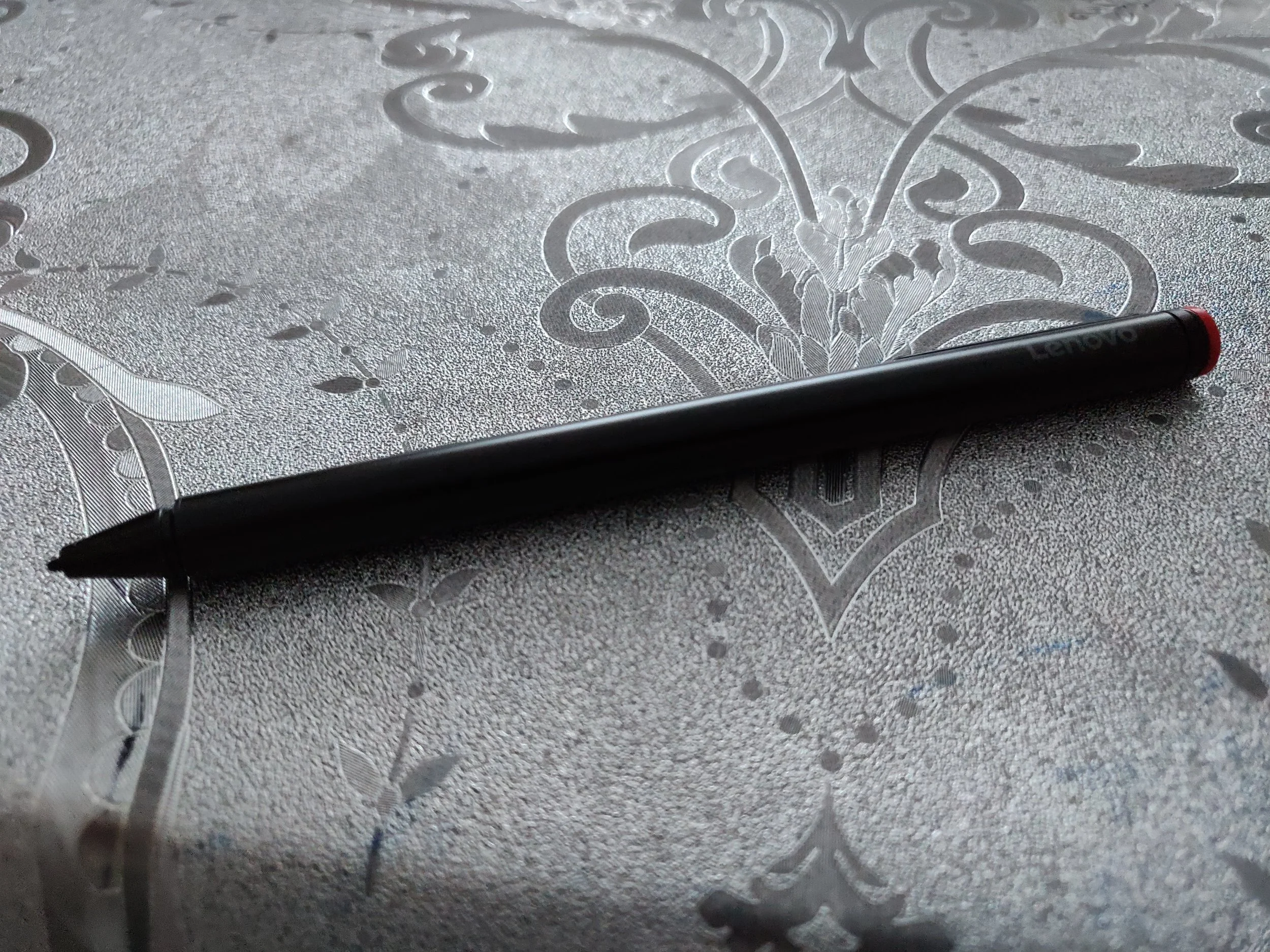
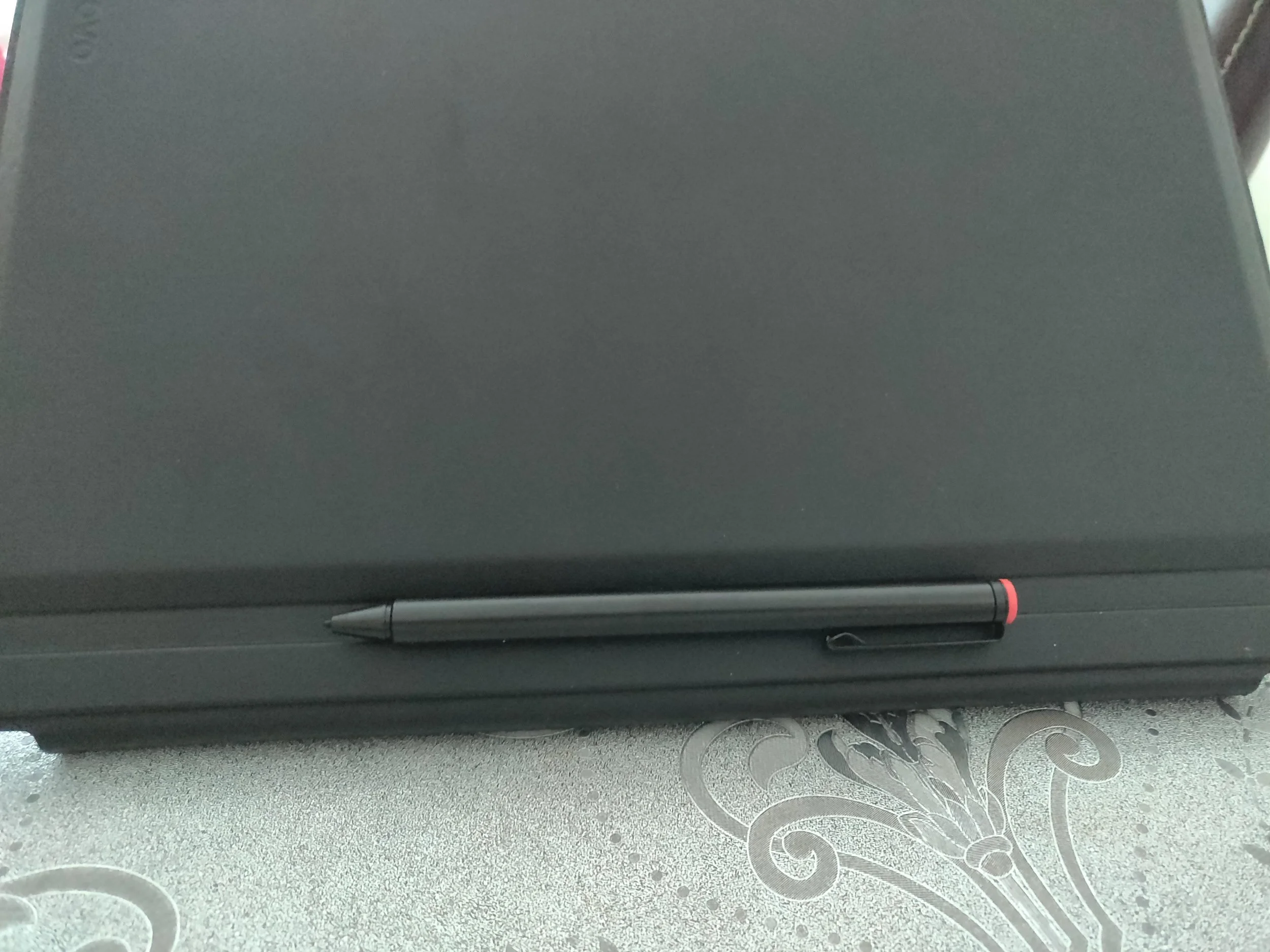
It was during this time, that I came across the Lenovo Miix 510. It can be best described as a surface clone. It is a tablet with a hinge and it has a keyboard and stylus INCLUDED. £500 all in.
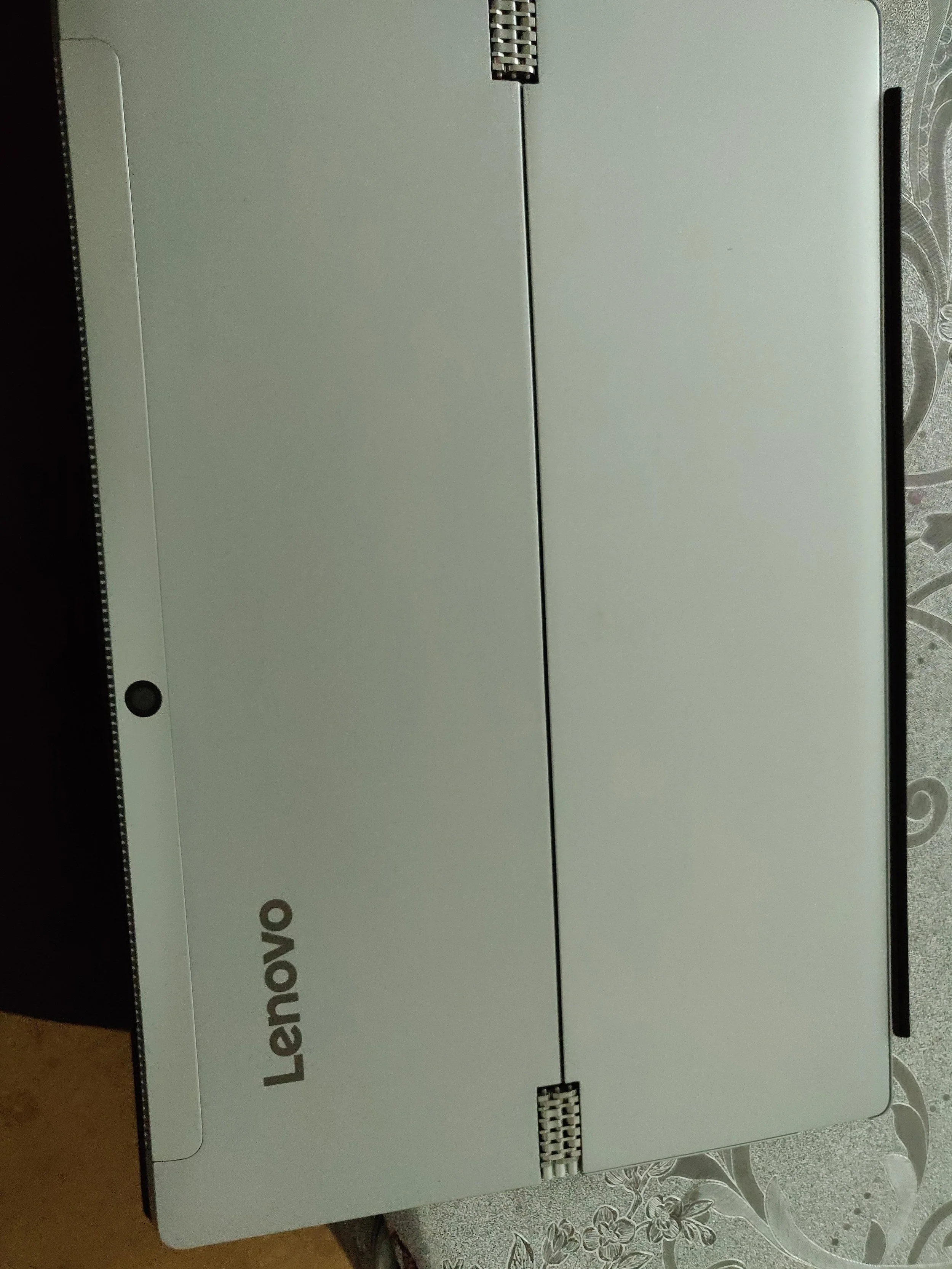
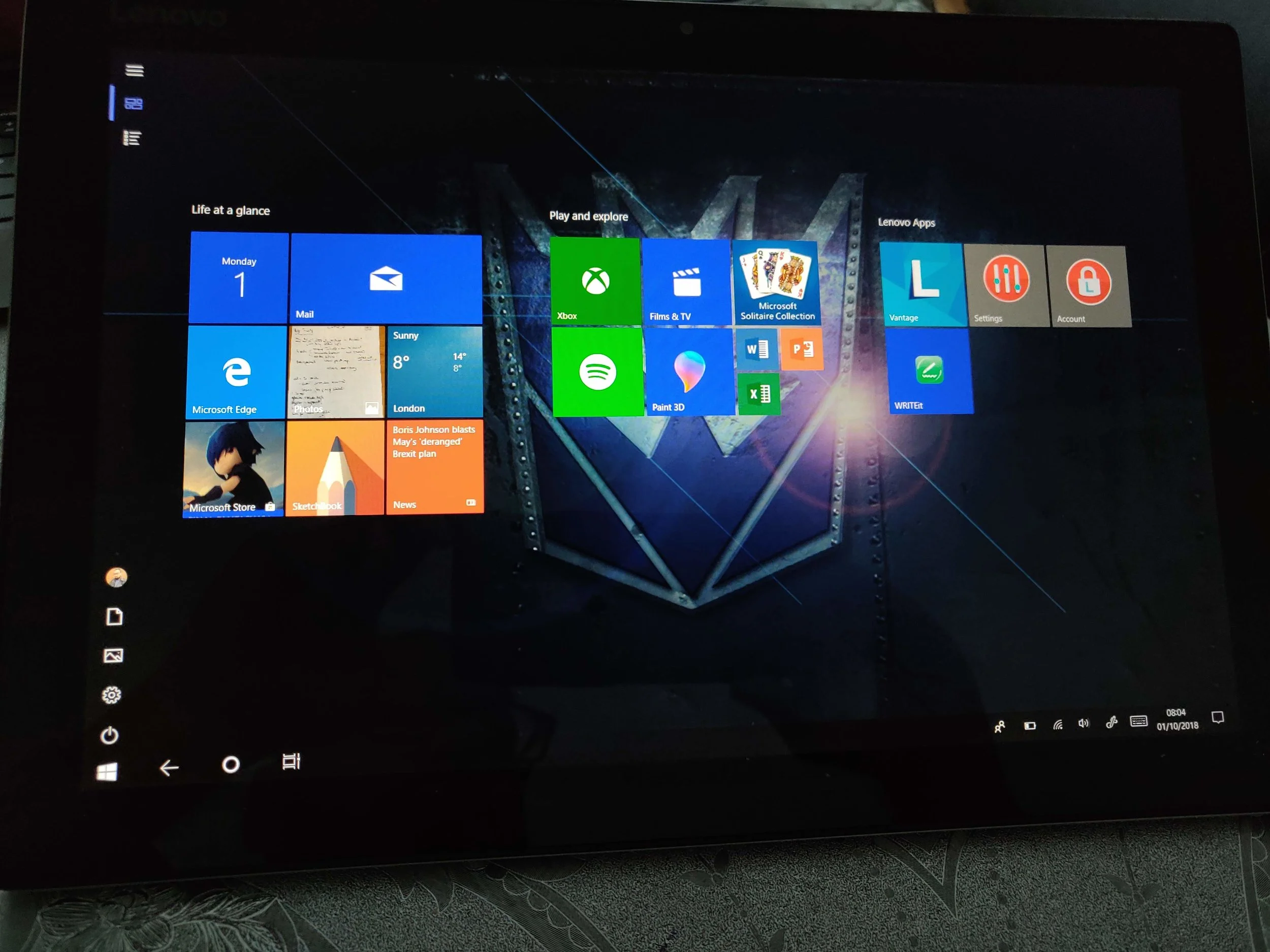
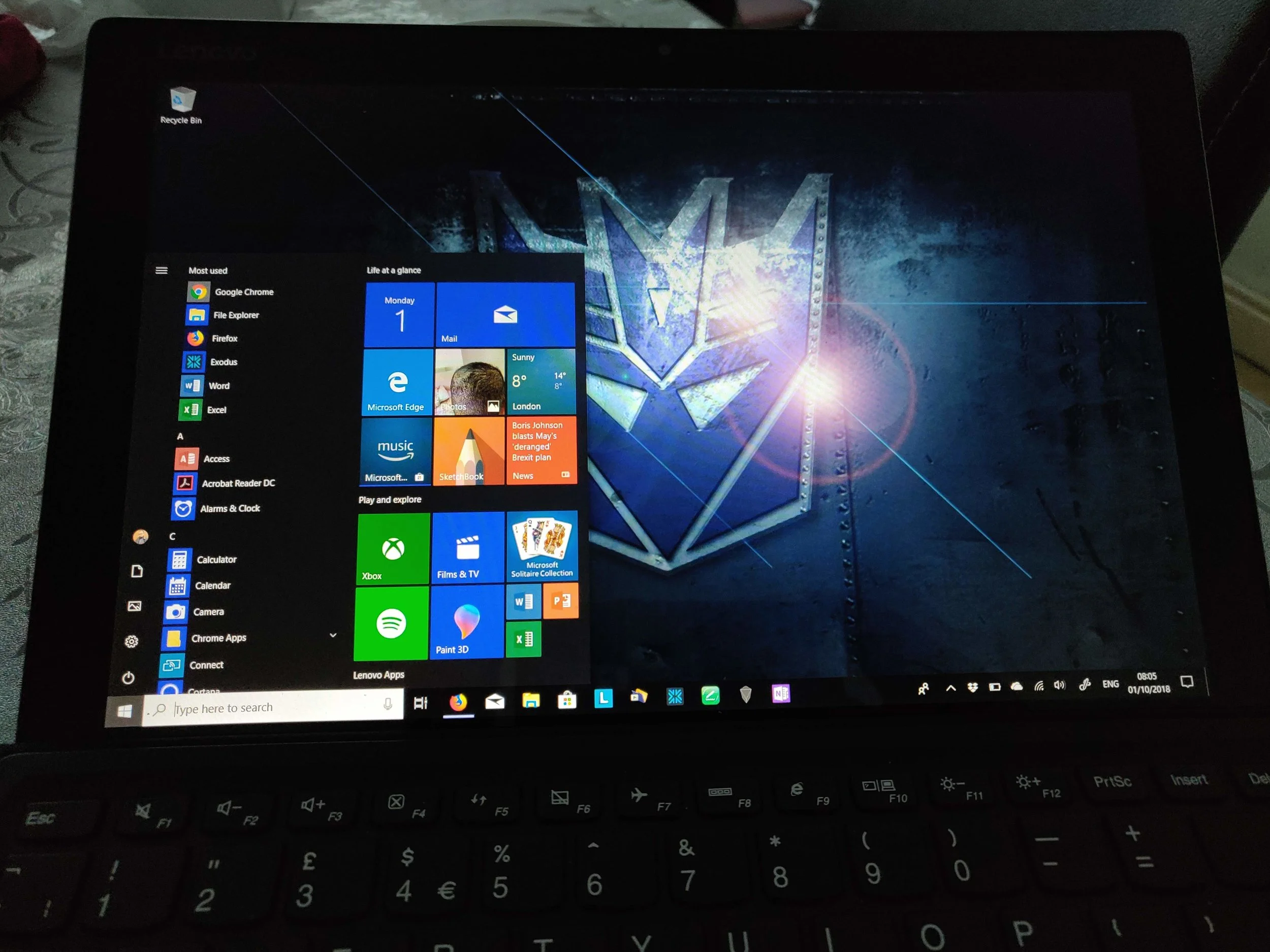
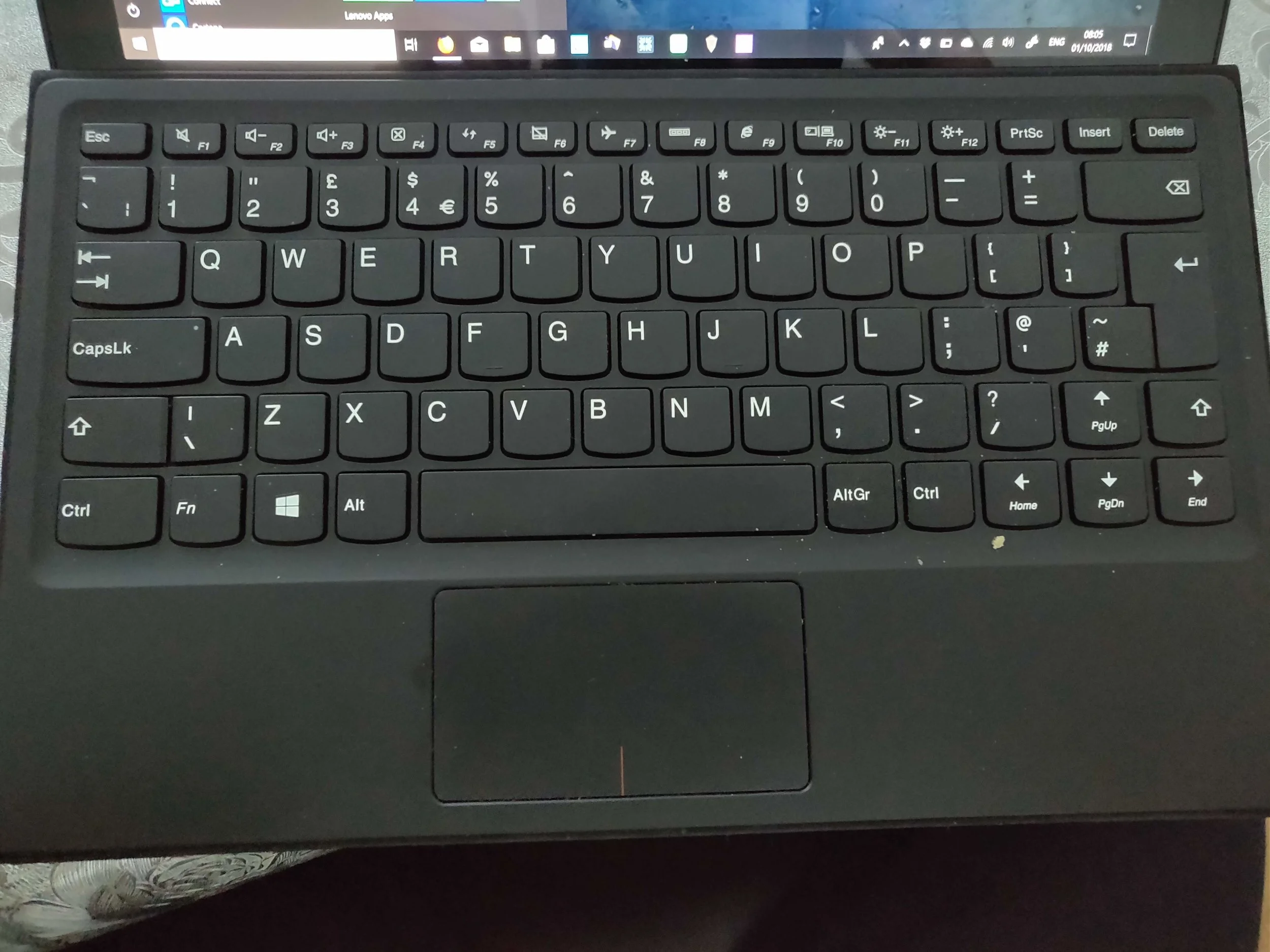
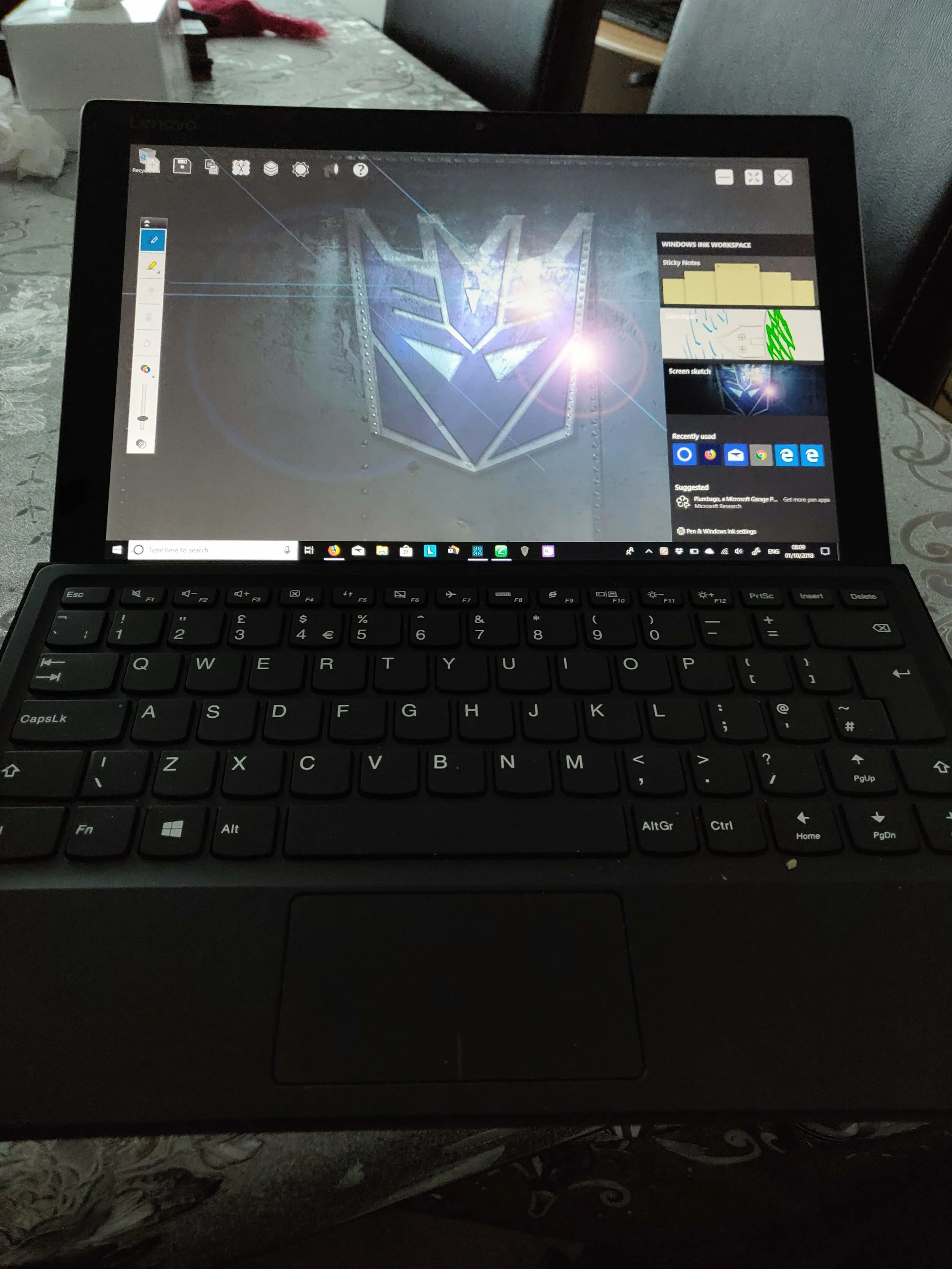
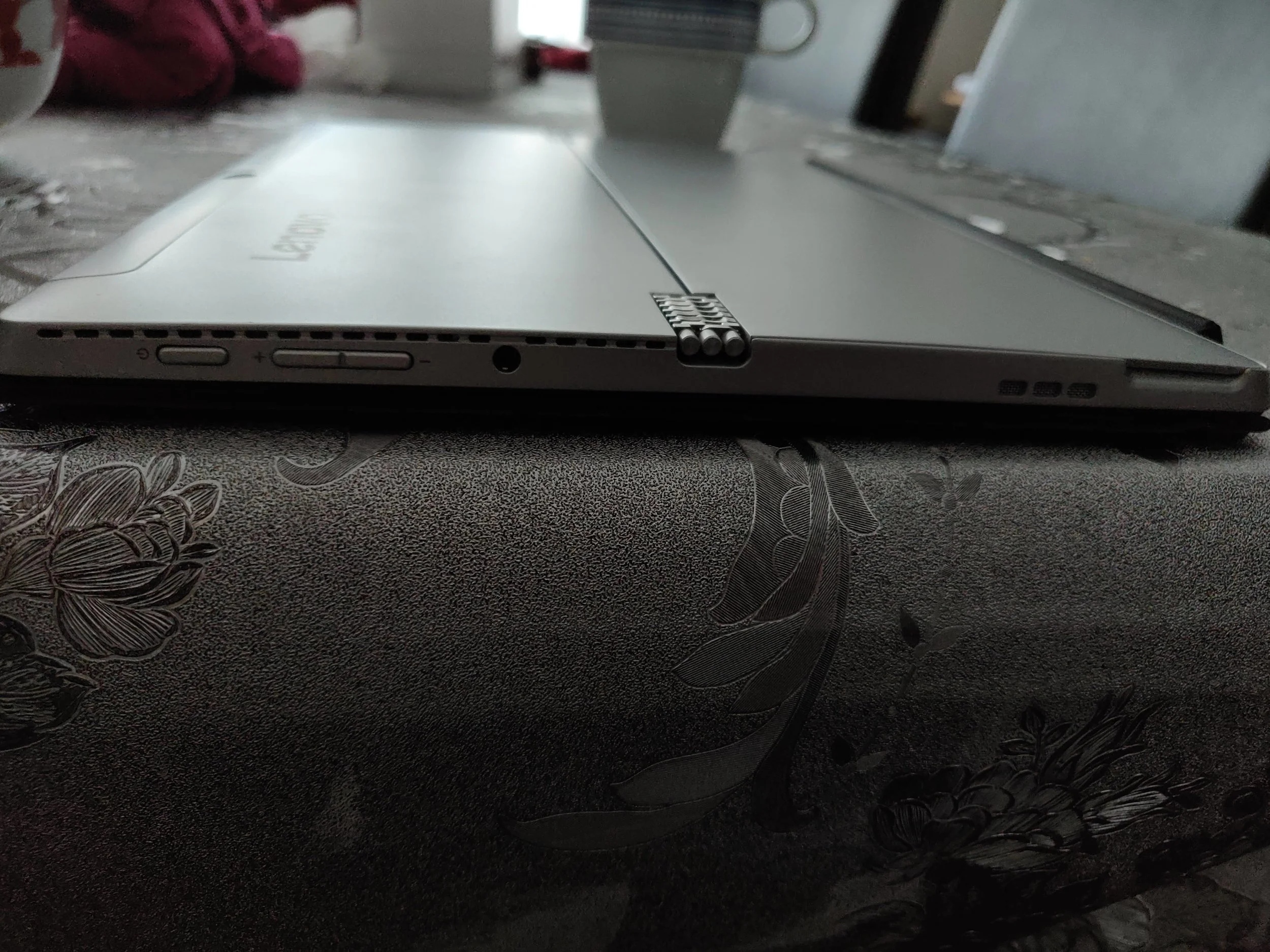
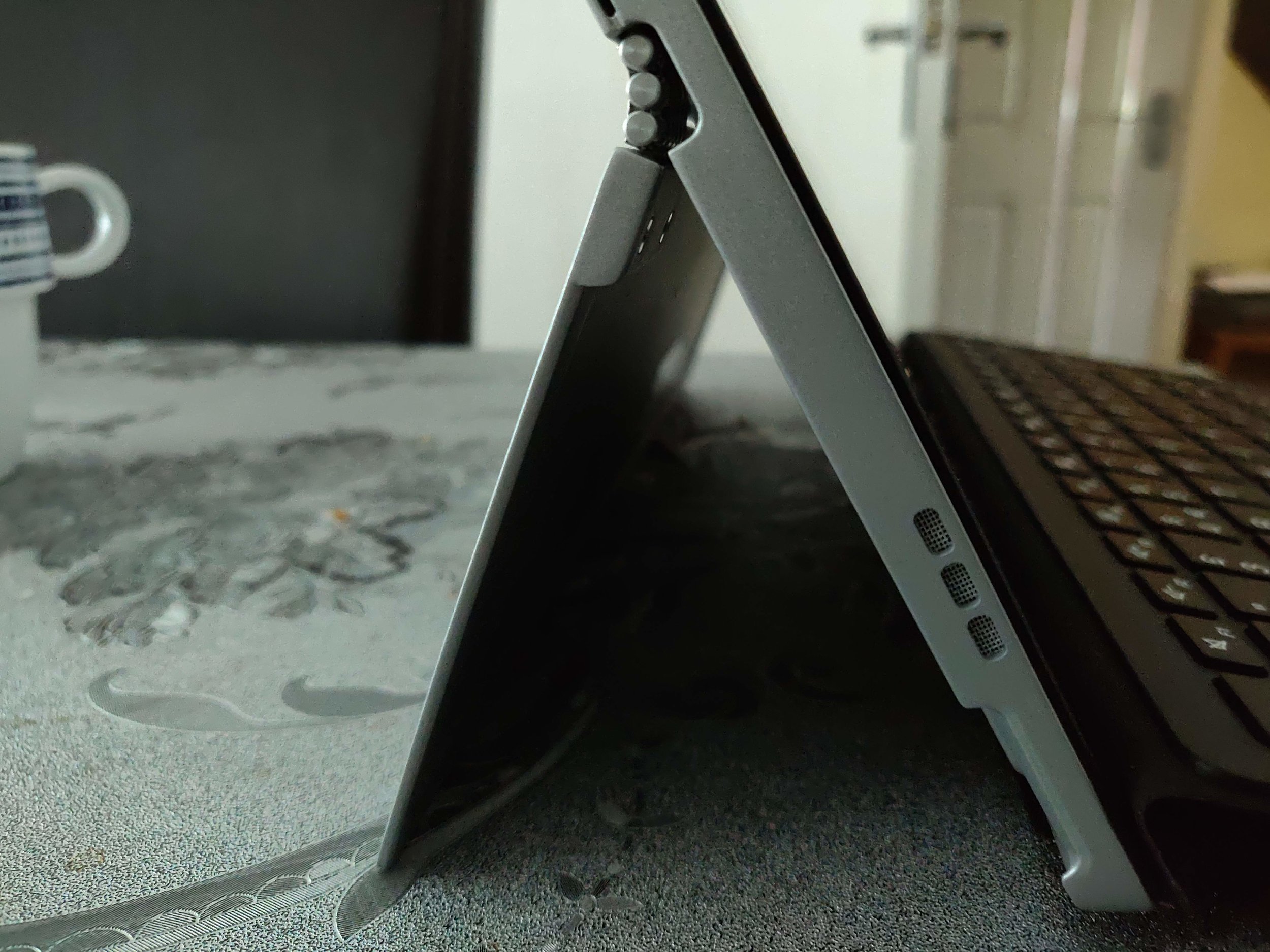
The specification I got wasnt groundbreaking, 4GB RAM, 128GB SSD, Core i3. However it was (till this year) the latest 7th gen Intel chipset. Looking at a few benchmarks (yes I know they can be inaccurate), I could see that the i3-7100 in the device was easily equivalent to a 6th gen i5, maybe even a 5th gen i7 (which the 2015 Dell XPS had). This was going to a be a portable device, I was never going to do massively intensive work like video-editing, or playing games. So this was plenty horsepower for me.
To my genuine surprise….this has been brilliant. My search for the perfect laptop had been on for 3 years, and i went through multiple devices (see my other post) all of which had a “deal-breakerr” problem. But this has lasted the longest. It does everything I want it to do, its stylus is very useful, (even Lenovos apps are pretty decent with the stylus). The keyboard is decent (though not the best) and its really good for watching NetFlix etc with loud sterospeakers and a 1080p screen. Battery life is average, but bearable and not a deal breaker.
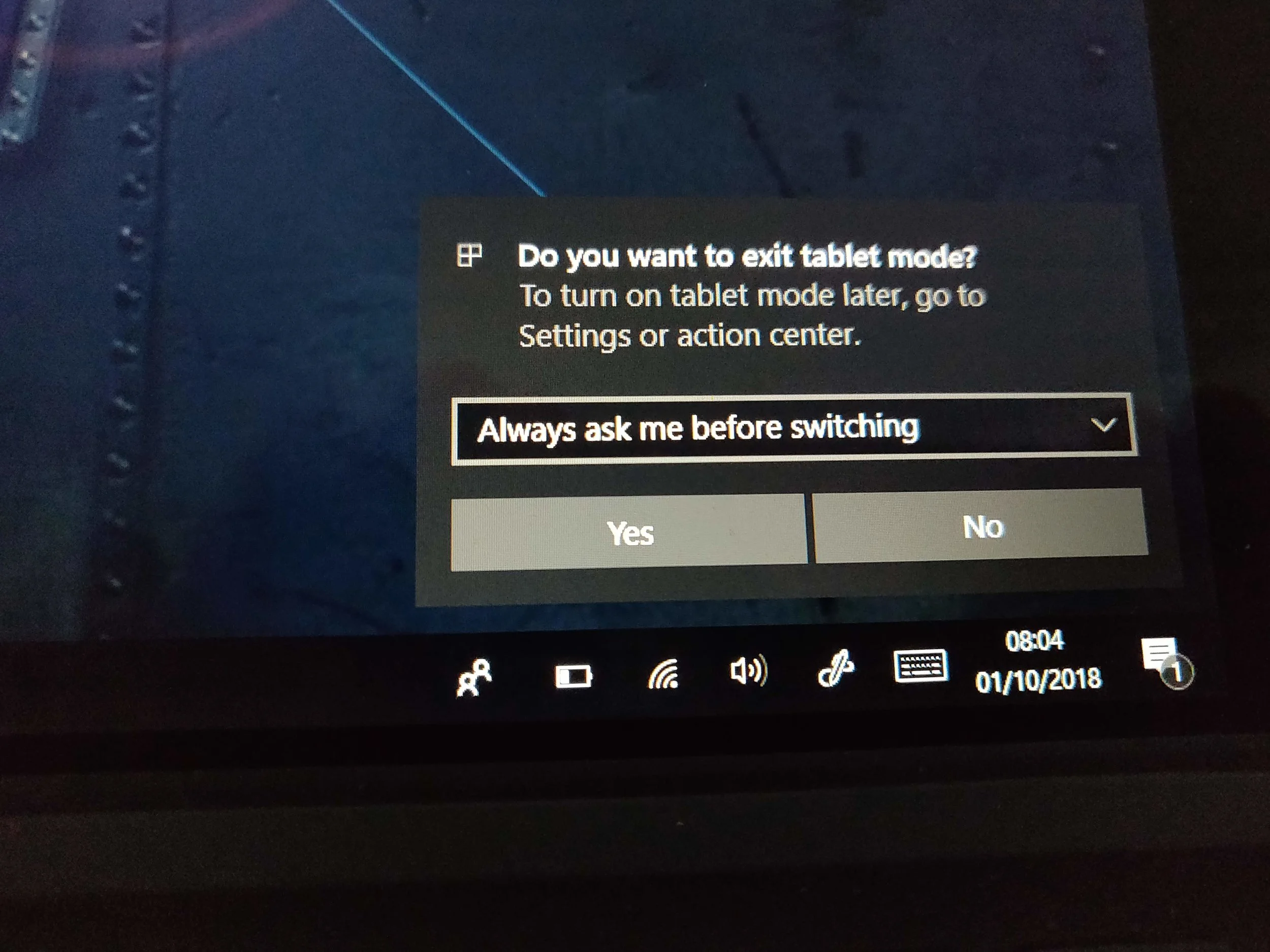
I’ve said it before and I’ll say it again, Windows 10 just doesnt work as a Tablet OS. But in this 2-in-1 or convertible factor, it works very well. (And I say that as a Linux user)
Now that the device is 1+ years old and new versions (the 530 for example) have come out, its price drops make it even better value.
If you want the best, get a Surface Book 2. If you want to still have some money for food and shelter I’d say buy a Lenovo Miis 510

"A Little Bit Of Plastic On A Case..."
Majid explains how an additional piece of plastic on a smartphone case can be very, very useful.
Video content on my phone. It always seems a “naff” as an idea. I mean How can you get an immersive experience on such a (not-so-small) screen? That,s why often you see people carrying tablets and laptops whilst travelling. Sure I normally prefer the big screen, but lugging around a 42in OLED TV travelling is (unsurprisingly) not very practical.
Having said that, carrying another device (laptop, tablet etc) may also be a bit of a pain. With every device comes its paraphenalia (chargers, cases etc etc).
Frankly, I just couldn’t be bothered, and I’d sit there watching stuff on my phone. This was never as good, not because of the screen size, but by the fact that you have to hold it, or prop it up and watch it on a strange viewing angle.
A lot of people have flip cases with their phones, which can double up as a rudimentary stand. But the solution in the above image, has drastically affected the way that I watch content on my smartphone. The case itself is an unbranded non-descript one from eBay/China. There are many variants for many devices. Mine is designed and made for my OnePlus 6. On recent train journeys, it has made watching hours of video content enjoyable, with good viewing angles, and no arm-ache from continusly holding a phone.
I love it, and its my top travel tip for the week!

An Ode to Dash-Charge
“You are my sunshine, my (only) sunshine, you make me happy when skies are gray”
Tech Travel Geeks Emily AKA Majid declares his love for Oneplus’ Dash Charge.
Battery Anxiety: Low charge on smartphone leading to irrational behaviour
Dear Tech Travel Geeks readers,
A few years ago LG stated that a significant number of smartphone users start getting very twitchy when the charge on their phones is low. This is not surprising, as a species it seems we are addicted to our smartphones, and would have difficulty if our phones were to die.
Some may think of this just as FOMO (fear of missing out): not being able to check messages, phone calls, social media etc etc. Also genuinely useful things like using Google Maps for Sat-Nav and directions or if your smartphone is your primary camera (like mine is to me),
Manufacturers have attempted to address this issue using different methodologies. Originally we had removable batteries. That sadly was one of the causes of poor build quality and industrial design (the Samsung Galaxy S5 fake leather plastic back for example, or the LG G5 modular metal). Then, as smartphones became more capable and important in our lives BIG batteries started being more common: 4000 mAh and then even 5000 mAh batteries started coming up. This in turn has caused its own problems (Do you remember the Samsung Note 7 issues?). Some manufacturers started also working on added software optimisations (like Huawei with its EMUI Android softwarre).
Chipset and component manufacturers also worked on physical solutions like quick charging solutions. Qualcomm has Quick charge for example (now up to version 4).
My personal preference is for OnePlus’ solution: Dash Charge. Even after having got through four separate OnePlus devices (3, 5, 5T, 6), the SPEED with which it charges is amazing. Put your phone in at 1%, 30min later you can be at over half a full battery. THAT kind of speed.
The way OnePlus do it is proprietary, yes they have a large amp plug, but there’s software optimisations in OxygenOS and most importantly, some complicated electrickery stuff in the cable. If you attach a normal USB A to C cable into the plug, yes you’ll get fast charging, but not Dash Charge-speed.
In this era of £1000 phones which often have very average battery life (looking at you iPhone eKs), Dash Charge is simply great. I always travel with my Dash Charger, and sadly need to say no to iPhone users who ask to borrow my cable (it won’t work).
Yours truly,
Tech Travel Geeks Emily
(Also Known As Majid)
Would you like to know more about Dash Charge?
Huawei Mate 20 Lite Review - Great Value 6.3" Tease
Matteo, our Chief Mobile Opinionist, reviews the Huawei Mate 20 Lite. Is it just a 6.3” tease of what Huawei is going to announce or is it a more than capable product in its own right?
We are in the middle of a frenzy of smartphone launches just before the holiday season. Huawei teased us at IFA 2018 in Berlin with the announcement of the Kirin 980 chipset we are likely to see powering the Mate 20 Pro. At IFA they also announced the Huawei Mate 20 Lite, which is a 6.3” tease of what we may see announced on October 16th in London.
This is the Tech Travel Geeks review of the Huawei Mate 20 Lite, which I am writing after more than two weeks of use, while at home in Edinburgh and travelling on a road trip on the West Coast of the United States of America. During that time the review unit of the Huawei Mate 20 Lite has been using a 3 UK SIM card with Feel At Home Roaming in the USA. The review device was provided by Huawei and will be returned.
Huawei’s Mate range is its second half of the year flagship portfolio, essentially their toc to their tic-toc annual device release. In recent years both the Huawei P Series (the tic) and the Mate Series (the toc) have had “Lite” variants, which share many of the design language and some of the software of the Pro versions. To keep the price in check and justify the “Lite” moniker there are some necessary trade-offs in terms of specifications or materials, but overall you get a premium mid-range experience as well as some premium image and branding.
Huawei Mate 20 Lite Technical Specifications
Display: 6.3” 1080 x 2340 pixels IPS LCD, 19.5:9 ratio (~409 ppi density)
Chipset: Hisilicon Kirin 710, Octa-core (4x2.2 GHz Cortex-A73 & 4x1.7 GHz Cortex-A53), Mali-G51 MP4 GPU
Operating System: EMUI 8.2 (Android 8.1)
4GB RAM, 64GB Storage (expandable with up to an extra 256GB with MicroSD)
WiFi 802.11 a/b/g/n/ac, dual-band, Wi-Fi Direct, hotspot
Bluetooth 4.2 LE
GPS, GLONASS, BDS
FM Radio
Rear camera: 20 MP, f/1.8, 27mm (wide), PDAF with 2 MP, depth sensor
Selfie camera: 24 MP, f/2.0, 26mm (wide) with 2 MP, depth sensor
3750 mAh battery
Design
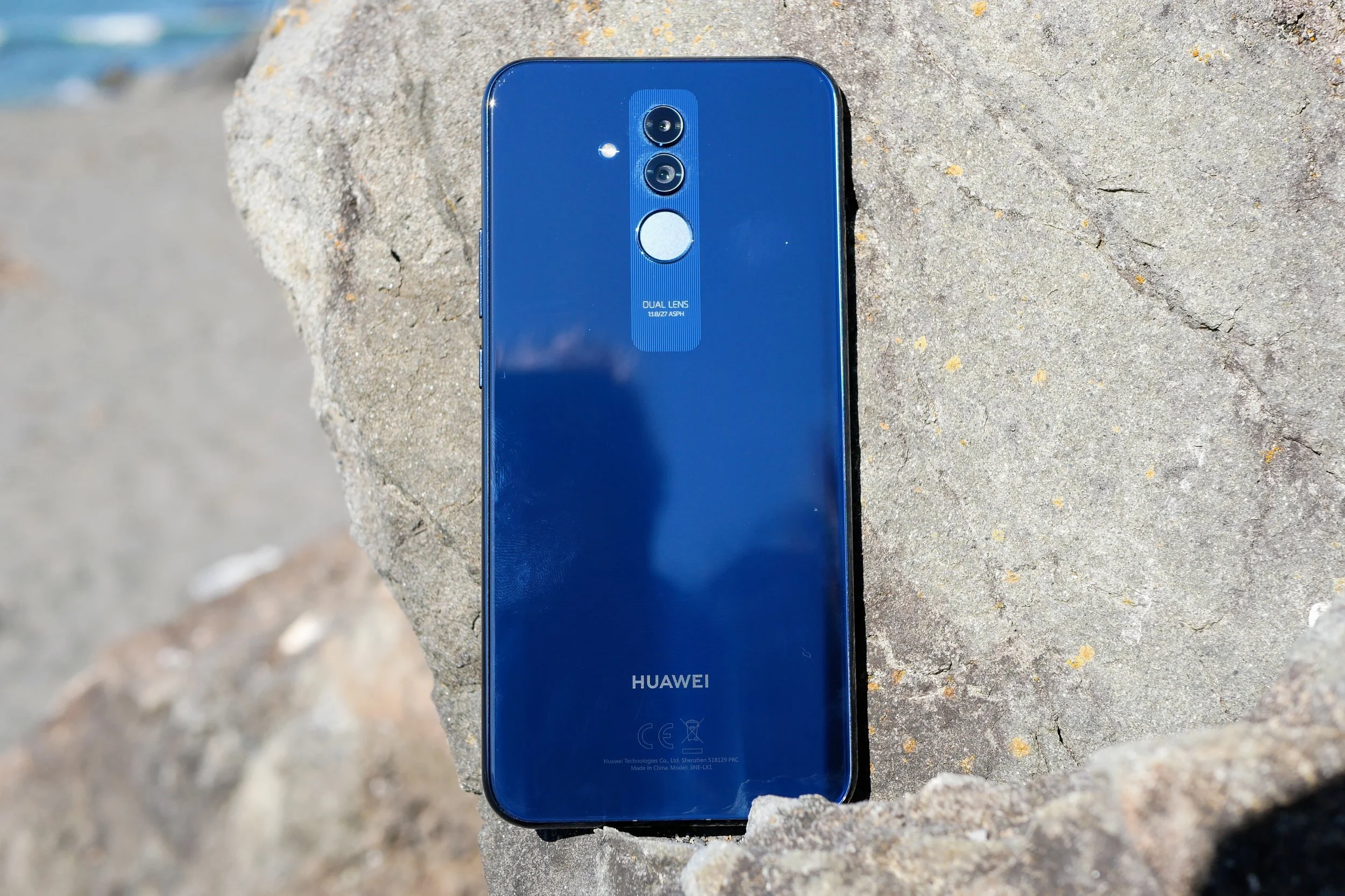
The Huawei Mate 20 Lite feels like a true premium device, with a glass sandwich industrial design where the edges are rounded and the front and back glass are gently curved into the edges. The review device we were provided with is described as sapphire blue, and is much less punchy or shiny than what we saw in the phantom blue Honor 10, but tasteful and pleasantly reflective.
The right side of the device is where you will find the power button and volume rocker. There is nothing too exciting about the left side, apart from the hybrid dual SIM or SIM and MicroSD tray which sits flush with the rest of the edge.
There is little to report of the top edge of the device too: just a microphone hole.
The bottom edge of the Huawei Mate 20 Lite is where all the action happens: you’ll find a microphone hole, speaker grille, USB Type-C charging and data port, and a courage port (3.5mm audio jack port).
The front of the device is dominated by the 6.3” notched FHD+ (1080x2340) display and some very slim bezels. No fingerprint reader here (it’s on the back), and the notch has a speaker, sensors and a dual-selfie camera setup (24MP + 2MP).
The back of the Huawei Mate 20 Lite is where you will find the dual-camera setup (20MP + 2MP), single LED flash and fingerprint reader. The camera and fingerprint reader are in vertical configuration, where there is some subtle striping to highlight the area embedded in the surrounding glass.
Overall the Mate 20 Lite is pleasant to hold, has a reassuring heft to it and is well balanced.
Performance & Experience
The performance of the Huawei Mate 20 Lite was excellent: throughout the fortnight using the device I noticed no slowdowns in heavy everyday use and gaming (Goat Simulator). I even used it to play Pokemon Go occasionally and had no issues and experienced good battery life. Huawei have done a good job here: the 12 nm Kirin 710 chipset is powerful and efficient. Paired with 4GB of RAM and EMUI’s resource management most users won’t really have any issues or know that this is a “Lite” device.


EMUI is Huawei’s Android distribution on the Mate 20 Lite. In this case it is EMUI 8.2, based on Android Oreo 8.1. At time of writing the review device had the July 2018 security patch.
As with previous Huawei and Honor devices, the launcher has a certain fruitiness to it by default, but it is relatively simple to add a drawer if needed. I had no issues installing third party launchers, provided I remembered to change the default launcher to it in the settings.
EMUI contains a very long list of features and optimisations. To put it simply, it is one of the most complete if not overly fruity Android distributions out there. There is a lot to like, and in look and feel it differs from Google’s Android experience quite a lot.
Cameras
The 20MP and 2MP dual-camera setup on the back is impressive for this category of device. In good lighting conditions the pictures were clear and packed plenty of punch. In low light it performed well and with night mode on and small tripod delivers some amazing low light shots.


An AI toggle in the camera interface enables you to allow the Mate 20 Lite to optimise camera settings according to what Huawei’s AI recognises in scene. There are 22 different types of scene which can be detected, and overall I found this useful. Depending on camera mode (AI on or off) there can be some excessive smoothing, but overall most people will find the camera results impressive and ideal for use on social media.
The video recording maxes out at Full HD 1080p at 30fps. For most users this is more than enough and the results are pleasant and carry plenty of detail and have good colour reproduction.
The 24MP and 2MP dual-selfie camera setup is ideal for Snapchat or Instagram sotries and provides a slew of filters, overlays as well as 3D Qmojis which replicate your face and expressions in cartoonish characters. If you go for more traditional selfies, it is a good camera once you find your preferred beautification levels. Portrait mode is the best in this smartphone category.
EMUI features of the camera, such as AI and Qmoji are definitely a feature which adds value to this premium mid-range device.
If there were one change I could make to the device, it would affect two features: an increased battery, maybe an extra 500 mAh, which would also make it slightly thicker and do away with the protruding camera modules on the back. Apart from that it is my personal opinion that Huawei’s team have put together an excellent product which as part of the overall Mate 20 series push will perform very well in its market segment.
Overall the Huawei Mate 20 Lite is an excellent device for the premium mid-range segment it sits in: plenty of power, good battery life, capable cameras and an overall premium experience and ergonomics.
At time of writing, the Huawei Mate 20 Lite retails for £379 SIM free or on a pay as you go basis in the UK. This equates to approximately 400 Euro or 500 US Dollars. For that you not only get a good value smartphone, but the looks and brand power Huawei is starting to be well known and admired for.
As we opened this review, I shall close it: the Huawei Mate 20 Lite is 6.3” tease for what is to come. If you are not really too fussed about spending a large sum of money on the best devices on the market, but still want a good smartphone which will perform well and satisfy most user needs, the Huawei Mate 20 Lite is a good option to consider.
I also took the Huawei Mate 20 Lite onto All About Android on TWiT TV. Below you will find a video of my review while I was in the studio and one of our unboxing.

Primera Air Goes Bust!
Primera Air is declaring bankruptcy and ceasing operations as of October 2nd 2018.
Primera Air, the Danish leisure airline owned by Primera Travel Group is to declare bankruptcy and cease operations as of October 2nd 2018.
Primera Air is expected to declare bankruptcy and cease operations on October 2nd 2018.
As widely reported and confirmed by the airline in a message to their customers, all operations cease as of tomorrow.
As Jason Rabinowitz (@airlineflyer) advised on Twitter if you have any flights booked on Primera Air flights you are best to start looking for alternate travel arrangements as soon as possible. You are also probably best to contact your tour operator or credit card company to see what refunds you are eligible for.
The statement from the Primera Air website: https://primeraair.com/about-us/corporate-news/ceases-operations/
9/30/2018 9:00:00 PM
Dear Passengers,
Airline Primera Air and IATA codes PF and 6F have been suspended as of today, October 2nd, 2018.
On behalf of Primera Air team, we would like to thank you for your loyalty. On this sad day we are saying Goodbye to all of you.
Please visit primeraair.com for further updates in next few days. Tour Operator passengers are kindly suggested to address their Tour Operators and Agents for further information and actions.
Kindly understand that the usual options for contacts (via email or phone) can not be offered any longer.
Sincerely yours.
Primera Air team

Meizu 16 Announced
Meizu announced the Meizu 16 flagship smartphone last week. Is this the new Android flagship to beat?
Meizu, the Chinese smartphone company, announced their new flagship series last week.

The latest flagship smartphone by Meizu, the Meizu 16, boasts face recognition, an under screen fingerprint reader, gesture UI and a near bezelless design.

The spec sheet is what you would expect of a 2018 flagship smartphone:
- Qualcomm Snapdragon 845 chipset
- 6GB RAM with 64GB storage or 8GB RAM with 128GB storage (no microSD option)
- 6 inch 18:9 aspect ratio super AMOLED display (2160x1080)
- 12MP + 20MP dual rear camera with OIS and 6-LED ring flash
- 20MP selfie camera
- under screen fingerprint reader
- Flyme 7 OS (Android based)
- 3010 mAh battery

The under screen fingerprint reader sounds really cool and potentially one of the best ways to enable industrial designers to reduce smartphone bezels on devices.
Here at Tech Travel Geeks we haven't been able to get our hands on a device yet, but hope to be able to do so soon and make another of those impressive Lukasz directed, filmed and edited videos again.
The Meizu 16 will be available in most markets globally soon, but we have no details on pricing or availability in Europe at the moment.

The Tech Travel Geeks Podcast - It's A Thing!
The Tech Travel Geeks Podcast has launched and is now available on YouTube, Apple Podcasts and Pocket Casts. We also announce our first guest: Myriam Joire (@tnkgrl)
Here at Tech Travel Geeks we like listening to and watching netcasts (also known as podcasts). We like them so much, we decided to go and make our own: The Tech Travel Geeks Podcast.
The Tech Travel Geeks Podcast is a netcast where we will have guests join us to talk about their travel experiences, tips, tricks and accessories they use to make travel more pleasant and enjoyable.
Lukasz and I plan plan to host the netcast weekly, though may not always be streamed live at the same time every week as we will be as flexible as possible to bring you the best guests we can find.
Speaking of guests, we will be hosting our first one this week: Myriam Joire, the host of The Mobile Tech Podcast.
You can now subscribe to The Tech Travel Geeks Podcast on Apple Podcasts and Pocket Casts as well as to our YouTube Channel.
You will be able to tune in live on the Tech Travel Geeks YouTube channel for the live and unedited recording at 19:00 BST (11:00 PT). After the show is over, you will be able to listen and watch here on Tech Travel Geeks, download the edited audio from our site or through your podcast client of choice.
We hope you enjoy the Tech Travel Geeks Podcast. We are just at the start of our journey, but have great things planned for the road ahead.
All About Android 380: The Mockadile Industrial Complex
Matteo, our Chief Mobile Opinionist, was a guest on All About Android on TWiT.tv. We have also published a couple of reviews here on Tech Travel Geeks.
This week I had the pleasure of being a guest on TWiT.tv's show All About Android. Jason, Ron and Flo were, as usual, excellent to chat to and we had a few giggles too. Flo even asked her woody Lenovo Smart Display to play some Jennifer Paige.
If you would like to be more aware of what is going on in the world of Android, with a bit of a US perspective, I recommend you subscribe to All About Android as an audio podcast, video netcast and YouTube Channel.
I also discussed our recently reviewed Doogee S50 rugged smartphone and the Nokia 1 Android Go smartphone.
Lukasz's impressively filmed and edited video review of the Doogee S50 is now live on YouTube. If you would like to see more content like this, please subscribe to the Tech Travel Geeks YouTube Channel.
Are all these suggested subscriptions not enough for you? We have some great news we will be publishing on Tech Travel Geeks tomorrow. Until then happy watching and listening!

Nokia 1 (Android Go) Review - 2011 Would Have Loved This
Our Chief Mobile Opinionist Matteo reviews the Nokia 1 running Android Go. Is there anything to complain about at the £60 price point?
The Nokia 1 is an inexpensive Android smartphone with entry level hardware and a very affordable price tag. The operating system it runs, Android Go, is a version of Android Oreo (8.1) optimised for low end hardware.
- Body: Plastic body with removable and replaceable back (133.6x67.78x9.5mm)
- Screen: 4.5-inch, 16:9, FWVGA 854x480, IPS LCD
- Rear Camera: 5MP, LED flash
- Front Camera: 2MP
- Chipset: MediaTek MT6737M, octa-core 1.1GHz
- Memory: 1GB RAM, 8GB, microSD slot for up to 128GB expansion
- OS: Android Oreo 8.1 (Go Edition)
- Battery: 2150mAh, removable
- Connectivity: Optional dual SIM (4G), Bluetooth 4.2, GPS/AGPS, Wi-Fi b/g/n, Micro USB, FM Radio
First impressions were good while unboxing the device: Nokia include a charger, microUSB cable and earphones in the box. Snapping in the removable battery gave me a lovely nostalgia pang. That 2150 mAh battery installation action reminded me of the days when it used to be the standard way to get through the day without plugging in.
I popped a SIM card in and a 64GB MicroSD card as well and setup was relatively fast and painless. Android Oreo 8.1 Go Edition is pretty straightforward and an almost pure Google experience in this case. The only difference compared to the Nokia 1's bigger siblings and my Pixel 2 XL is that the main Google apps (Gmail, Search, Assistant, Maps) are the Go versions, which means they are optimised to run on the lower end hardware and use less storage and memory. In day to day use, the only time one of these apps left me wanting was Google Maps Go which feels like it is just running in a web view and does not support turn by turn navigation.


Using a 854x480 screen device is weird: while perfectly functional and usable it feels strange. This is also a bigger device than what I classed as a "Big Ass Phone" (BAP) back in 2011. The screen viewing angles are decent, but colours are terrible. Still, nothing to complain about at the £60 price point.
Battery life gets me through a day with basic messaging (hangouts, SMS, Messenger Lite), social media (Twitter) and reading BBC News on the web.
The Google Go launcher links to web and thanks to Data Saver it is truly parsimonious in data usage.
Media playback through the 3.5 mm "Courage Port" audio jack is good, though I did notice Pocketcasts kept on being shut down in the background while Google Podcasts wasn't. I had to go into power settings and disable optimisations for Pocketcasts to keep it alive in the background.




The 5MP rear camera is awful, but still manages to take pictures. The same can be said for the 2MP selfie camera: no need for beauty mode as you end up looking like you have been painted by an impressionist.
If you are travelling and desperately need a replacement device for basic messaging and web use, the Nokia 1 is a good deal and seems to be quite reliable with good battery endurance. Don't expect modern amenities like turn by turn navigation out of the box. You can install full Google Maps, but that is likely to kill battery life and be quite slow and clunky. Pair this Nokia 1 with an Amazon Fire 7" tablet and you have a true inexpensive travel entertainment and communication centre.