

POCO X3 NFC by Xiaomi Giveaway - Announcement
The Tech Travel Geeks announce the giveaway of a 128GB POCO X3 NFC.
Today the Tech Travel Geeks are announcing the giveaway of a 128GB POCO X3 NFC, just like the one we recently unboxed and set up on the Tech Travel Geeks YouTube Channel.
To enter, please us the Gleam app here: https://gleam.io/yFwVa/tech-travel-geeks-poco-x3-nfc-giveaway
As stated in the Terms & Conditions, Xiaomi or YouTube are not affiliated or sponsoring this competition.
POCO X3 NFC
The POCO X3 includes an AI quad-camera with a 64MP primary sensor and can take ultra-wide-angle photos for landscape, portrait mode, and macro mode.
The POCO X3 includes the latest Qualcomm Snapdragon 732G processor, and an Octa-Core CPU. The POCO X3 features a 6.67" display with a 120hz display for smoother scrolling and browsing.
The POCO X3 includes 5160mAh big battery, for more prolonged phone usage without having to recharge.
The POCO X3 charges via USB-C and supports up to 33W fast charging. A 33W fast charger is also included in the box.
The POCO X3 comes with a 20mp punch-hole selfie camera.
The POCO X3 also features a side-mounted finger-sensor, allowing you to unlock your phone from the side using the natural grip of your hand.
The POCO X3 includes a 3.5mm headphone port to allow you to plug in your wired speakers or headphones.
The POCO X3 includes NFC, allowing contactless payment via Google Pay.
Unboxing & Setup
Check out the POCO X3 NFC videos from the Tech Travel Geeks below.

Pocophone POCO F2 Pro by Xiaomi - Long-Term Review
Our Chief Aperture Officer, Lukasz, presents a long-term review of the POCO F2 Pro by Xiaomi. We discuss all of the aspects of the device, including the build, screen, software, cameras and connectivity. Check it out to see how he enjoyed using it as his main device for over 6 weeks.
We’ve been covering the Pocophone POCO F2 Pro by Xiaomi on the Tech Travel Geeks YouTube channel, including unboxing it and setting it up with MIUI 12, as well as sharing a detailed camera review and some sample footage.
After around 6 weeks of using it as my main device, I’m keen to share my thoughts on the build quality, performance, cameras, connectivity and overall thoughts about the device. Check our full video review embedded below, or continue reading for the written form instead.
You can get the Xiaomi POCO F2 Pro on Amazon here (affiliate link): https://amzn.to/30w3C22
Build Quality

POCO F2 Pro’s build quality is premium and feels good in hand
The build quality is great, with both the front and back covered with Gorilla Glass 5 for protection, and an aluminum frame for stability. The back is slightly curved with matte finish, making it feel quite premium. It looks good in the hand, but it’s quite a bit slippery, so I’ve personally been using a flip case, as I usually do - check our unboxing and first impressions video below.
One of my favourite design features is the red power button, which stands out quite nicely and is very recognizable. I also like the design of the circular camera unit, which comes with some great detailing and an embossed circle surrounding it.

POCO F2 Pro’s power button has a distinct red colour
The one thing I miss here is waterproofing. The phone is fine with some splashes of water and protected from dust, but I wouldn’t recommend putting it under water. I personally consider it quite an important feature, so it’s too bad that it’s not available here.
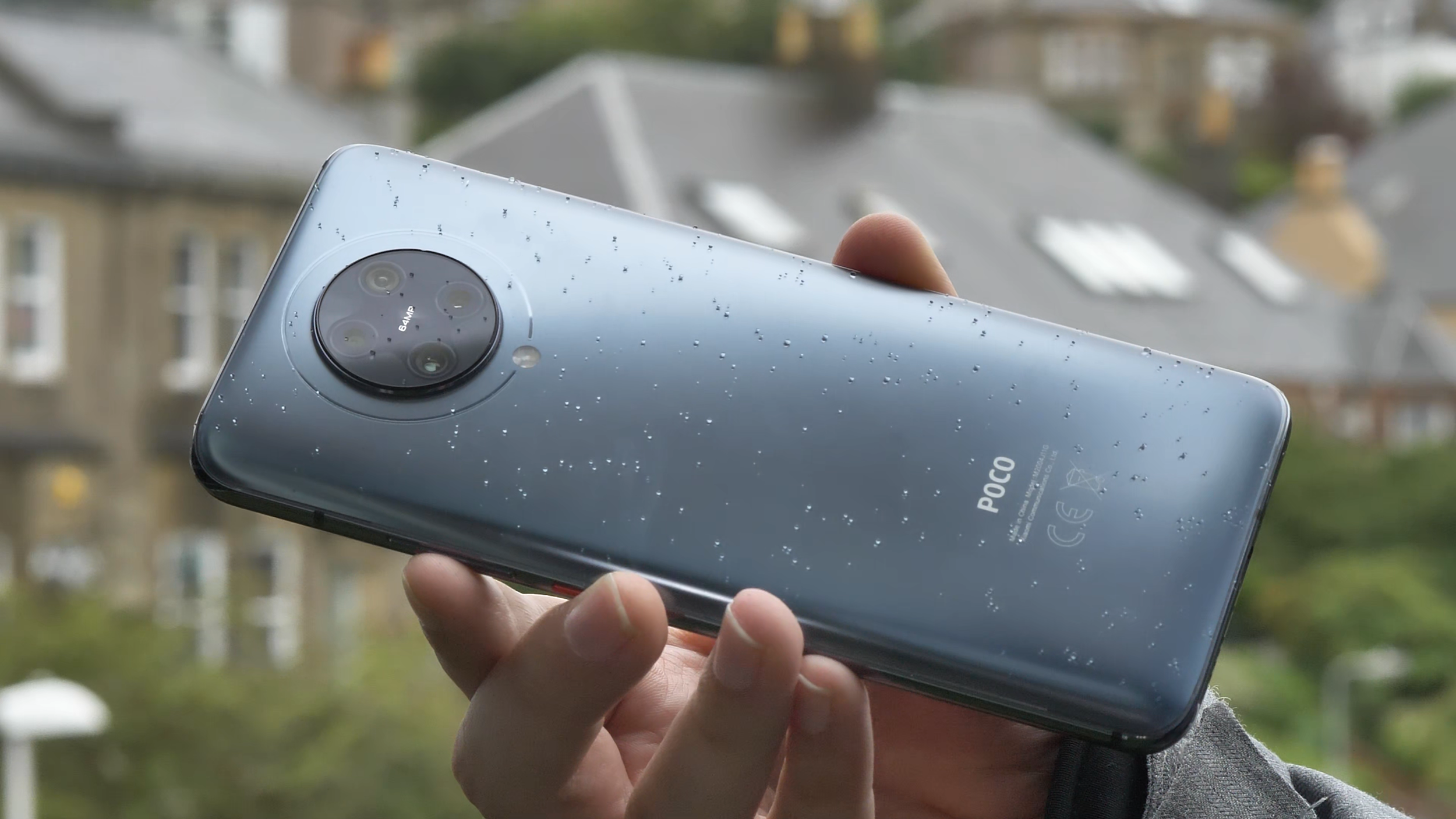
POCO F2 Pro lacks waterproofing, but can survive a bit of Scottish rain
The other thing to note is that the phone is quite chunky and heavy at 218 grams, and quite big thanks to the massive screen, which we’ll discuss just now.
Screen
The screen on the Poco F2 Pro is really good. It’s a Super AMOLED 6.67 inches diagonal screen with a 1080 x 2400 FullHD+ resolution and 20 by 9 aspect ratio. It’s quite bright and I’ve not had any issues with viewing it in brighter environments, but then again, I live in Scotland, so I’m not too demanding. The colour reproduction is good and you can even configure the colour gamut to your liking in software - plenty of choice here. The screen also supports HDR+. Unfortunately, there are no high refresh screen options, so it’s stuck at 60Hz, rather than 90 or 120 in some more expensive competitors.

POCO F2 Pro’s screen is bright, but with no high refresh rates
One of the key features of the screen though is that it doesn’t have any notches or cut-outs, and the bezels are really small. That’s thanks to the pop-up camera, which hides when it’s not needed, and only pops up when you have to use the front-facing camera. That makes the viewing experience much more enjoyable, so I’ve been thoroughly enjoying watching lots of YouTube and some Netflix on it.

POCO F2 Pro’s pop-up camera
And before anyone asks - the pop-up mechanism retracts automatically when it’s falling and it’s quite robust, so we’re not expecting any issues with it.
Performance
Similarly to its predecessor, the Pocophone F1 (check our full video review on YouTube), the F2 Pro also sports a high end spec sheet. It’s powered by the Qualcomm Snapdragon 865 octa-core chipset, which at the time of release was the highest end processor you could get. It also uses a highly-performant Adreno 650 graphics card.
I’ve spent quite a lot of time playing different games on it, trying to make it sweat, but I’ve struggled to do so. That’s probably thanks to this phone’s LiquidCool cooling technology, which ensures that the chipset isn’t throttled at any point, so it’s running at full speed for longer.

Call of Duty Mobile works great on the POCO F2 Pro
I tried popular shooting games like Call of Duty Mobile and Fortnite, and both worked great. I tested some of the most demanding 3D games, and they all worked great as well. I even tried to play some high end emulators like Playstation 2 and GameCube, and again, it was just pure joy. I managed to get almost consistent 60fps and quick load times on PS2’s God of War, compared to just 30fps on my one and a half-year-older Huawei P30 Pro. So, if you’re into gaming, getting a Snapdragon 865 device is a great option. Playing some games on a screen with no bezels and with a good game controller is definitely great fun, no matter if you like to play online, casually or enjoy high end gaming.

God of War on the DamonPS2 emulator works flawlessly in constant 60 frames per second
To round off the specifications, our model came with 6GB of memory and 128GB of storage, but there’s also an 8GB RAM with 256GB storage model as well. Unfortunately, there’s no memory card support, so be mindful of that if you want to store a lot of large games and videos on your device. You can check your phone’s configuration using the beautifully presented and useful “about phone” screen, which nicely brings me to the software experience.
Software
Poco F2 Pro runs Xiaomi’s MIUI software. It was recently updated to the latest MIUI 12, make sure you check our setup video below. The software is now more refined, especially when it comes to animations. My favourite feature is “super wallpapers”, which currently include Earth and Mars. If you enable always-on display, you can see the globe, which will then zoom in and show the animated wallpaper. When you swipe left or right, the animation will move accordingly. Luckily, it doesn’t move all the time, so it doesn’t cause any dizziness. This is different to “live wallpapers”, which are actually live animations and are constantly moving. To be honest, it’s not really something for me, but I guess some people might like it.
Overall, I’ve been enjoying the software experience on Poco F2 Pro. It is smooth and dynamic, and the Poco launcher is great for me. I enabled the split notification bar with the control centre, reminiscent of the user interface of a certain fruity company, after I got the update, and I’ve been quite happy with it, but it definitely required some getting used to.
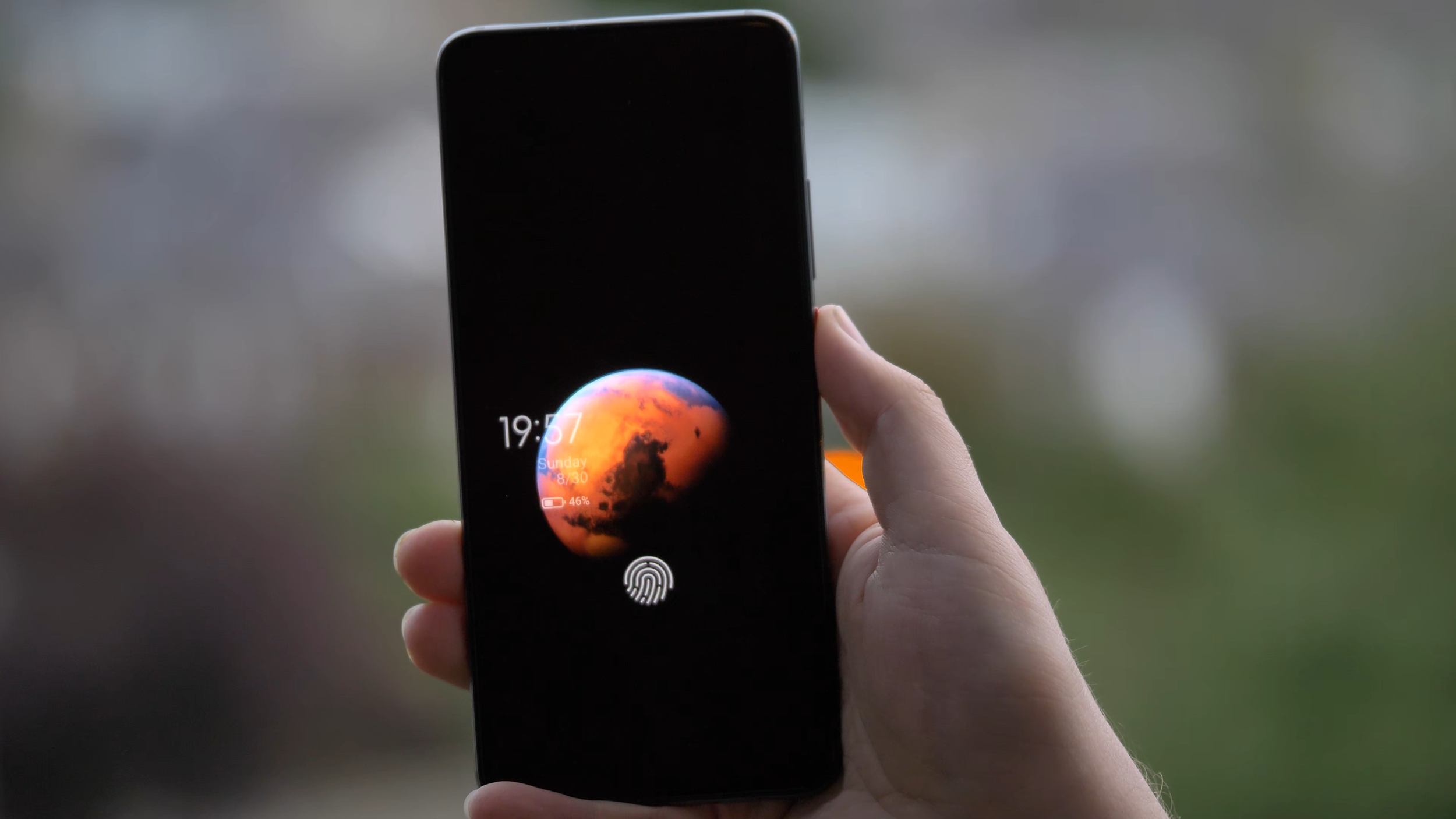
MIUI 12’s Mars “super wallpaper” is really impressive
I really liked how customisable everything is. For example, in the app drawer, I’m used to having the letters on the side to quickly jump to the app I’m looking for, but it was not there to start with. However, it turns out it’s easy to enable and works even better than I expected, as it temporarily highlights all the apps starting with that letter. The addition of search bar, frequently used apps and app categories to the side makes finding apps a breeze. You can even reorder those categories or disable some of them, that’s really great.

MIUI and the Poco Launcher are very customisable
When it comes to downsides, as mentioned in the setup video, there are quite a lot of preinstalled applications and games. Luckily, it’s possible to uninstall most of the apps and games from here, so it’s not a big problem. There is also some advertising within the software, including “promoted apps” in some of the folders. Luckily, you don’t have to use those folders and can create your own, so that’s not an issue either. You can also disable most of the ads - the one I removed was in the Security app. After installing apps from Google Play store, there is a security check for that app, and an ad pops up, but it’s possible to remove it easily, so it hasn’t been a problem for me.
As I was writing this section, I got a software update with the July 2020 security update and some fixes, including screen responsiveness when unlocking. I hope this helps with the fingerprint scanner, which brings me to the next point, security.
Security
When it comes to security, there are plenty of options. My usual favourite is the fingerprint scanner, which I’ve been using the most. Unfortunately, the under-screen reader on the Poco F2 Pro is not the best I’ve used. It is a bit slower than I’m used to, and I’ve had times when my fingerprint wouldn’t get recognized even after a few attempts. However, the animation is great and the haptic feedback is good, so it’s just that it’s not always recognizing my fingerprint fast enough.

POCO F2 Pro’s fingerprint scanner is nicely animated, but not the fastest or most accurate we’ve used
The other option, other than patterns and pass codes, is face unlock, which uses the pop-up selfie camera of the Poco F2 Pro. It’s actually fast and handy, but it requires an extra swipe to unlock and it takes a moment to happen. But it’s definitely a nice party trick, and the LED lights by the selfie camera are just mesmerising. Which brings us to my favourite section - cameras.
Photos
The Poco F2 Pro has quite a robust quad camera setup, consisting of a 64 megapixel f/1.9 main sensor, 13MP ultrawide lens, 5MP telemacro lens and a 2MP depth sensor for portrait shots. And overall, it does a good job to deliver nice photos, but not in all the situations. Let’s go through some examples.

POCO F2 Pro’s camera array
I really liked many of the photos taken with the main lens. By default, it does what’s called pixel binning, so it combines each 4 pixels into one that’s an average of the four, which is actually better, since each pixel is bigger and can collect more light. Because of that, most of the images are 16 megapixel, which is plenty for any camera. If you need 64 megapixel photos, you can enable that mode, but unless you need to shoot a photo for a billboard, I wouldn’t recommend it.




To take 64 megapixel photos, you need to use the Pro mode, which also allows you to control all the parameters like aperture, shutter speed, ISO or to focus manually. You can also shoot RAW photos in this mode - I wish there was an option to have RAW output in all situations, not just in Pro.

Pro mode in the F2 Pro’s camera app
I especially liked portrait and aperture photos, which came out quite nicely in most cases, probably thanks to the additional depth sensor. Look at this photo - you can see how the hair is nicely kept in focus, while the background is accurately blurred.

Portrait mode on POCO F2 Pro is quite good
However, I did have a few situations where the focus wasn’t right, especially for some objects. I was especially hoping for this photo to come out nicely, but instead of focusing on the flower, the camera focused on the hand. It’s still a lovely photo though.

POCO F2 Pro focusing on the hand rather than the flower
In some other cases, the colours were unfortunately a bit oversaturated, like this strawberry or some of the flower photos I took. Even more so, this was visible with the grass in some of the photos. It might be actually related to the auto HDR mode, which I normally have on, so you might want to be careful with that.



I really liked the wide angle lens, it complemented the main lens quite nicely. I managed to take some really nice photos with it, so no complaints, I really like taking nature photos with it, and it’s also great for some architecture photos.





The camera app also shows the option of two times zoom, but unfortunately, they’re just using the main lens and zoom in digitally, like you could do in any editing software by just cropping the image. Because of that, the photos come out a bit pixelated. It’s a bit of a shame, as having a good optical zoom lens is always great.

2x zoom images get pixelated as the images are cropped rather than using an optical zoom
The 5MP telemacro lens is instead used for macro shots. And they are actually quite nice if you remember to switch the super macro mode on. I especially like this photo of Thanos’s Infinity Gauntlet.

Macro mode on POCO F2 Pro is decent, but not as useful as a potential zoom lens
Poco F2 Pro’s night mode is decent, especially with the main lens. I’ve seen a few photos with some colour shift, but most of them were quite good. Check those really nice photos in Edinburgh during the festival of light here. Most of them came out surprisingly well, so no complaints from me. Just make sure to enable night mode, as the main lens’s aperture isn’t that wide at f/1.9.






Video
When it comes to video recording, I’m quite happy, especially with the wide range of resolutions and modes available. Check our sample video below, and for more sample footage, check our full camera review above, which has more samples embedded.
The mode most people will likely be using is 4K 30 frames per second, and I really like the video quality. If you haven’t already, make sure to check our sample video, link in the description. Both the quality and stabilization are really good. One thing to remember is to avoid really fast panning movements, but that’s the same for all cameras, as the rolling shutter affects mobile cameras quite a lot.
There’s also 4K 60 frames per second, which is great for a bit of slow motion footage - however, to make it slow motion, you need to use some editing software. What’s good about it is that you can record quite long videos with it, unlike some slow motion modes.
When it comes to slow motion, you get a range of different frame rates and resolutions, as with many modern phones. You can get bursts of up to 960 frames per second in HD resolution, and up to 240 frames per second in Full HD resolution. Just be careful, as you need a lot of good lighting for decent video quality.

The camera app offers a wide range of frame rates and slow motion options
Speaking of resolution, thanks to the Snapdragon 865 chipset, the Poco F2 Pro is capable of recording 8K video. Since the adoption of 8K screens is minimal, I’d say this is more of a gimmick for now, unless you have a very specific use case. Since it’s double the resolution and 4 times the number of pixels, you can zoom in after the fact and get additional framing without losing any quality. So if your video is supposed to be 4K, you can zoom in on the face, or in my case, the guitar, and still have great quality after the fact.
However, there are some downsides. First, the stabilization doesn’t work as well and there can be some stutter. The file size can get quite big. And finally, two of my Windows machines experienced strange issues with artifacts when viewing the footage in different media players, probably due to codecs. The problem disappears when you convert the footage or upload to YouTube though. However, for now, I’d say mobile 8K is not ready for prime time just yet .

8K video as viewed on VLC Media Player on Windows 10 with default codecs
The video from the wide angle lens has been really good as well, especially for nature shots. Check out the next clip, recorded in 4K using the wide angle lens and with audio straight from the phone.
The selfie video camera is all right. Unfortunately, there’s no wide mode and there’s no 4K, but the normal 1080p is good, as you can see from this short video from Dunfermline in Scotland. The dynamic range is also good.
Overall, I’m very happy with the video capabilities of the Poco F2 Pro, and quite impressed by close up videos.
Overall Camera Thoughts
All in all, I’m really happy with the cameras on the Poco F2 Pro. They’re quite flexible thanks to a good main sensor and a capable wide angle lens. I especially liked the aperture shots, but I might just be overusing them a bit. It’s too bad there’s no real telephoto lens, but it’s understandable at this price point. The video capabilities are really good, especially the image stabilisation and the wide range of modes, so I’m really happy about that. Granted, it’s not the best camera set you can find on a phone right now, but if you’re looking for a very reasonably-priced phone with excellent performance and a good set of cameras, I would recommend this as a potential option, especially if you find a good deal for it.
Battery life and charging
The battery life on the Poco F2 Pro has been fantastic. The device is powered by a huge 4700 milliamp hour battery and it easily lasts the full day of heavy usage. I’ve had more than 7 hours of on-screen time, and that’s really impressive.

The battery is really great, managing a full day’s worth of usage and more
The phone comes with a 30W fast charger, which should charge your phone in just over an hour. In my testing, it wasn’t as fast unfortunately, but I got from 5% to 25% in 13 minutes and to full in one hour 45 minutes, which is still good for such a big battery.

Unfortunately, there’s no wireless charging, which is quite unfortunate, but was needed to keep the price lower.
Connectivity
As far as connectivity is concerned, the phone actually supports 5G, which is a first for me. Recently, the Three network enabled a tower here in Edinburgh, also thanks to our Chief Mobile Opinionist, Matteo, who requested it for our phone tests, thanks for that! On our walk, we got amazing download speeds of more than 600 megabits per second, which is almost twice the fastest broadband I was able to get. This is just crazy. One thing to note, the connection was appearing as either LTE or 4G+ rather than 5G, while Matteo’s OnePlus Nord was showing up as 5G, but the speeds were very similar. Either way, more than half a gigabit per second is crazy fast, so I’m looking forward to seeing it available in more places than just near that one tower in Edinburgh.

While not recognized as 5G, POCO F2 Pro’s download speeds get to around 600Mbps near 5G towers
Other than that, you get all of the latest connectivity options like Bluetooth 5.1, so you can connect all of your favourite devices, as well as WiFi 6 and NFC for payments, which are all great to see. It also supports dual SIM, if that’s something you need.
Audio
The other thing worth mentioning is audio quality. Unfortunately, the phone only comes with a single down-facing speaker which is of decent quality, but a stereo set would be much appreciated.
On the positive side, the phone sports a 3.5mm courage port or headphone jack, so I’m able to rock the Sony XM4 headphones both wirelessly or with a wire. This should help when we’re back travelling, in case I run out of headphone battery.

POCO F2 Pro sports the courage port, also known as the headphone jack
Conclusion
Overall, I’ve really been enjoying using the Poco F2 Pro so far. It’s a great device with excellent performance and smooth software experience at a price much lower than most flagship devices. I got my 6GB version from BangGood for £380, shipped from Spain, but the price is actually going further down and can be found unlocked for around £350, which is amazing.
Granted, the camera setup could be better if there was a proper telephoto lens, the waterproofing and wireless charging are missing, and some might want faster screen refresh rates, but I found those missing features reasonable and have been really happy with my purchase. I’ll definitely continue using this phone, if only to play some games with the highest performance available.
Thanks for checking this detailed review of the Pocophone POCO F2 Pro by Xiaomi. If you haven’t already, make sure to subscribe to our YouTube channel to get notified about our latest videos.

Huawei P40 - All The Tech Travel Geeks Content
This is where you will find all the Tech Travel Geeks content we have created about the Huawei P40.
The Huawei P40 is available to purchase on Amazon here: https://amzn.to/2zSYGdZ
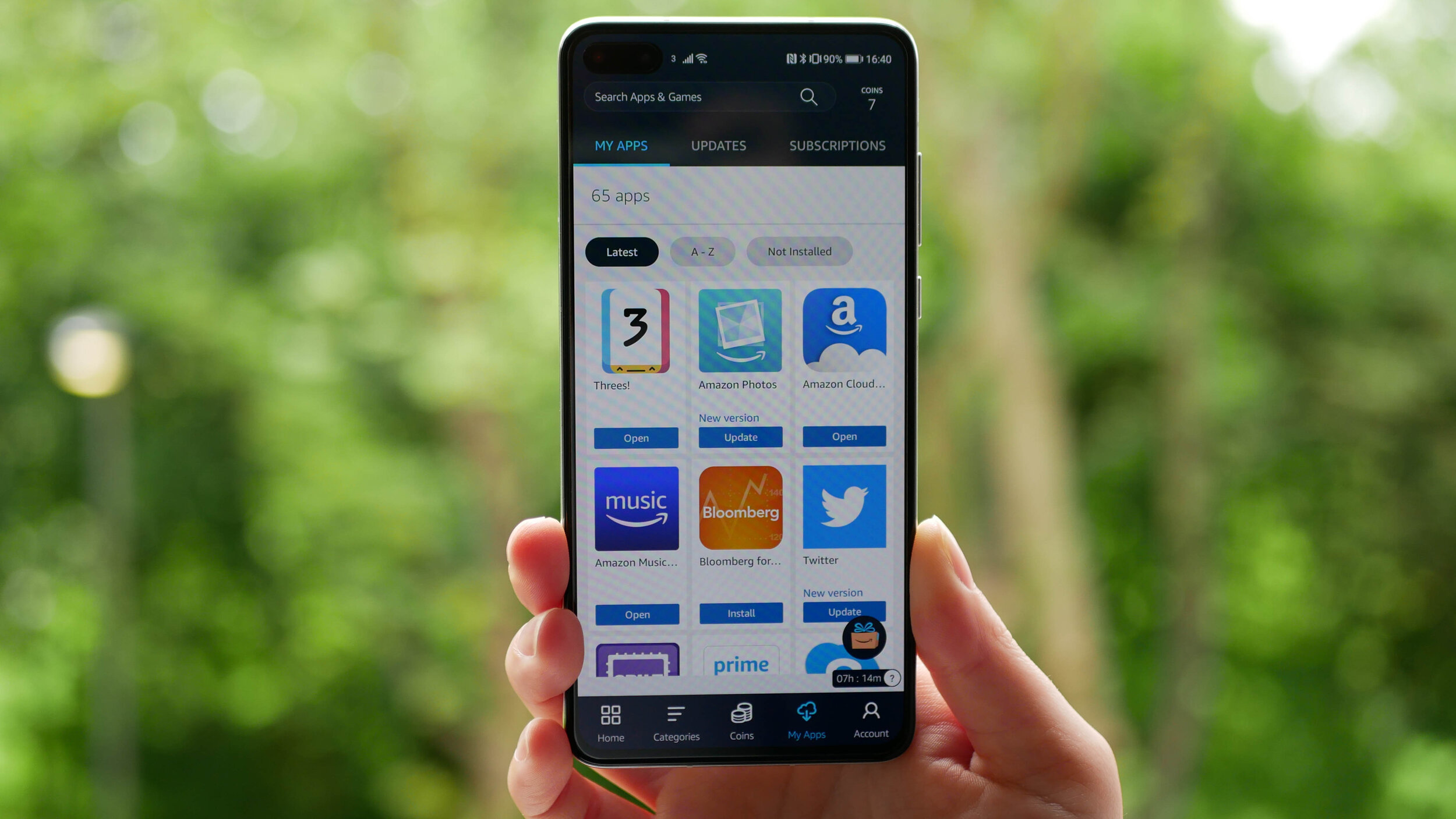
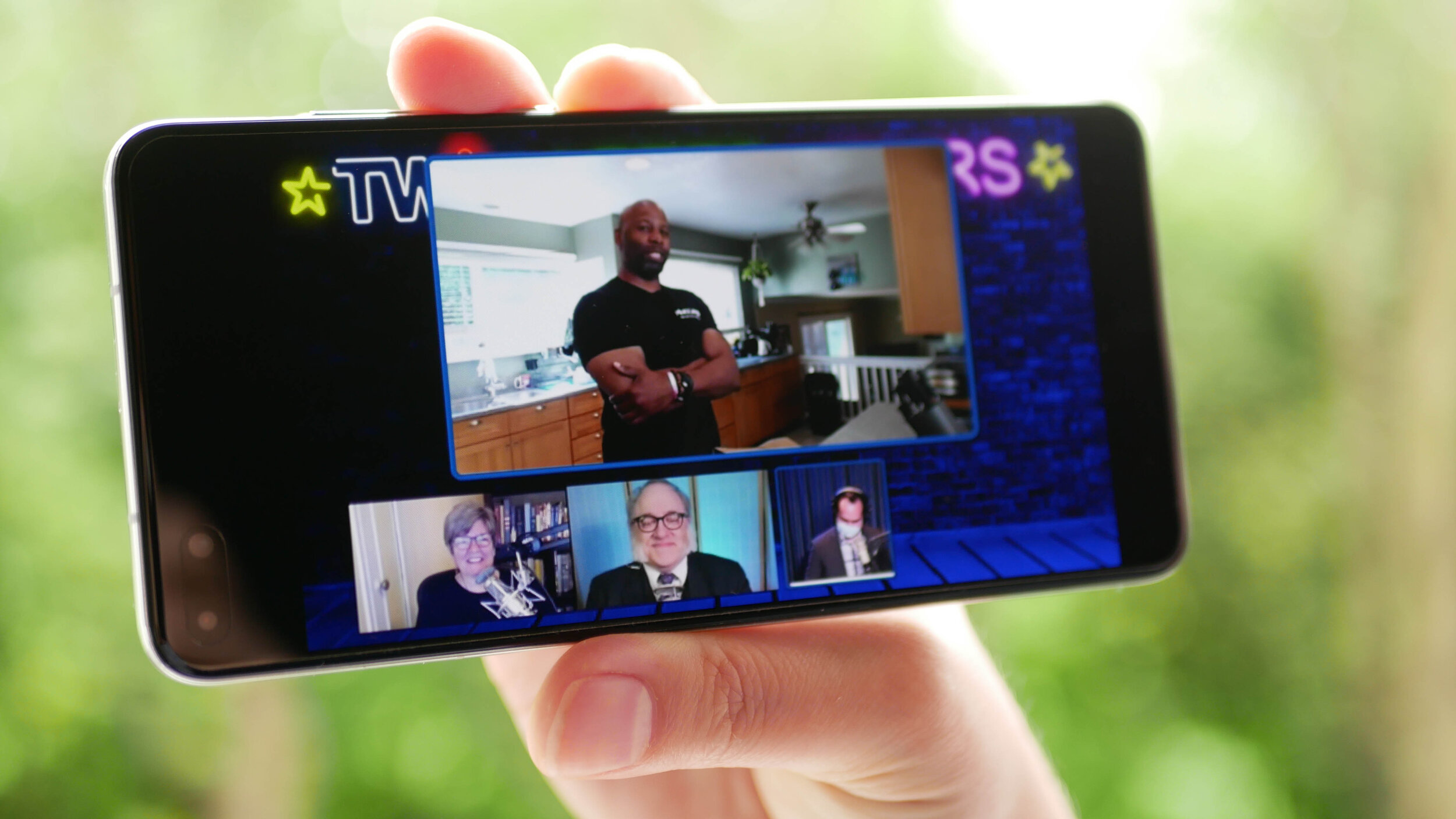
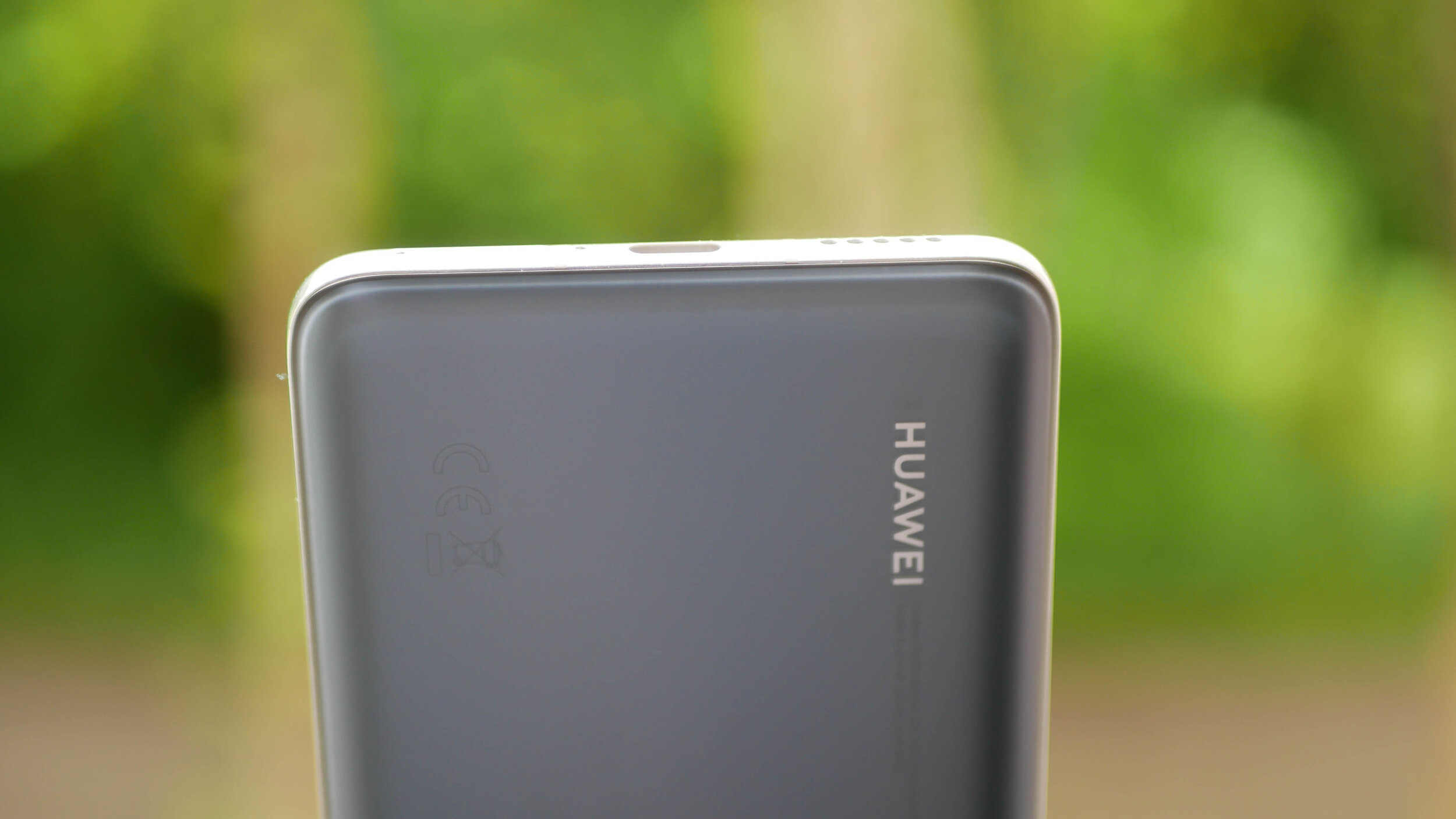
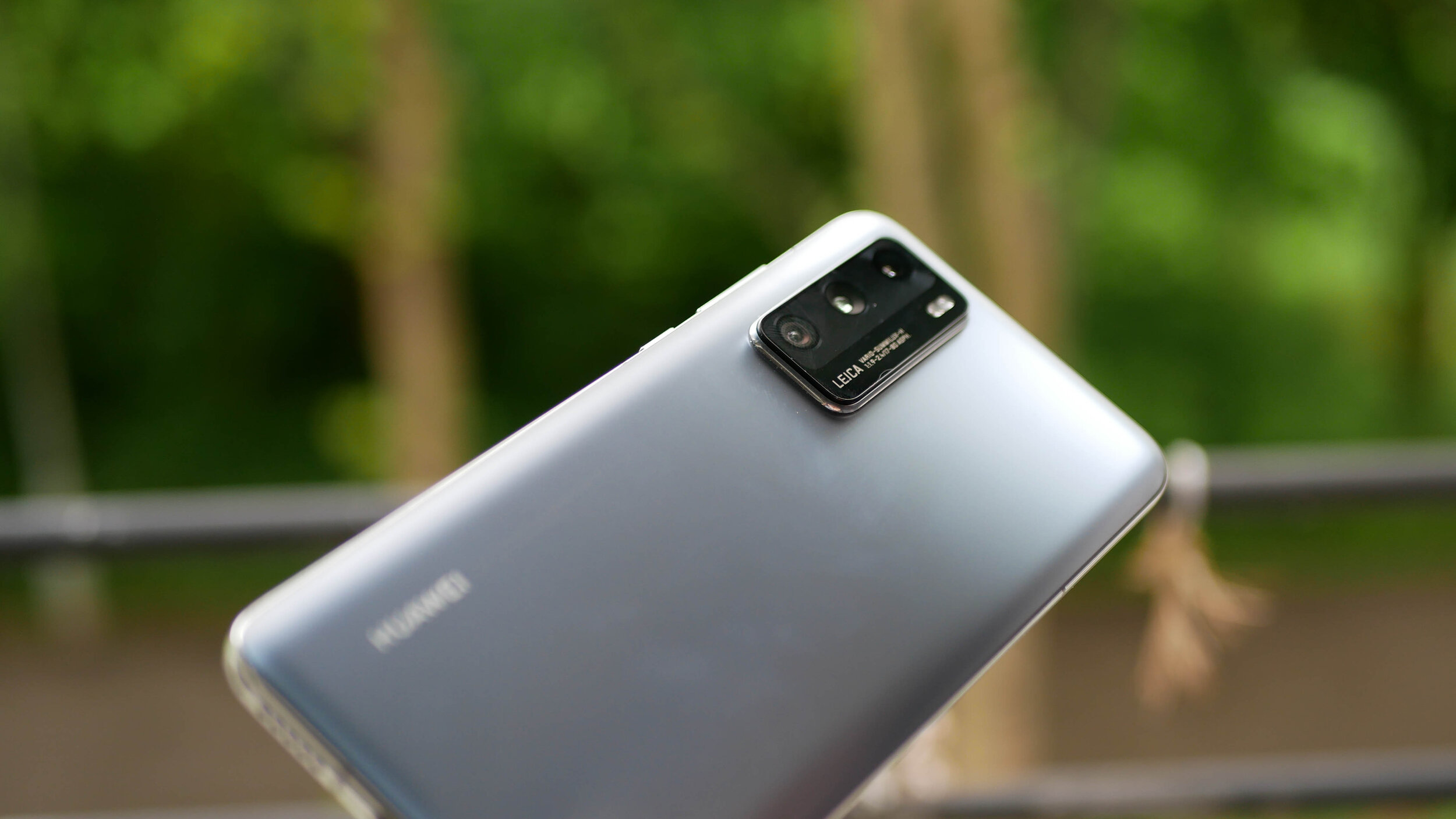
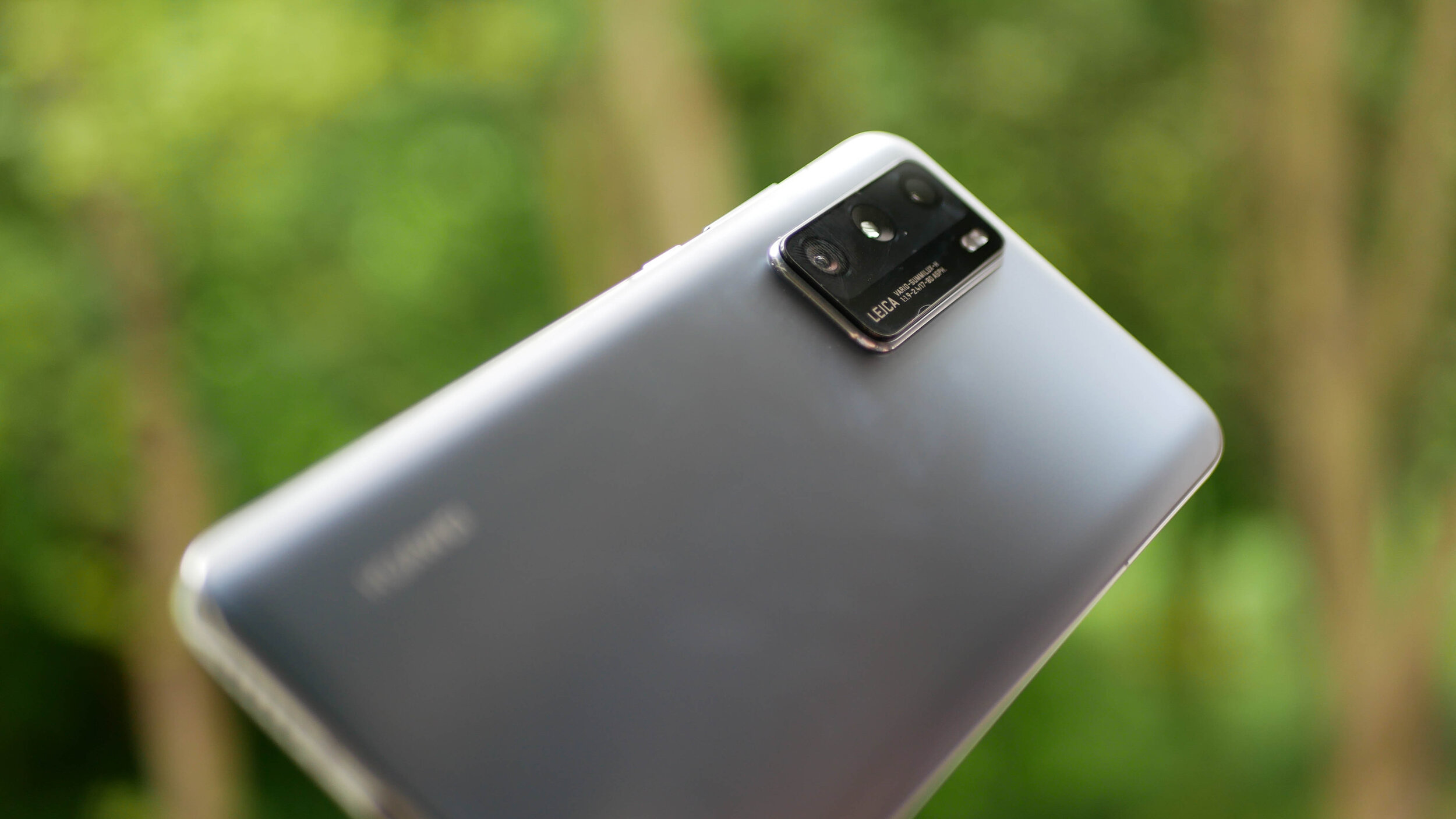
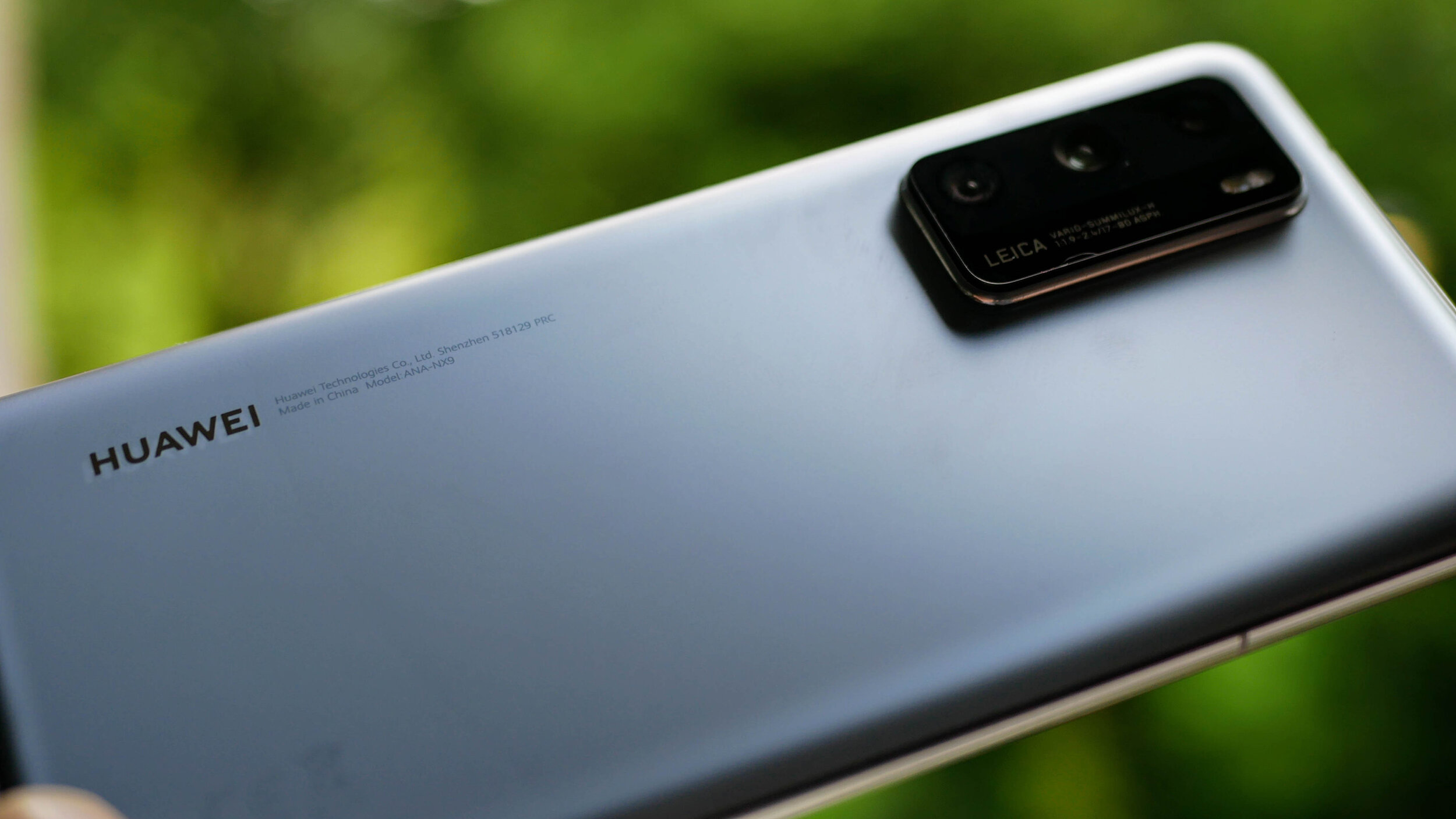
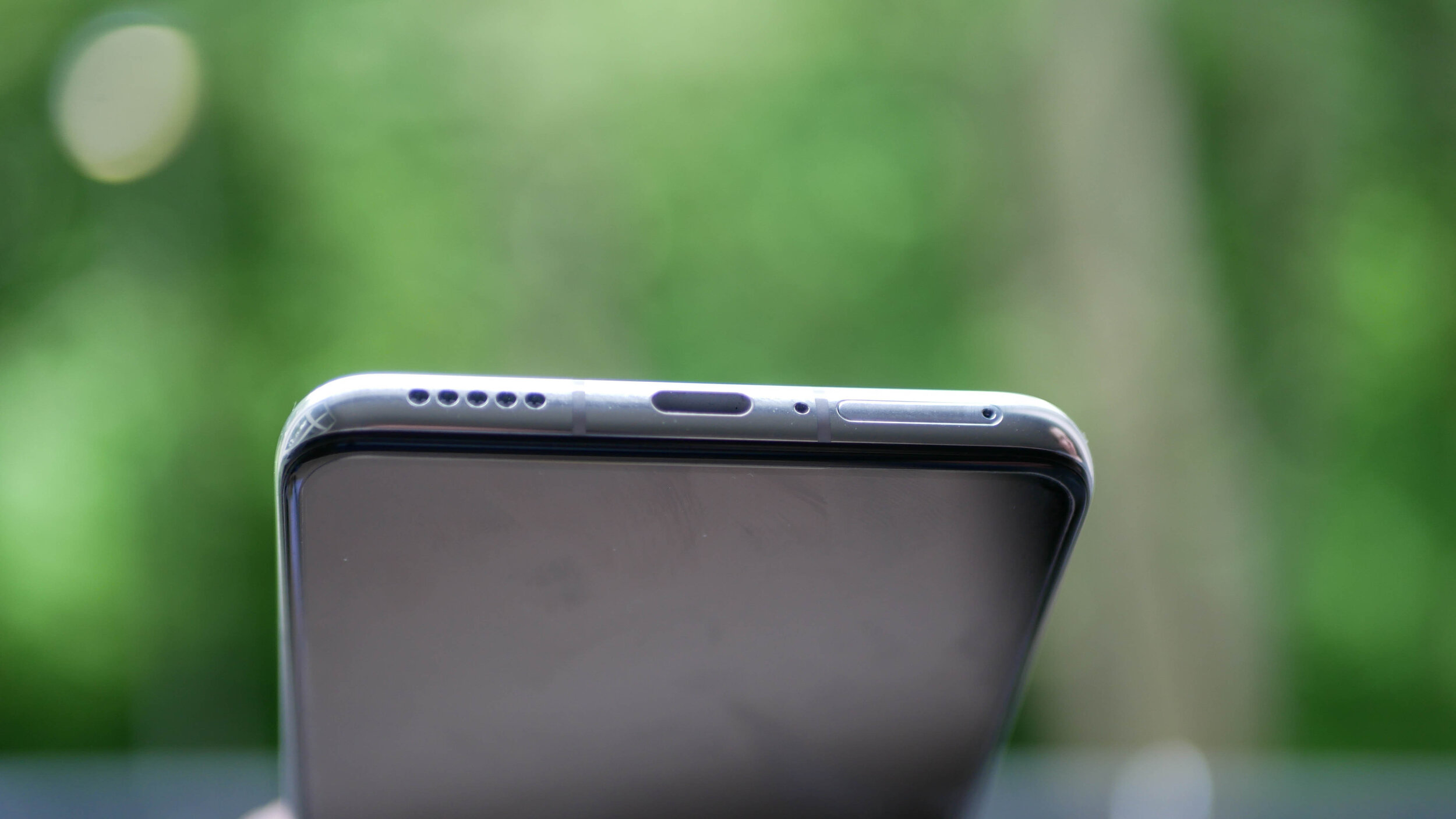
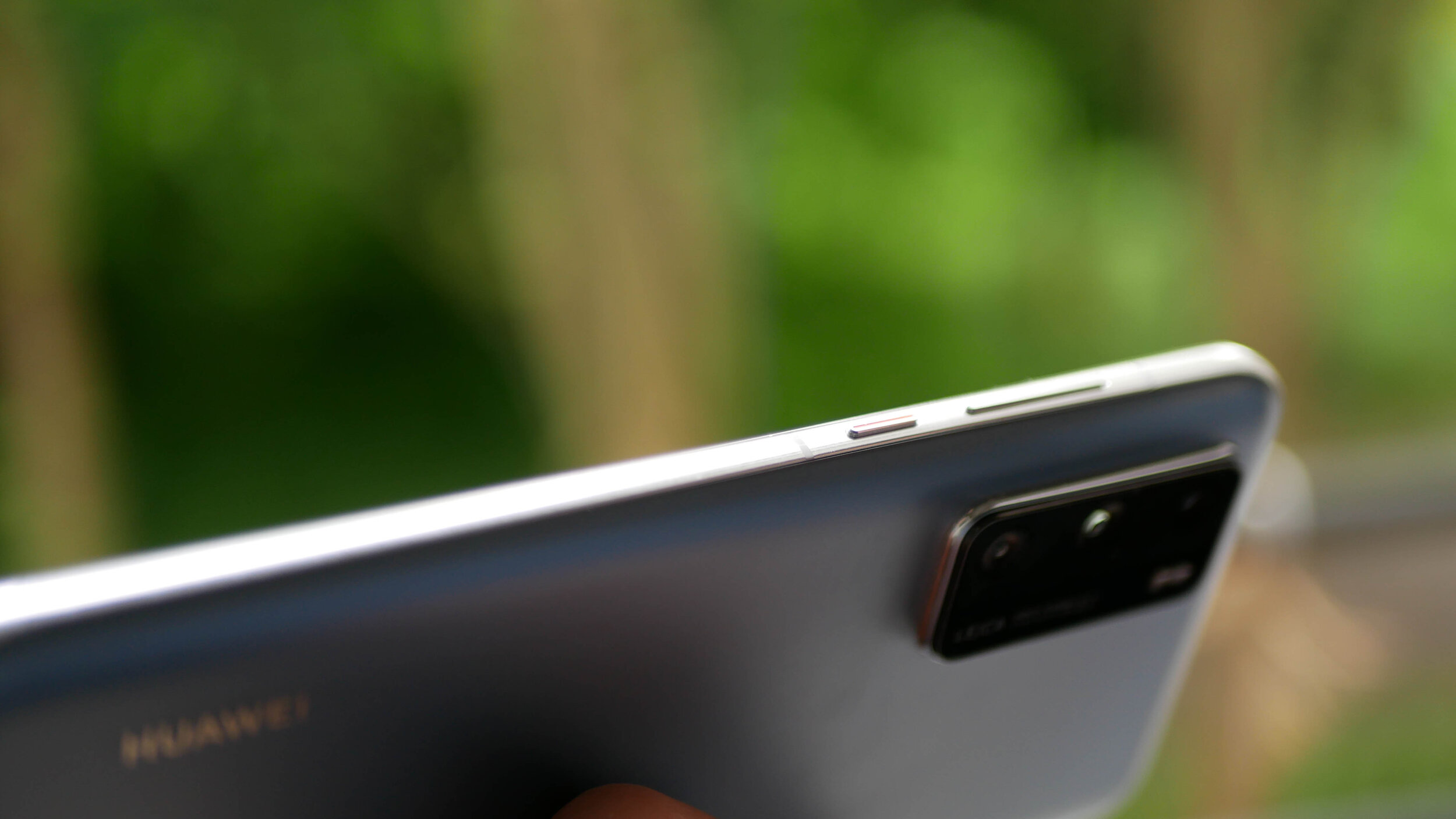
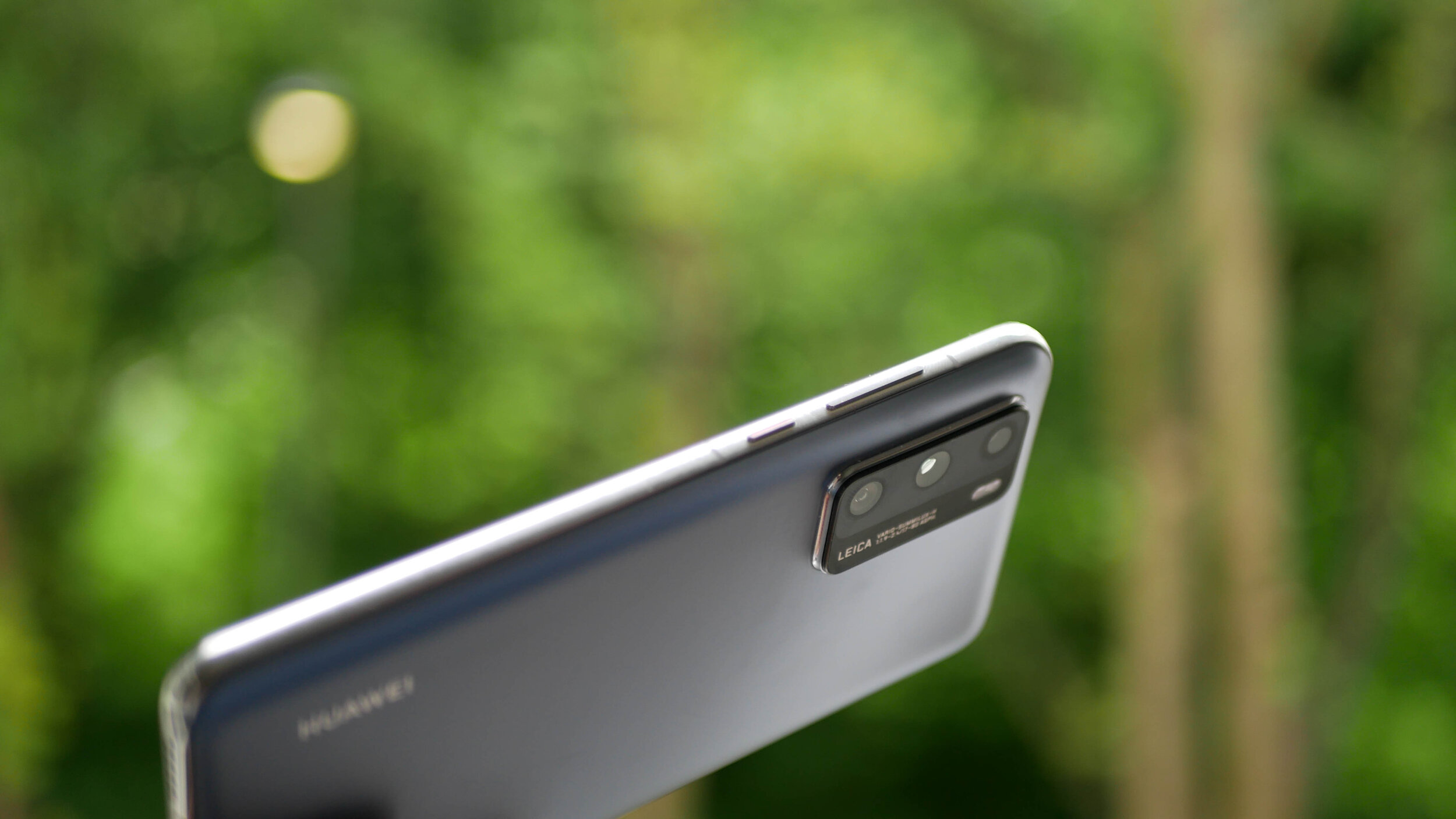
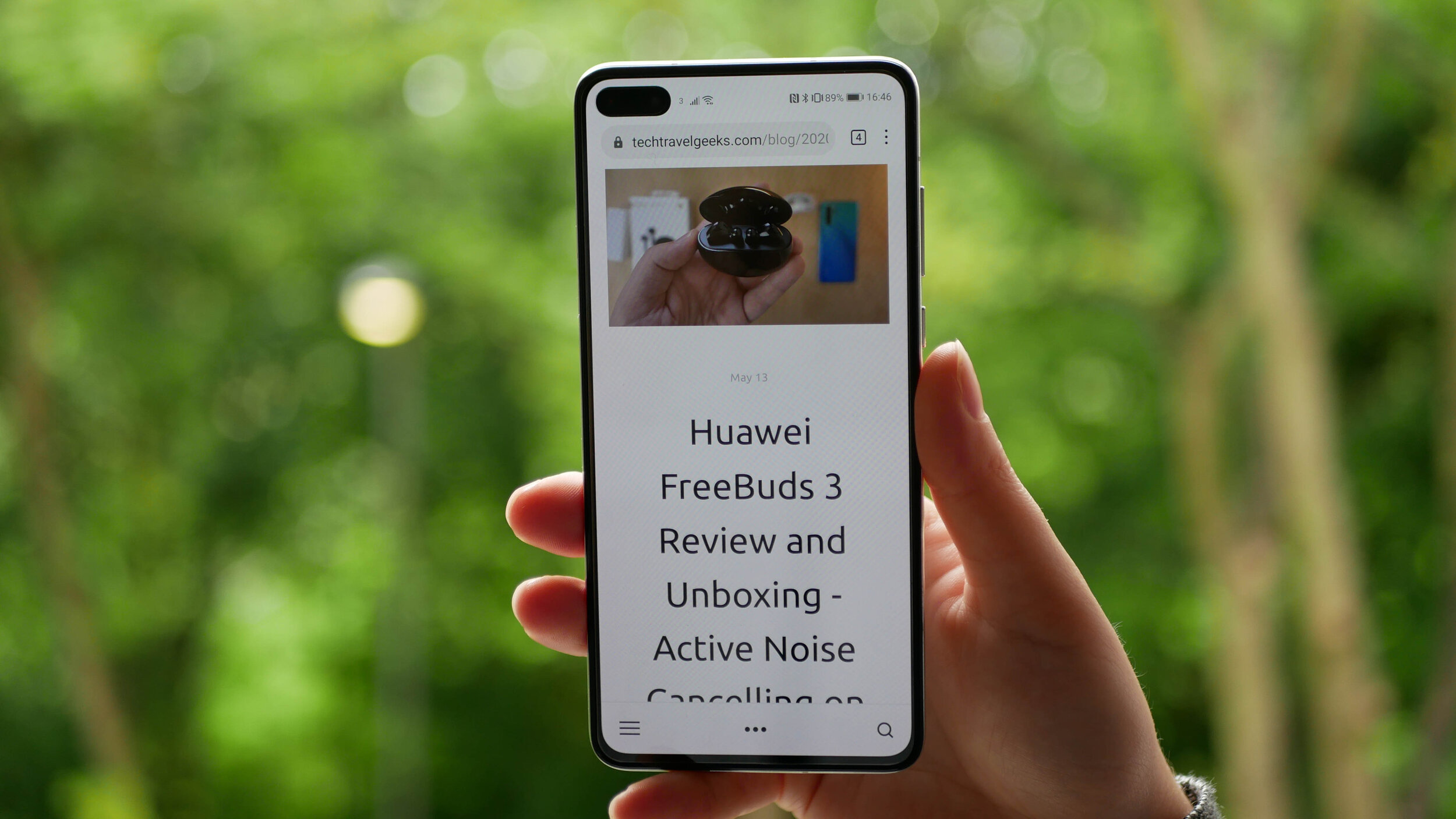
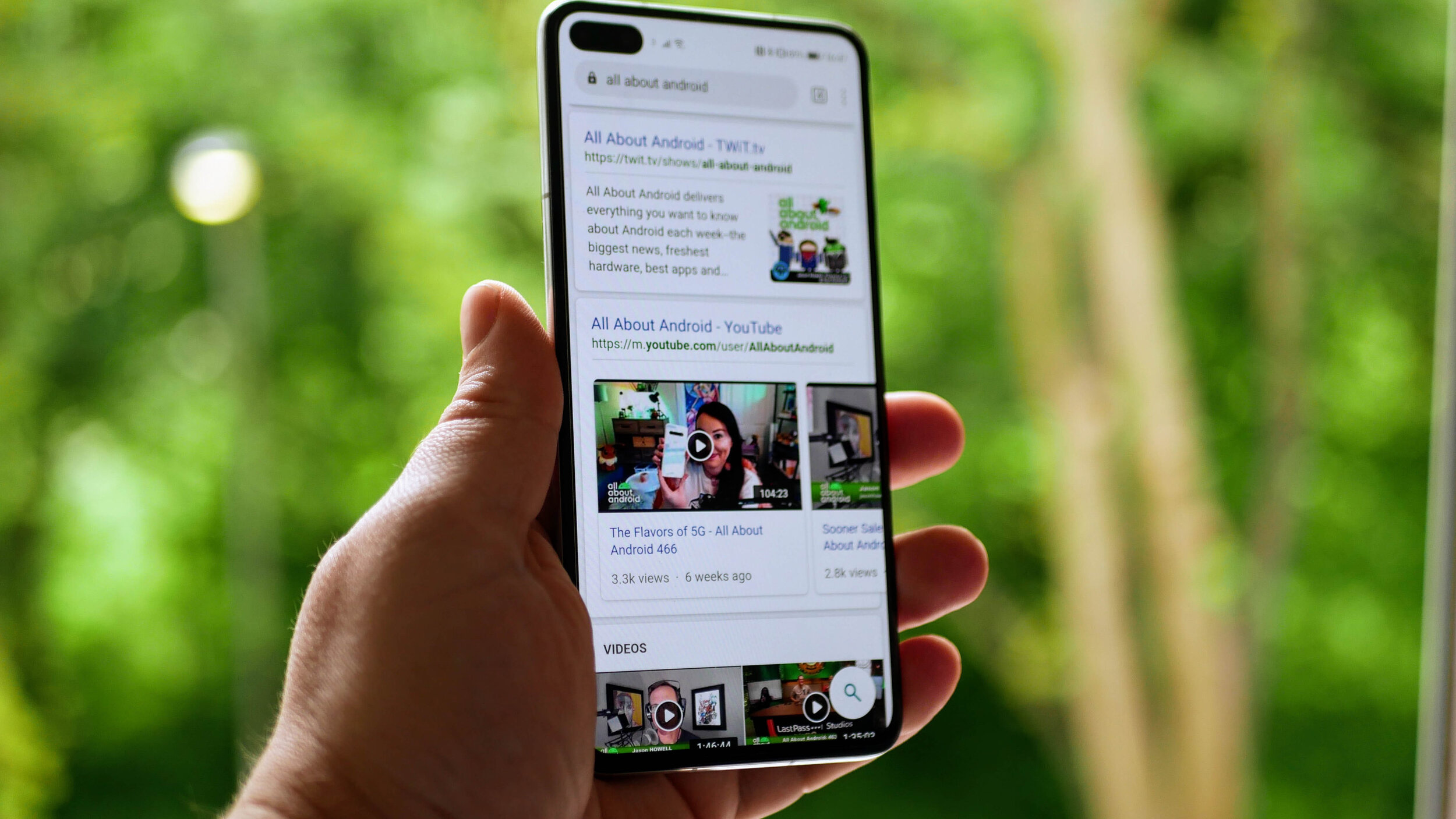
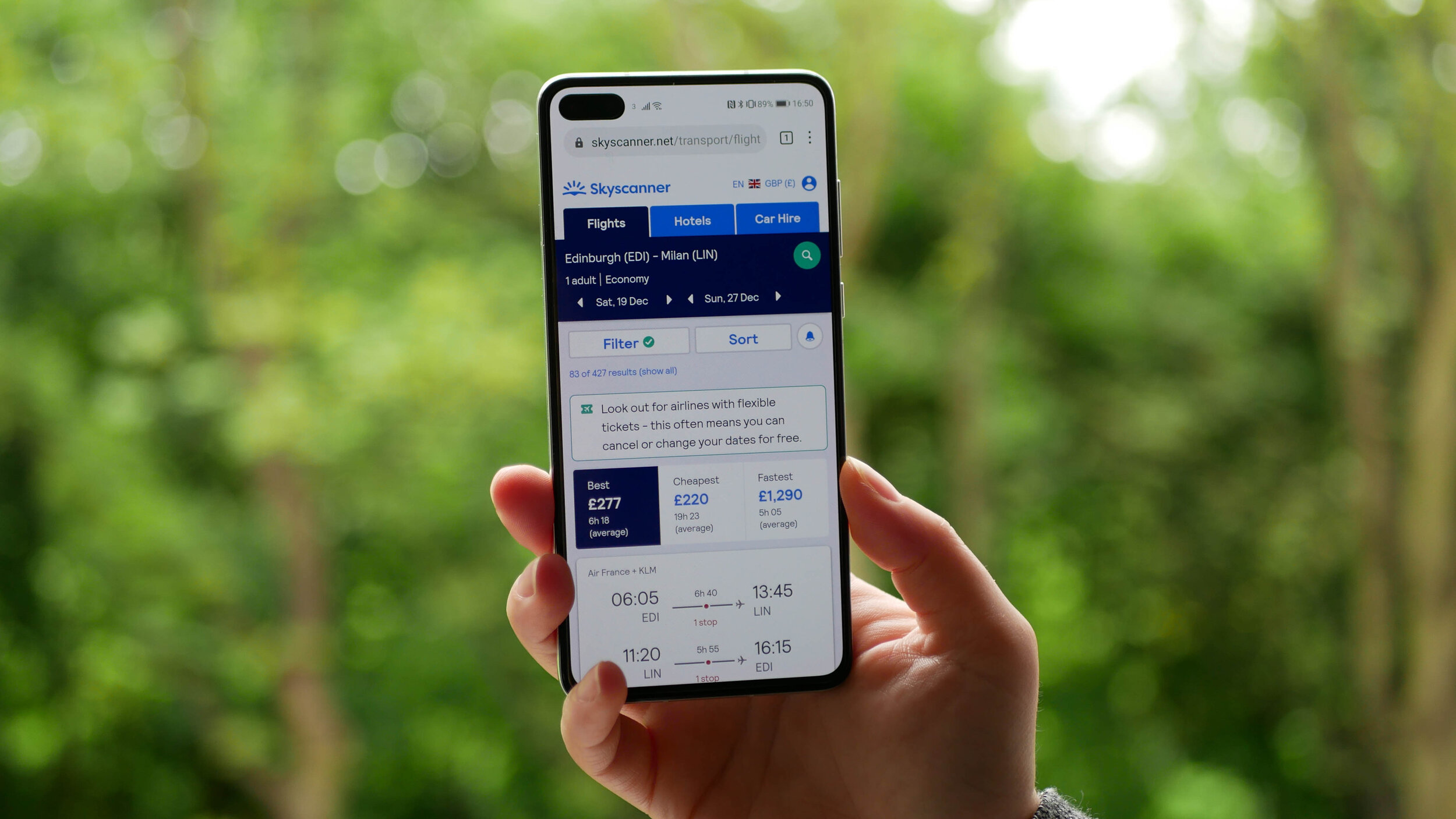
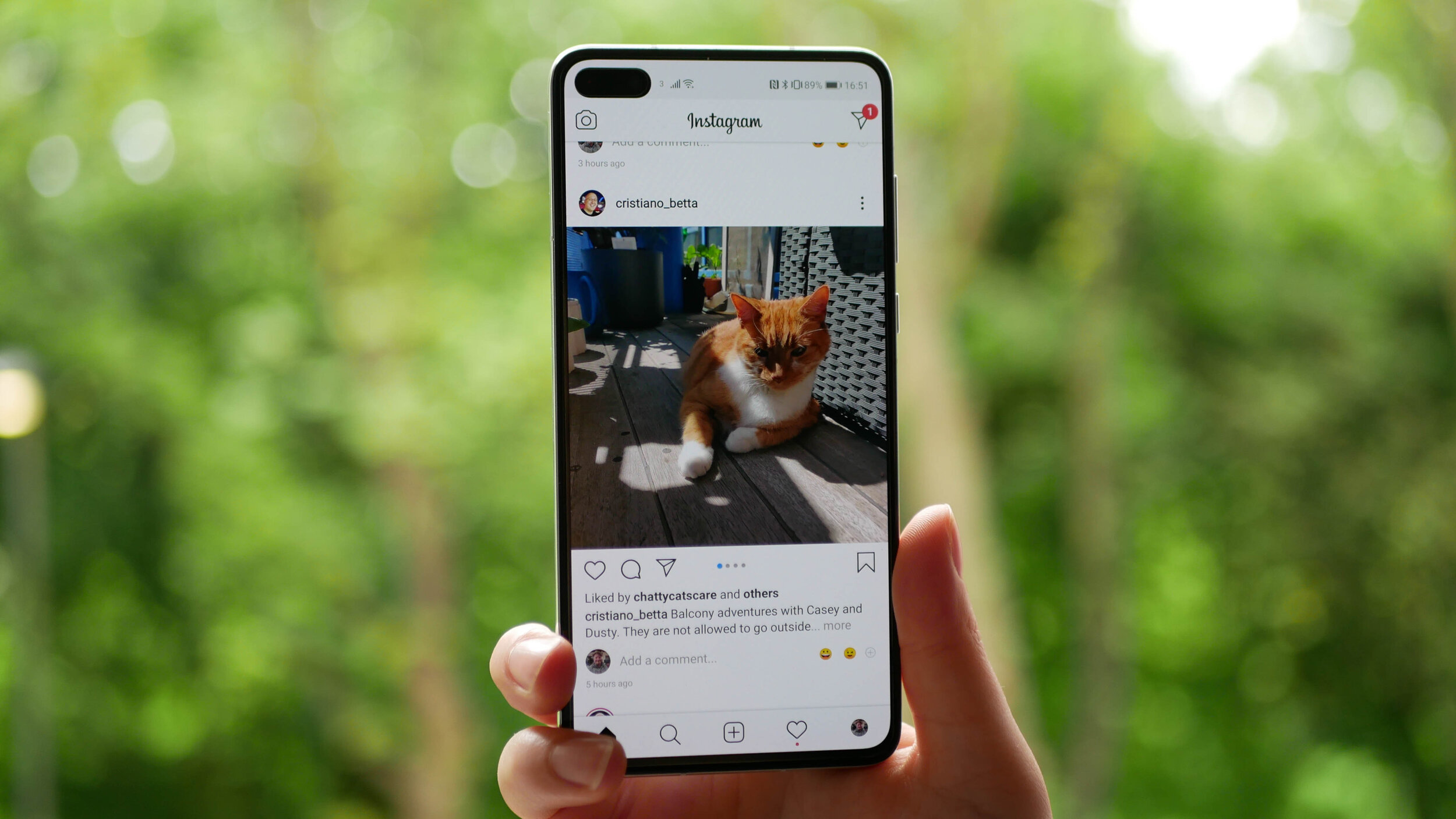
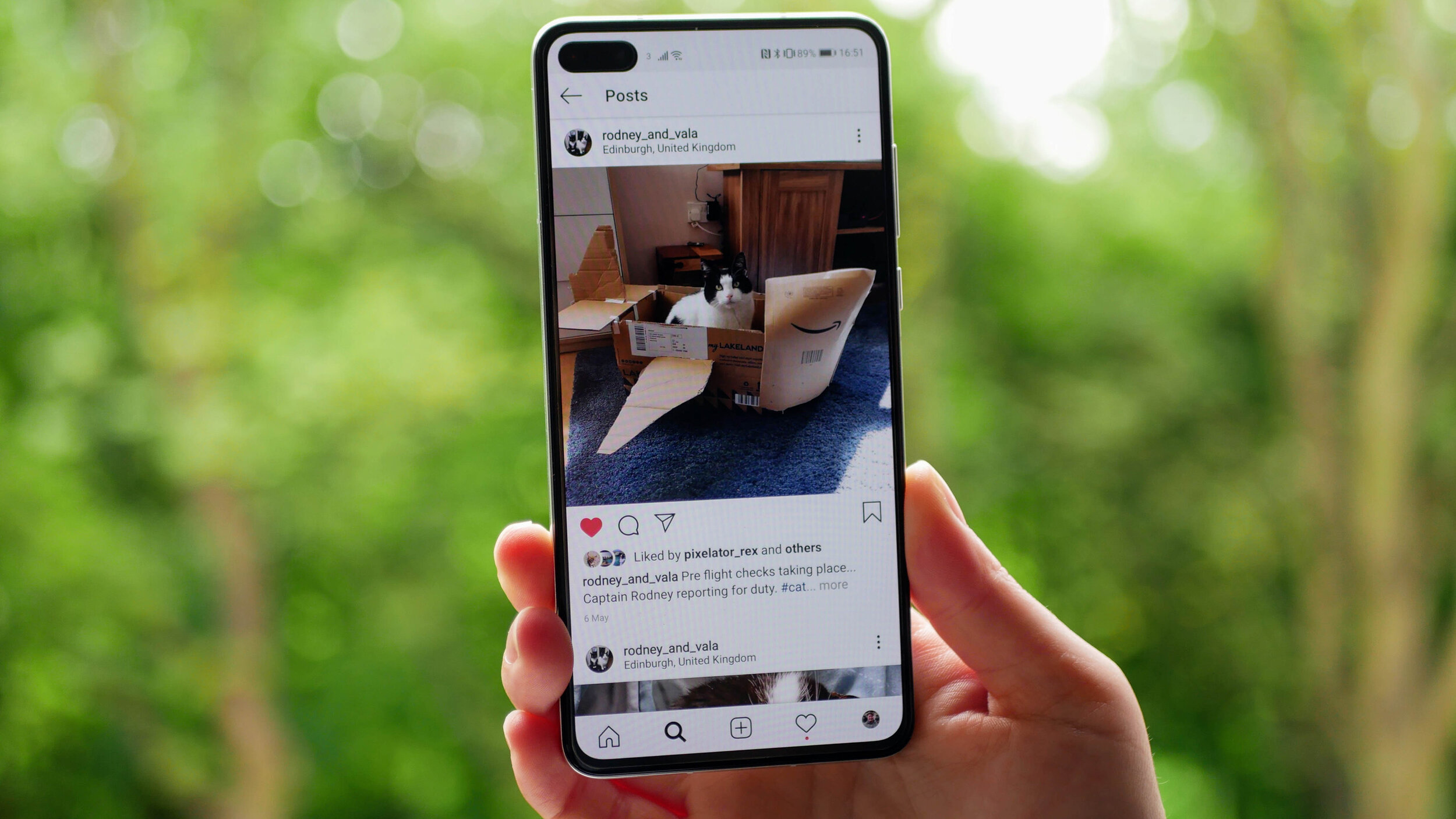
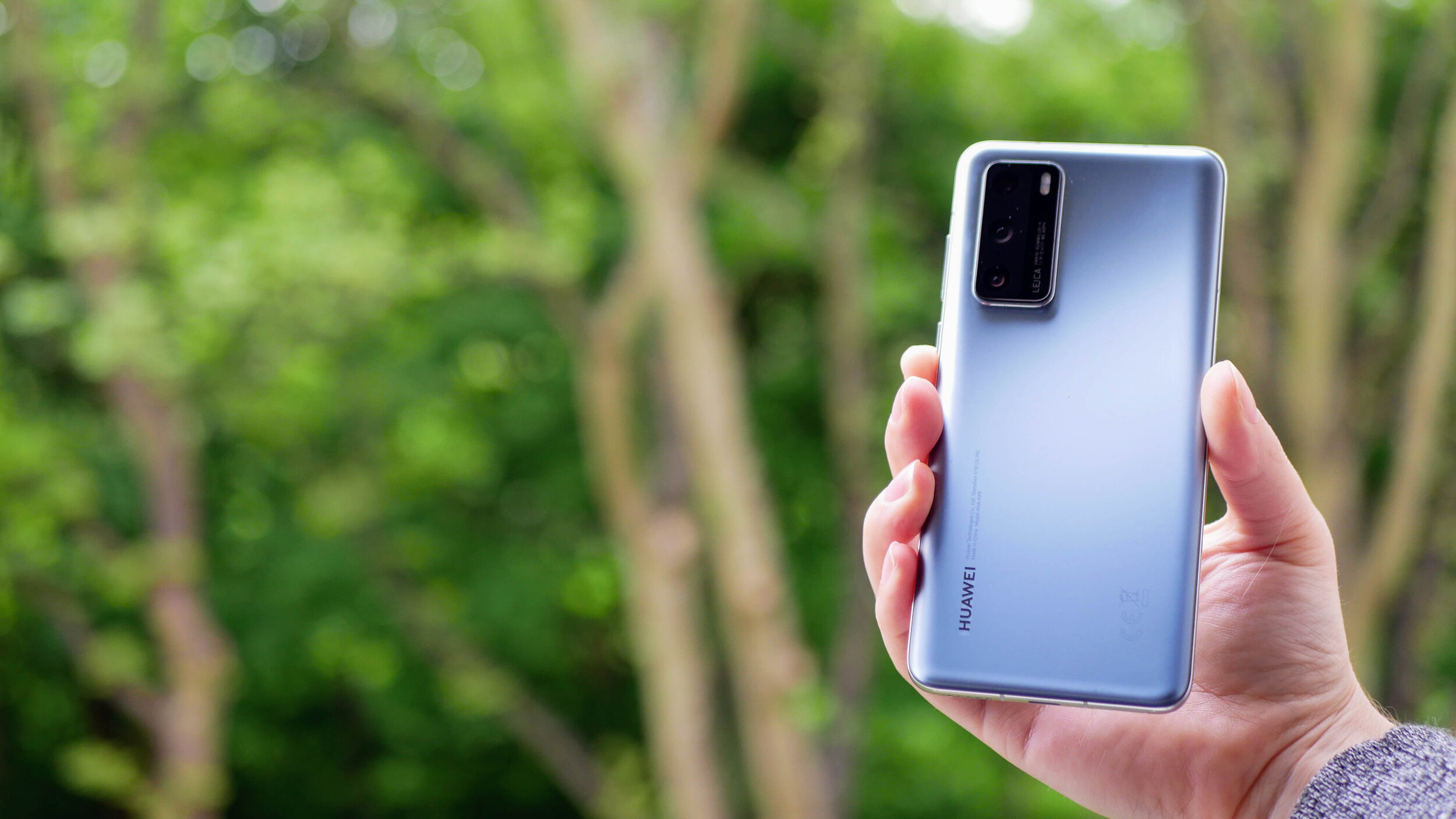
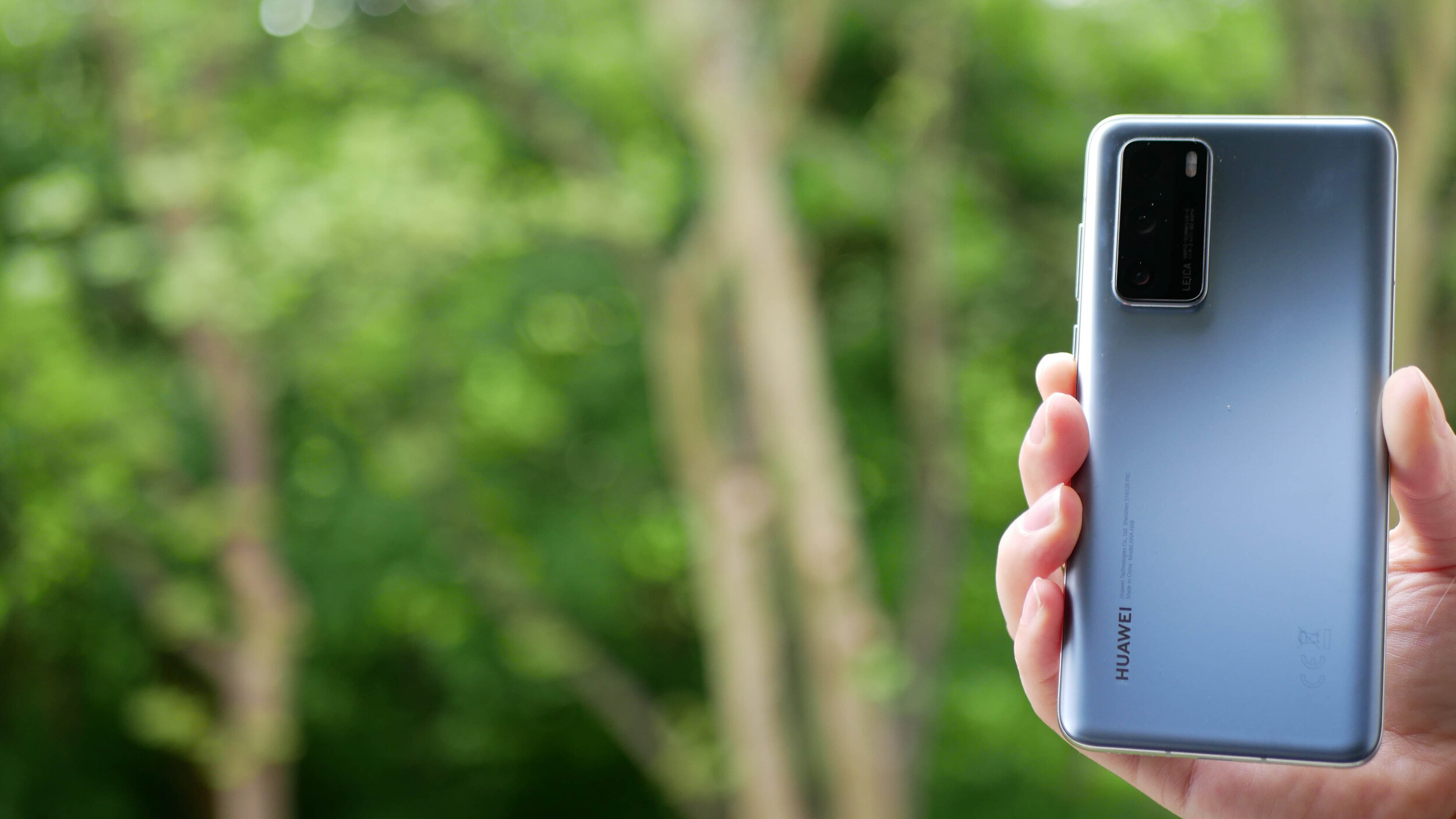
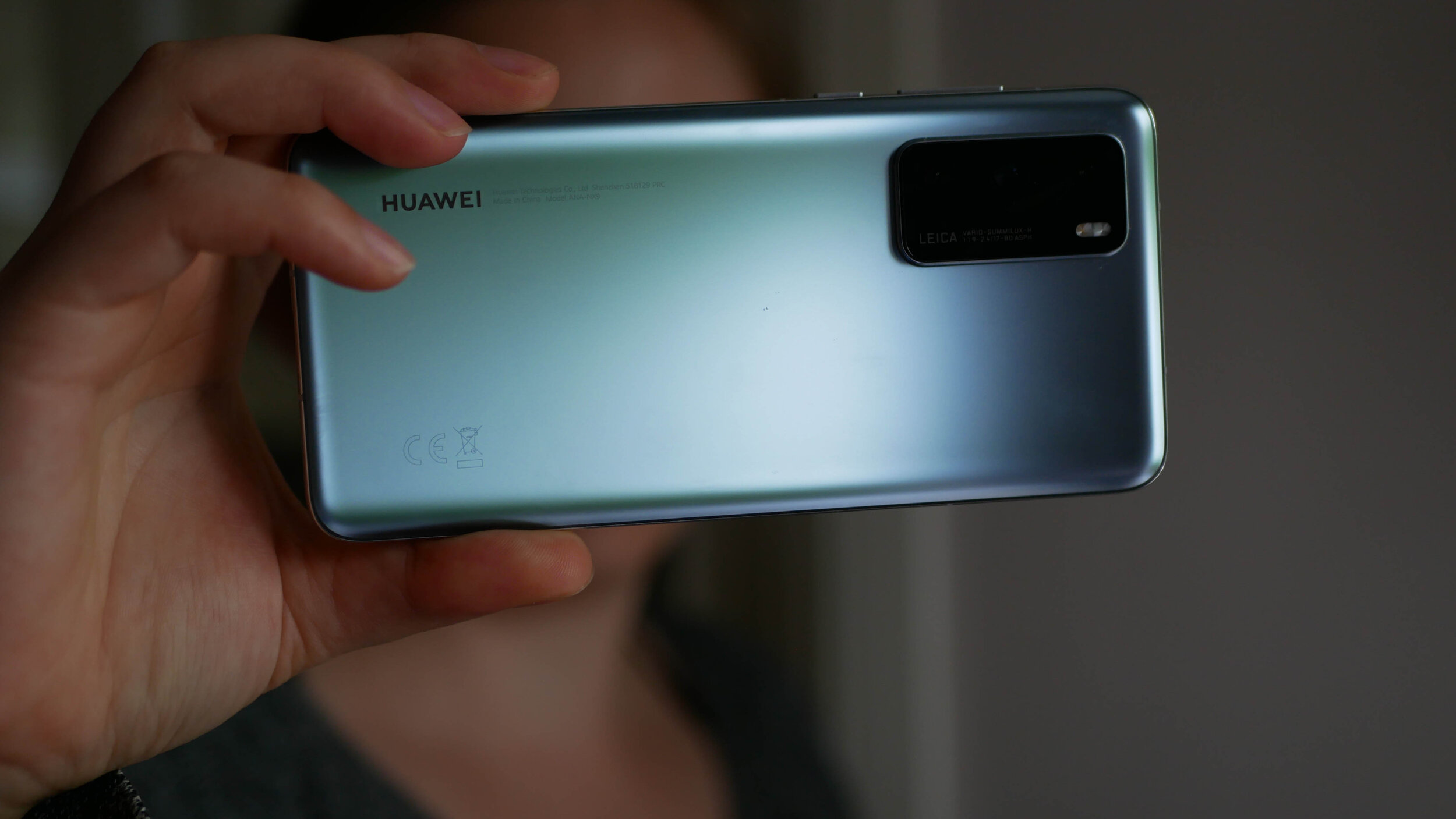
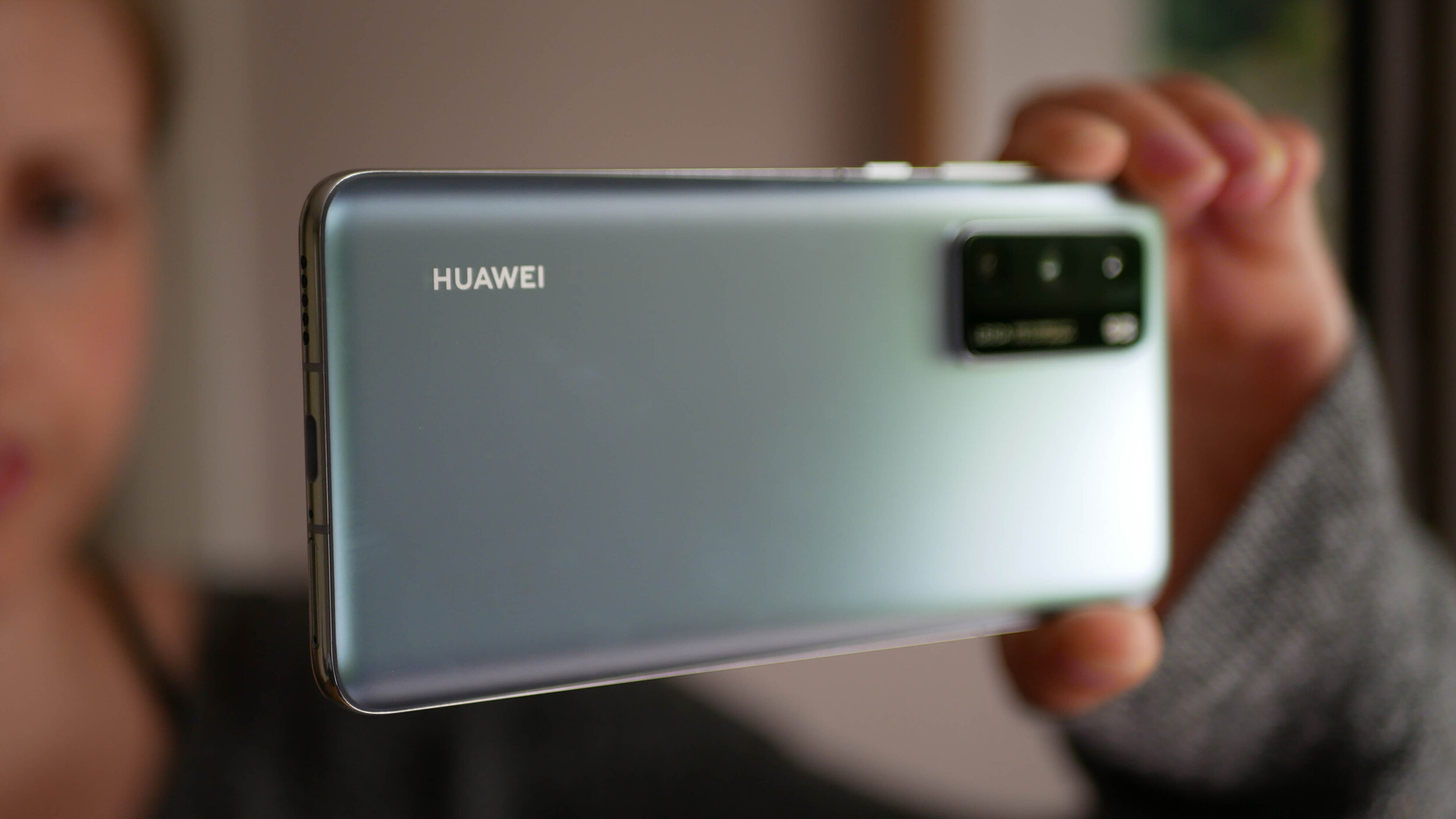
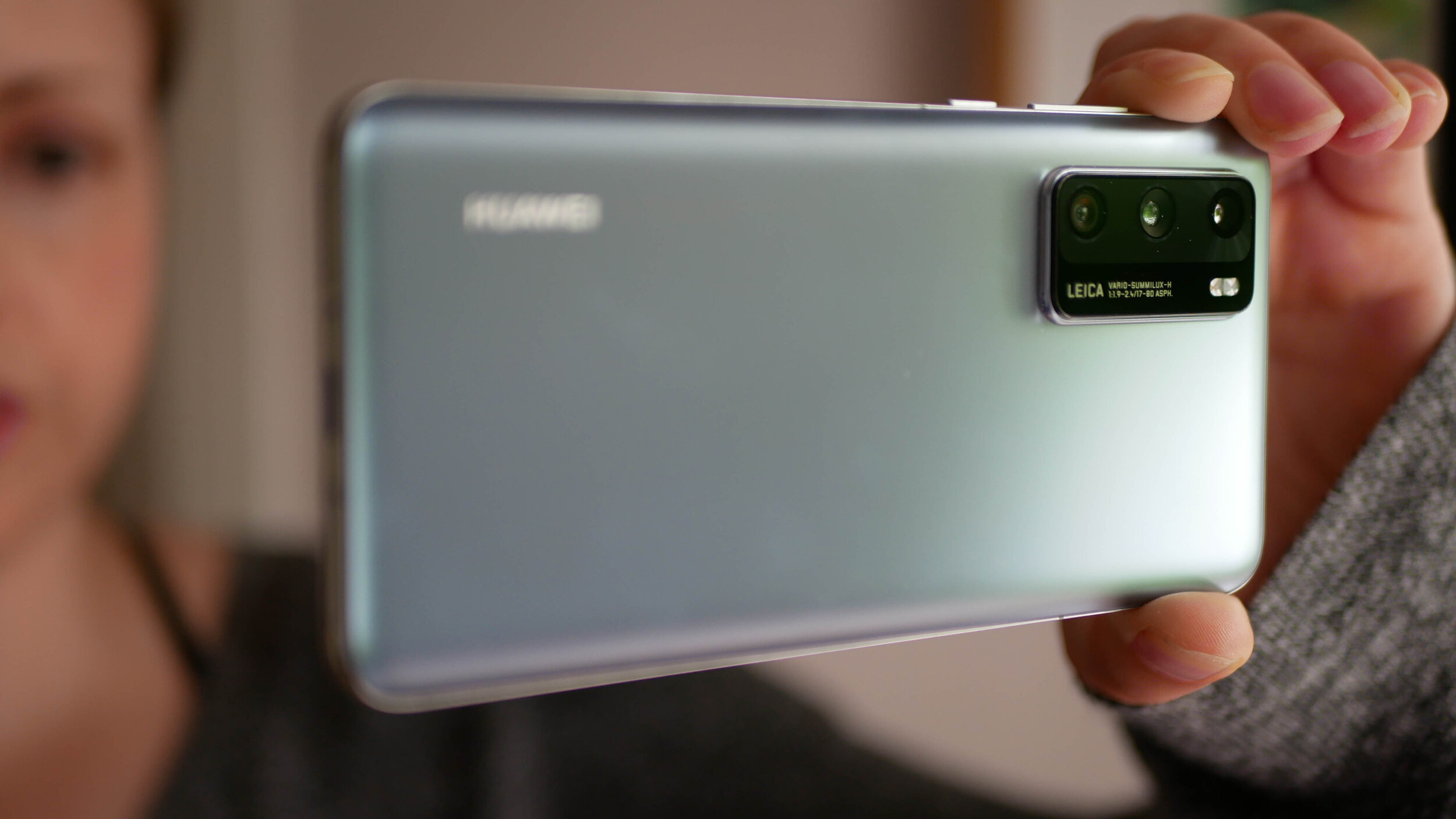
The gallery above is of the device and will be used in All About Android. Subscribe at TWiT.tv/aaa
As time goes by and we release more content, we will add it here.
Feel free to leave a comment if you have any feedback or questions.

Xiaomi Redmi Note 9S - All The Tech Travel Geeks Content
This is where you will find all the Tech Travel Geeks content we have created about the Xiaomi Redmi Note 9S.
The Xiaomi Redmi Note 9S is available to purchase on Amazon here: https://amzn.to/3bFaHB3
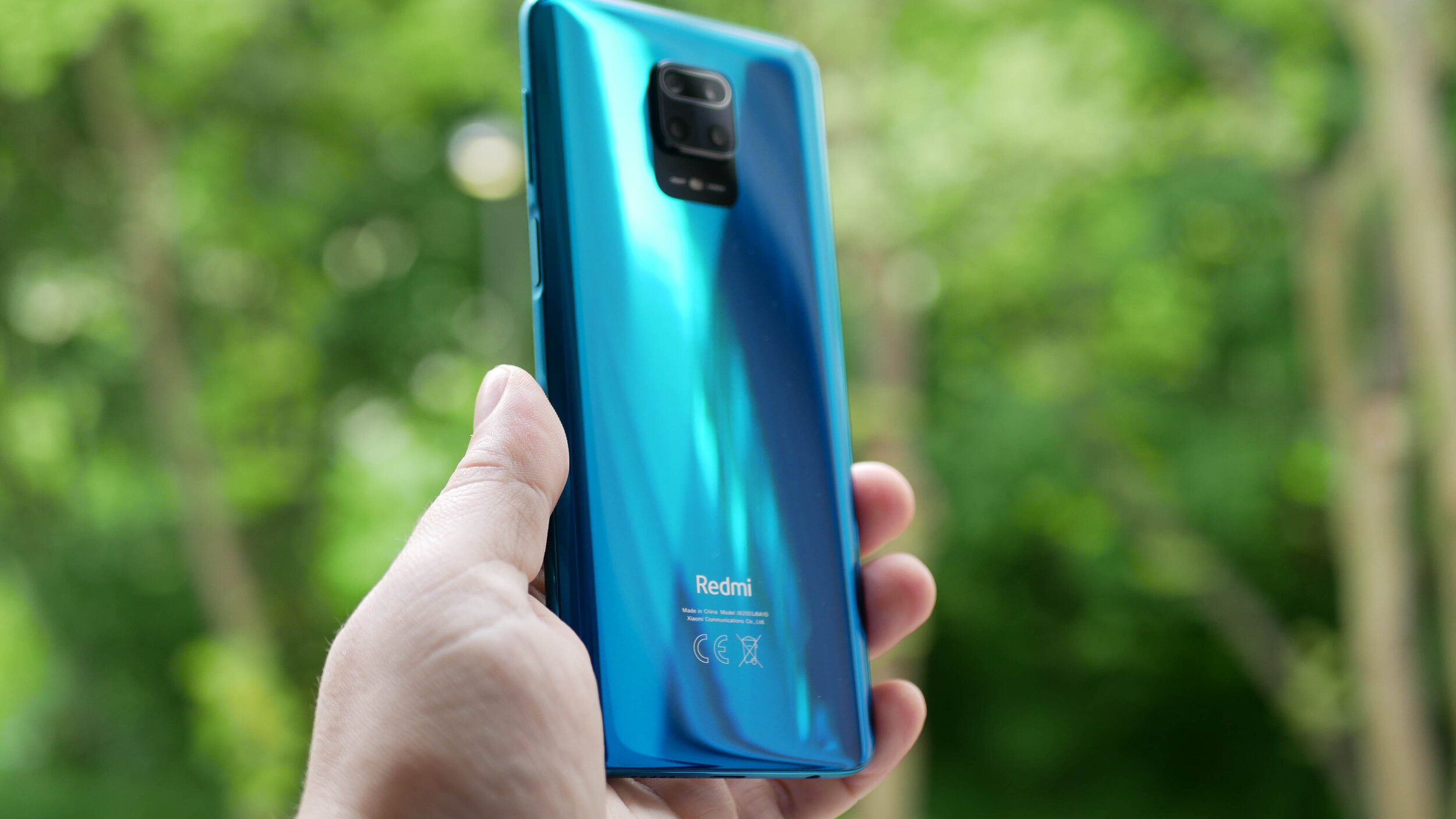
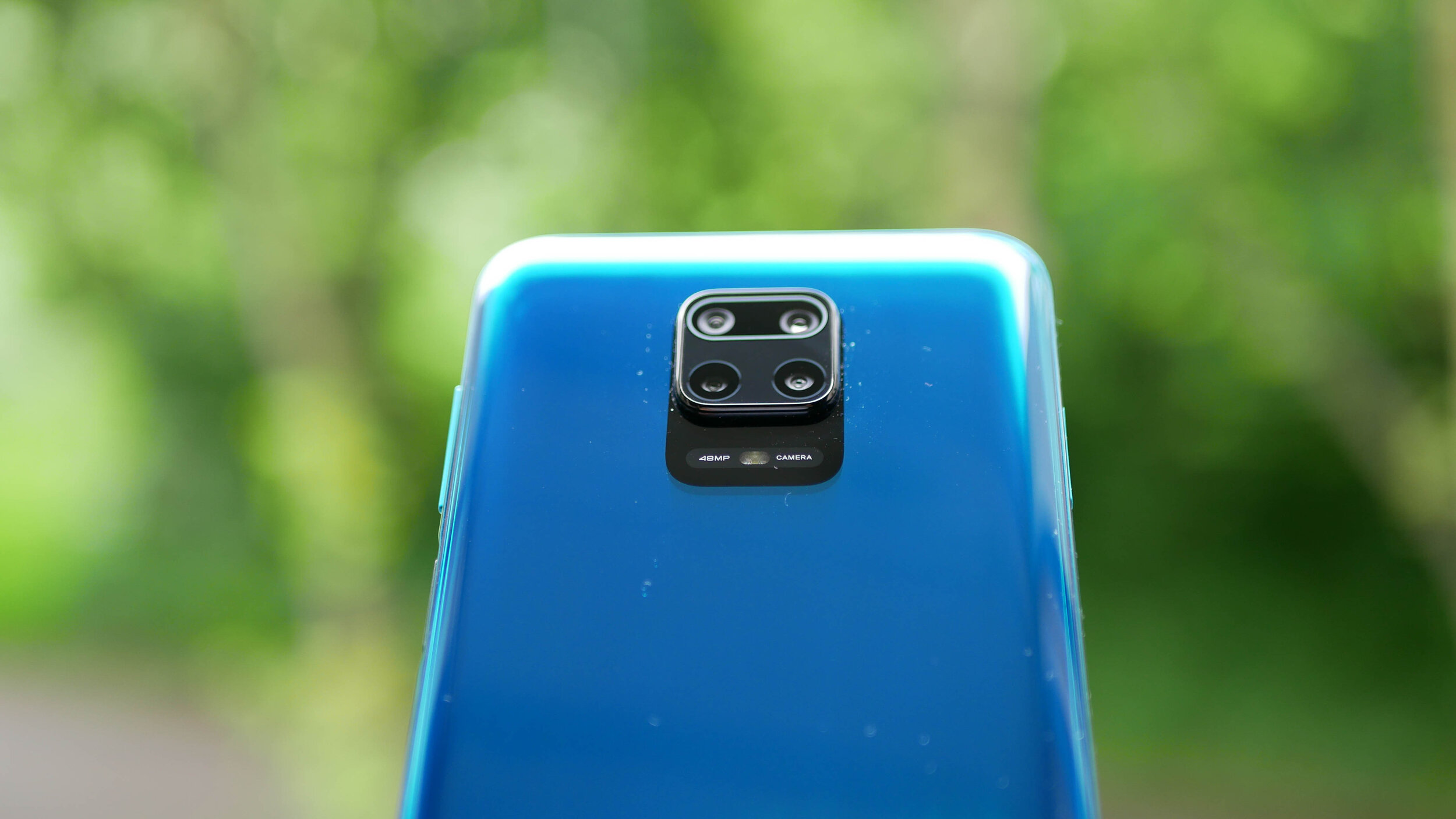
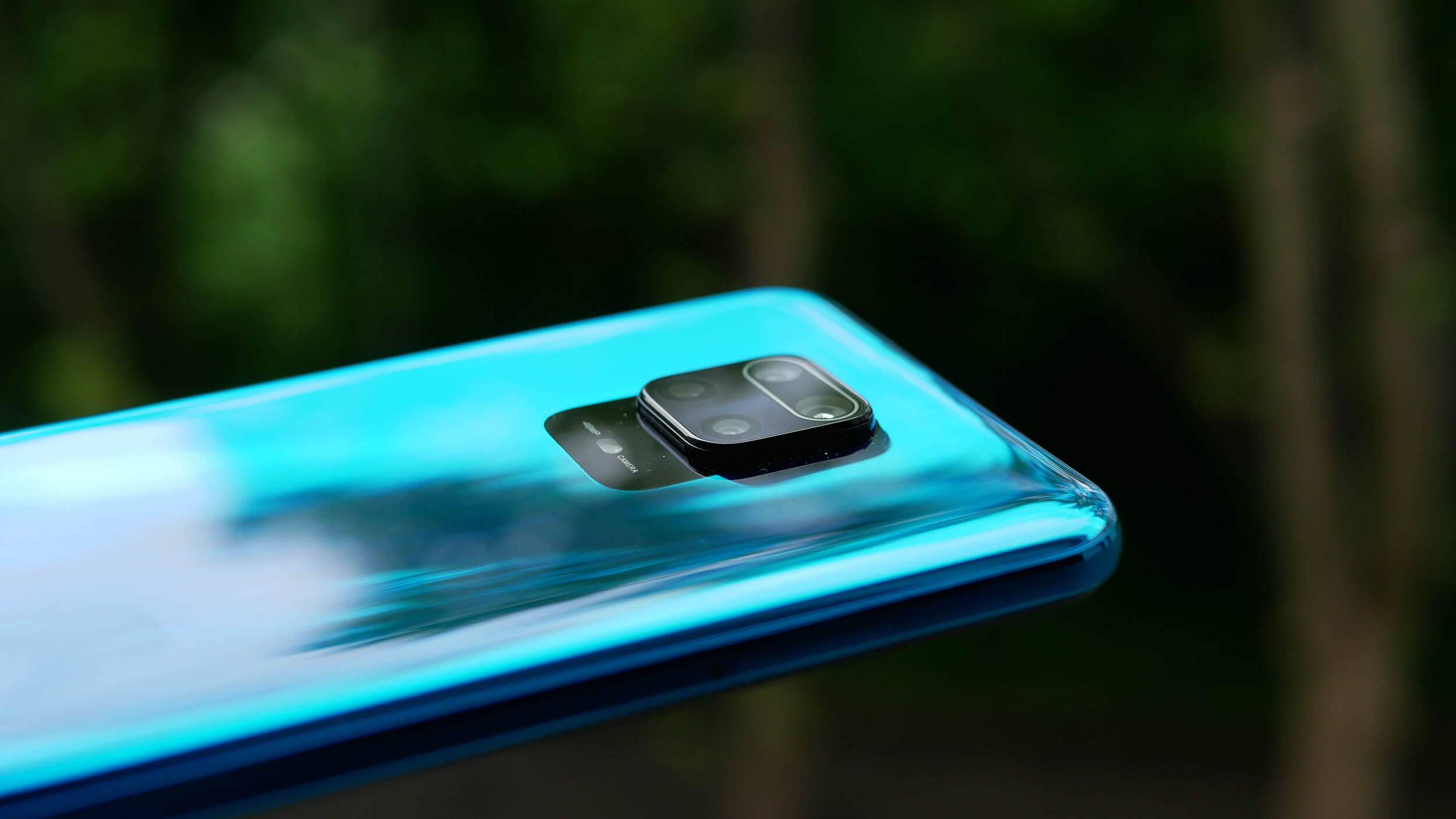
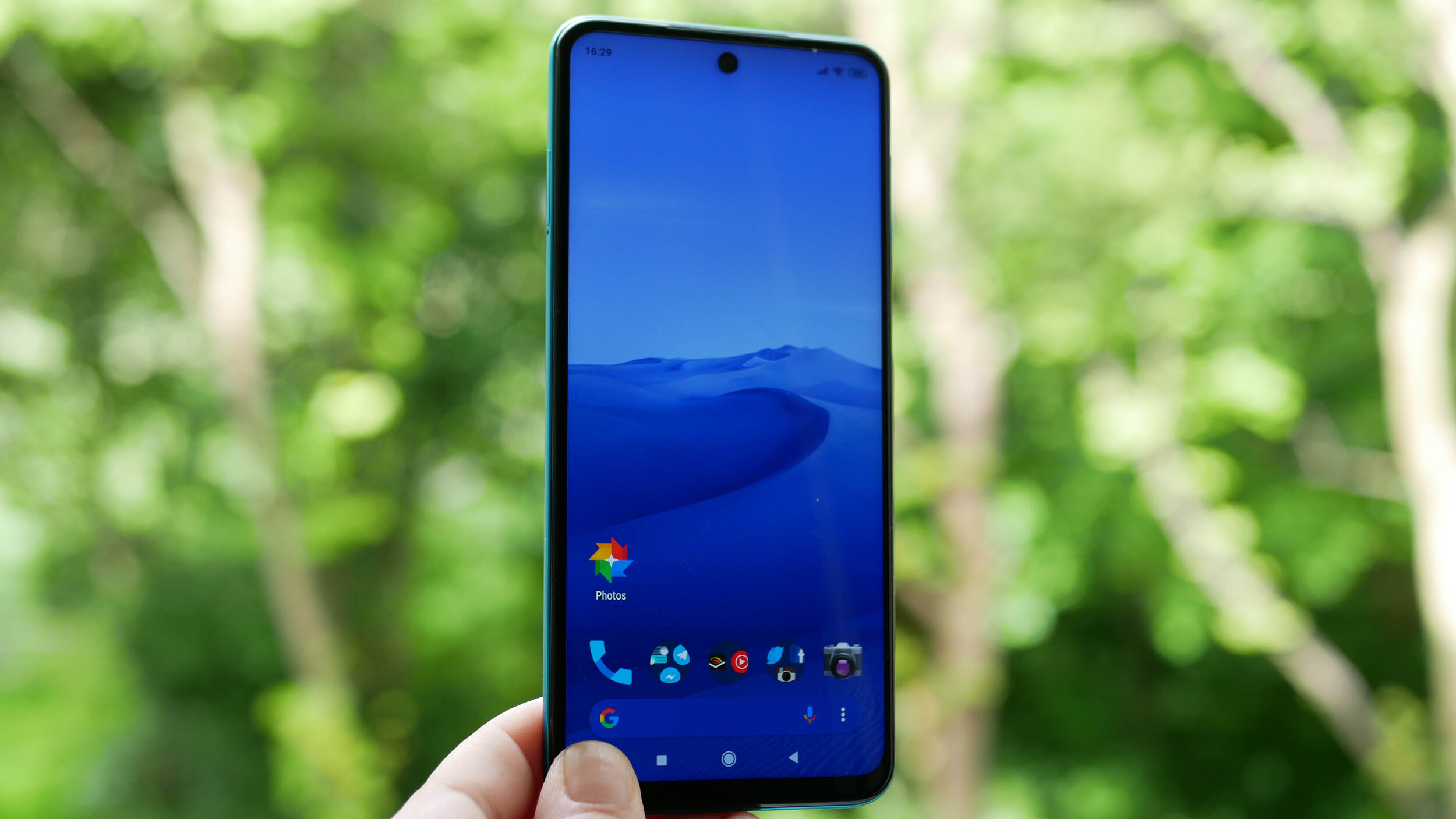
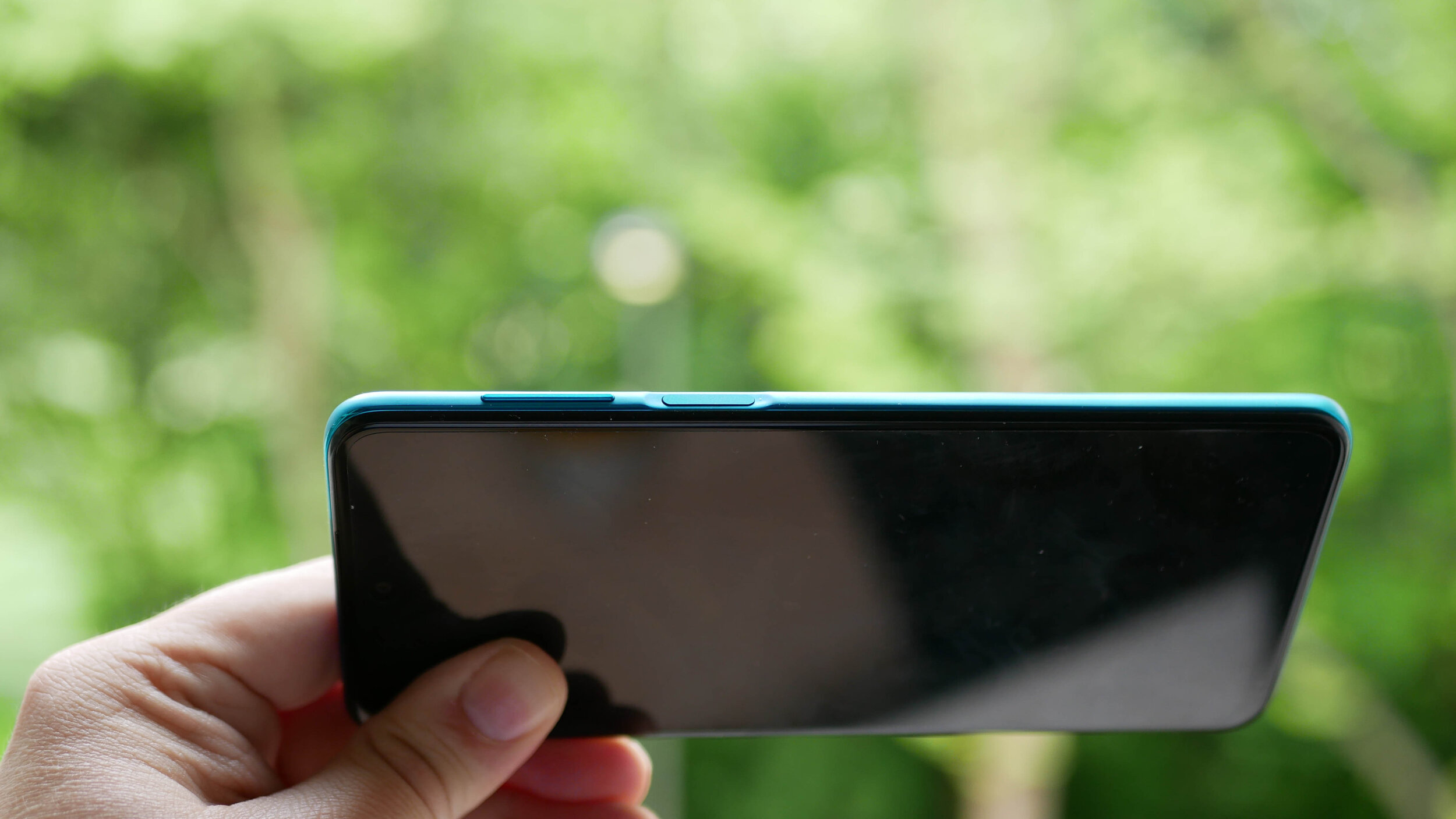
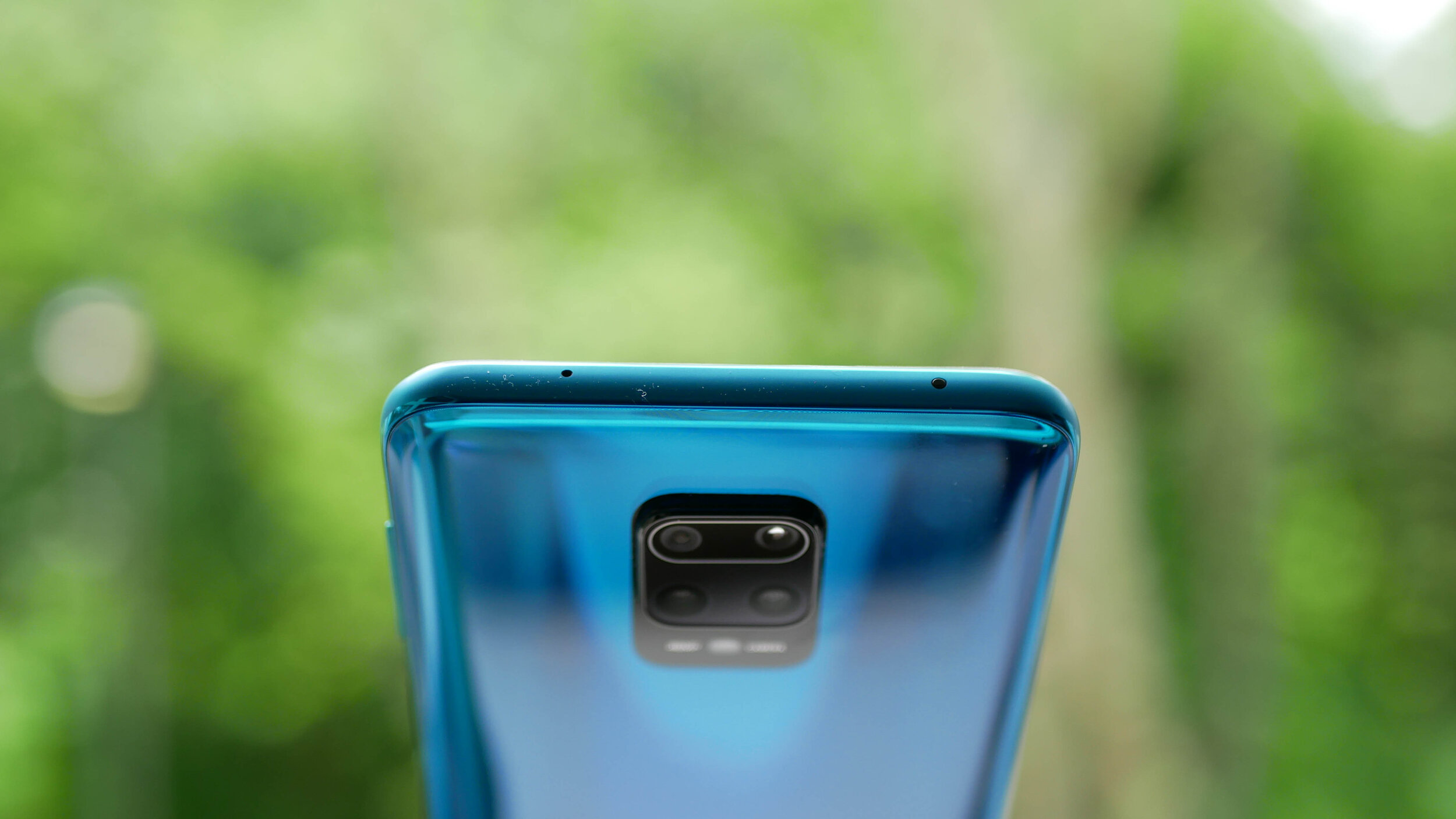
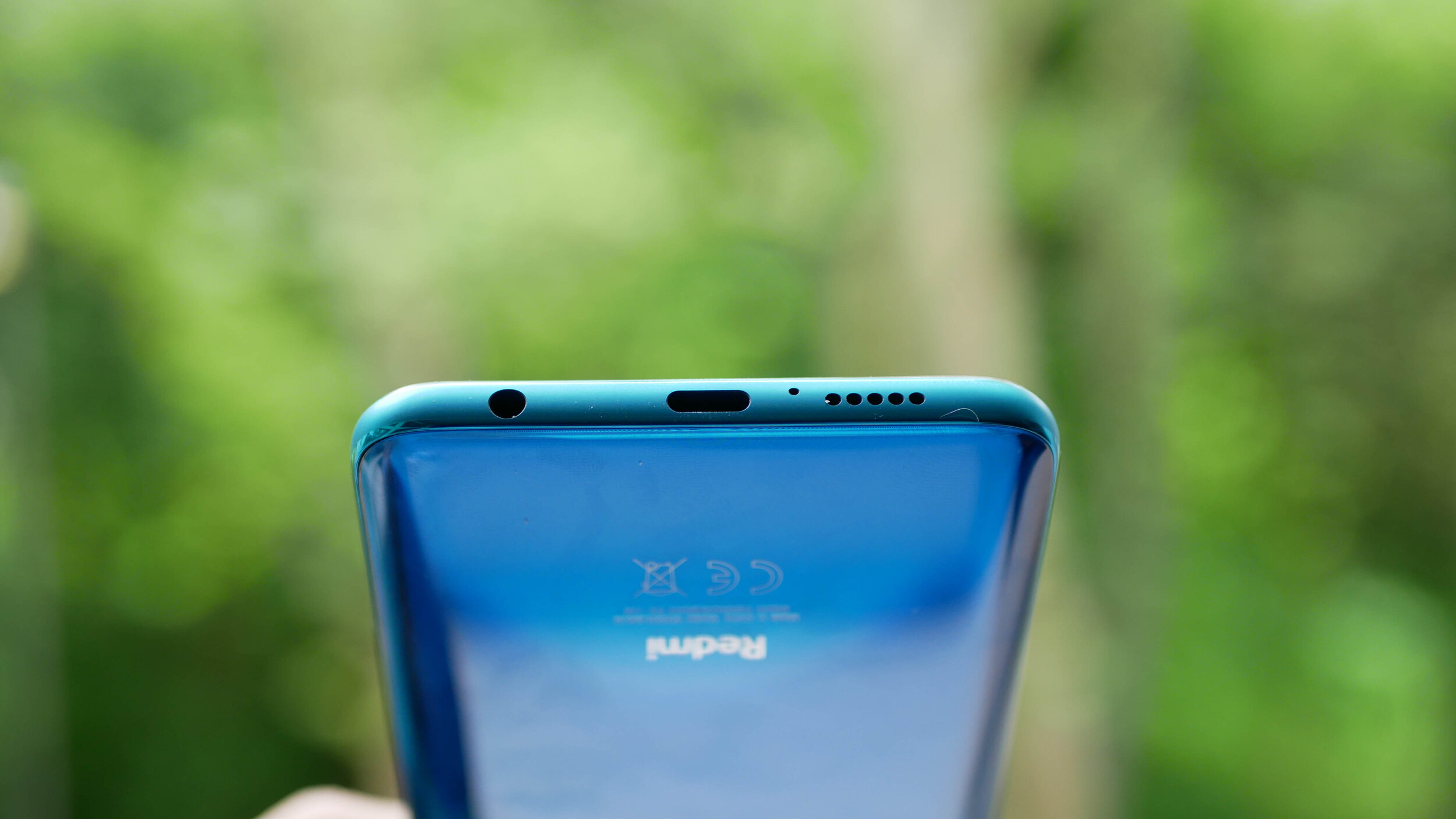
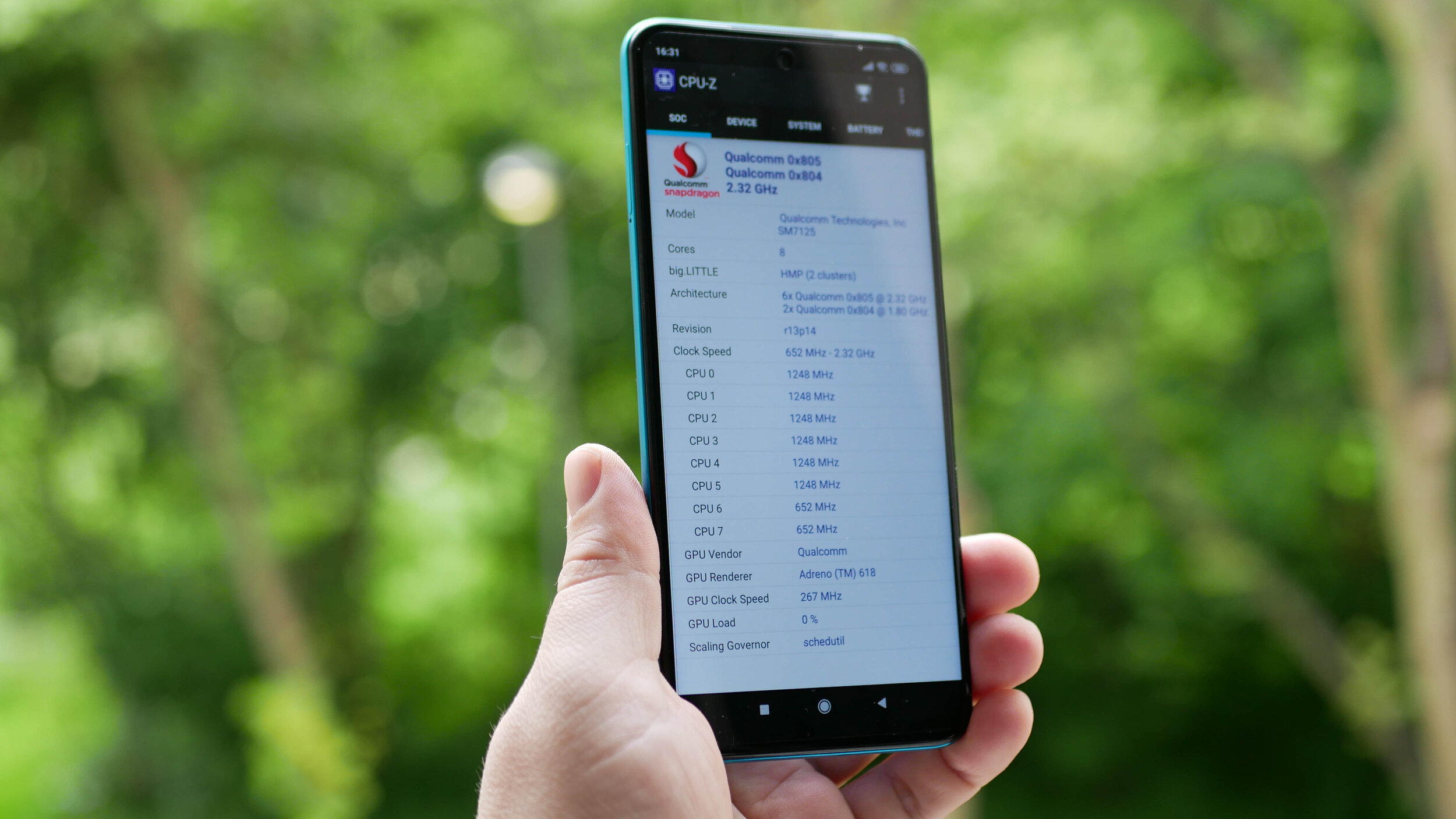
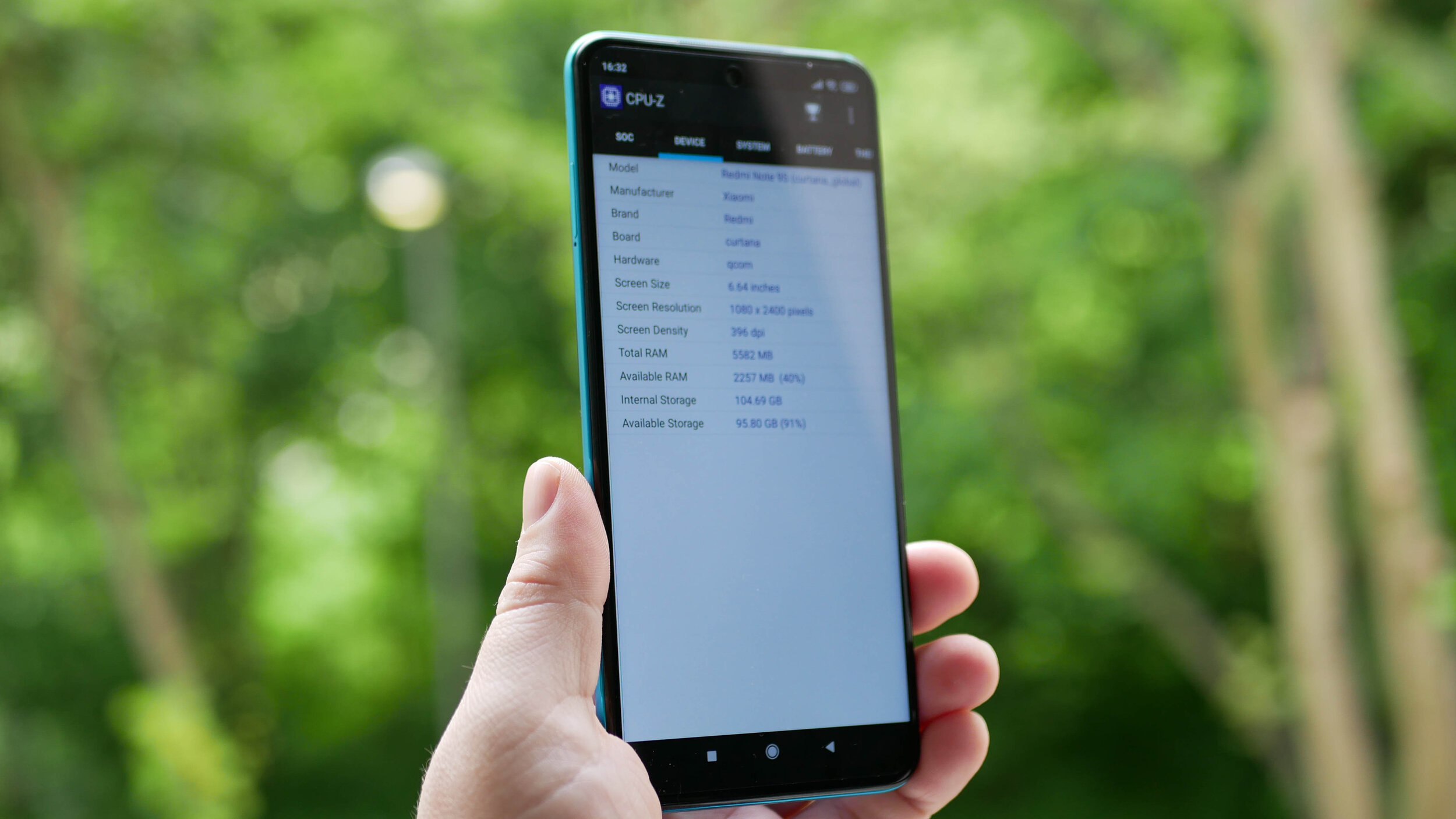
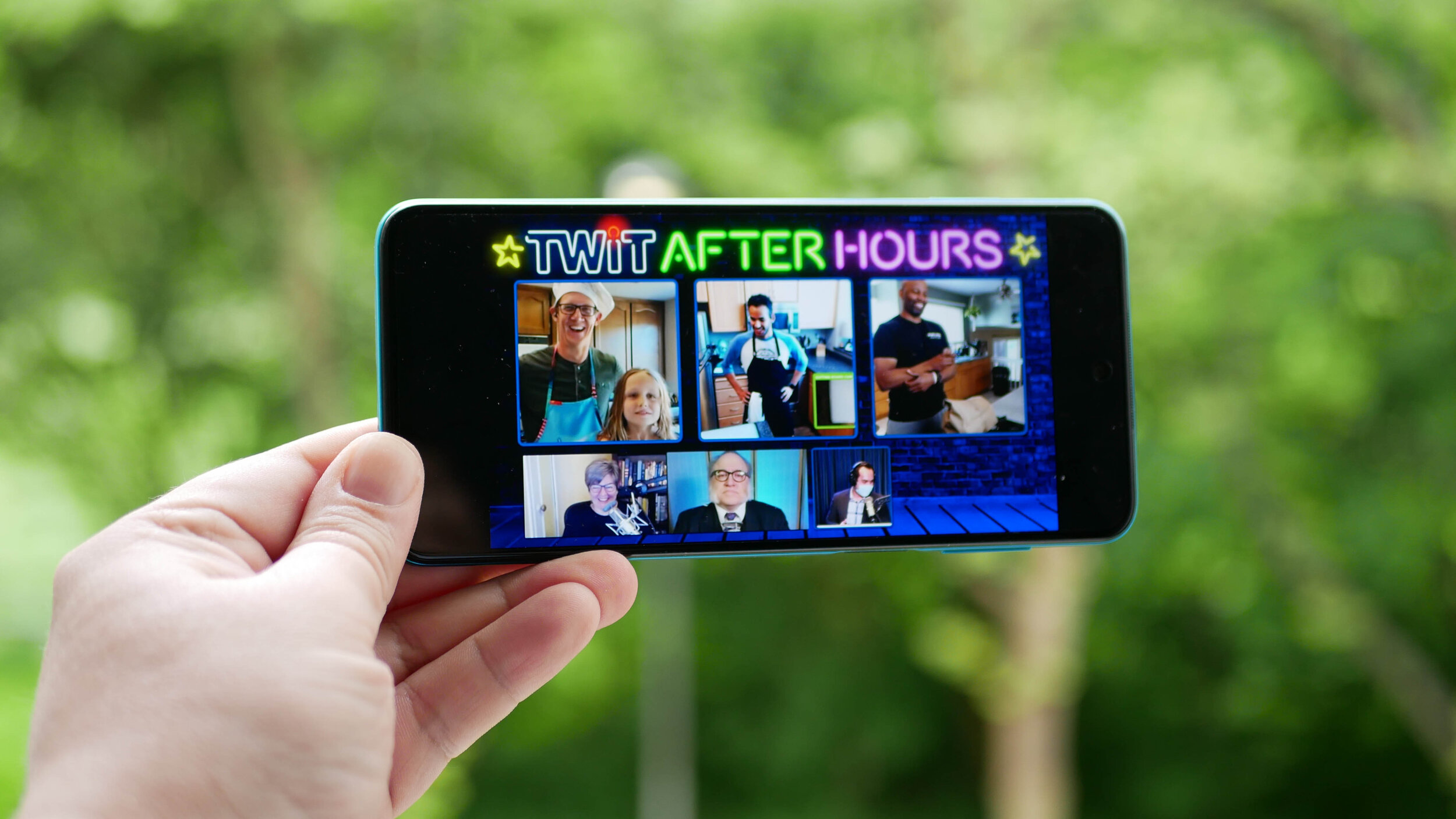
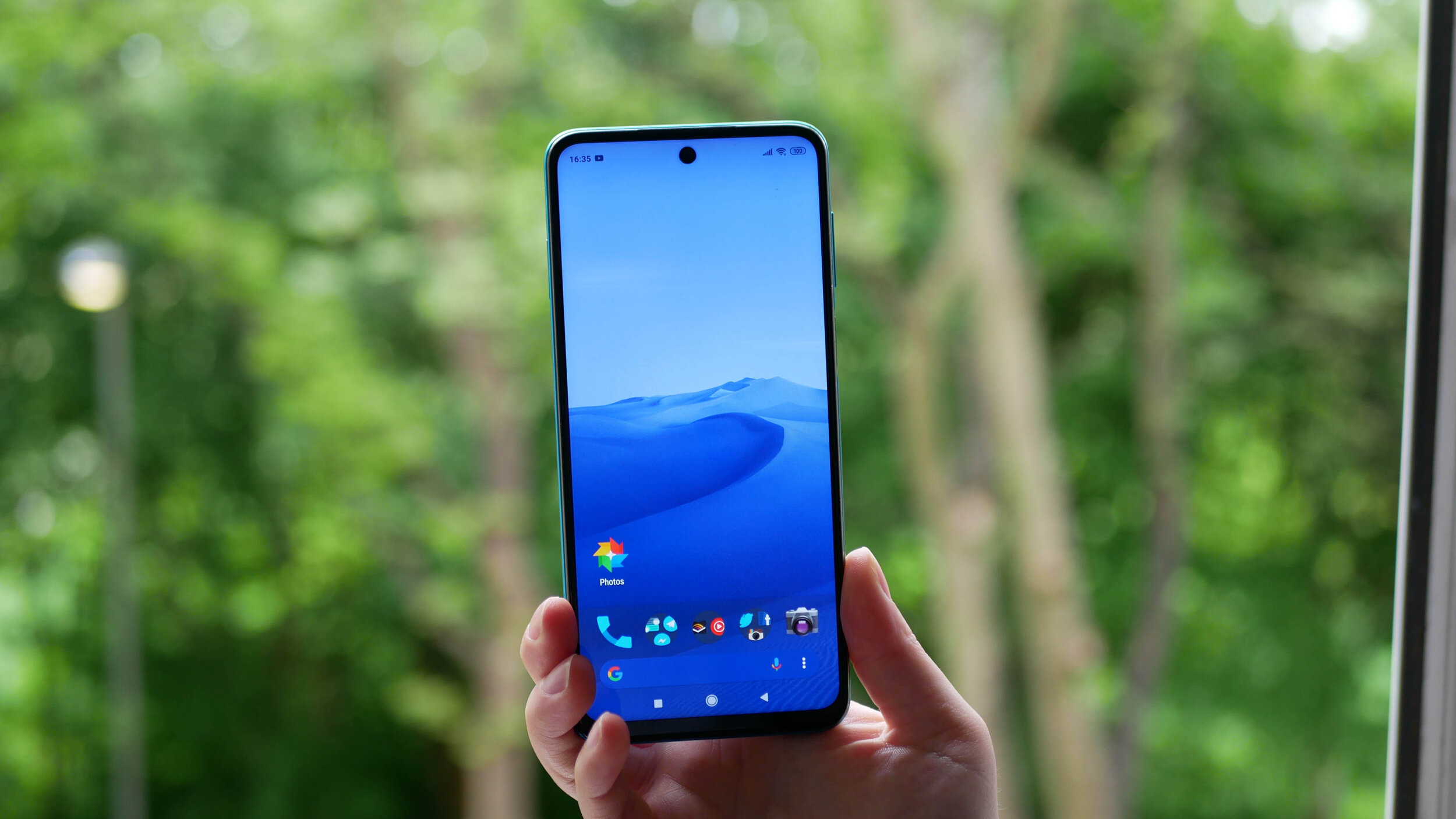
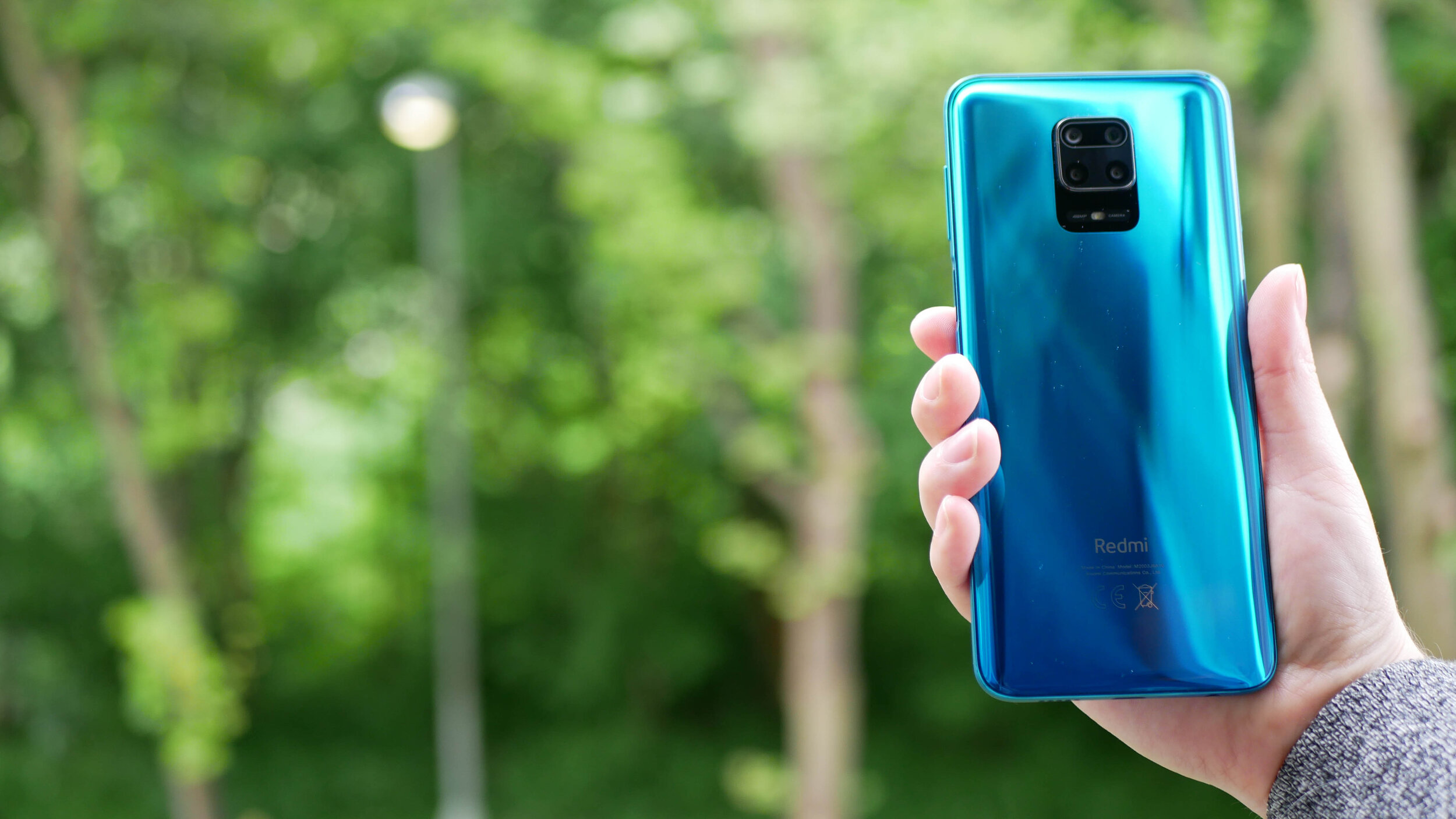
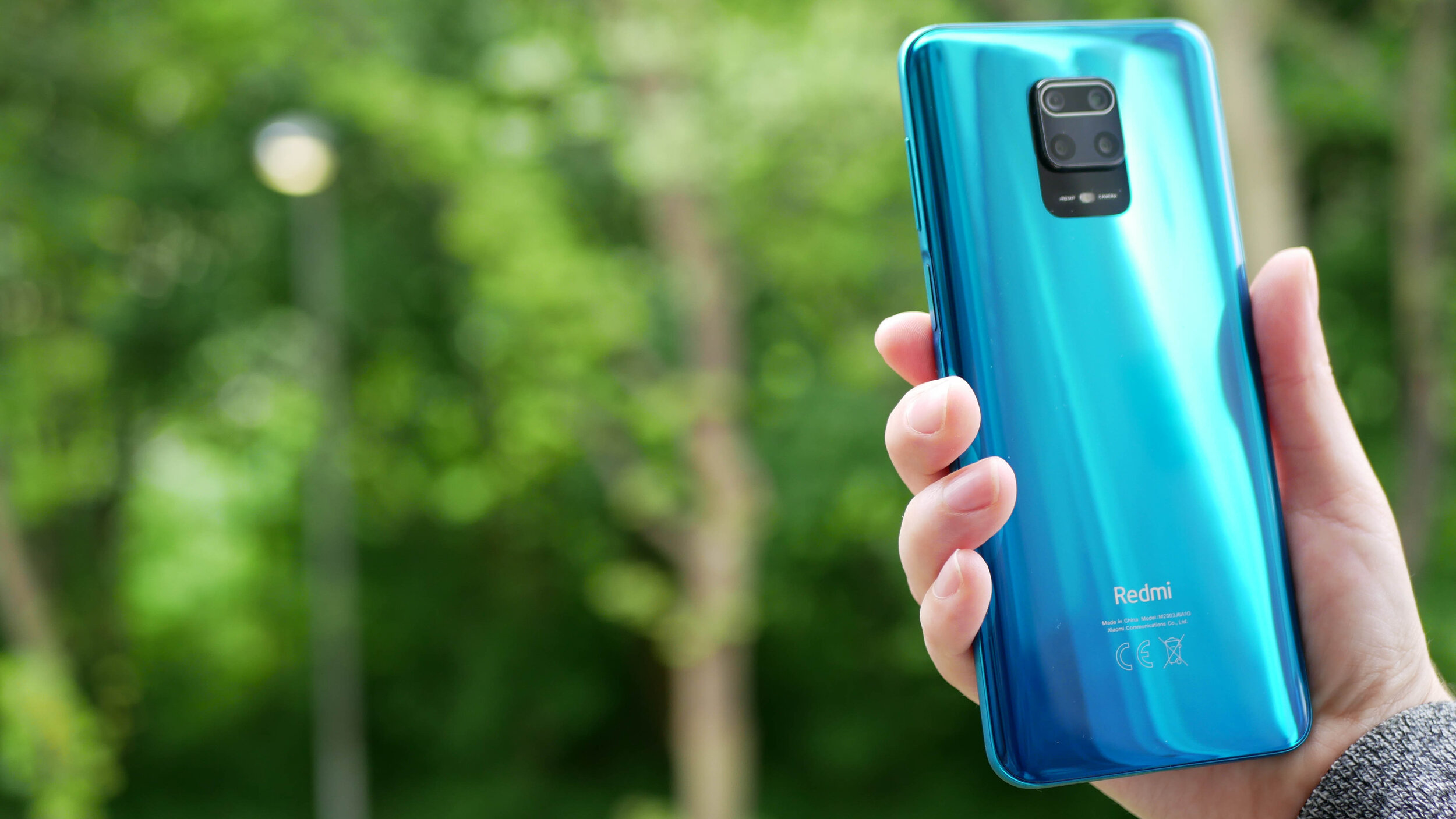
The gallery above is of the device and will be used in All About Android. Subscribe at TWiT.tv/aaa
As time goes by and we release more content, we will add it here.
Feel free to leave a comment if you have any feedback or questions.

Nokia 1.3 - All The Tech Travel Geeks Content
All the Tech Travel Geeks content about the Nokia 1.3.
This is where you will find all the Tech Travel Geeks content we have created about the Nokia 1.3.
The Nokia 1.3 is available to purchase on Amazon here: https://amzn.to/34OmKdb
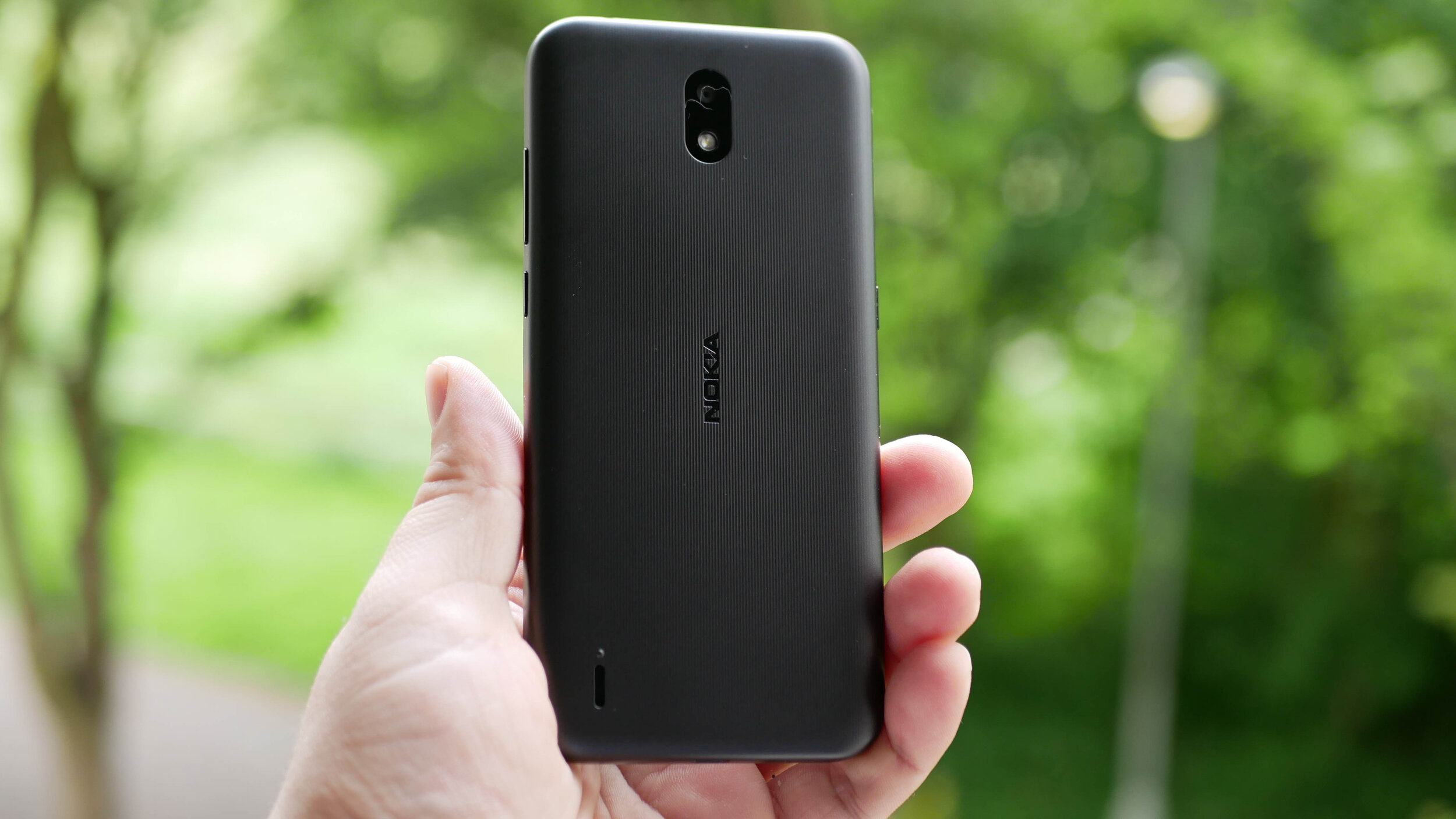
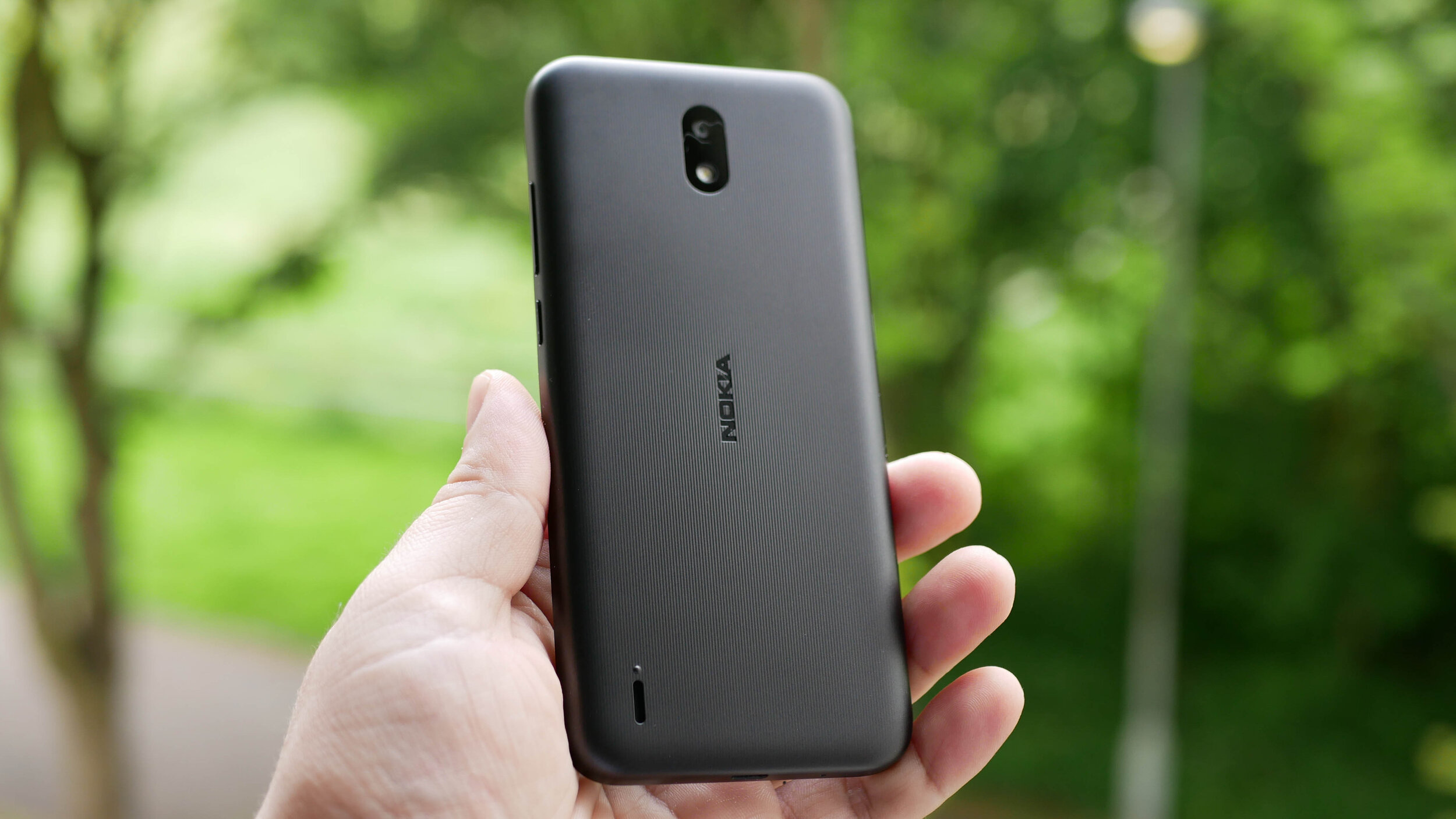
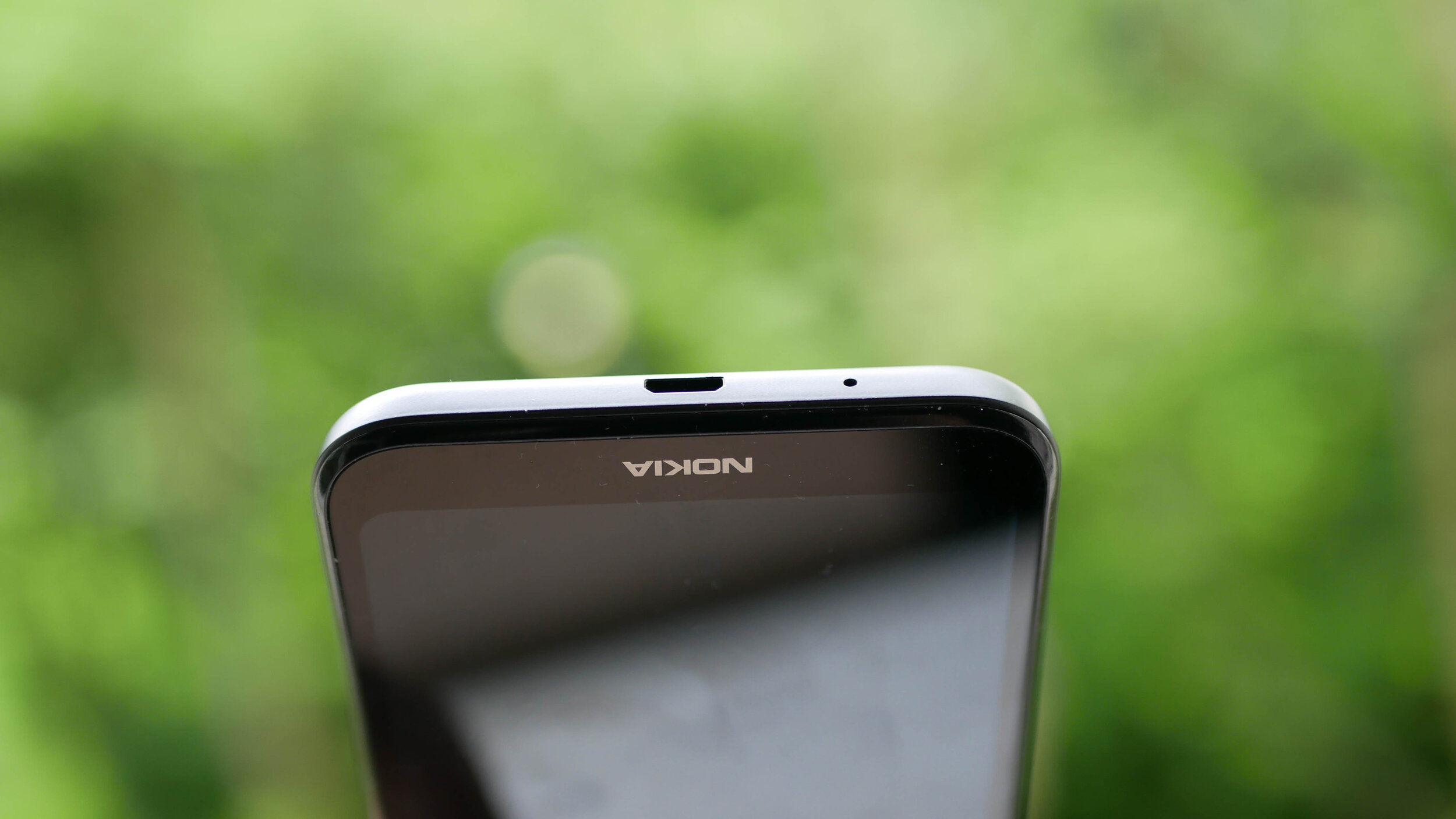
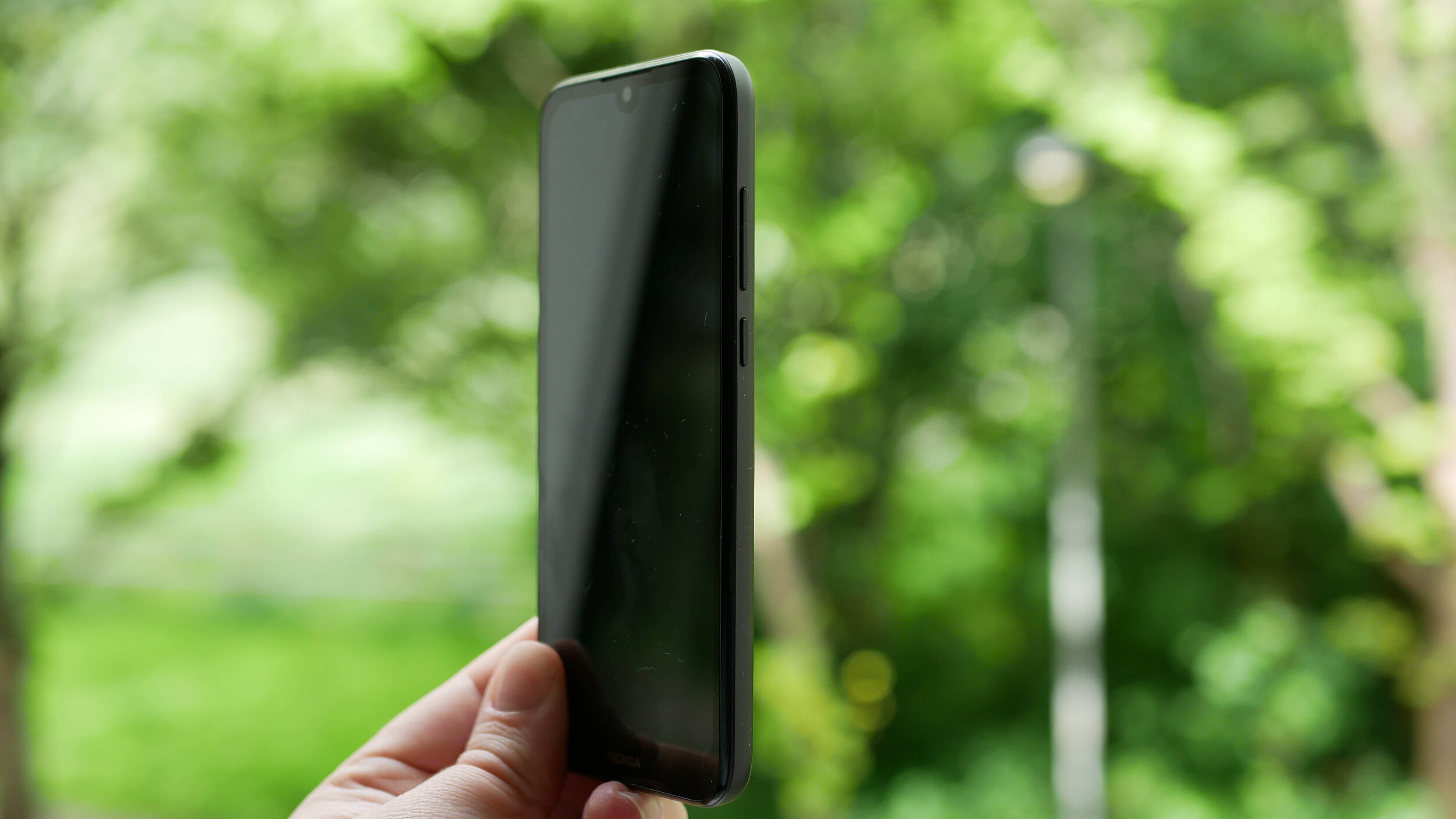
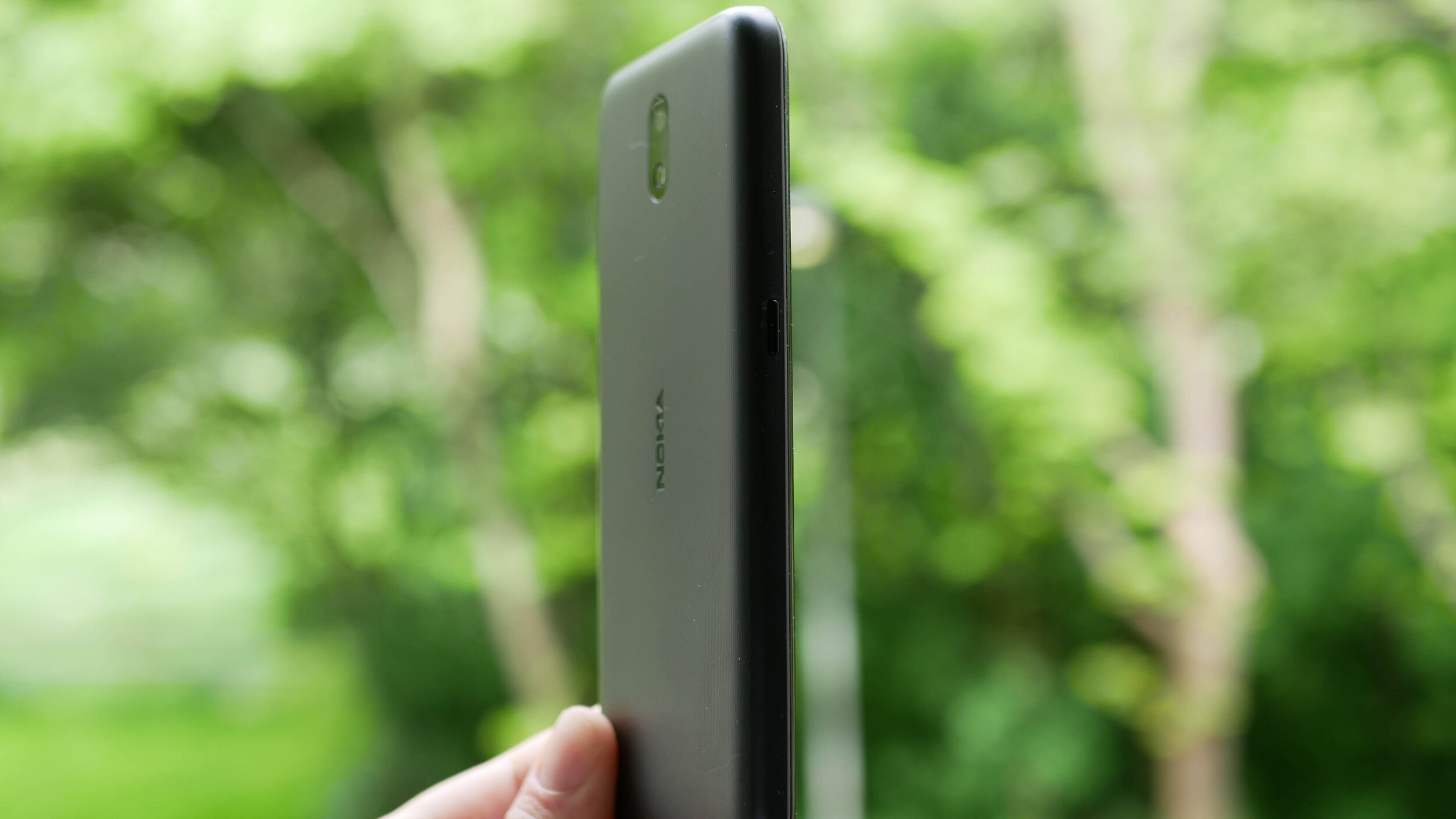
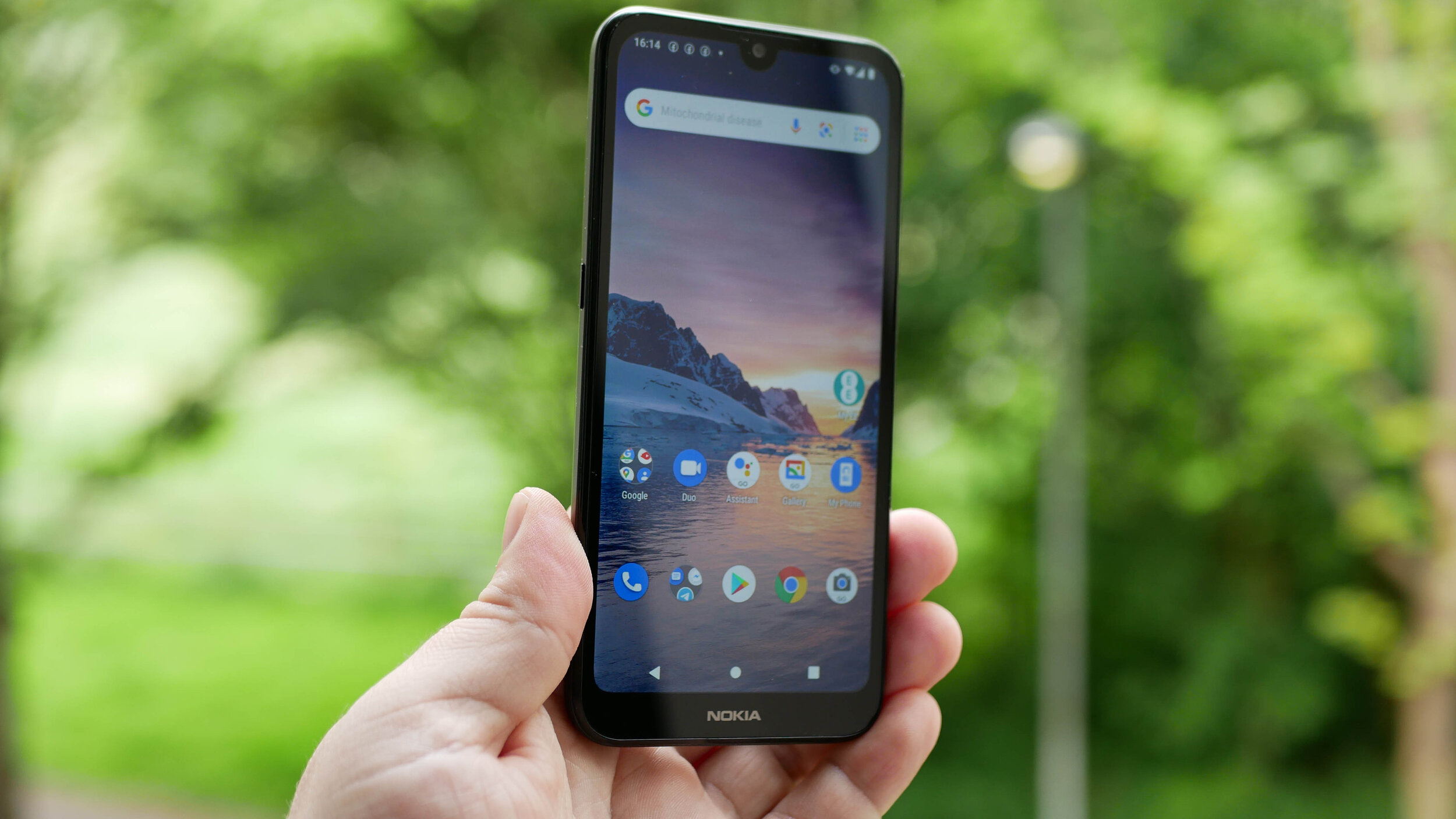
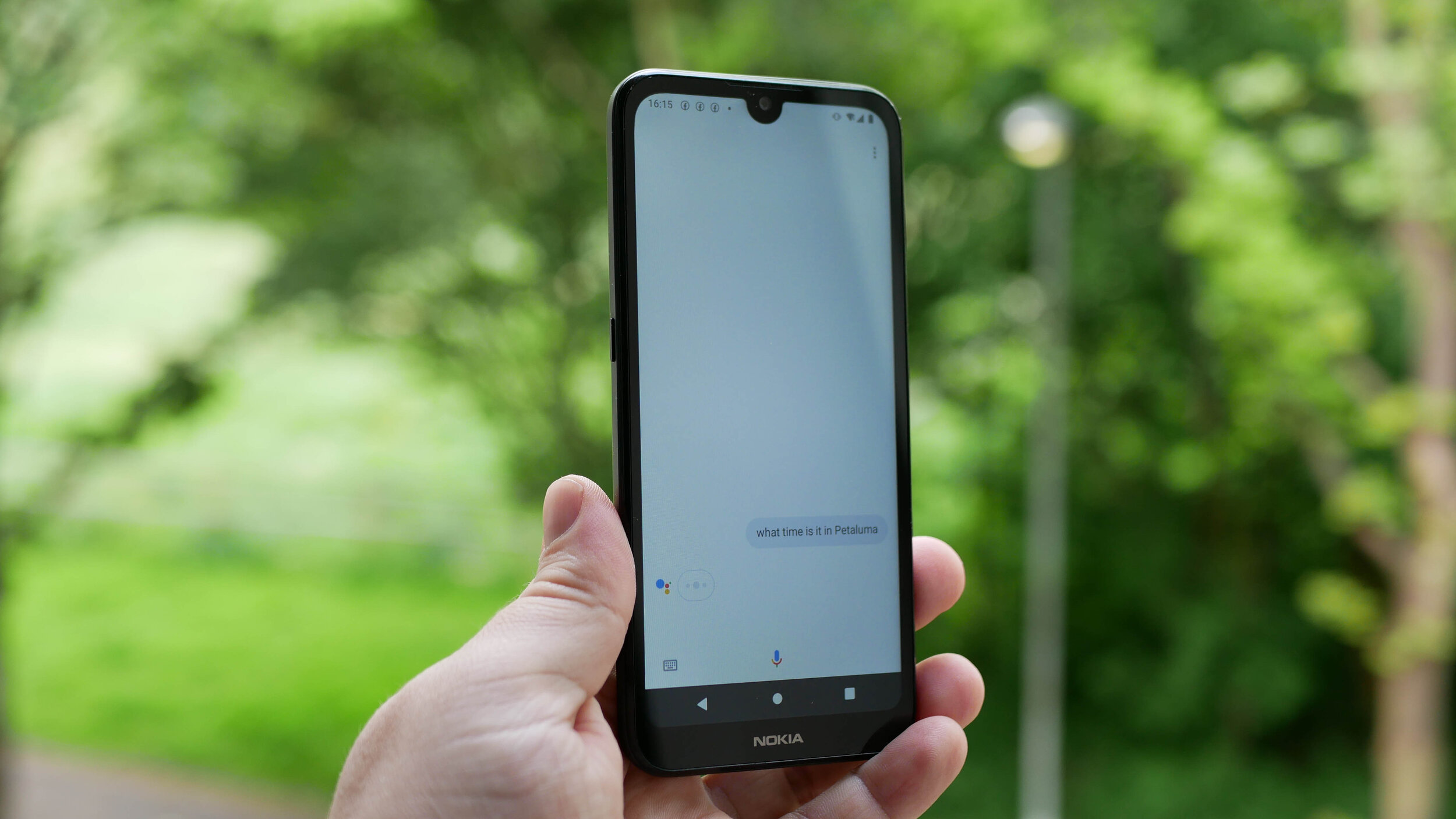
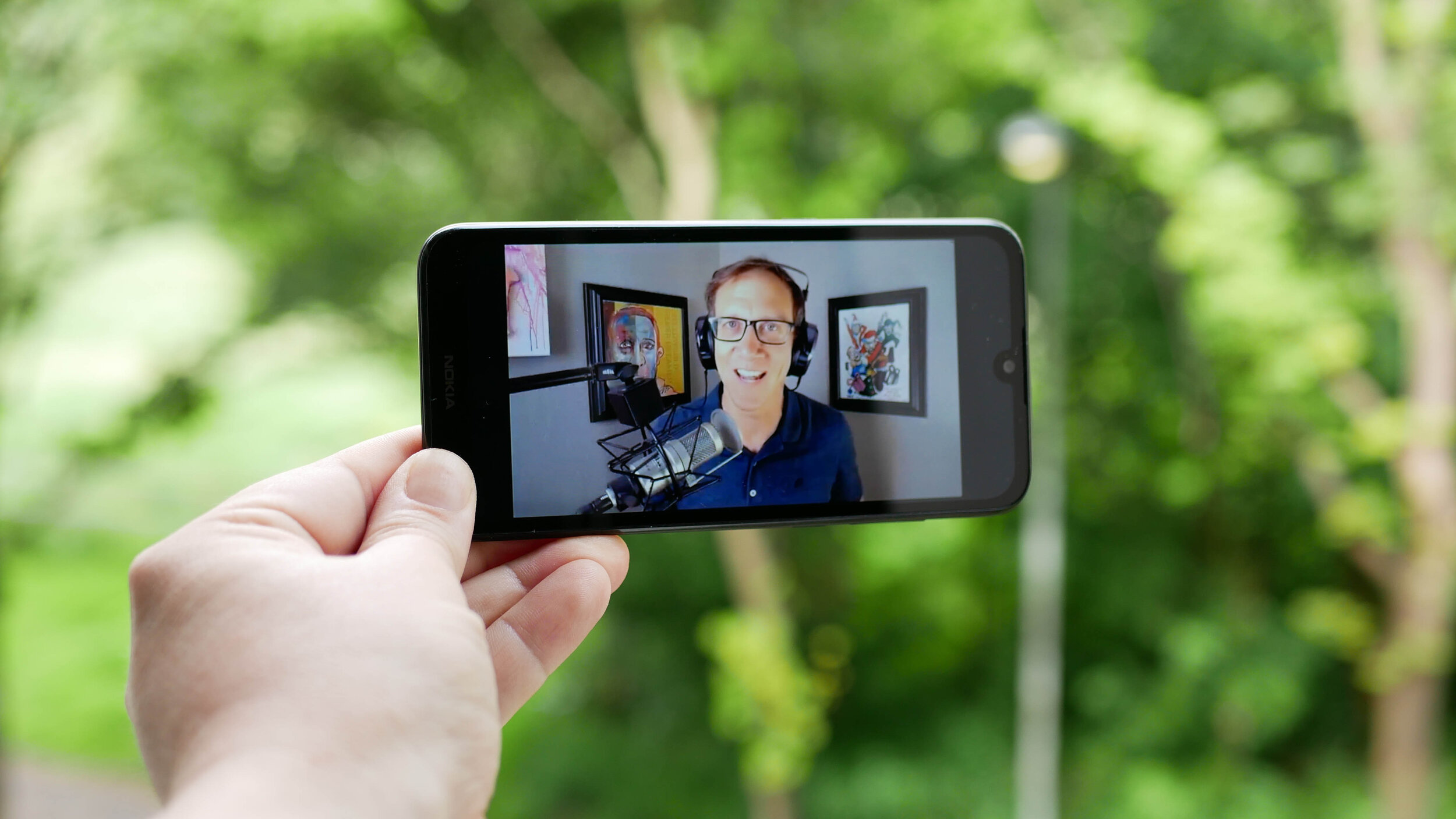
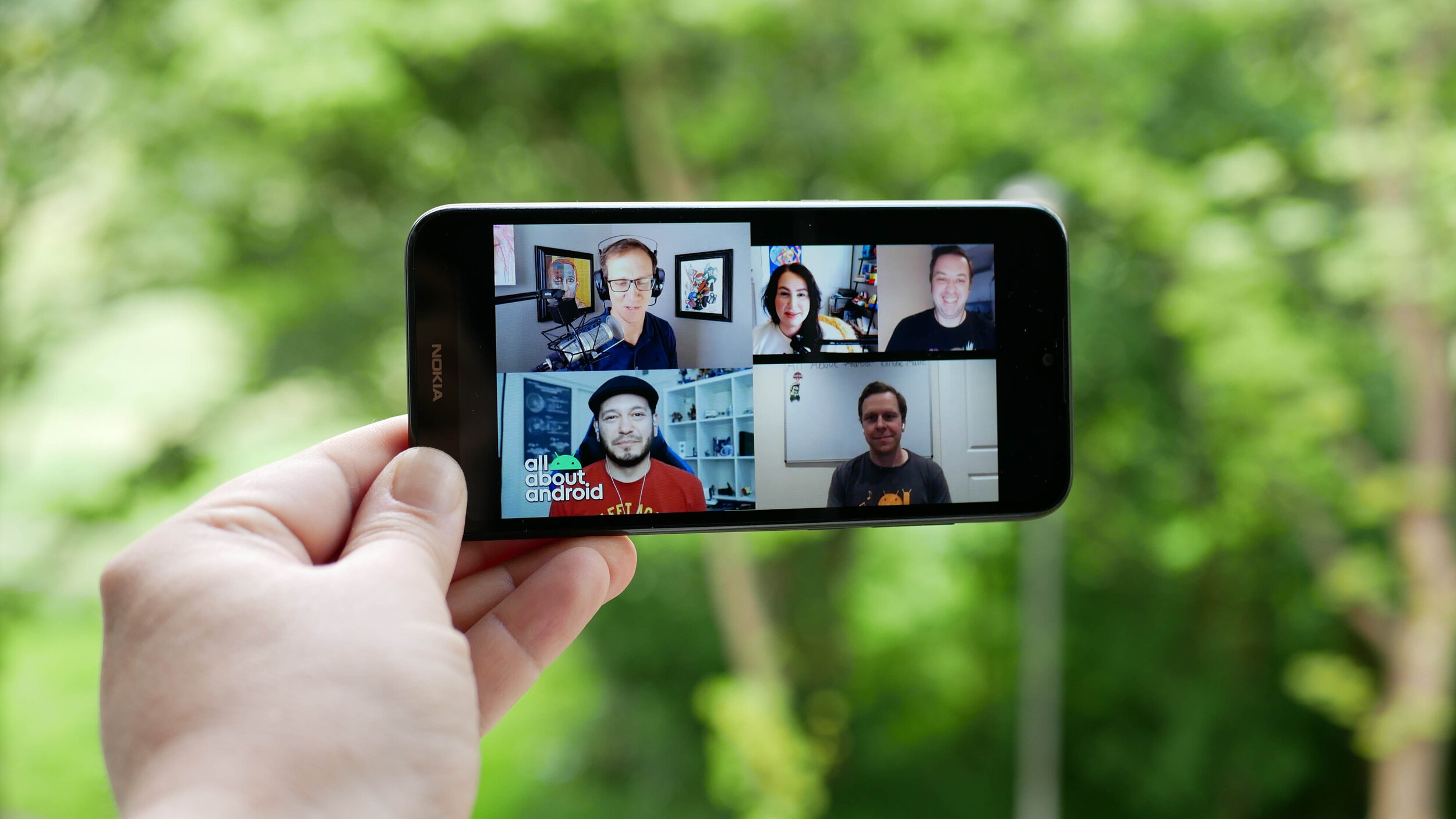
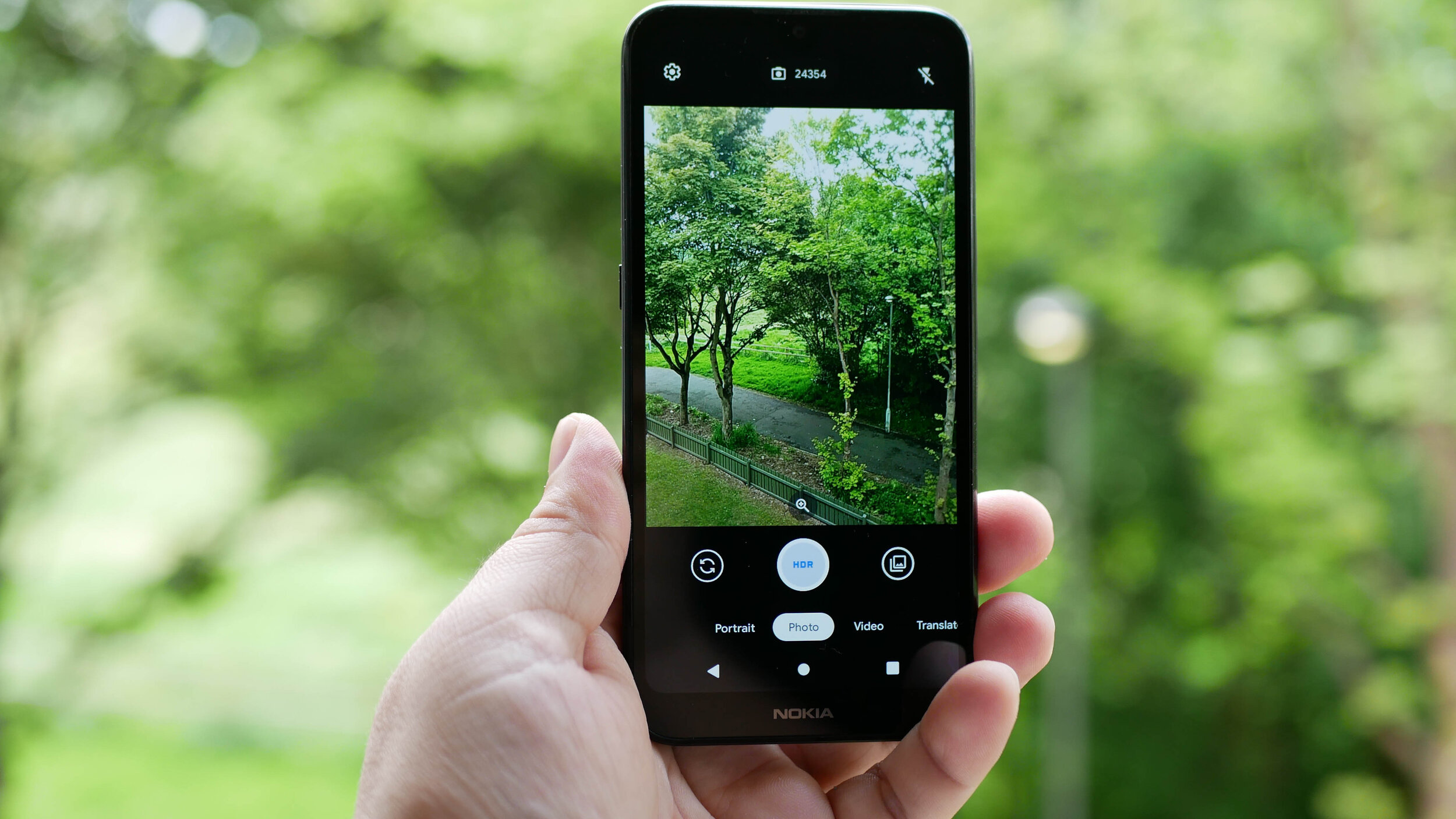
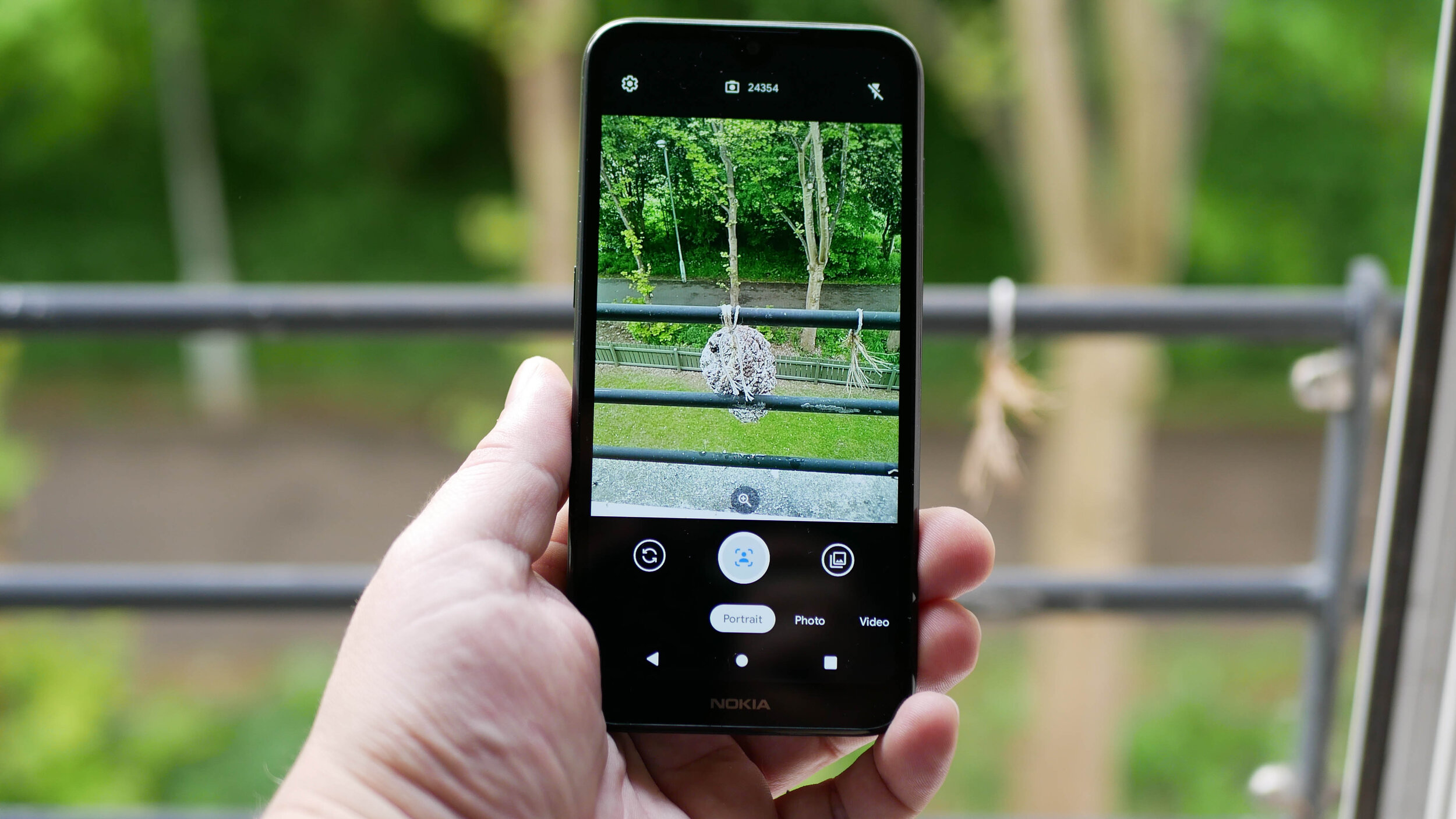
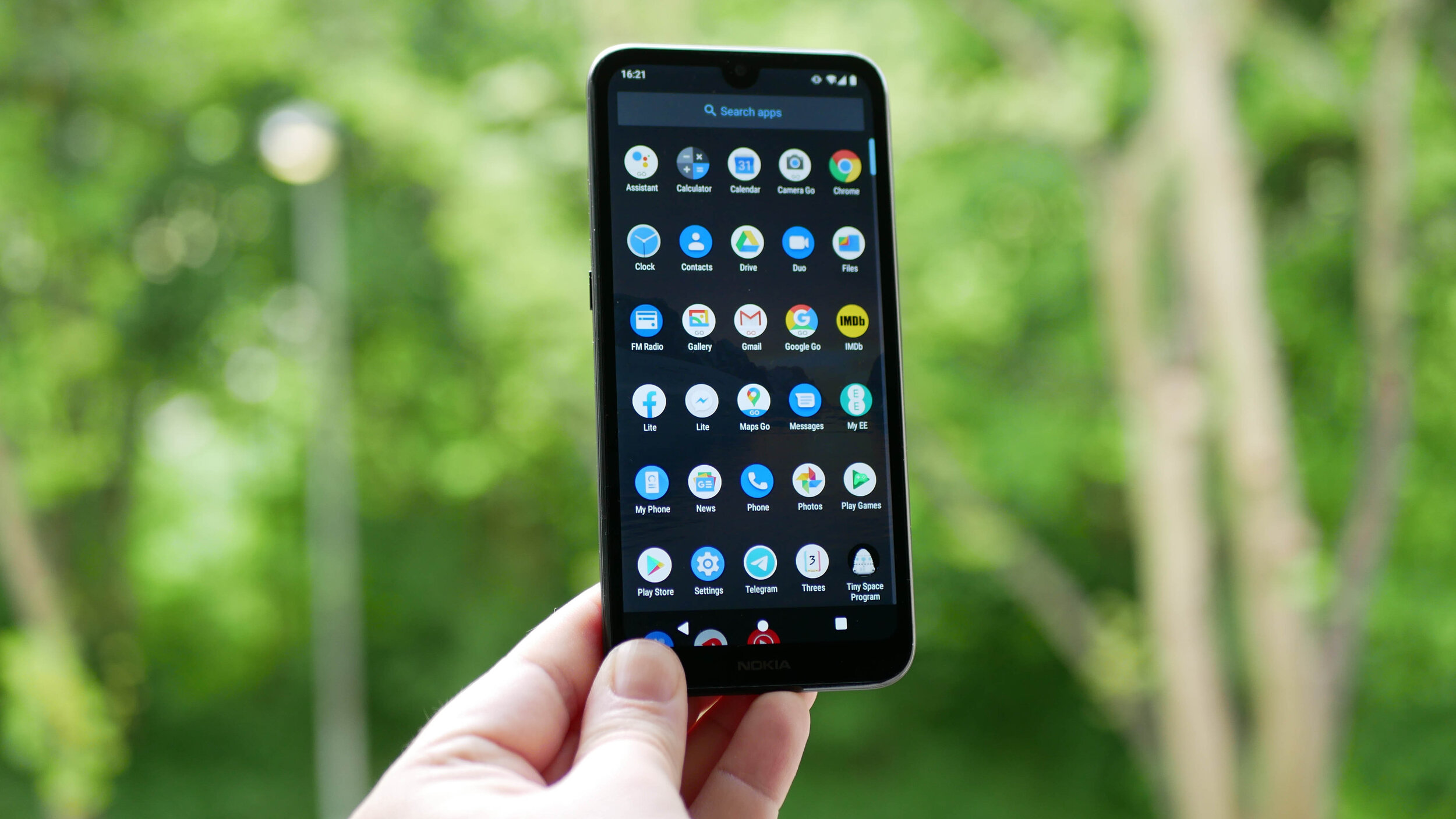
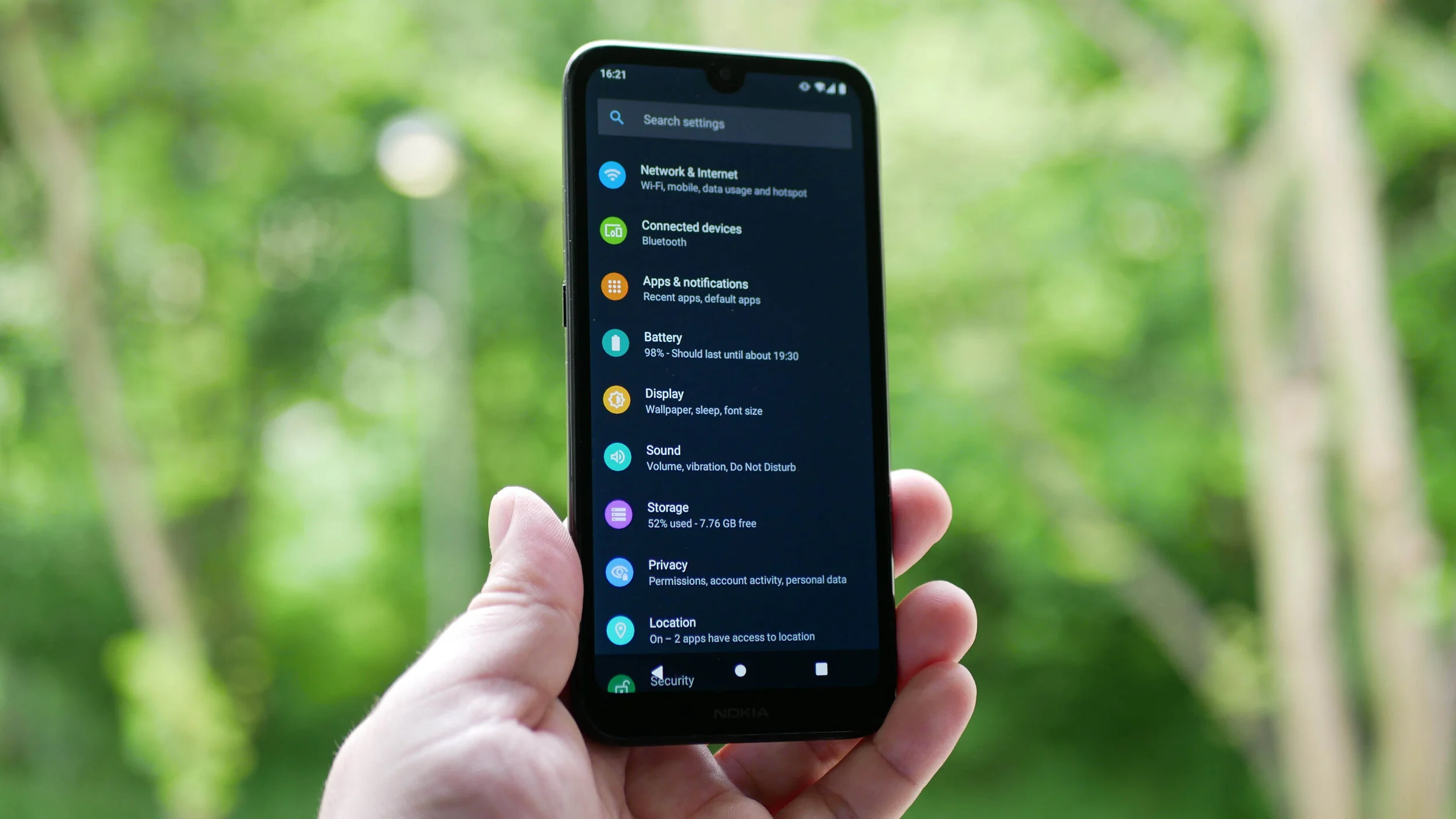
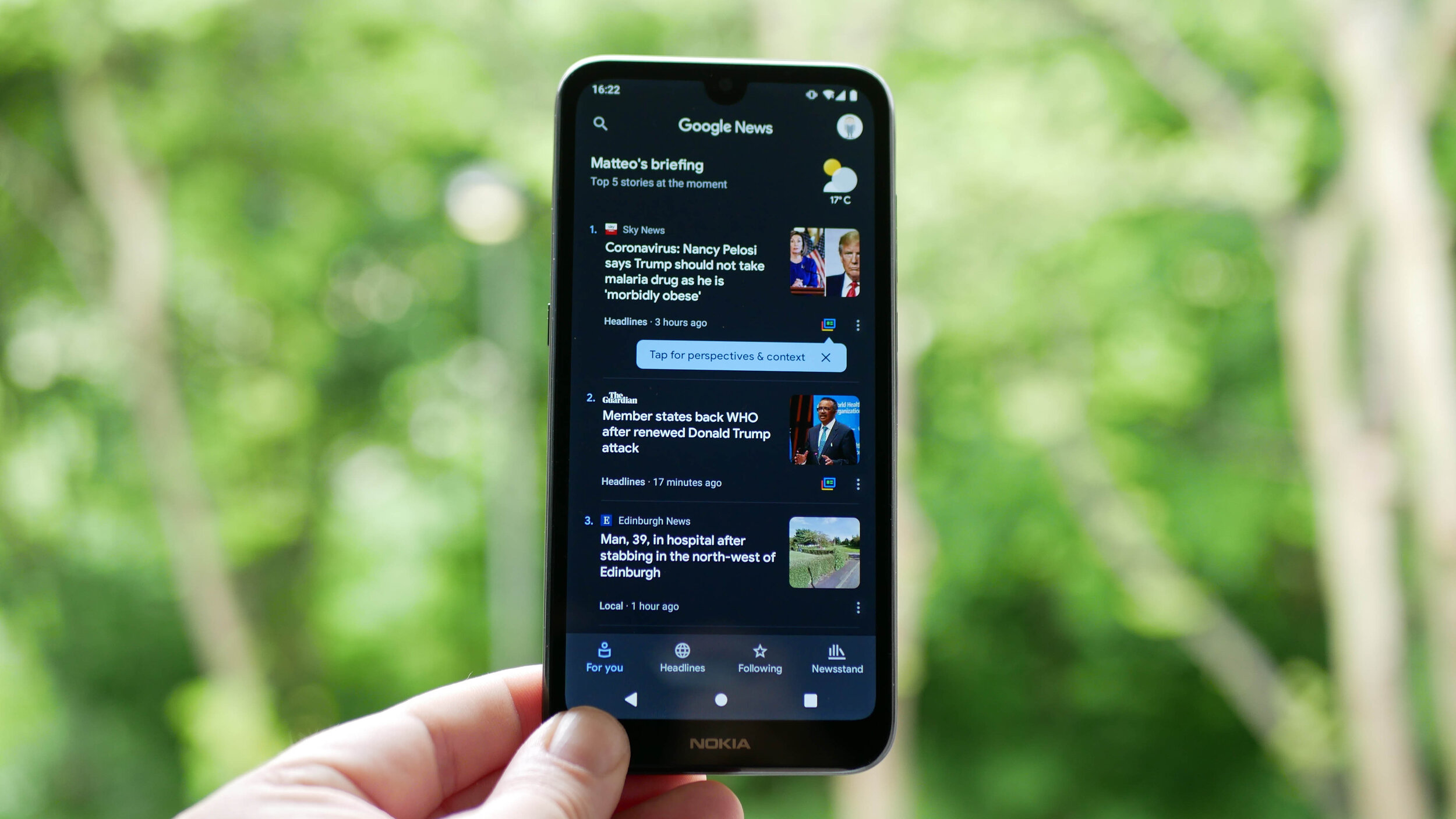
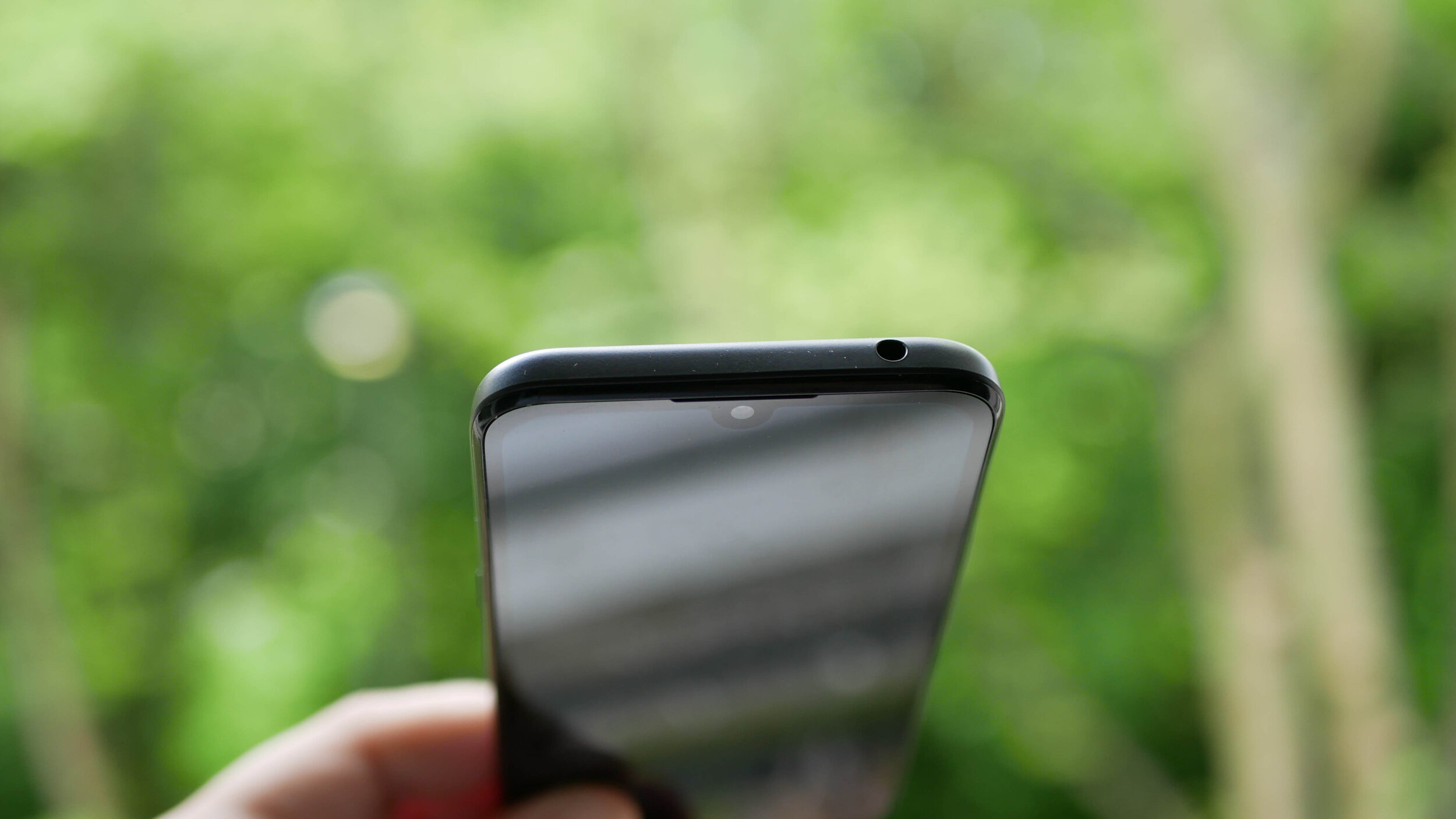
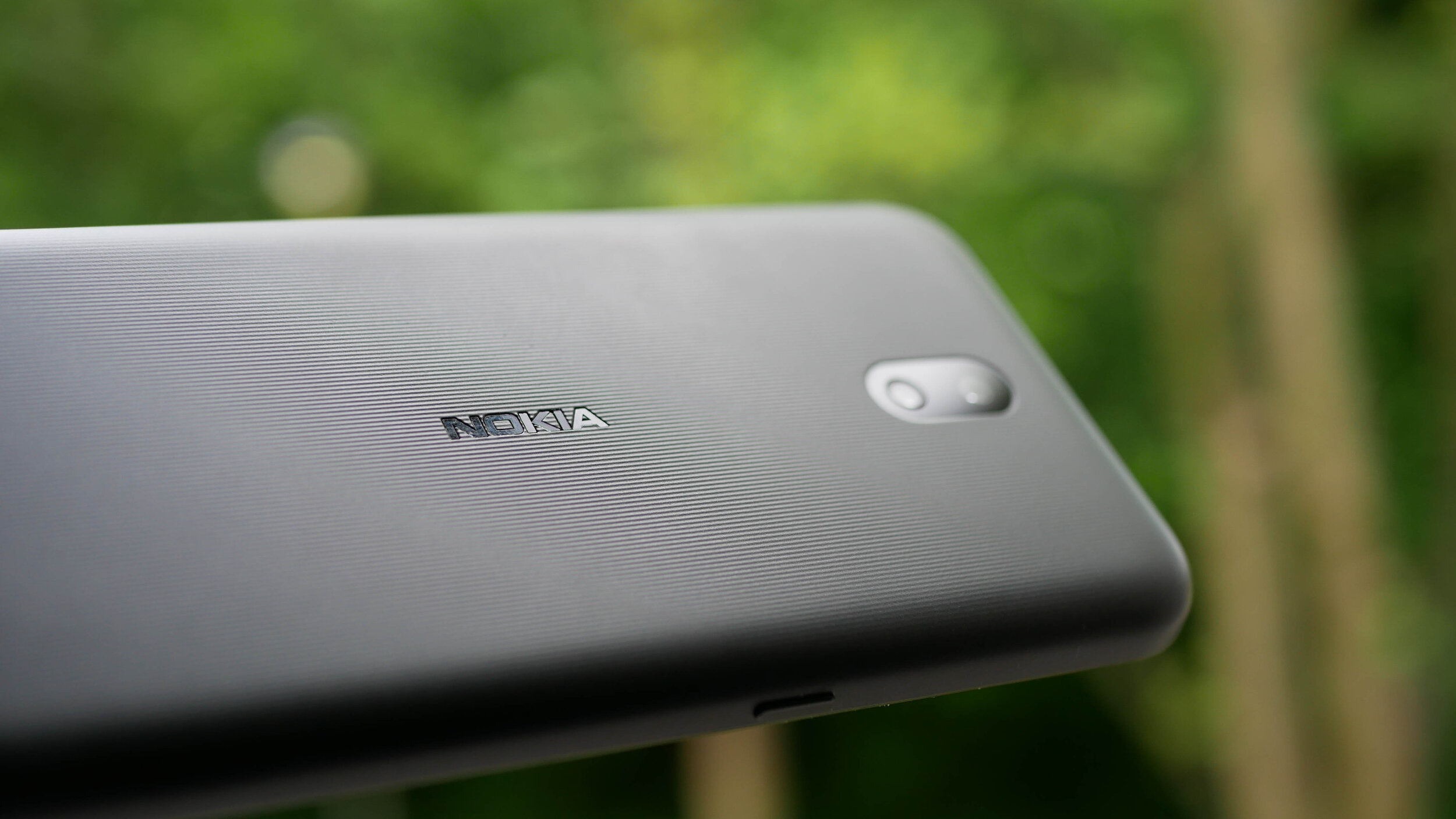
The gallery above is of the device and will be used in All About Android. Subscribe at TWiT.tv/aaa
As time goes by and we release more content, we will add it here.
Feel free to leave a comment if you have any feedback or questions.

Doogee S95 Pro Super - Rugged Modular Phone Review - IP69K Waterproof Heavy Duty Smartphone
The Tech Travel Geeks’ Lukasz reviews the Doogee S95 Pro rugged modular smartphone. Want to know what he thought about the build quality, performance, cameras and added modules? Watch the embedded video or read the blog post with sample photos and videos
On the Tech Travel Geeks Youtube channel we unboxed the Doogee S95 Pro a few months ago, and had also unboxed the device when we visited their offices in Shenzhen. I’ve been using the Dooogee S95 Pro on and off since then, but I moved my SIM card from the Huawei P30 Pro to it a few weeks ago to properly review it.
You can buy the Doogee S95 Pro Super kit on Amazon: https://amzn.to/2T0NQdt
Want to know what I thought about the build quality, performance, cameras and added modules? Watch the video below or continue reading to find out, and make sure to subscribe to Tech Travel Geeks for more content like this.
Build quality
Doogee S95 Pro rugged smartphone
First of all, the phone is built like a tank. It’s a proper rugged phone with IP68 and IP69K certificates, which means that it can survive “powerful high-temperature water jets”. That’s thanks to industry-leading rubber on the back, which can survive a lot - so much so that it passed the MIL-STD-810G military environmental tests, and that certification isn’t easy to get.
It’s also thanks to the fact that all the ports like USB, SIM and microSD card are securely covered from any external factors.
We took it further though and wanted to see how much it can survive. The phone managed to stay on while being frozen and survived getting “liberated” with a hammer, which is amazing.

Doogee S95 Pro frozen in ice
But then we decided to see if the phone can survive being driven over by a Tesla. The first attempt, on the grass, seemed to be successful, with just some scratches on the screen protector. Unfortunately, the second attempt, on concrete, affected the phone quite significantly - initially the camera app wouldn’t open, and then the screen stopped working properly, getting ghost touches. Removing the screen protector didn’t help solve the issue unfortunately.

Friendly reminder - don’t get your phone run over by a Tesla
So, is the S95 Pro super durable? Yes. Should you drive over it with a car? Here at Tech Travel Geeks, we’d advise against it.
Due to all of this ruggedness, the phone is obviously quite heavy, clocking in at 285 grams. For comparison, my Huawei P30 Pro weights 192 grams, but that’s the price you have to pay for the ruggedness. You’ll also most likely need two hands to operate it.
Screen

Doogee S95 Pro is great for watching some Netflix
The front of the device is a 6.3 inch 1080 by 2246 pixel Full HD screen, making it 395 pixels per inch. It’s an IPS screen, so an LCD rather than OLED. The quality is decent and fine if you want to watch some YouTube videos or even some Netflix on the go, but don’t expect the quality or refresh rates seen on OLED screens in current smartphones. Luckily, it’s still bright and good for daily use.
Performance

You can even play Fortnite on the Doogee S95 Pro!
What really positively surprised me was the performance. Having been mostly using phones with high-end chipsets, I was a bit worried about using a MediaTek chipset. However, the octa-core 12nm Helio P90 chipset impressed me personally. The software experience in the everyday usage was great and with no slowdowns. Everything was really smooth.
I wanted to test it to its fullest and tried throwing all the high end games at it, and I could barely make it sweat. All the recent racing games Asphalt 8 and Asphalt Xtreme were really smooth, and the latest Asphalt 9 was easily playable, with just a bit of a performance hit, but nothing impacting the gameplay. The same with Need for Speed: No Limits or Crazy Taxi Classic. I then tried first person shooters, and Dead Trigger worked really well, PUBG was mostly good, with some minor slowdowns. I was even able to play some Fortnite, with just some minor slowdowns. Only thing to note is that some games took a bit longer to load, despite 8GB of RAM, but you only need a bit of patience, that’s all. Overall, for such a device, it definitely exceeded my expectations.
Speaking of memory, the phone comes with 128GB of storage, and supports microSD cards in case you want to expand it even further.
Software

Doogee S95 Pro running Android 9
The S95 Pro uses Android 9 and hasn’t received a major update in the last 6 months. What’s more worrying, though, is the lack of security updates. As of writing on 8th May, my device is still stuck on January 2020 update. That’s not great unfortunately, so keep that in mind.
Doogee’s launcher is rather basic and doesn’t have an app drawer, so I installed Action Launcher instead, as I personally struggle without the app drawer. However, the overall software experience was all right.
Battery life

Doogee S95 Pro’s 5150mAh battery is great
Another area that’s quite impressive is the battery life, as expected in such a device. The phone comes with a 5150 milliamp hours battery and it will last you a day of constant usage without any problems, and even more if you don’t use your phone as much as I do. If you’re planning to go mountain biking or on a hike, you’ll be sure that your phone is safe AND that the battery won’t run out before the day ends.
When it comes to charging, you have two options. You can use a USB-C cable and plug it in. According to Doogee’s website, it offers 24W “turbo quick charge”. You can also use 10W wireless charging, which is great for a rugged phone like this. In general, you shouldn’t have any battery issues with this device.
Connectivity

Doogee S95 Pro offers global 3G and 4G connectivity
When it comes to connectivity, you should be able to use the phone globally on most 3G and 4G networks, which is great. It supports dual SIM cards, so you can either have a work and personal number, or get a cheap SIM card while travelling. What’s more, it supports NFC, so you’ll be able to make wireless payments using Google Pay or similar, which is becoming more and more important right now.
Cameras

Doogee S95 Pro offers three cameras on the back and one on the front
As someone who loves taking photos, there’s one area which would make it difficult for me to use this phone as my only phone, and that’s the camera. On paper, all looks good - there’s a 48MP main lens with the same sensor as the Xiaomi Mi 9T, an 8MP wide-angle lens and an additional 8MP sensor, as well as an LED flash on the back, and a 16MP front-facing camera.
I managed to take a few good photos with the main lens, before we had to stay home. Here’s a beach in North Berwick in Scotland, Placa de Catalunya in Barcelona and some monument in Barcelona, all looking good.



However, if you take the same photos on the wide angle camera, the colours shift towards red and the photos get darker, become pixelated and are unfortunately unusable.



Unfortunately, it’s the same with the zoom lens - here’s the Arc de Triomphe on the main camera, which looks good, but then the wide angle becomes dark and pixelated, and the 2x zoom looks like an oil painting, losing detail.



The night mode was actually quite good, as per the Sagrada Familia photos I took. Again, as long as you stick to the main lens.



Two of my favourite photos were of food in Barcelona - I really miss travelling now :)

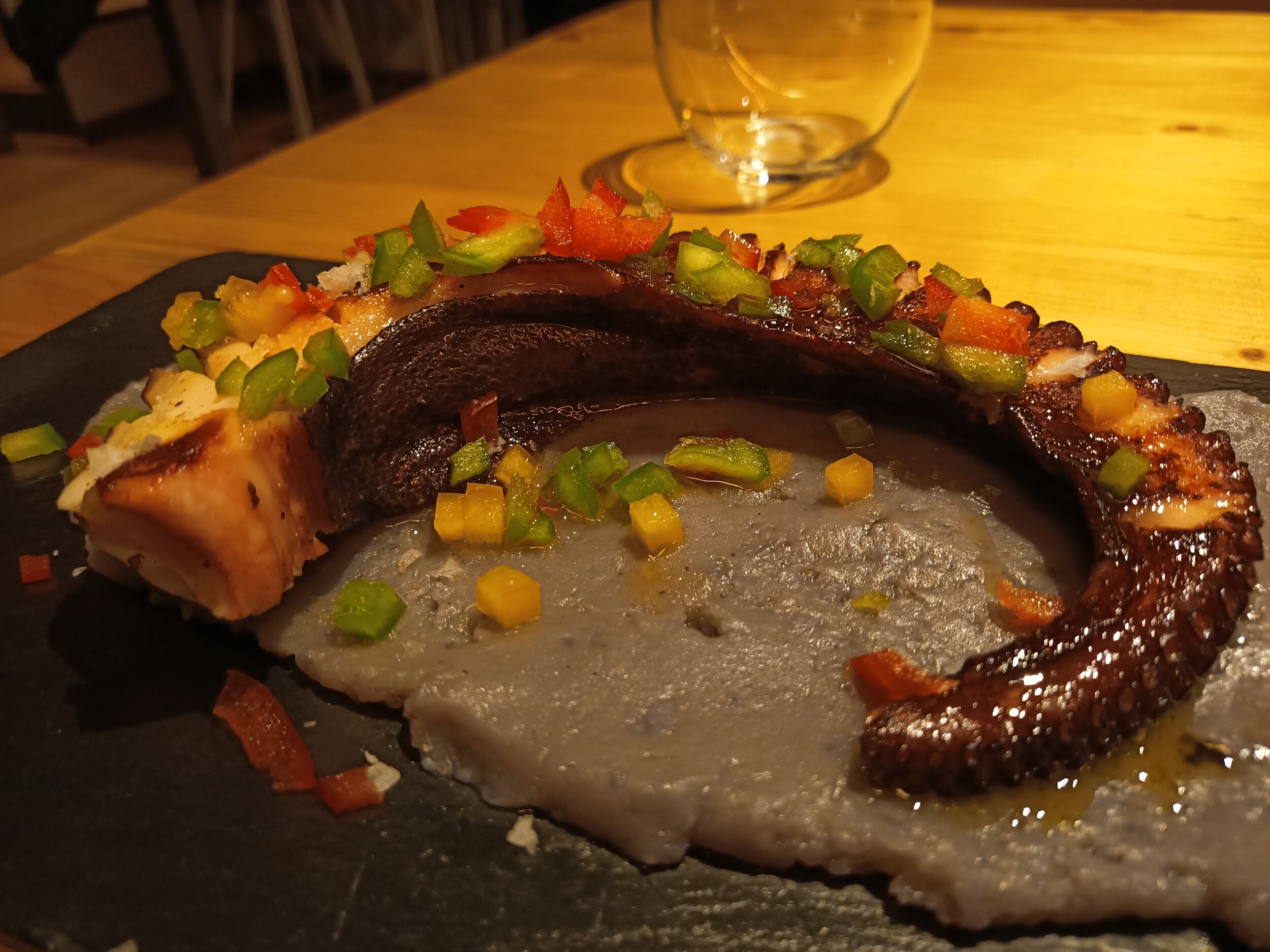
There’s also portrait mode and some shots are good, but it appears to be finding the middle of the image and blurs everything outside, so don’t use it on inanimate objects.



Selfies weren't great, but passable - oh, hi Matteo!



I also used the front facing camera for video calls with family with no issues, as well as to share some guitar practice with my teacher.
For video, you get 4K 30 frames per seconds, just be careful that it’s quite shaky, so I’d recommend stationary shots. The wide angle camera doesn’t work for video though, just main and 2x zoom. Luckily, the 2x video doesn’t seem to suffer from the same issue as photos - just look at this amazing guy in Barcelona!
Modules
Finally, let’s end on something very unique to the Doogee S95 Pro. If you look at the back, you can find a 16-pin connector. There are two optional modules which you can buy in addition to the phone and connect them to the device - a battery and speaker. Exciting stuff!

Doogee S95 Pro Super kit comes with the phone, a battery module and a speaker module
Let’s start with the battery. It attaches really easily, and it stays on really well. It has a cut out for cameras, so you can still use them while charging on the go. The battery has a capacity of 3500 milliamp hours, which means that it should charge around two thirds of the battery, or up to 10 hours. In our tests, we went from 20% to 70% in around 3 hours. I found the battery a really good idea, especially if you’re on the go and urgently need a top-up

Doogee S95 Pro battery module
The speaker module is a 6W one with two speakers, has a 2000 milliamp hour battery and should last up to 3 hours. You don’t need to connect to Bluetooth, it just works. The sound is great, it’s quite loud and can fill a room. My by far favourite function is the stand, which allows you to watch some YouTube or movies on the go without holding the phone.

Doogee S95 Pro speaker module with a stand
Summary
So, what are my thoughts about this phone? If you’re in the market for a rugged phone, this should be a great device for you. It has a great battery, surprisingly good performance, and if you go with the version with modules, the functionality of the phone will increase significantly. It can also survive almost anything. Just bear in mind that the cameras aren’t great and software updates are quite behind, so be cautious if those two things are important to you.

Thanks for watching this detailed Tech Travel Geeks review of the Doogee S95 Pro. If you enjoyed this video, make sure you leave us a like and a comment, and subscribe to our channel for more videos like this - click here to subscribe.
Check our Doogee S95 Pro unboxing videos:
Also, watch the Doogee S95 Pro comparison with the Doogee S68 Pro:

The State of Smartwatches in 2020 - Is there any point?
Smartwatches were supposed the next big thing…in 2014. I still remember driving in my car on my commute from Sunderland to Durham listening the (relative) surprise of the launch of Android Wear. I remember analysts and commentators talking about the seismic change to “wearables” as the next big thing in tech.
Google hadnt been first to the smartwatch game. Samsung had released the OG Galaxy Gear Watch with the Note 4 in 2013 and a fat of third party companies were getting in on the act. Pebble, Fit-Bit etc.
Android Wear (now Wear OS) was the first to be based on Android and controlled by Google. A flurry of devices came, the Galaxy Gear had multiple versions, the LG etc etc
TBH, I was a bit sceptical. It seemed to be a “manufactured” category. What I mean by this is that whilst mobile phones/smartphones had grown organically with progression from the Nokia 3210 days, to sliders, thin phones, flip phones (Moto Razer for example), touch screens and then the seismic shift to smartphones with BlackBerry and of course the iPhone. There was a sense that a product category existed, and companies were competing to make the best product and the consumer was all the better for it. Phone shipments rocketed, smartphones became the norm and internet access became a basic human need (along with food water and shelter).
But in a a capitalist society based around growth, something more was required. Columns and inches were written, Videos published about how this was a “gamechanger”. And of course Apple was about to “invent” the smartwatch with the Apple Watch.

Galaxy Gear S2
It just didnt happen. he public too didn’t seem to be too enamoured with them, I rarely saw “one in the wild”.
But I’m a techie…
So after resisting the magpie urge, I decided to take the plunge in 2016. By then Samsung had dropped Android Wear for Tizen (which worked surprisingly well). It seems the market was maturing and we were getting watches which looked like watches note just mini-smartphones on out wrists (LG Watch anyone?) Although to be fair the OG Moto 360 was first to that.
So I went for the Gear S2 (as shown above). It looked like a watch, ran smoothly, though the battery life was pants. A day max. The app store was a bit bare but I liked the rotating bezel, which seemed to work much better then touchscreens on Android Wear watches.
The problem? It worked best with samsung devices (it did work with others but the health features werent there and there were other severe limitations). It was now another device to get ready and charge. Half the time for sterility reasons they had to be removed in theatre and i wasnt so much into the (basic) health tracking that was there. After about a year, in 2017 I decided that this was an unnecessary piece of kit, sold by big multi-nationals to shore up a saturated smartphone market increasingly dominated by Apple and Samsung. it was surplus to requirements and so I got rid of it.
in late 2019/early 2020, I decided to revist them. I was seeing a lot more Fit-Bits and Apple Watches (the Series 4 seems to be where they really took off). Plus “proper” watch makers like Fossil, Garmin etc were really getting into it. So i decided to try the device in the opening picture. The Mobi TicWatch.
I’m not going to delve into a full review as that deserves a piece of its own. But I will say this. Connectivity is much better. Google Fit gives me a multi-device platform for health tracking (I was on a mission to get health so was often at the gym). Battery-life was 2 day+ (so no remembering to charge everynight) . it looked nice, and its dual LED screen meant even if you did lose battery, it was functional as a simple timepiece.
WearOS still isnt the best or most intuitive. But I found myself getting used to it. When I forgot it at home, I’d glance at my wrist to check notifications only to realise it wasnt there. Similarly if I’d forgotten at the gym then I’d look at my wrist to play the next song on my playlist (Eye of the Tiger!) and then realise i didnt have it. Plus it had the fantastic ability to connect to my phone so i could answer the phone on my wrist Star-Trek style (#80skid #Nerd)
The fitness aspect with Google Fit have also matured nicely and it again comes in handy for step-counts and heart rate monitoring.
I’d got used to life with it. In a way that we are now completely used/dependent on our smartphones, in certain situations this was happening too, e.g. driving and knowing what notification can be safely ignored or I have to pull over and answer.
They weren’t the next big thing, they weren’t the indispensibale future of tech. But slowly they have found a niche, it just took longer then the manufacturers wanted.
When you think about it, they are 6-7 years into their product cycle. The feature-phone also was about 7 years, and the smartphone a bit quicker at 4 years. In fact (despite the big companies efforts’) they just followed a regular pattern in technology.
Me? I’m keeping my TicWatch, might even upgrade. I dont wear it all the time. But I miss it when i forget.

Hands on with the Huawei Mate 20 X 5G
Our Chief Mobile Opinionist Matteo goes hands on with the Huawei Mate 20 X 5G, and provides us with some first impressions.
Today in Berlin I had the pleasure of getting some hands on time with the Huawei Mate 20 X 5G smartphone, Huawei’s current 5G handset offering for European markets.
The Huawei Mate 20 X 5G is a big device: it has a 7.2” display (FHD+). Despite this it is surprisingly easy to handle and feels well balanced. In many ways it reminded me of my Xiaomi Mi Max I had a while back in terms of ergonomics.


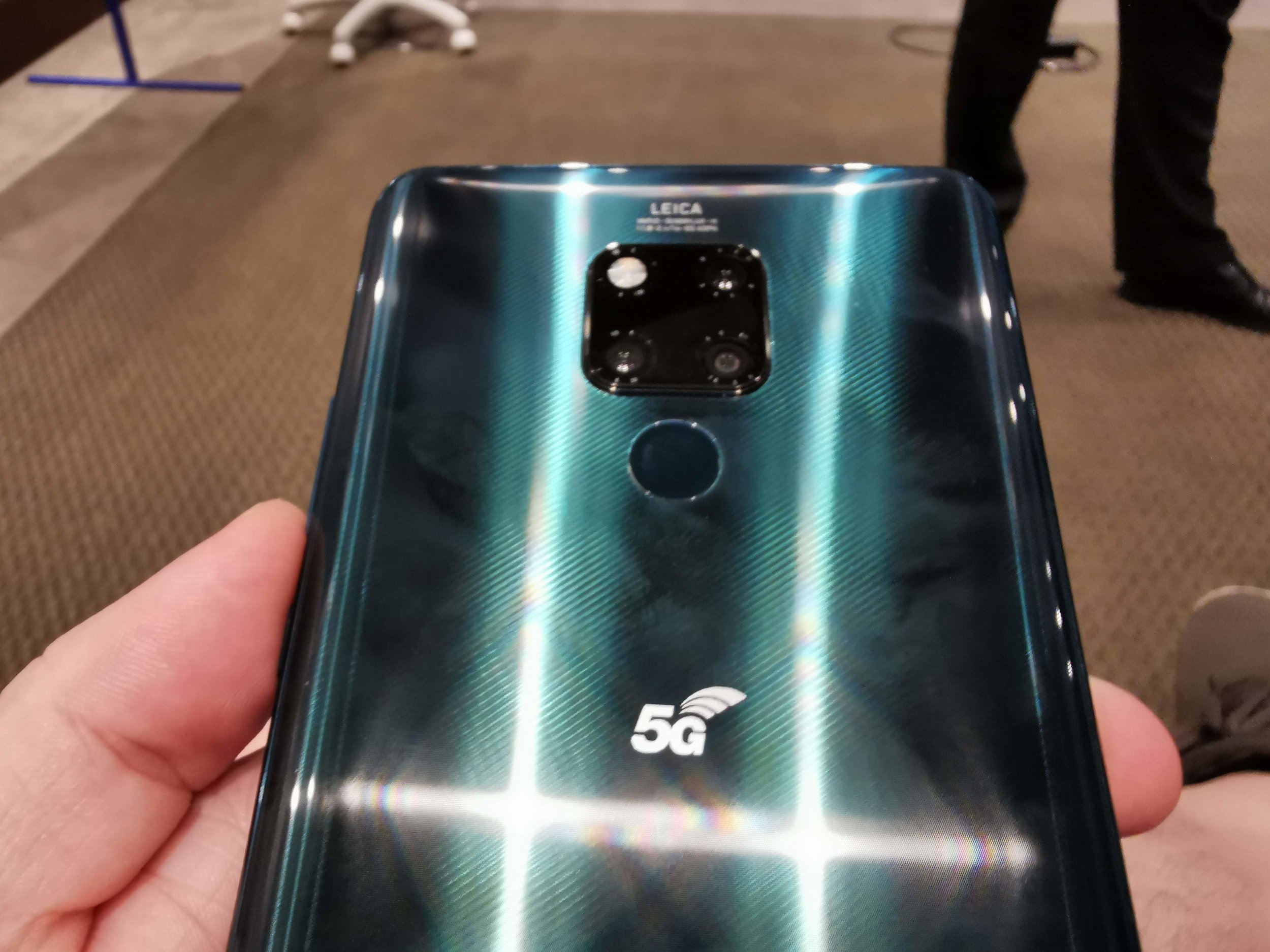

The user experience was very smooth. I wasn’t surprised by this as the device is powered by the same HiSilicon Kirin 980 chip we have seen on the Mate 20 Pro and the Huawei P30 Pro.
The Huawei Mate 20 X 5G is already on sale int he UK from Three, Vodafone and EE (the networks launching their 5G at the moment).
The camera setup is identical to the one on the Huawei Mate 20 Pro, so should deliver some great shots in a variety of situations.
I look forward to seeing how this device does in the market, as it is a bit of a niche product. I can definitely see it delivering a lot of value to someone who travels or commutes a lot, given the immersive screen and gaming capabilities.
Would you consider having a device like the Huawei Mate 20 X 5G? Let us know int he comments or on Twitter.
Huawei Mate 20 X 5G Full Specifications
General
Brand: Huawei
Model: Mate 20 X 5G
Body type: Glass
Dimensions (mm): 174.60 x 85.40 x 8.15
Weight (g): 232.00
Battery capacity (mAh):4200
Removable battery: No
Fast charging: Proprietary
Wireless charging: Yes
Display
Screen size (inches): 7.20
Touchscreen: Yes
Resolution: 1080x2244 pixels
Aspect ratio: 18.7:9
Hardware
Processor: octa-core (2x2.6GHz + 2x1.92GHz + 4x1.8GHz)
Processor make: HiSilicon Kirin 980
RAM: 6GB
Internal storage: 128GB
Expandable storage: Yes
Expandable storage type: Nano Memory Card
Expandable storage up to (GB): 256
Camera
Rear camera: 40-megapixel (f/1.8) + 20-megapixel (f/2.2) + 8-megapixel (f/2.4)
Rear flash: Yes
Front camera: 24-megapixel (f/2.0)
Software
Operating system: Android 9.1 EMUI 9.1
Connectivity
Wi-Fi: Yes
Wi-Fi standards supported: 802.11 a/b/g/n/ac
GPS: Yes
Bluetooth:; Yes
USB Type-C: Yes
Headphones: No 3.5mm jack, adapter from USB Type-C included in box
Number of SIMs: 2
Sensors
3D face recognition: No
Fingerprint sensor: Yes
Compass/ Magnetometer: Yes
Proximity sensor: Yes
Accelerometer: Yes
Ambient light sensor: Yes
Gyroscope: Yes
Barometer: Yes

Xiaomi Mi 9T (Redmi K20) - All the Tech Travel Geeks videos
All the Xiaomi Mi 9T (Redmi K20) videos by the Tech Travel Geeks in one place: the review, the unboxing, the sample video and the case Matteo is using.
In July I ended up buying a Xiaomi Mi 9T from eGlobal Central and have been loving it since it was delivered.
Lukasz, our Chief Aperture Officer, and I have made a few videos for the Tech Travel Geeks YouTube Channel about the Xiaomi Mi 9T. It is now time to share them with you here on the website too.
We really enjoyed making these videos, and overall it is a device which has earned the honour of housing one of my main SIM cards.
Would you like to know more? Is there anything we haven’t covered and you have questions about? Reach out to us on Twitter, leave a comment on this post or on any of our YouTube videos. We are happy to geek out about this excellent device.

Nokia 4.2 Gallery and Specifications
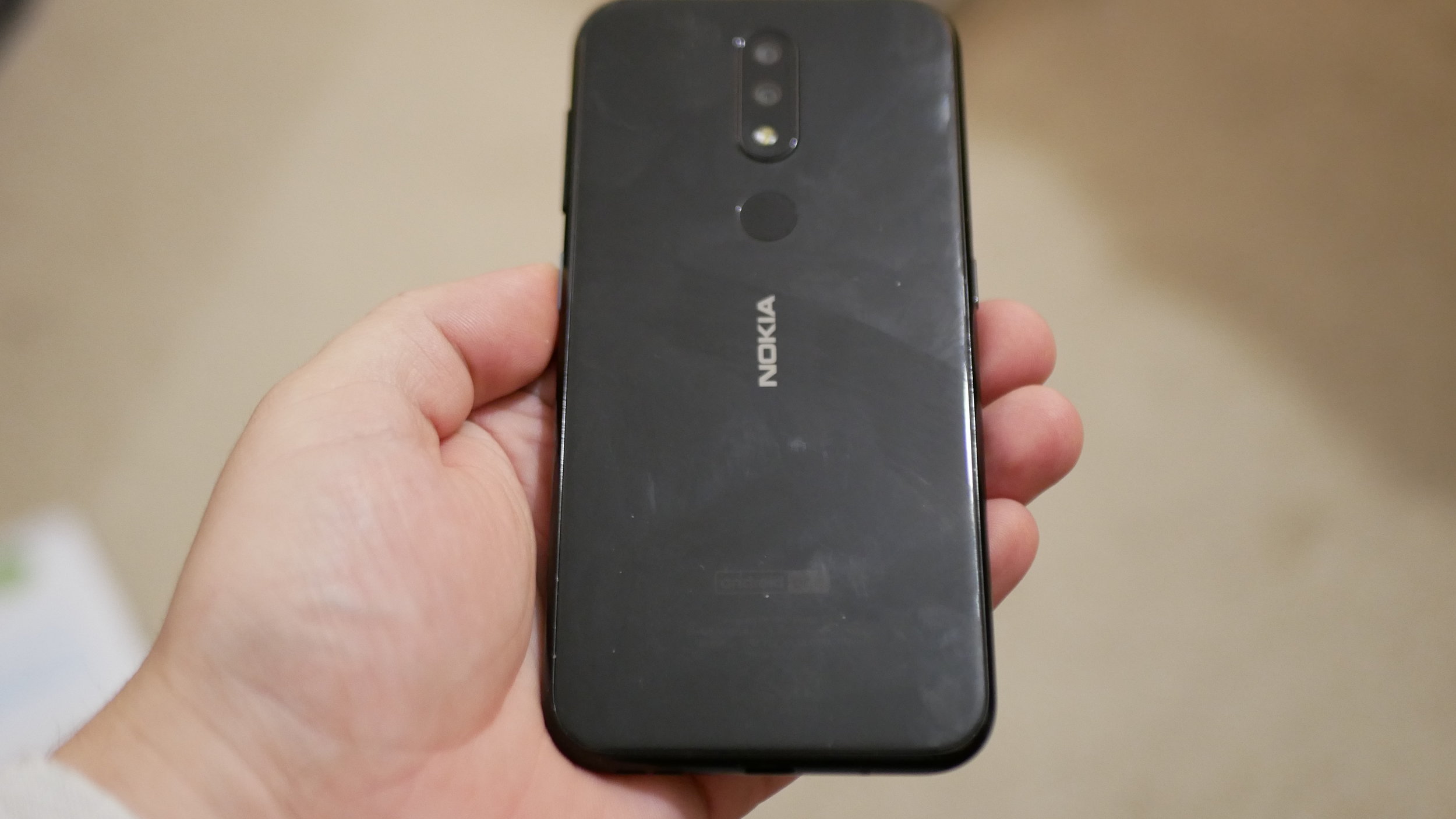
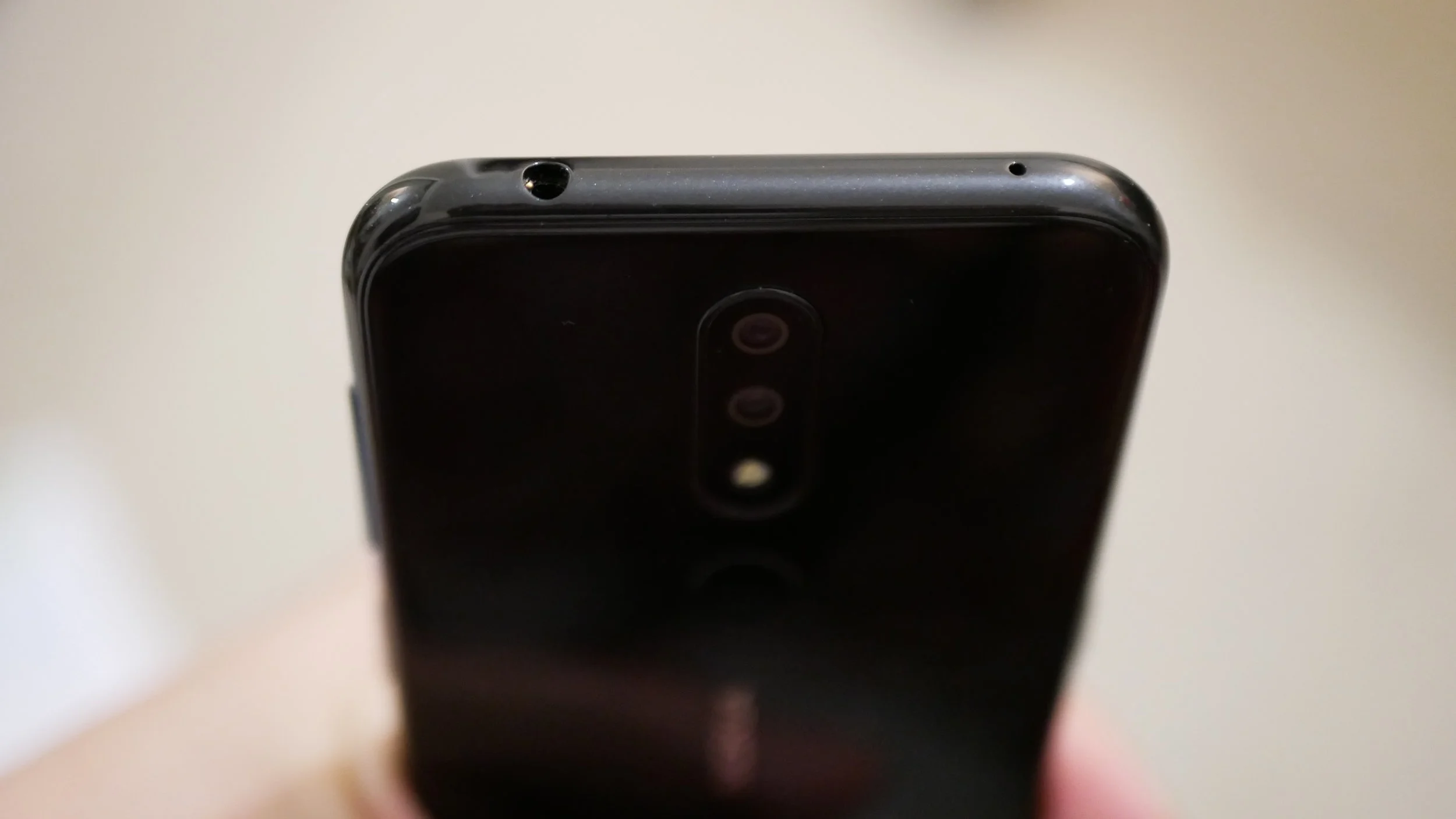
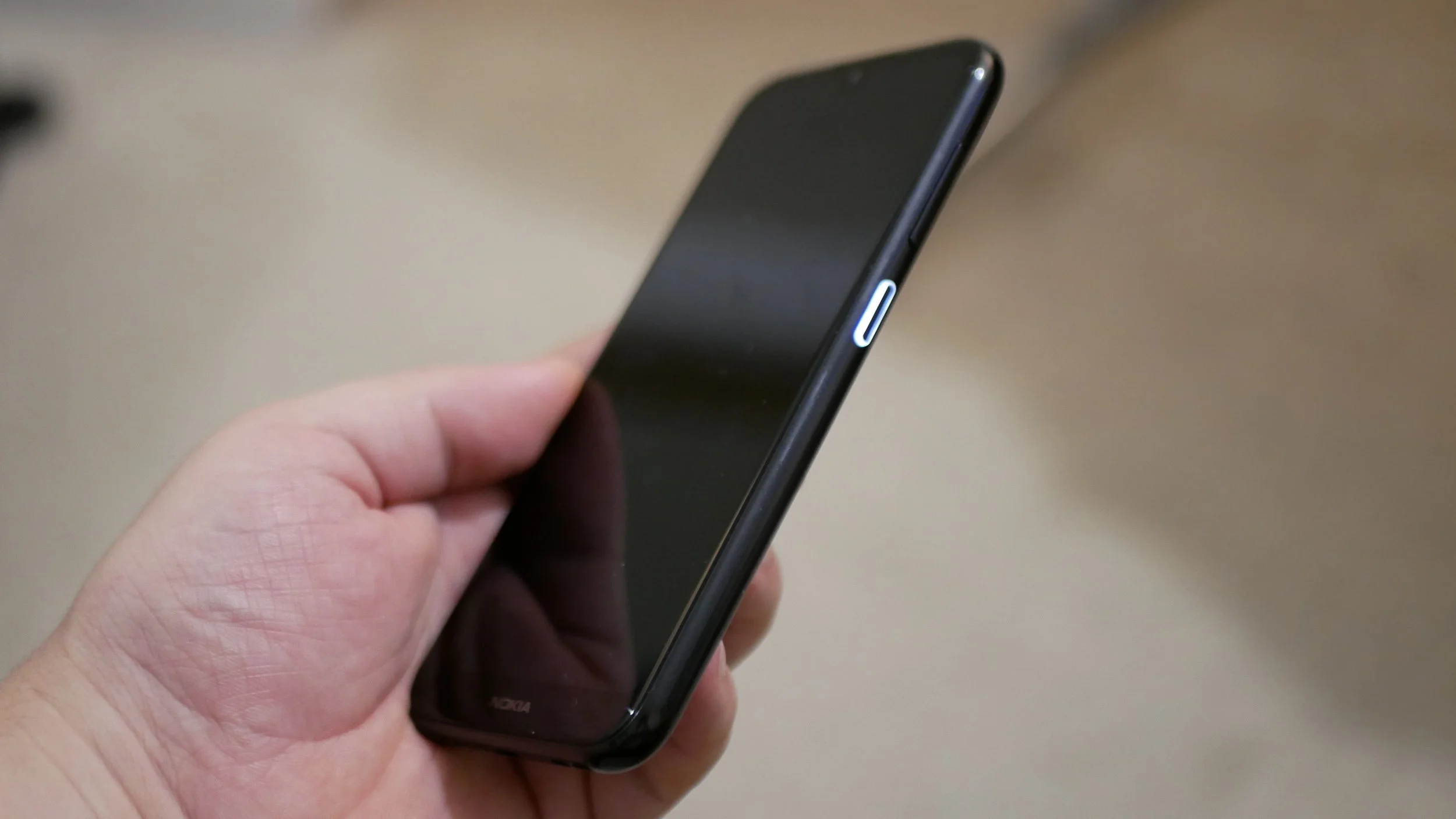
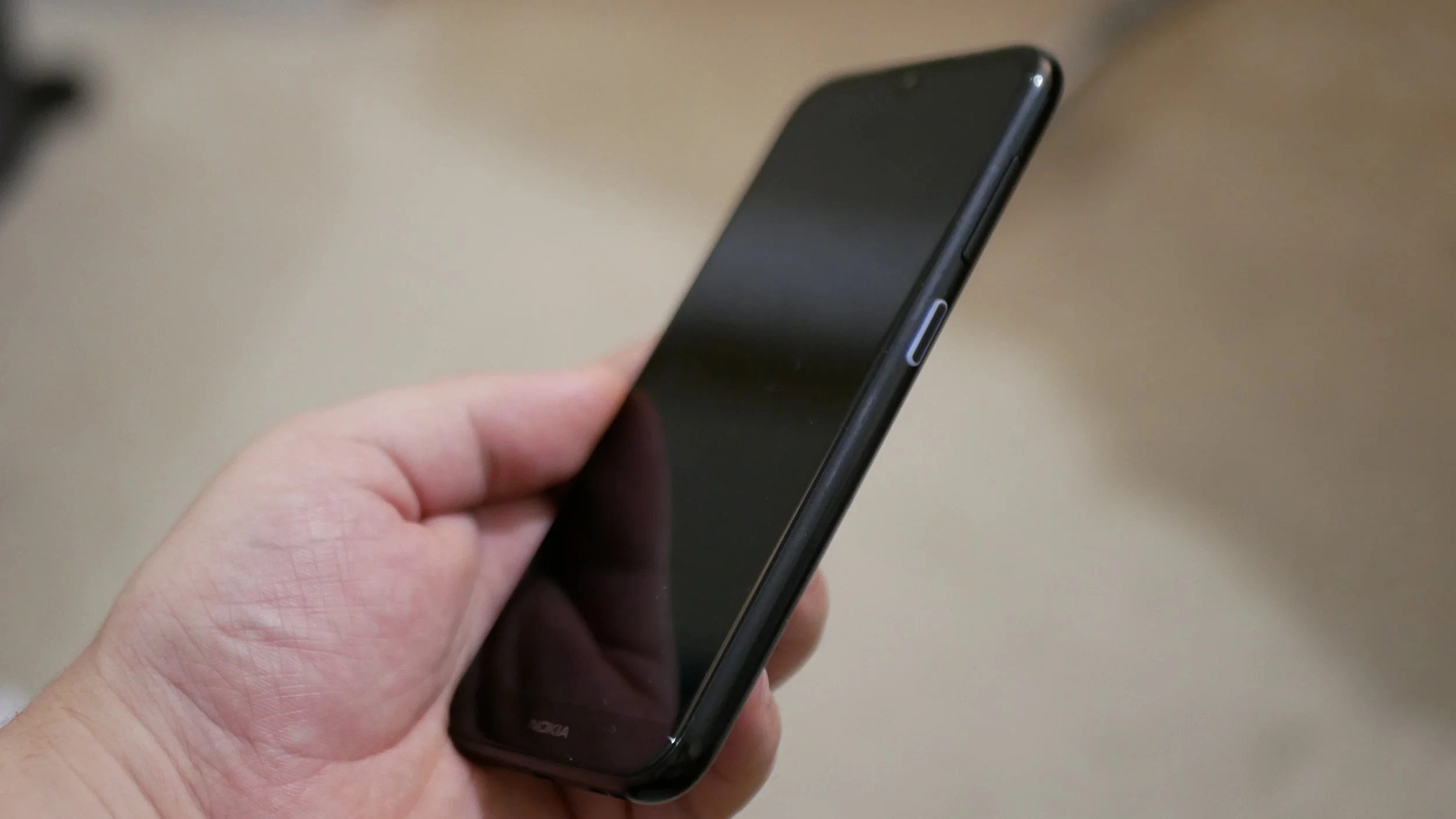
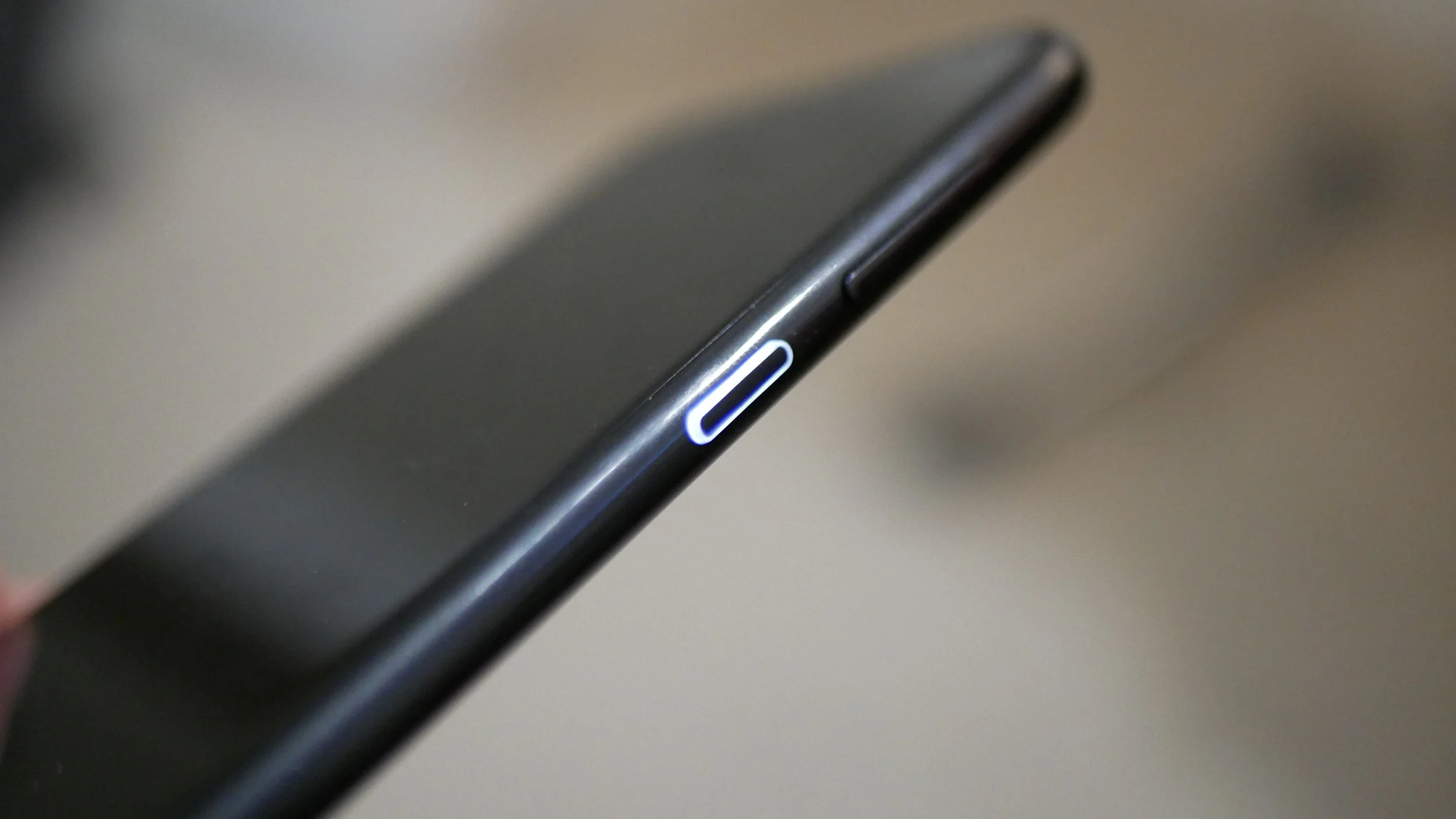
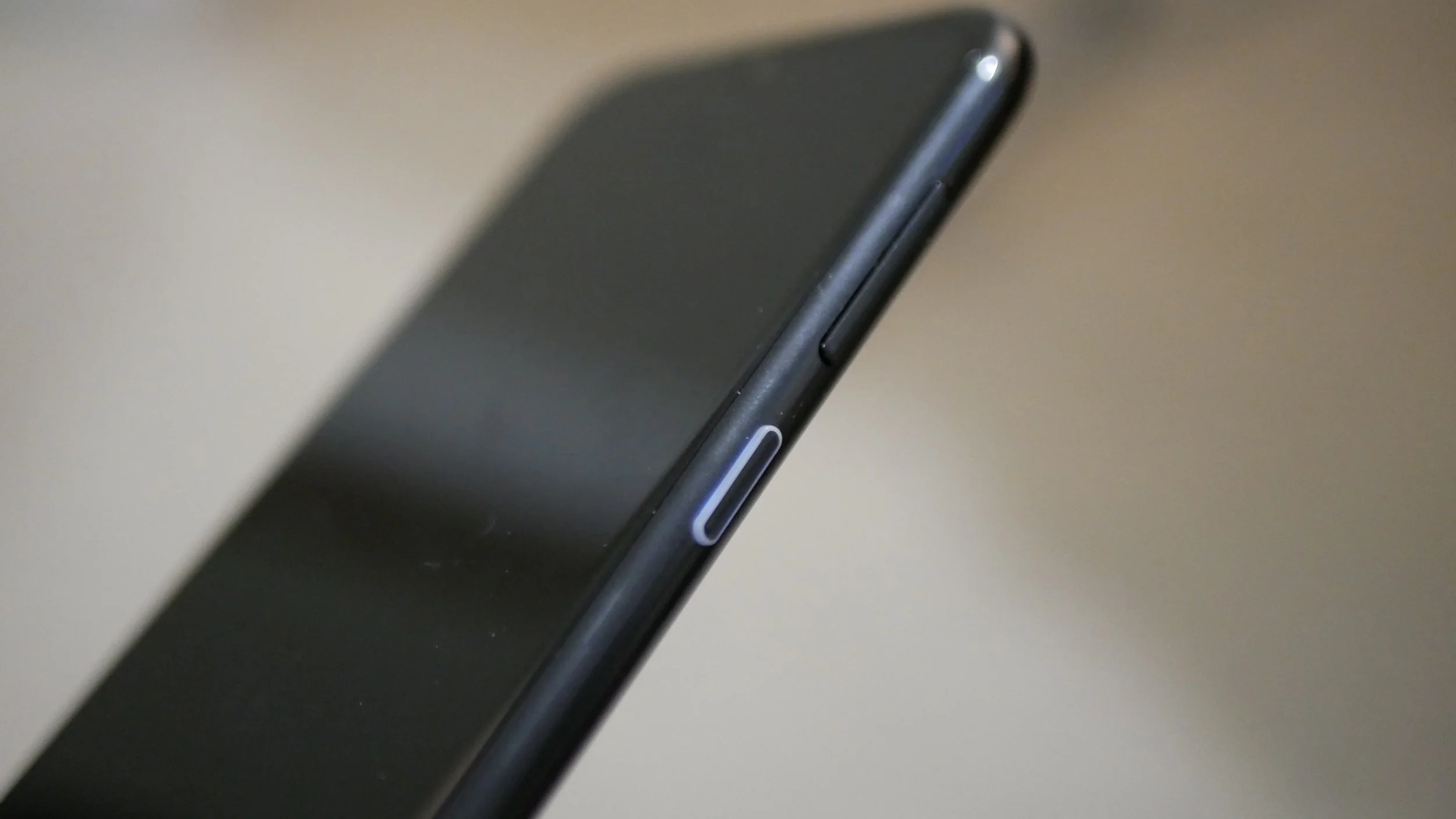
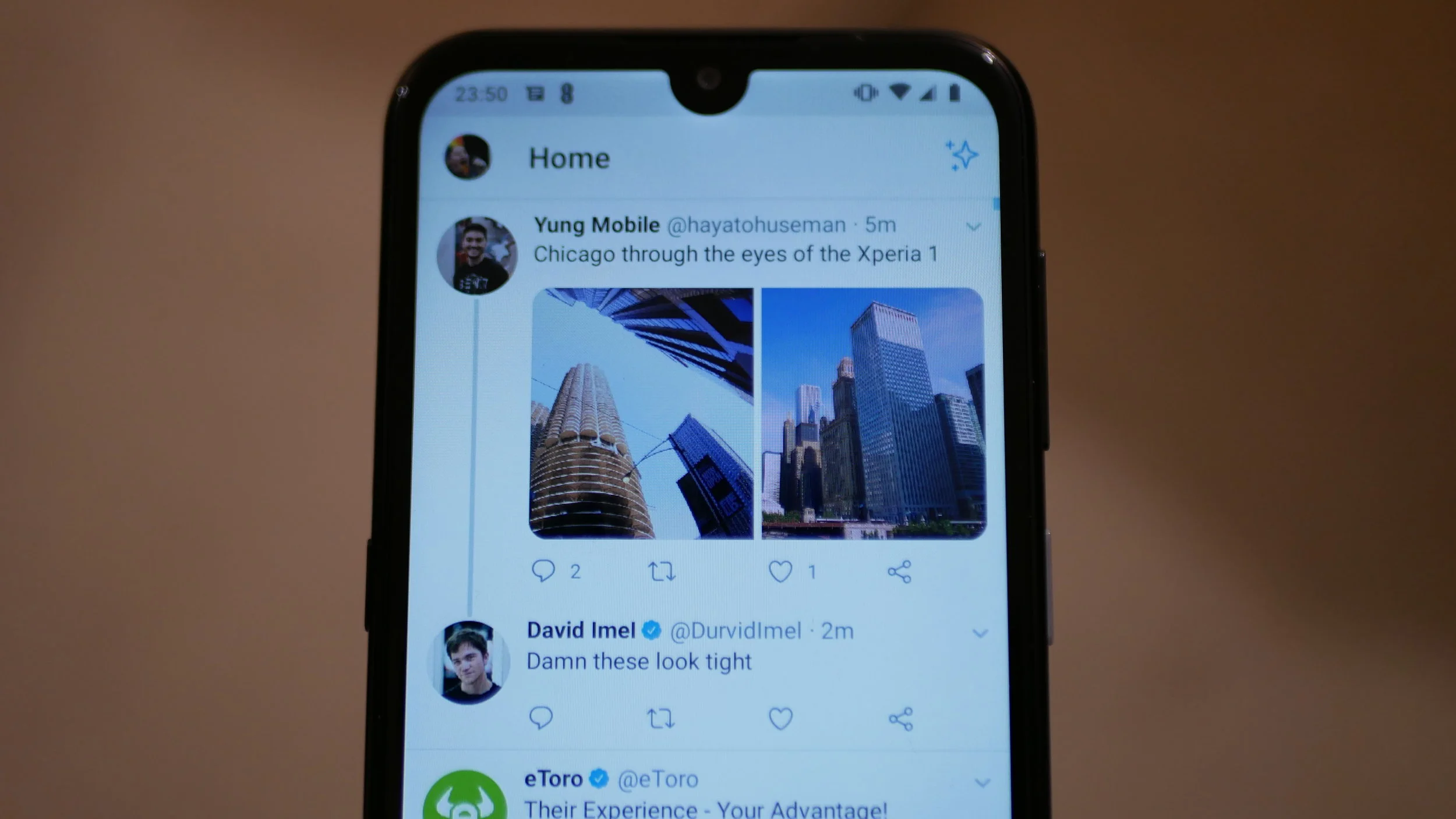
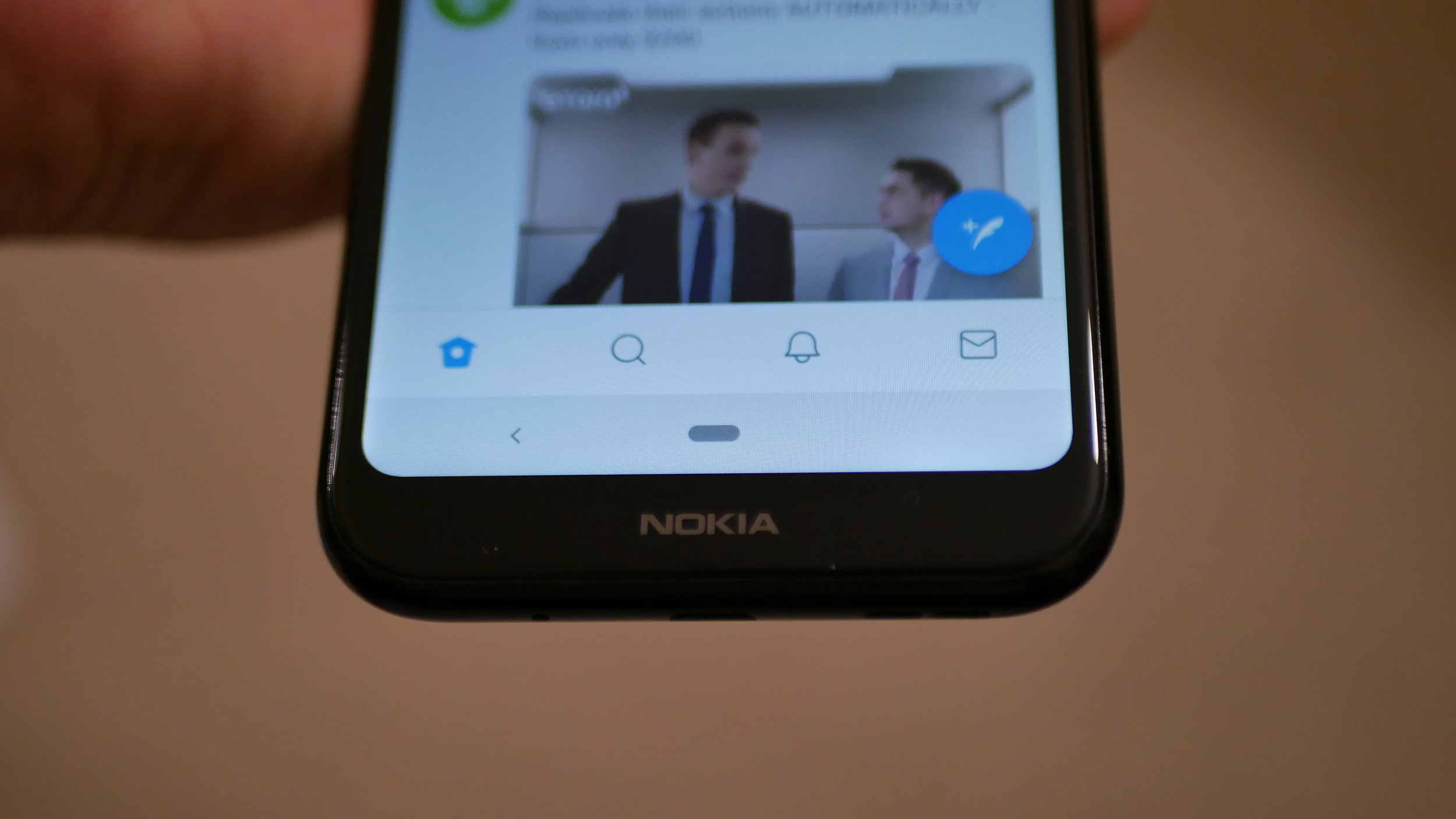
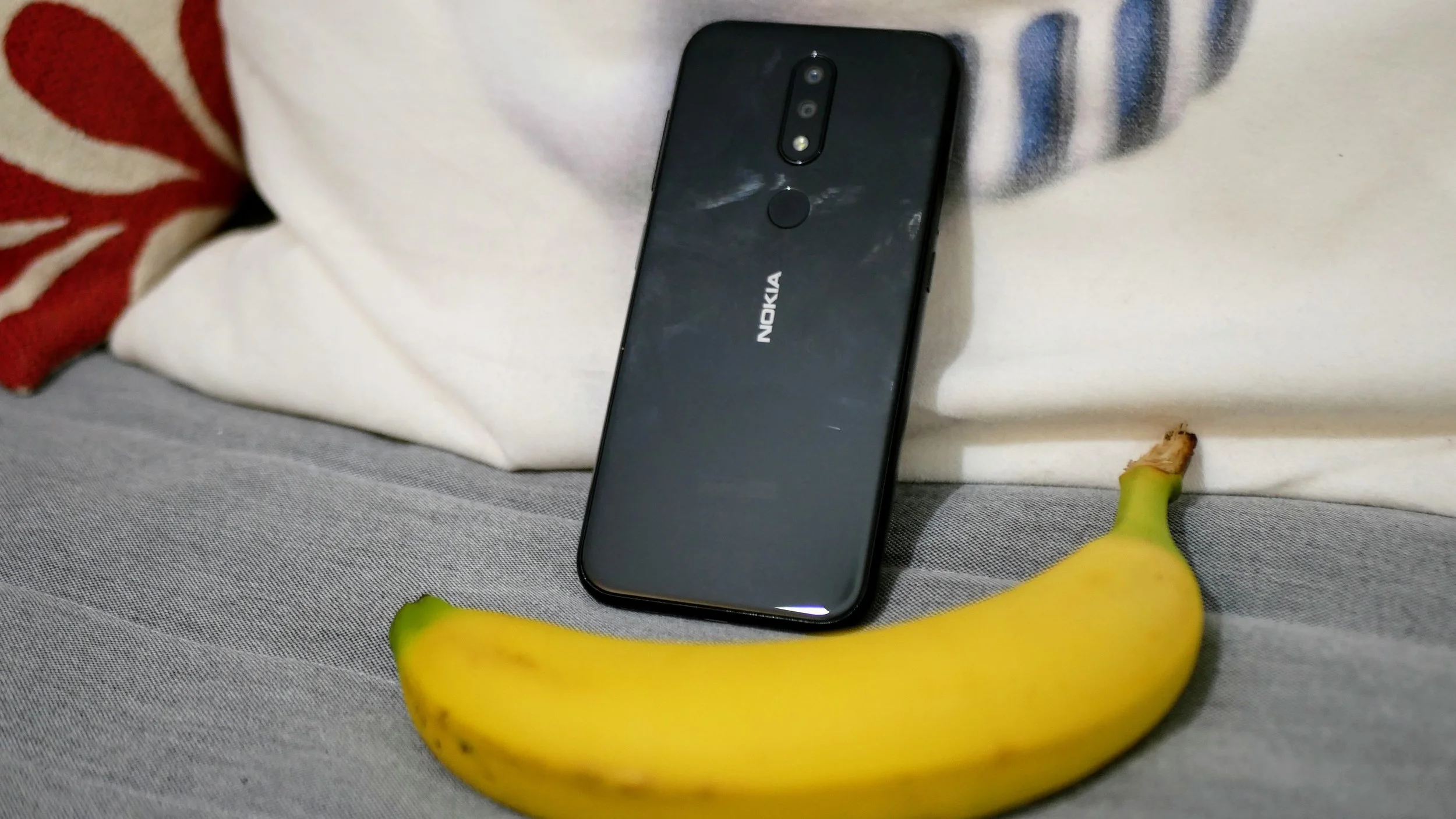
A gallery showing off the hardware of the Nokia 4.2 Android One device. Full review coming soon on Tech Travel Geeks.
I’m working on putting the finishing touches on the Nokia 4.2 Android One smartphone review.
In the meantime I have decided to publish the gallery of stills of the device. The main purpose of this is to have some visuals to talk over during the upcoming episode of All About Android on the TWiT Network.
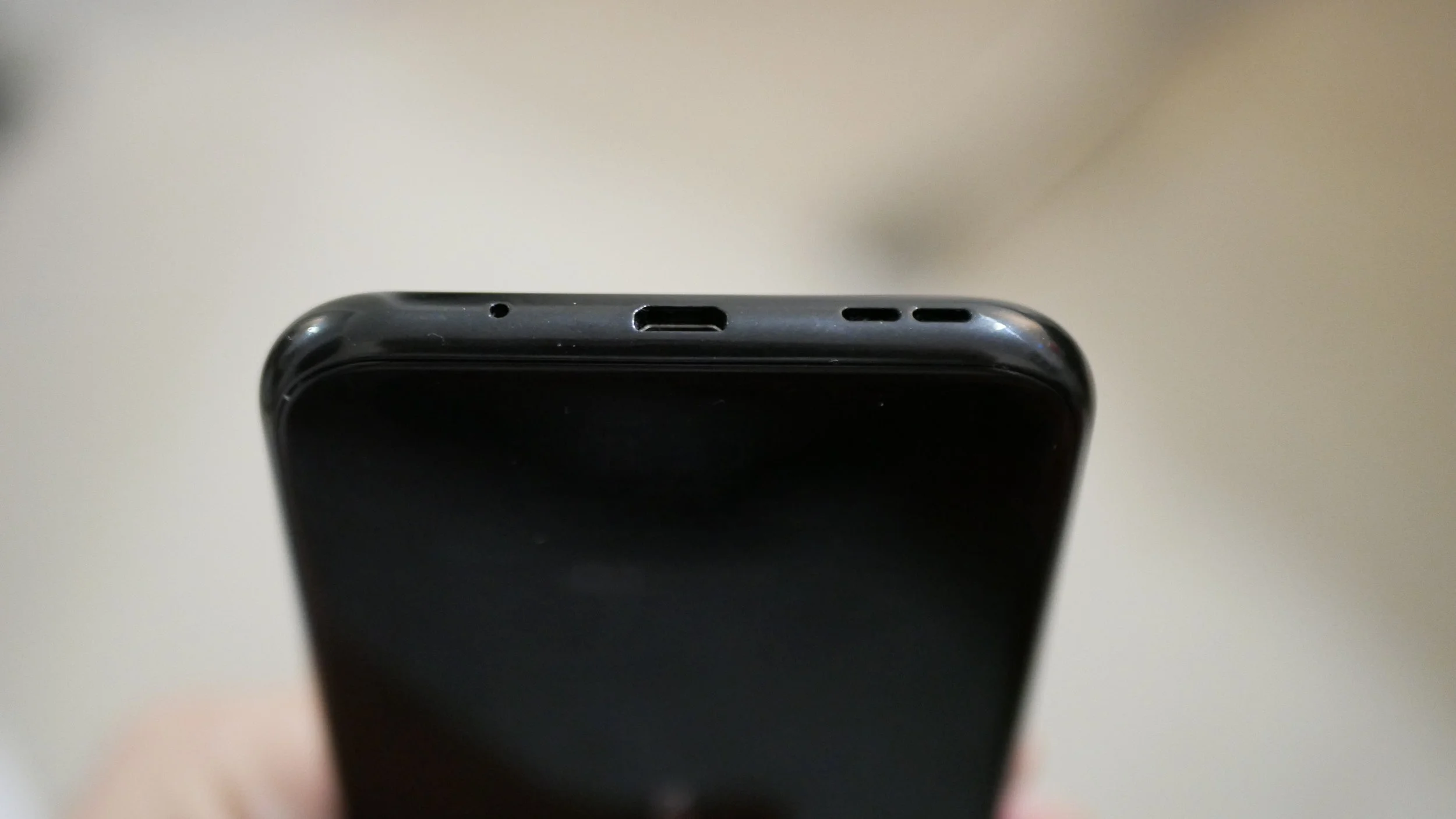
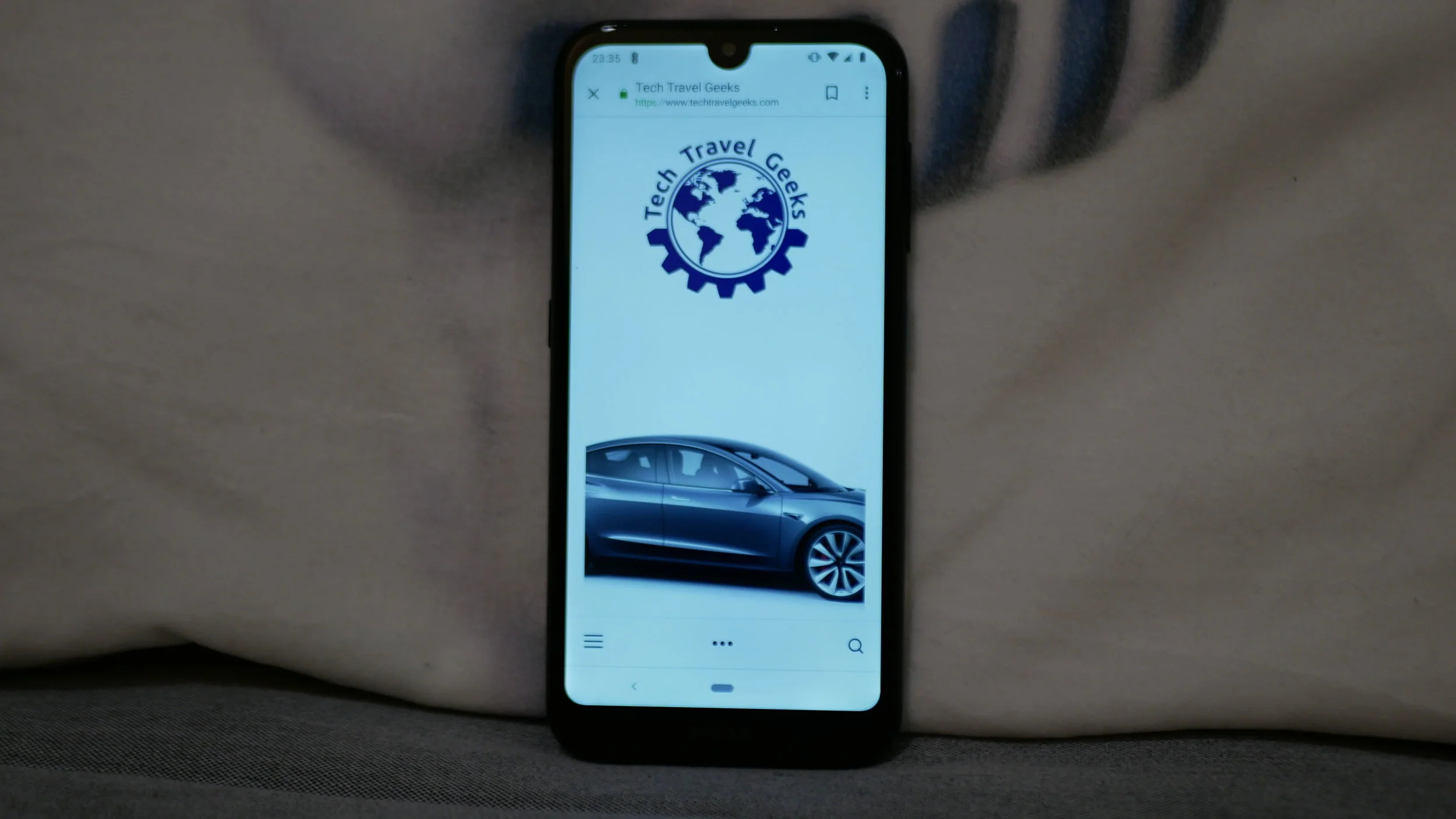
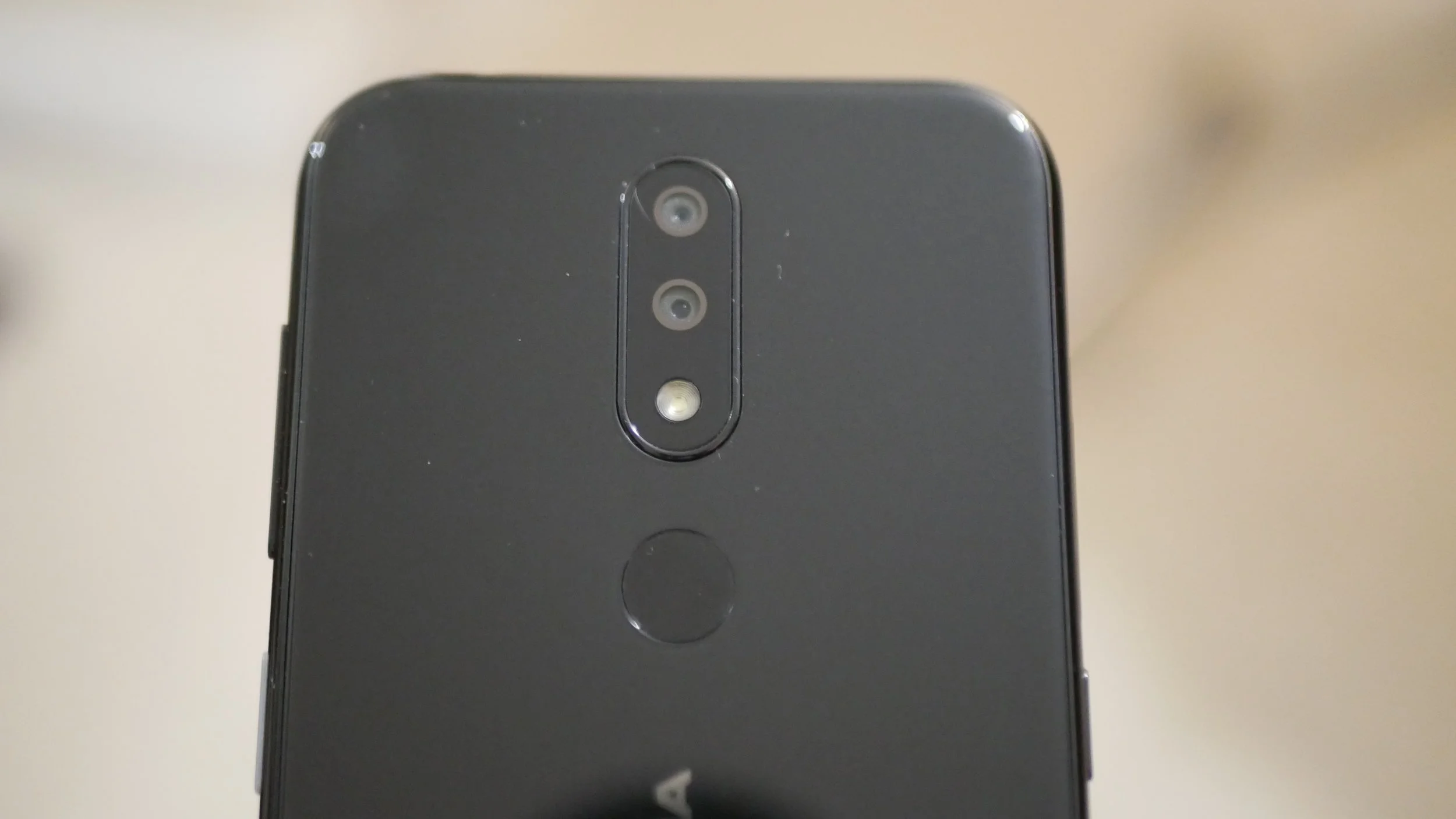
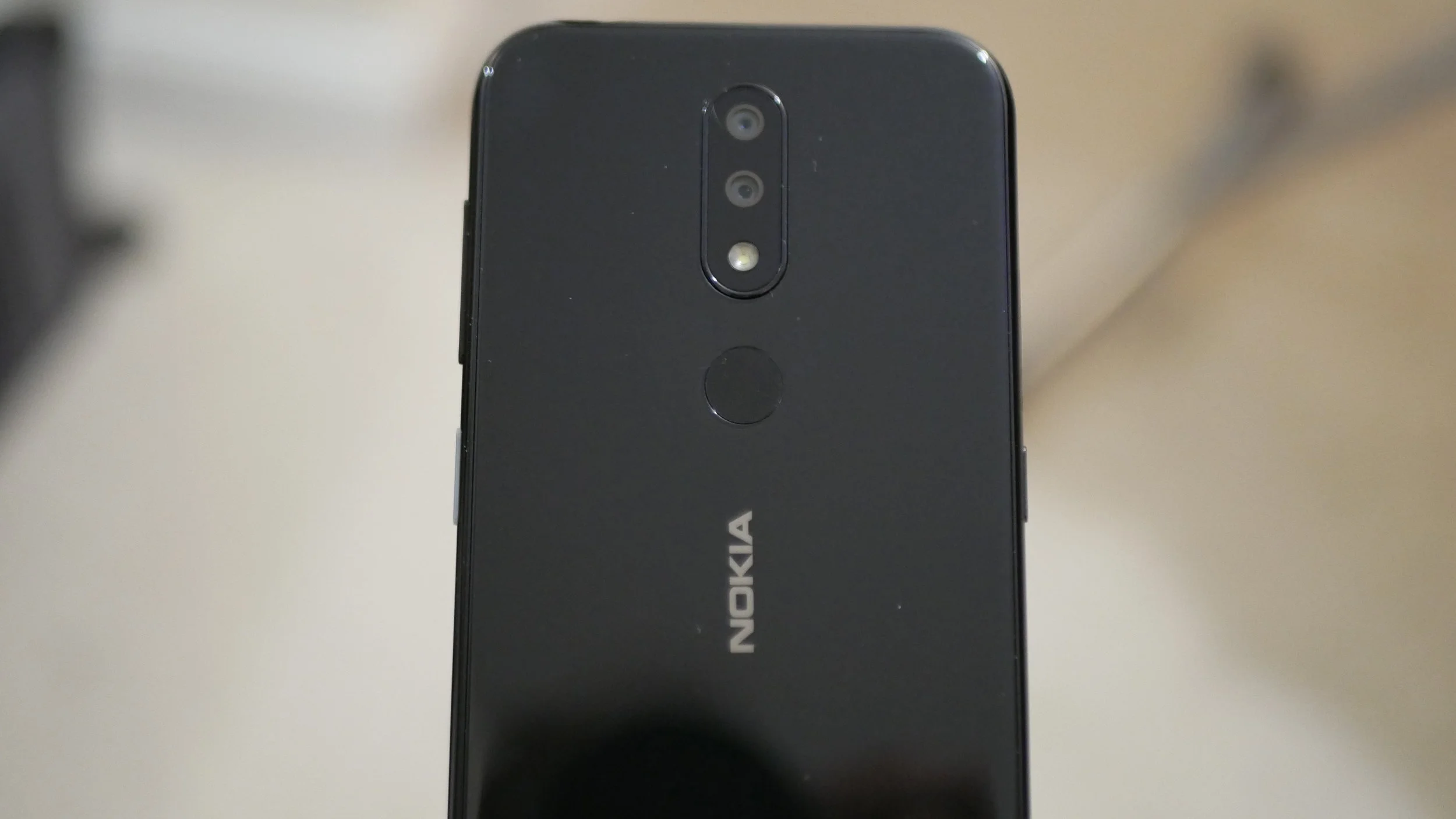
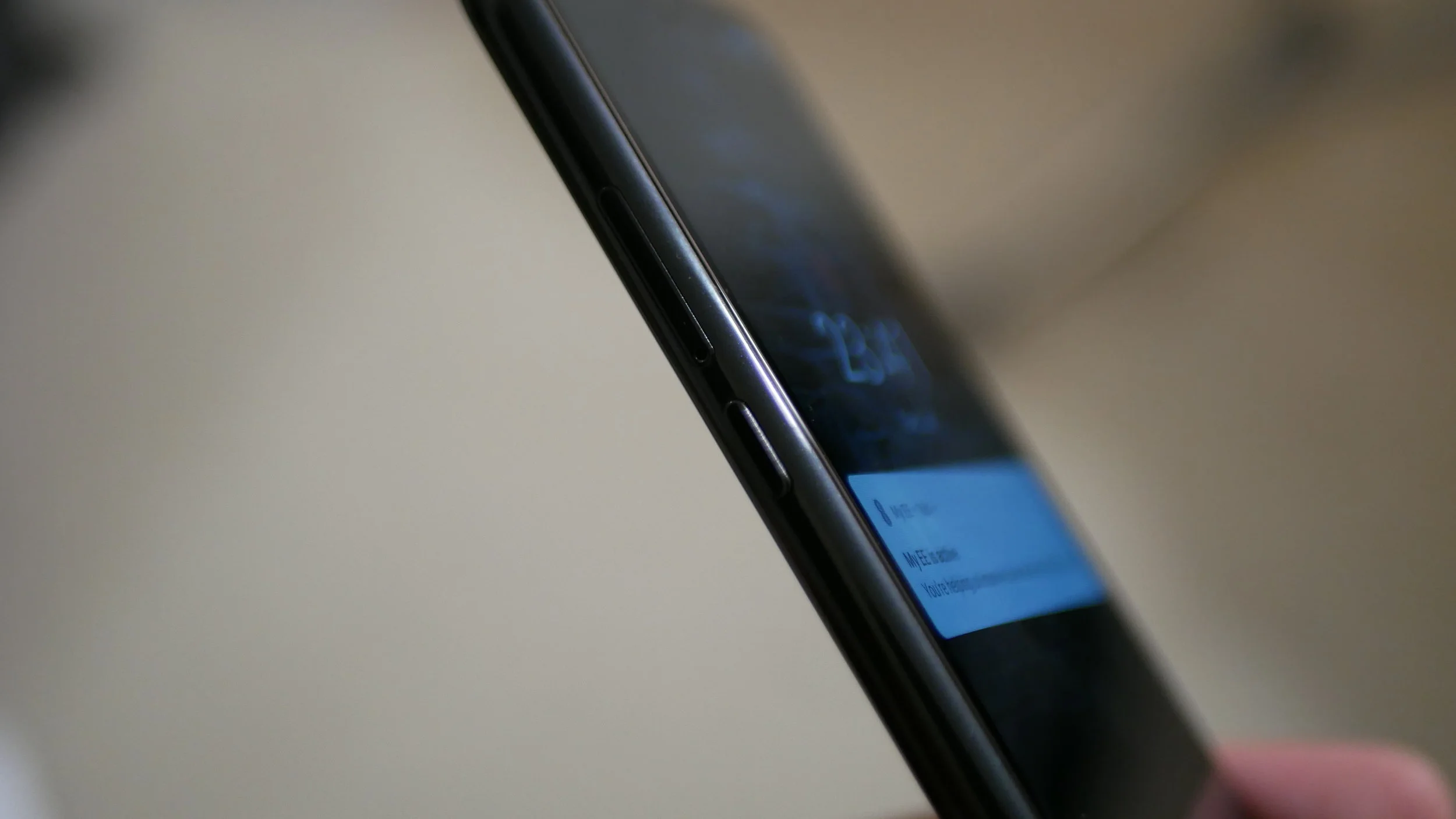
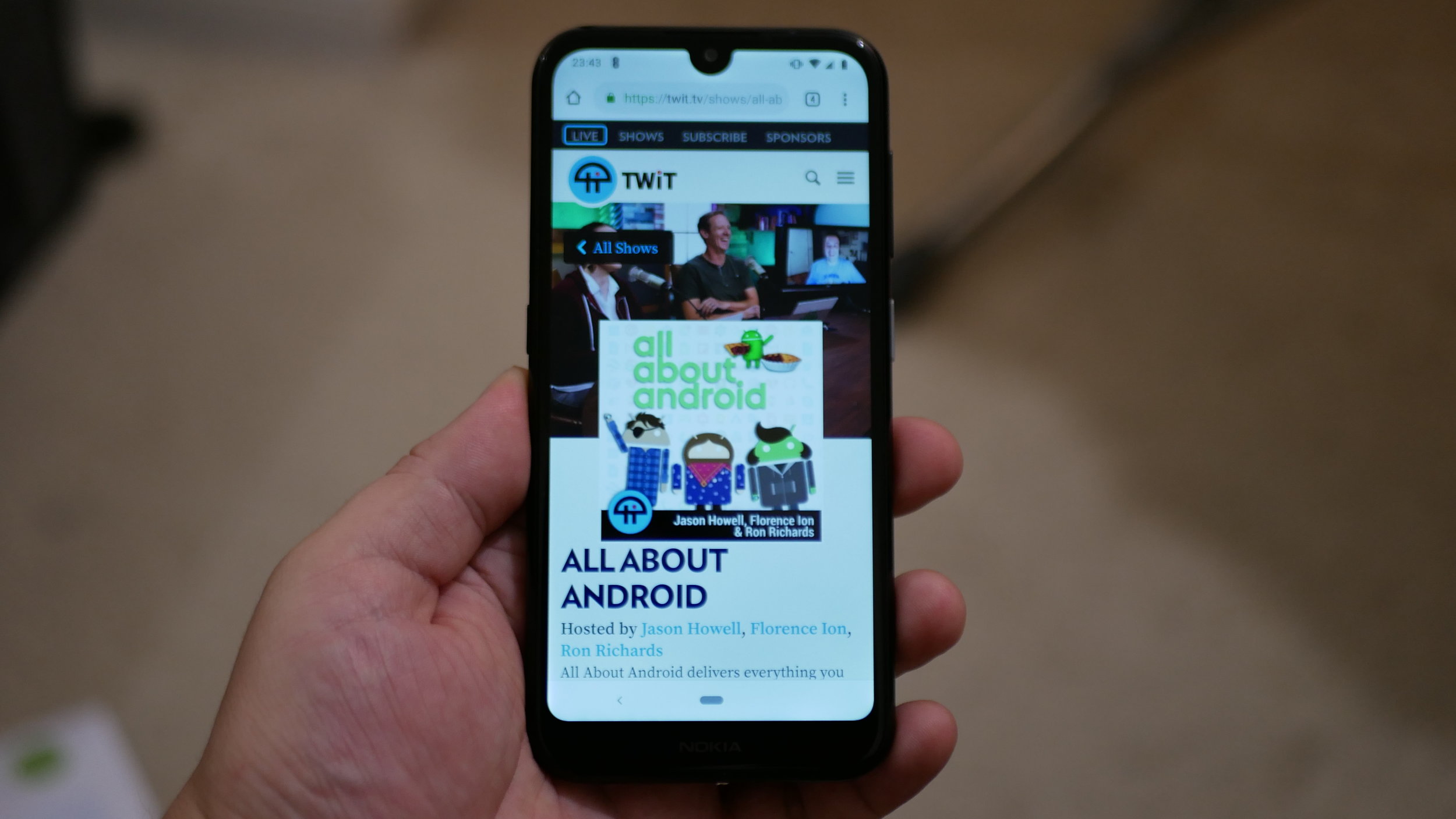
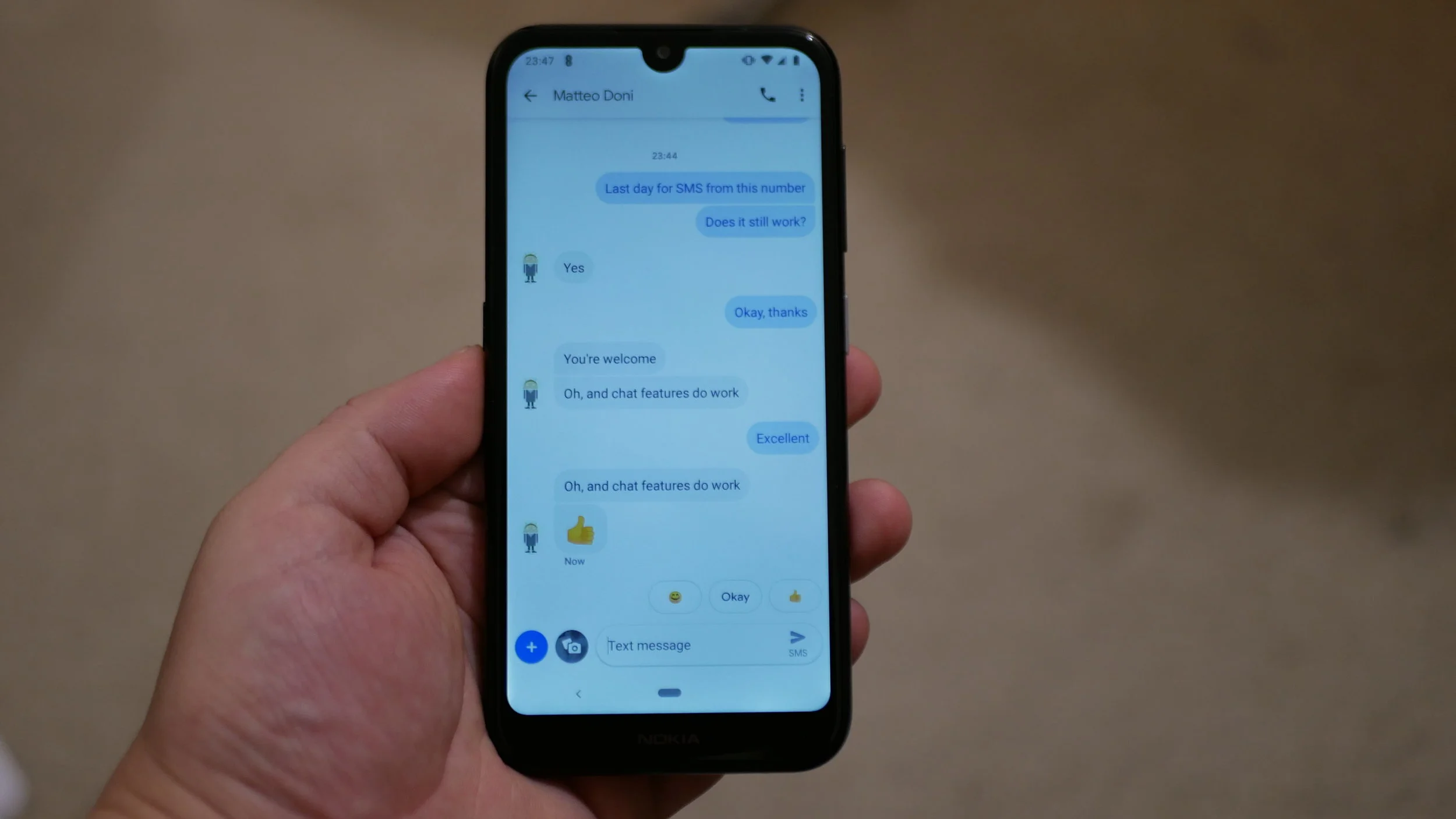
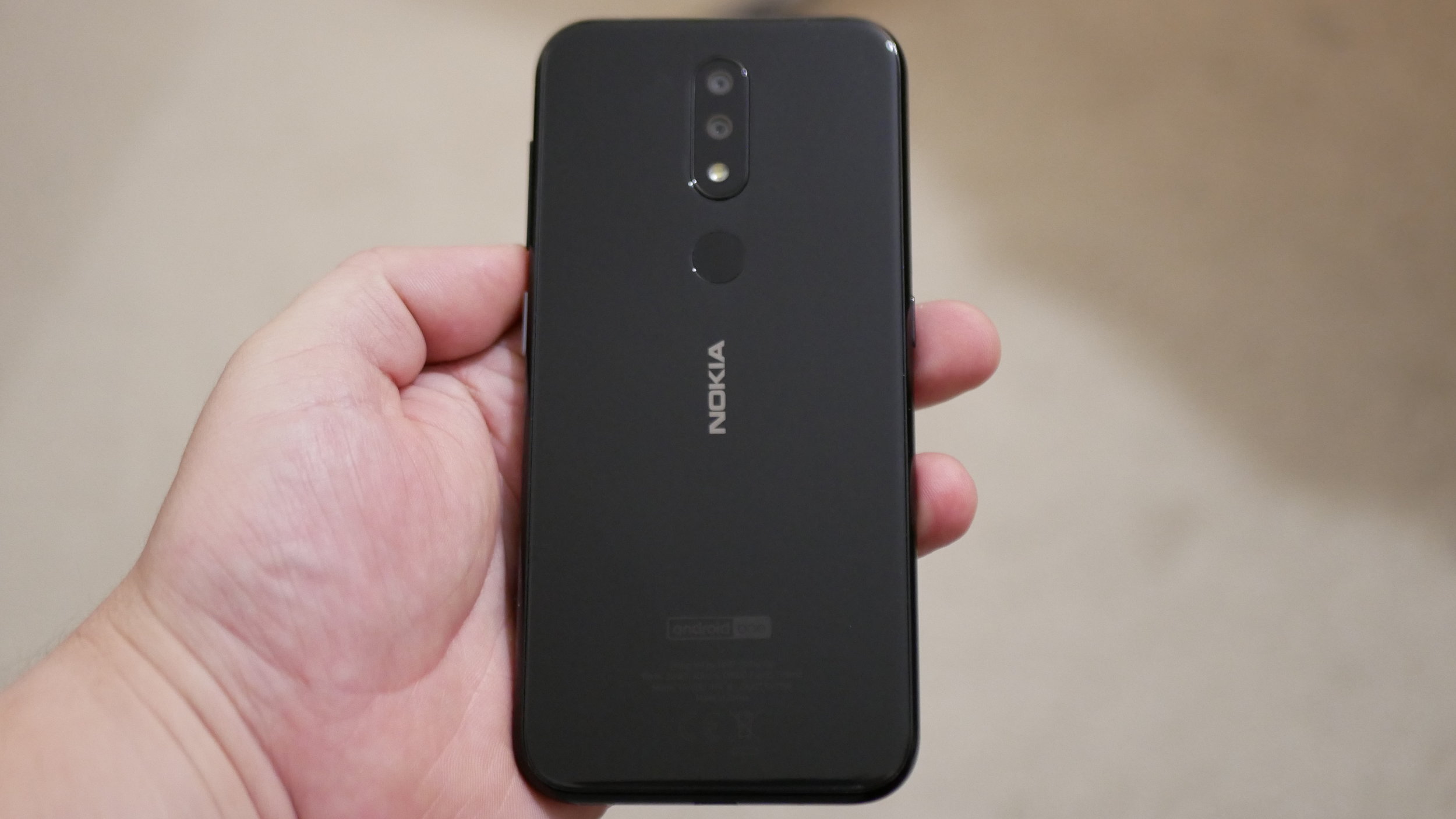
Key Specs & Features of Nokia 4.2
Operating System
Android v9.0 (Pie)
Display
5.71 inches (14.5 cm) bezel-less display with waterdrop notch
Performance
Qualcomm Snapdragon 439 Octa core Processor
3 GB RAM
32 GB internal storage, expandable upto 400 GB
Camera
13 + 2 MP Dual Rear Cameras
8 MP Front Camera
Battery
3000 mAh battery
Connectivity
Dual SIM: Nano + Nano with Dual Standby VoLTE support
SIM1: Supports 4G, 3G
SIM2: Supports 4G, 3G
Special Features
Rear Fingerprint Sensor
Face Unlock
3.5 mm headphone jack present

An Optimist's Opinionism about the Huawei News
Matteo, the Chief Mobile Opinionist at Tech Travel Geeks is uncharacteristically positive about what is happening in the mobile industry after Google have had to cut business dealings with Huawei due to the ongoing trade war between the US and China.
OK, by now you’ve already heard the news, even if you are someone who doesn’t normally follow the tech scene: Google has suspended some of its business with Huawei. More specifically, Google has suspended business with Huawei which requires the transfer of hardware, software and technical services except those publicly available via open source licensing.
This news was broken by Reuters on Sunday May 19th 2019, just under two days before Huawei’s brand Honor is due to announce and launch their Honor 20 Series of devices globally. I’m writing this piece of rampant opinionism on an easyJet flight to London to attend that very event and cover it for the Tech Travel Geeks website and the Tech Travel Geeks YouTube Channel.
Many more clever and thoughtful commentators have already explained what has happened quite exhaustively and illustrated potential ramifications. I particularly enjoyed Vlad Savov of The Verge’s take and Andrew Martonik of Android Central’s piece.
Both analyses are quite bleak in their outlook for Huawei. Vlad’s piece has a pull quote which paints a chilling protein rich metaphor: “Deprived of Google’s software, Huawei would be selling featherless chickens”.
Andrew on the other hand has a bit more of a pragmatic statement to make: “It simply isn’t reasonable in 2019 for any company to launch a phone outside of China without Google Services.”
While in the short term I agree with both views, I have a different and uncharacteristically positive outlook in the medium and long term.
Huawei is a Chinese business who have been playing the long game in the tech industry for decades. The company has been consistently investing in research and development and building technical and product know-how along the road while slowly surpassing established players both in the networking and smartphone handset industry.
Having operated in the Chinese smartphone market, Huawei have also built up services and platforms that deliver a Googleless Android experience to tens of millions if not hundreds of millions of customers.
While many commentator’s Western view that Android without Google is close to a crippling experience, in my view this may not actually be the case. I think we are already moving to an OS or platform agnostic consumer market for smartphones. More and more consumers are switching between iOS and Android because the services which are really important to them are very similar. WeChat, Facebook, WhatsApp, Twitter and other popular services are all available on multiple platforms. As long as the services are available, the average consumer will be happy, regardless of what underlying service provider is there. Ben Thompson already described this market dynamic back in 2017 when analysing the fruity brand’s performance in China.
Huawei is currently the second biggest smartphone manufacturer in the world, and if this ban is implemented, I think in the short term their growth will surely be stifled. My long term view on the other hand is, as I mentioned more positive.
Huawei is a recognisable and strong enough brand to be able to power through this within 3 years thanks to some fundamental market dynamics:
1. The majority of smartphone consumer growth in the next three years will be in regions such as South America, South East Asia and Africa.
2. Huawei’s range of smartphone hardware excels on key features consumers REALLY want: battery life, good cameras and reliable overall device hardware.
3. Huawei can produce, sell and support a Googleless smartphpone experience on their devices in those markets and continue to grow and gain overall smartphone global market share (even if other regions are negatively affected by this ban). This is in part thanks to an established and aspirational brand, existing retail and network partnerships.
This won’t be easy, obviously. Once the critical mass of consumers of Huawei devices is out there, the providers of core services consumers use will be lining up to have a presence on the platform. Just think of the lengths Facebook has gone to have a presence in markets like India, even on non-smartphones.
As I mentioned at the beginning, Huawei are in this for the long game. They can weather a few bad seasons and still remain a relevant and successful player in the smartphone market, maybe introducing another significant smartphone platform on the global stage.
Anyway, this potential future unfolding of smartphone market events is just my Six Pence (you are None the Richer) while the Airbus A320 Neo I am on is starting to descend towards St Ansted.
The bigger issue was well summarised by others, and I’m just putting a few extra words on the Internet. Daniel Bader of Mobile Nations put it nicely when referring to some of the fanperson takes on Twitter delighting in the happenings reported.
I completely agree with Dan here.
What few have mentioned is that as part of this “Trade War” between the US and China we have all been focusing on the US’ move and the consequences and outlooks for Huawei and the smartphone industry as a whole.
What will be more interesting for me to see is what the Chinese Government’s next big move is: think what would happen to the smartphone market if all exports of the autumnal Apple iPhone product release were blocked by China. 2019 could be the first year with no new iPhone since 2007. Short term Apple would truly be crippled though they too can play the long game…
Another thought to leave you with: what if the real loser in this exercise in futility is actually Google who could lose their grip on Android, the operating system they created and fostered.
This was Matteo’s rampant opinionism piece concerning Google suspending some of its business with Huawei. You can read more about it from these excellent sources below. I’ll be in London tomorrow to cover the Honor 20 Series launch. Who knows, maybe my uncharacteristic optimism will change. Keep an eye on the Tech Travel Geeks YouTube Channel and TechTravelGeeks.com for more updates.
https://www.theverge.com/2019/5/20/18632266/huawei-android-google-ban-phone-business-future
https://www.androidcentral.com/what-losing-google-means-huawei-smartphone-business

Huawei P30 Pro - All the Tech Travel Geeks Content
All the Tech Travel Geeks content about the Huawei P30 Pro. So shiny! Such good camera! Very power efficient! WOW!
The Tech Travel Geeks Chief Mobile Opinionist was a guest of Huawei’s at the launch of the Huawei P30 Series in Paris, France. The Tech Travel Geeks Chief Aperture Officer liked the Huawei P30 Pro so much, he decided to get one himself (in another colour).
Here you will find all the videos we will create for the Tech Travel Geeks YouTube Channel.
Huawei P30 Pro Breathing Crystal Unboxing - Paris
Unboxed on the day of the announcement. So fresh!
Huawei P30 Pro First Impressions - Shiny Powerhouse
A masterfully edited and filmed video. Well done to Lukasz.
Huawei P30 Pro Smart View Flip Cover Unpackaging & First Impressions
Unpackaging the case to keep the device shiny.

"A Little Bit Of Plastic On A Case..."
Majid explains how an additional piece of plastic on a smartphone case can be very, very useful.
Video content on my phone. It always seems a “naff” as an idea. I mean How can you get an immersive experience on such a (not-so-small) screen? That,s why often you see people carrying tablets and laptops whilst travelling. Sure I normally prefer the big screen, but lugging around a 42in OLED TV travelling is (unsurprisingly) not very practical.
Having said that, carrying another device (laptop, tablet etc) may also be a bit of a pain. With every device comes its paraphenalia (chargers, cases etc etc).
Frankly, I just couldn’t be bothered, and I’d sit there watching stuff on my phone. This was never as good, not because of the screen size, but by the fact that you have to hold it, or prop it up and watch it on a strange viewing angle.
A lot of people have flip cases with their phones, which can double up as a rudimentary stand. But the solution in the above image, has drastically affected the way that I watch content on my smartphone. The case itself is an unbranded non-descript one from eBay/China. There are many variants for many devices. Mine is designed and made for my OnePlus 6. On recent train journeys, it has made watching hours of video content enjoyable, with good viewing angles, and no arm-ache from continusly holding a phone.
I love it, and its my top travel tip for the week!

An Ode to Dash-Charge
“You are my sunshine, my (only) sunshine, you make me happy when skies are gray”
Tech Travel Geeks Emily AKA Majid declares his love for Oneplus’ Dash Charge.
Battery Anxiety: Low charge on smartphone leading to irrational behaviour
Dear Tech Travel Geeks readers,
A few years ago LG stated that a significant number of smartphone users start getting very twitchy when the charge on their phones is low. This is not surprising, as a species it seems we are addicted to our smartphones, and would have difficulty if our phones were to die.
Some may think of this just as FOMO (fear of missing out): not being able to check messages, phone calls, social media etc etc. Also genuinely useful things like using Google Maps for Sat-Nav and directions or if your smartphone is your primary camera (like mine is to me),
Manufacturers have attempted to address this issue using different methodologies. Originally we had removable batteries. That sadly was one of the causes of poor build quality and industrial design (the Samsung Galaxy S5 fake leather plastic back for example, or the LG G5 modular metal). Then, as smartphones became more capable and important in our lives BIG batteries started being more common: 4000 mAh and then even 5000 mAh batteries started coming up. This in turn has caused its own problems (Do you remember the Samsung Note 7 issues?). Some manufacturers started also working on added software optimisations (like Huawei with its EMUI Android softwarre).
Chipset and component manufacturers also worked on physical solutions like quick charging solutions. Qualcomm has Quick charge for example (now up to version 4).
My personal preference is for OnePlus’ solution: Dash Charge. Even after having got through four separate OnePlus devices (3, 5, 5T, 6), the SPEED with which it charges is amazing. Put your phone in at 1%, 30min later you can be at over half a full battery. THAT kind of speed.
The way OnePlus do it is proprietary, yes they have a large amp plug, but there’s software optimisations in OxygenOS and most importantly, some complicated electrickery stuff in the cable. If you attach a normal USB A to C cable into the plug, yes you’ll get fast charging, but not Dash Charge-speed.
In this era of £1000 phones which often have very average battery life (looking at you iPhone eKs), Dash Charge is simply great. I always travel with my Dash Charger, and sadly need to say no to iPhone users who ask to borrow my cable (it won’t work).
Yours truly,
Tech Travel Geeks Emily
(Also Known As Majid)
Would you like to know more about Dash Charge?

Huawei Mate 20 Lite Review - Great Value 6.3" Tease
Matteo, our Chief Mobile Opinionist, reviews the Huawei Mate 20 Lite. Is it just a 6.3” tease of what Huawei is going to announce or is it a more than capable product in its own right?
We are in the middle of a frenzy of smartphone launches just before the holiday season. Huawei teased us at IFA 2018 in Berlin with the announcement of the Kirin 980 chipset we are likely to see powering the Mate 20 Pro. At IFA they also announced the Huawei Mate 20 Lite, which is a 6.3” tease of what we may see announced on October 16th in London.
This is the Tech Travel Geeks review of the Huawei Mate 20 Lite, which I am writing after more than two weeks of use, while at home in Edinburgh and travelling on a road trip on the West Coast of the United States of America. During that time the review unit of the Huawei Mate 20 Lite has been using a 3 UK SIM card with Feel At Home Roaming in the USA. The review device was provided by Huawei and will be returned.
Huawei’s Mate range is its second half of the year flagship portfolio, essentially their toc to their tic-toc annual device release. In recent years both the Huawei P Series (the tic) and the Mate Series (the toc) have had “Lite” variants, which share many of the design language and some of the software of the Pro versions. To keep the price in check and justify the “Lite” moniker there are some necessary trade-offs in terms of specifications or materials, but overall you get a premium mid-range experience as well as some premium image and branding.
Huawei Mate 20 Lite Technical Specifications
Display: 6.3” 1080 x 2340 pixels IPS LCD, 19.5:9 ratio (~409 ppi density)
Chipset: Hisilicon Kirin 710, Octa-core (4x2.2 GHz Cortex-A73 & 4x1.7 GHz Cortex-A53), Mali-G51 MP4 GPU
Operating System: EMUI 8.2 (Android 8.1)
4GB RAM, 64GB Storage (expandable with up to an extra 256GB with MicroSD)
WiFi 802.11 a/b/g/n/ac, dual-band, Wi-Fi Direct, hotspot
Bluetooth 4.2 LE
GPS, GLONASS, BDS
FM Radio
Rear camera: 20 MP, f/1.8, 27mm (wide), PDAF with 2 MP, depth sensor
Selfie camera: 24 MP, f/2.0, 26mm (wide) with 2 MP, depth sensor
3750 mAh battery
Design
The Huawei Mate 20 Lite feels like a true premium device, with a glass sandwich industrial design where the edges are rounded and the front and back glass are gently curved into the edges. The review device we were provided with is described as sapphire blue, and is much less punchy or shiny than what we saw in the phantom blue Honor 10, but tasteful and pleasantly reflective.
The right side of the device is where you will find the power button and volume rocker. There is nothing too exciting about the left side, apart from the hybrid dual SIM or SIM and MicroSD tray which sits flush with the rest of the edge.
There is little to report of the top edge of the device too: just a microphone hole.
The bottom edge of the Huawei Mate 20 Lite is where all the action happens: you’ll find a microphone hole, speaker grille, USB Type-C charging and data port, and a courage port (3.5mm audio jack port).
The front of the device is dominated by the 6.3” notched FHD+ (1080x2340) display and some very slim bezels. No fingerprint reader here (it’s on the back), and the notch has a speaker, sensors and a dual-selfie camera setup (24MP + 2MP).
The back of the Huawei Mate 20 Lite is where you will find the dual-camera setup (20MP + 2MP), single LED flash and fingerprint reader. The camera and fingerprint reader are in vertical configuration, where there is some subtle striping to highlight the area embedded in the surrounding glass.
Overall the Mate 20 Lite is pleasant to hold, has a reassuring heft to it and is well balanced.
Performance & Experience
The performance of the Huawei Mate 20 Lite was excellent: throughout the fortnight using the device I noticed no slowdowns in heavy everyday use and gaming (Goat Simulator). I even used it to play Pokemon Go occasionally and had no issues and experienced good battery life. Huawei have done a good job here: the 12 nm Kirin 710 chipset is powerful and efficient. Paired with 4GB of RAM and EMUI’s resource management most users won’t really have any issues or know that this is a “Lite” device.


EMUI is Huawei’s Android distribution on the Mate 20 Lite. In this case it is EMUI 8.2, based on Android Oreo 8.1. At time of writing the review device had the July 2018 security patch.
As with previous Huawei and Honor devices, the launcher has a certain fruitiness to it by default, but it is relatively simple to add a drawer if needed. I had no issues installing third party launchers, provided I remembered to change the default launcher to it in the settings.
EMUI contains a very long list of features and optimisations. To put it simply, it is one of the most complete if not overly fruity Android distributions out there. There is a lot to like, and in look and feel it differs from Google’s Android experience quite a lot.
Cameras
The 20MP and 2MP dual-camera setup on the back is impressive for this category of device. In good lighting conditions the pictures were clear and packed plenty of punch. In low light it performed well and with night mode on and small tripod delivers some amazing low light shots.


An AI toggle in the camera interface enables you to allow the Mate 20 Lite to optimise camera settings according to what Huawei’s AI recognises in scene. There are 22 different types of scene which can be detected, and overall I found this useful. Depending on camera mode (AI on or off) there can be some excessive smoothing, but overall most people will find the camera results impressive and ideal for use on social media.
The video recording maxes out at Full HD 1080p at 30fps. For most users this is more than enough and the results are pleasant and carry plenty of detail and have good colour reproduction.
The 24MP and 2MP dual-selfie camera setup is ideal for Snapchat or Instagram sotries and provides a slew of filters, overlays as well as 3D Qmojis which replicate your face and expressions in cartoonish characters. If you go for more traditional selfies, it is a good camera once you find your preferred beautification levels. Portrait mode is the best in this smartphone category.
EMUI features of the camera, such as AI and Qmoji are definitely a feature which adds value to this premium mid-range device.
If there were one change I could make to the device, it would affect two features: an increased battery, maybe an extra 500 mAh, which would also make it slightly thicker and do away with the protruding camera modules on the back. Apart from that it is my personal opinion that Huawei’s team have put together an excellent product which as part of the overall Mate 20 series push will perform very well in its market segment.
Overall the Huawei Mate 20 Lite is an excellent device for the premium mid-range segment it sits in: plenty of power, good battery life, capable cameras and an overall premium experience and ergonomics.
At time of writing, the Huawei Mate 20 Lite retails for £379 SIM free or on a pay as you go basis in the UK. This equates to approximately 400 Euro or 500 US Dollars. For that you not only get a good value smartphone, but the looks and brand power Huawei is starting to be well known and admired for.
As we opened this review, I shall close it: the Huawei Mate 20 Lite is 6.3” tease for what is to come. If you are not really too fussed about spending a large sum of money on the best devices on the market, but still want a good smartphone which will perform well and satisfy most user needs, the Huawei Mate 20 Lite is a good option to consider.
I also took the Huawei Mate 20 Lite onto All About Android on TWiT TV. Below you will find a video of my review while I was in the studio and one of our unboxing.

Meizu 16 Announced
Meizu announced the Meizu 16 flagship smartphone last week. Is this the new Android flagship to beat?
Meizu, the Chinese smartphone company, announced their new flagship series last week.

The latest flagship smartphone by Meizu, the Meizu 16, boasts face recognition, an under screen fingerprint reader, gesture UI and a near bezelless design.

The spec sheet is what you would expect of a 2018 flagship smartphone:
- Qualcomm Snapdragon 845 chipset
- 6GB RAM with 64GB storage or 8GB RAM with 128GB storage (no microSD option)
- 6 inch 18:9 aspect ratio super AMOLED display (2160x1080)
- 12MP + 20MP dual rear camera with OIS and 6-LED ring flash
- 20MP selfie camera
- under screen fingerprint reader
- Flyme 7 OS (Android based)
- 3010 mAh battery

The under screen fingerprint reader sounds really cool and potentially one of the best ways to enable industrial designers to reduce smartphone bezels on devices.
Here at Tech Travel Geeks we haven't been able to get our hands on a device yet, but hope to be able to do so soon and make another of those impressive Lukasz directed, filmed and edited videos again.
The Meizu 16 will be available in most markets globally soon, but we have no details on pricing or availability in Europe at the moment.

All About Android 380: The Mockadile Industrial Complex
Matteo, our Chief Mobile Opinionist, was a guest on All About Android on TWiT.tv. We have also published a couple of reviews here on Tech Travel Geeks.
This week I had the pleasure of being a guest on TWiT.tv's show All About Android. Jason, Ron and Flo were, as usual, excellent to chat to and we had a few giggles too. Flo even asked her woody Lenovo Smart Display to play some Jennifer Paige.
If you would like to be more aware of what is going on in the world of Android, with a bit of a US perspective, I recommend you subscribe to All About Android as an audio podcast, video netcast and YouTube Channel.
I also discussed our recently reviewed Doogee S50 rugged smartphone and the Nokia 1 Android Go smartphone.
Lukasz's impressively filmed and edited video review of the Doogee S50 is now live on YouTube. If you would like to see more content like this, please subscribe to the Tech Travel Geeks YouTube Channel.
Are all these suggested subscriptions not enough for you? We have some great news we will be publishing on Tech Travel Geeks tomorrow. Until then happy watching and listening!

Nokia 1 (Android Go) Review - 2011 Would Have Loved This
Our Chief Mobile Opinionist Matteo reviews the Nokia 1 running Android Go. Is there anything to complain about at the £60 price point?
The Nokia 1 is an inexpensive Android smartphone with entry level hardware and a very affordable price tag. The operating system it runs, Android Go, is a version of Android Oreo (8.1) optimised for low end hardware.
- Body: Plastic body with removable and replaceable back (133.6x67.78x9.5mm)
- Screen: 4.5-inch, 16:9, FWVGA 854x480, IPS LCD
- Rear Camera: 5MP, LED flash
- Front Camera: 2MP
- Chipset: MediaTek MT6737M, octa-core 1.1GHz
- Memory: 1GB RAM, 8GB, microSD slot for up to 128GB expansion
- OS: Android Oreo 8.1 (Go Edition)
- Battery: 2150mAh, removable
- Connectivity: Optional dual SIM (4G), Bluetooth 4.2, GPS/AGPS, Wi-Fi b/g/n, Micro USB, FM Radio
First impressions were good while unboxing the device: Nokia include a charger, microUSB cable and earphones in the box. Snapping in the removable battery gave me a lovely nostalgia pang. That 2150 mAh battery installation action reminded me of the days when it used to be the standard way to get through the day without plugging in.
I popped a SIM card in and a 64GB MicroSD card as well and setup was relatively fast and painless. Android Oreo 8.1 Go Edition is pretty straightforward and an almost pure Google experience in this case. The only difference compared to the Nokia 1's bigger siblings and my Pixel 2 XL is that the main Google apps (Gmail, Search, Assistant, Maps) are the Go versions, which means they are optimised to run on the lower end hardware and use less storage and memory. In day to day use, the only time one of these apps left me wanting was Google Maps Go which feels like it is just running in a web view and does not support turn by turn navigation.


Using a 854x480 screen device is weird: while perfectly functional and usable it feels strange. This is also a bigger device than what I classed as a "Big Ass Phone" (BAP) back in 2011. The screen viewing angles are decent, but colours are terrible. Still, nothing to complain about at the £60 price point.
Battery life gets me through a day with basic messaging (hangouts, SMS, Messenger Lite), social media (Twitter) and reading BBC News on the web.
The Google Go launcher links to web and thanks to Data Saver it is truly parsimonious in data usage.
Media playback through the 3.5 mm "Courage Port" audio jack is good, though I did notice Pocketcasts kept on being shut down in the background while Google Podcasts wasn't. I had to go into power settings and disable optimisations for Pocketcasts to keep it alive in the background.




The 5MP rear camera is awful, but still manages to take pictures. The same can be said for the 2MP selfie camera: no need for beauty mode as you end up looking like you have been painted by an impressionist.
If you are travelling and desperately need a replacement device for basic messaging and web use, the Nokia 1 is a good deal and seems to be quite reliable with good battery endurance. Don't expect modern amenities like turn by turn navigation out of the box. You can install full Google Maps, but that is likely to kill battery life and be quite slow and clunky. Pair this Nokia 1 with an Amazon Fire 7" tablet and you have a true inexpensive travel entertainment and communication centre.

Doogee S50 Review - Endurance Brick
Our Chief Mobile Opinionist Matteo reviews the Doogee S50. This device can put up with the ruff life…
The Doogee S50 is a ruggedised and shockproof Android smartphone with IP68 rating coming to us from, you guessed it, China.
Shenzhen based Doogee are known for delivering value devices and sometimes doing something quite different with their industrial design as we see here: the Doogee S50 looks like a spaceship from the future and feels like it has the heft to be a mass driver projectile. That’s probably due to the ruggedised casing and its 5180 mAh battery. While chunky and not at all slippery, the Doogee S50 is pleasant to hold and use, and pretty much ideal for long Pokemon Go sessions.
When I say the Doogee S50 is ruggedised, it’s probably a bit of an understatement: this metal and TPU brick with a screen not only feels as if it can take a beating, it really can. While Lukasz and I were stranded at Stansted Airport (also known as St Ansted) we had the chance to put the device through a few drop tests and the Doogee S50 came through completely unscathed.
As the floor near St Ansted Gate 30 is filthy, we then went and gave the Doogee S50 a rinse under the tap and a blow dry. When we eventually boarded the plane I had no problems listening to my favourite podcasts on the flight home (in flight mode obviously).
The 5.7” IPS display is clear, has good colour reproduction and is perfectly adequate for an HD+ panel (HD+ 1440x720). As a Chief Pixel Density Enthusiast, this device gets my approval with its 282 pixels per inch (ppi) pixel density.


The Doogee S50 is powered by a Mediatek Helio P23 chipset (built on a 16nm process), 6GB RAM and 128GB storage. Android 7.1 runs the show and while not the latest version of Android performs very smoothly as there seem to be very few customisations from AOSP. The default launcher is simple and functional, and there is nothing to stop you installing Action Launcher or your launcher of choice.
Dual SIM or single SIM with MicroSD storage are enabled options thanks to the internal gubbins and the well protected card tray.
When it comes to cameras, Doogee didn’t hold back on the S50: there are 4 sensors on the device. On the back you will find 16MP and 13MP sensors with f/2.0 aperture. These work in tandem for portrait/blur mode and perform pretty decently. There is also a single LED flash in case you need it.


On the front there is a 16MP sensor and an 8MP one. In this case one is for standard selfies (beutified by default obviously) while the other is for group selfies as it sits behind a wide angle lense. Nothing says “I’m a rugged outdoorsy type” as much as taking a selfie
The fingerprint scanner on the back is fast and works well. I like the ergonomic positioning and have had no problems using it. In case you are wearing gloves while using the Doogee S50 you can also use face unlock. The face unlock isn’t as fast as the Honor 10 or the Huawei P20 Pro, but is still perfectly usable and very convenient.
Not having NFC may be an issue for those wanting to use the device for payments or public transit.
The 5180 mAh battery can also be used to charge other devices. You’ll need a micro USB to USB A female adaptor to do that, and remember to make sure it is a slimline one as the casing may impede you from plugging in.
The courage port, also known as the 3.5mm audio jack has a similar issue: because of the depth of the casing and the width of the aperture you will only be able to use audio devices or accessories with slim 3.5mm audio connectors. wider ones will simply not slot in.
A combination of the Mediatek Helio P23 chipset, the HD+ (1440x720) rather than FHD+ (2160x1080) screen, and 5180 mAh make the Doogee S50 an endurance champion. I’ve noticed that recently it has become my device of choice for Pokémon Go walks, because of the amazing battery performance.
To sum things up the Doogee S50 is a great device for travellers who may be exposed to the elements a little more than others. Not only that, it can take a bit of a beating as we have seen. The good overall performance, the excellent battery life and clear screen are a clear plus for the Doogee S50. The only downsides I can see are the lack of NFC, which for some people may be a deal breaker, and very slow battery charging that I have noticed. For less than £200 or $250 you get a lot of smartphone. The ruggedness may avoid you some headaches if you tend to smash phones.
From tech travel geeks this is a recommended buy, in particular if you are going to be using your smartphone outdoors or play Pokemon Go a lot.
You can purchase the Doogee s50 at the following AliExpress Store: http://s.click.aliexpress.com/e/bBQSEFiC

Honor 10 Review - Flagship Of Shininess
Our Chief Mobile Opinionist Matteo reviews the shiny Honor 10.
The Honor 10 is Honor’s shiny flagship for 2018, following in the path Huawei’s sub brand set with the Honor 8 and Honor 9. The Honor 10 also benefits from some of the features and components you see in Huawei’s 2018 flagship P20, such as the chipset, while retaining a courage port (also known as the 3.5mm audio jack).
The Honor 10 shininess causing lense flare...
Specifications
Right, before we go any further let us go through the specification sheet:
Body: Aluminium frame with glass back (also known as a glass sandwich)
Screen: 5.84" 2280x1080px (19:9) IPS LCD, 432ppi with a notch
Chipset: HiSilicon Kirin 970, Octa-core (4x2.4 GHz Cortex-A73 & 4x1.8 GHz Cortex-A53), Mali-G72 MP12 GPU
Memory: 4GB RAM and 128GB of storage (no microSD expansion slot)
Camera: Dual: 16MP colour (f/1.8) + 24 MP black and white, phase detection autofocus, 2160p @ 30fps video with “AI Camera”
Front facing camera: 24MP (f/2.0), 1080p video
OS: Android 8.1 Oreo with Huawei EMUI 8.1 + AI features
Battery: 3,400 mAh non-removable with Huawei Super Charger (5V@4.5A)
Connectivity: Dual Nano-SIM; USB-C (USB 2.0), NFC, Bluetooth 4.2, GPS, GLONASS
Misc: IR Blaster, single bottom-firing loudspeaker, front-mounted ultrasonic fingerprint sensor with gesture navigation


Design
The Honor 10 is a smaller device than most of the other current flagships which sit at or just above the 6” diagonal (with an 18:9 or 19:9 aspect ratio). At 5.84”, with a 19:9 aspect ratio screen the Honor 10 is definitely a more manageable size and fits in some pockets much better.
The Honor 10 screen has a notch, and that isn’t necessarily a bad thing: the notch can be masked thanks to EMUI’s software feature to be minimally intrusive and surrounded by black while still useful displaying notifications. Notches are a bit of a marmite design feature at the moment (you either love them or hate them), and the EMUI notch handling is graceful. I like to think of it as putting a little bit of marmite on your toast and then covering your toast with a whole jar of Nutella: you may get a little bit of aftertaste, probably because you know it is there, but the glaring issue is hidden away.

The Honor 10 "glass sandwich" with typewriter and banana for scale...
The glass sandwich design with an aluminium frame is sleek and quite slippery. The back of the Honor 10 is made of 15 layers of glass with something called “nano-scale optical coating”. That means that the colours can shift and fade from blue or green to purple depending on how light hits the back. The review device we have at Tech Travel Geeks is a Phantom Blue model and the effect is breathtaking. I often find myself taking the device out of a case just to look at the shiny “Aurora Glass”. Speaking of cases, the Honor 10 comes with a plastic Honor case in the retail packaging. Those of you with excellent taste will be happy to know that quite a selection of cases in different materials are available on Amazon and AliExpress. Yes, of course mockodile is an option. And if you thought the Samsung Galaxy Note 3 depleted the world’s supplies of fake stitching, pleather phone case makers in China would like to correct your assumptions. Plenty of pleather cases with fake stitching are available as well.
Display
The screen is sharp, clear and bright. Even in the unusually sunny and bright summer we are having in Scotland it is perfectly usable in direct sunlight. The pre-applied screen protector which the device comes with is good, though does not cover the whole screen. I’ve been using the device as a primary one for over a month and haven’t had any problems with it.


EMUI offers quite a range of display customisation options, including screen resolution scaling, which reduces the resolution to HD+ (1520x720) to save battery. There is also a smart resolution mode which will automatically lower screen resolution to help save battery life.
I’ve found myself comfortable with EMUI’s “Smart Rotate” as well: the screen will only autorotate to follow my face orientation. This is really handy while lying on my side and using the device.
Chipset & Performance

The Honor 10 is powered by HiSilicon's latest 10nm chipset, the Kirin 970. As in the Honor View 10, the Huawei P20 series and the Huawei Mate 10, the Kirin 970 paired with 4GB of RAM delivers a snappy and reliable user experience while being relatively power efficient. Compared to my Qualcomm Snapdragon 835 and 845 devices, in day to day use I have encountered no noticeable slowdowns or performance differences.

The Kirin 970 chipset also includes a dedicated NPU, which allows for machine learning or “AI” to be performed locally on the device. The benefit of that is in managing resources, but more noticeably and shouted out about more by Honor this enables the camera “AI” to be a stand out feature on the Honor 10.
Cameras

The Honor 10 Cameras are an interesting setup. On the back you have a dual 16MP colour sensor and a 24MP black and white sensor both behind f/1.8 lenses. Autofocus is handled with Phase Detection Autofocus (no lasers here). There is also no optical image stabilisation, and the flash is a single LED bulb, not a dual-LED setup as is quite common nowadays.
When using the dual camera setup the 16MP sensor takes the main shot and then the information from the black and white 20MP sensor is overlayed to deliver detail. The outcome is clear and sharp pictures with plenty of dynamic range. The usual modes we expect from Honor and Huawei, including photo (with AI), portrait, Aperture, video and AR lense as well as Pro (manual mode), slow motion, night shot, panorama, monochrome, light painting, HDR, time-lapse, filter, 3d panorama, document scan, artist mode, 3d creator and good food.


The standard photo mode has a colourful “AI” toggle which will, using EMUI software and the dedicate NPU of the Kirin 970 chipset, detect subjects and/or scenery and lighting to tune settings accordingly. With the Honor 10 a new “Panda Mode” was introduced. This “AI” works quite well, and often gets things spot on. My two cats, Vala and Rodney, are mostly recognised as cats and “Cat Mode” kicks in, but sometimes the Honor 10 AI recognises them as dogs. In the specific case of Rodney, a white and black rescue moggy, “Panda Mode” sometimes kicks in to my amusement.

The camera “AI” on the Honor 10 AI camera (which you are reminded of with “AI camera” logo on the shiny back) is pretty good, and I have ended up as leaving it on by default. The results are usually impressive and very instagrammable. You are likely to see some of my shots on instagram with the hashtag #ShotOnHonor10.

As the Honor 10 cameras don’t have optical image stabilisation, low light shots suffer a bit, but if you invest in an inexpensive and cheerful tripod or gorillapod nightshot mode can produce some stunning snaps.

The 24MP selfie camera performs well. I’m no selfie expert, but beauty mode makes me look prettier than I really am, and some of the overlays or Augmented Reality (AR) features are fun to mess around with.
Battery
The 3400 mAh battery on the Honor 10, paired with the Kirin 970 chipset and EMUI’s software optimisations delivers a day’s use quite comfortably for me. This usually involves streaming music over bluetooth, some light goat related gaming, social media, messaging and plenty of photography.
Fingerprint Sensor and Face Unlock
The fingerprint sensor on the Honor 10 is placed at the front of the device in the bottom bezel. There is no clear delineation or tactile reminder that the fingerprint sensor is there, and it isn’t the fastest fingerprint sensor on the market, but works well and seems pretty reliable to me. The added value this brings is that it is an ultrasonic fingerprint sensor: that means that you can use it even when your hands are damp or wet. Sadly the Honor 10 has no IP rating so it isn’t too suited to being used in the bath, the pool or a Scottish winter.
You also have Face Unlock for unlocking your device just by pointing the device selfie camera at your face. This works for me using a baseball cap, but not with glasses on. I’m quite used to using it now and would say I use Face Unlock more often than I use the fingerprint reader nowadays.
Conclusion
The Honor 10 is an excellent device which delivers very good value for money at the £399 price point. While other brands have upped pricing to keep up with being closer to big brand flagships, Honor have managed to deliver a great smartphone while making some key trade offs which have not affected the overall flagship smartphone experience much. If you are looking for a solid camera, good battery life, snappy smartphone with drop dead gorgeous looks the Honor 10 is recommended by Tech Travel Geeks. Having a dual-SIM card slot is also one of the biggest decision tippers for travellers too.